
How to Prepare for a Video Interview at Home
Key takeaways
- Prepare for a video interview the same way as an in-person one, then add tech, lighting, and background checks.
- Test the full setup with a friend at least an hour before the call, including camera, microphone, and connection.
- Look into the camera, dress fully, and keep notes nearby without reading answers word for word.
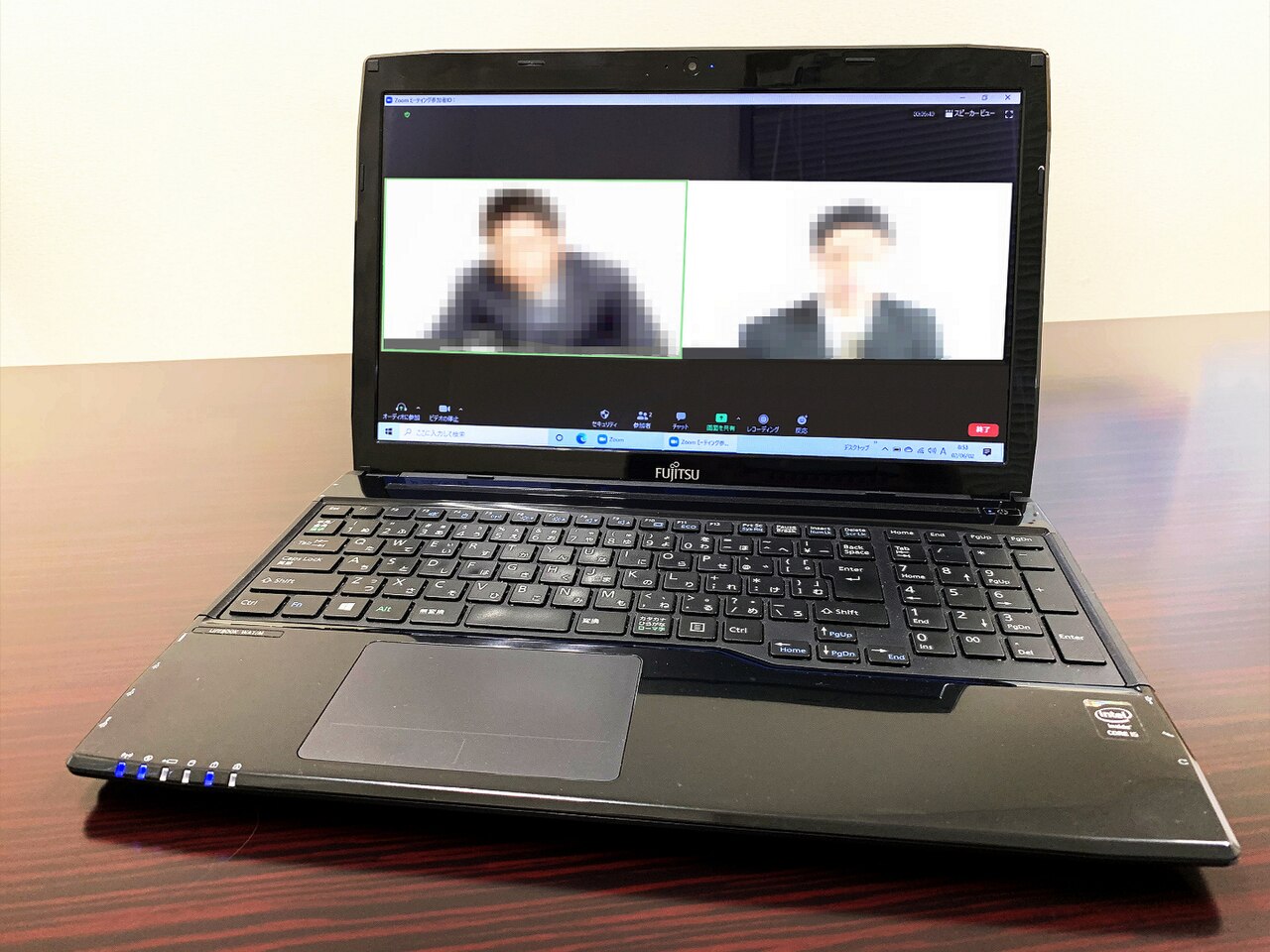
A video interview is a real interview. The questions are the same, the stakes are the same, and the interviewer judges you the same way. The only difference is the medium.
That difference adds a layer of work: your camera, microphone, lighting, background, and connection all become part of your first impression.
Good preparation covers two tracks at once. One track is the interview itself: research, answers, and questions. The other track is the setup: a room that looks calm, tech that works, and a rehearsal that catches problems early.
This article explains how to prepare for a video interview at home, including research and answers, the room and camera setup, the tech rehearsal, and day-of behavior.
Research the role like any interview
Start with the job, not the camera. Robert Walters advises preparing for a video interview exactly as you would for a face-to-face one: prepare answers, research the company, and compile questions for the interviewer. The video format changes nothing about that core work.
Read the job description twice. Mark the three or four skills it repeats, and prepare one concrete example for each. Use the STAR shape: the situation, the task, your action, and the result.
Keep each example under two minutes. Interviewers remember stories with numbers, so include a result where you can, such as a deadline met or a process improved.
Research the company beyond its homepage. Read recent news, the careers page, and the team page. If you know who will interview you, read their public profile.
Deloitte advises researching the role, the company, and the person interviewing you, and preparing your introduction plus a list of questions. Three thoughtful questions beat ten generic ones. Ask about the team's current priorities, how success is measured in the first months, or what the role's hardest challenge will be.
Prepare for the salary question too. Many interviews include an early question about expectations. Decide your range before the call, based on market rates for the role and location, so you can answer calmly.
Our guide on how to handle salary questions when you know the range covers the exact wording. Knowing your answer in advance keeps one surprise off the table.
Set up the room and camera
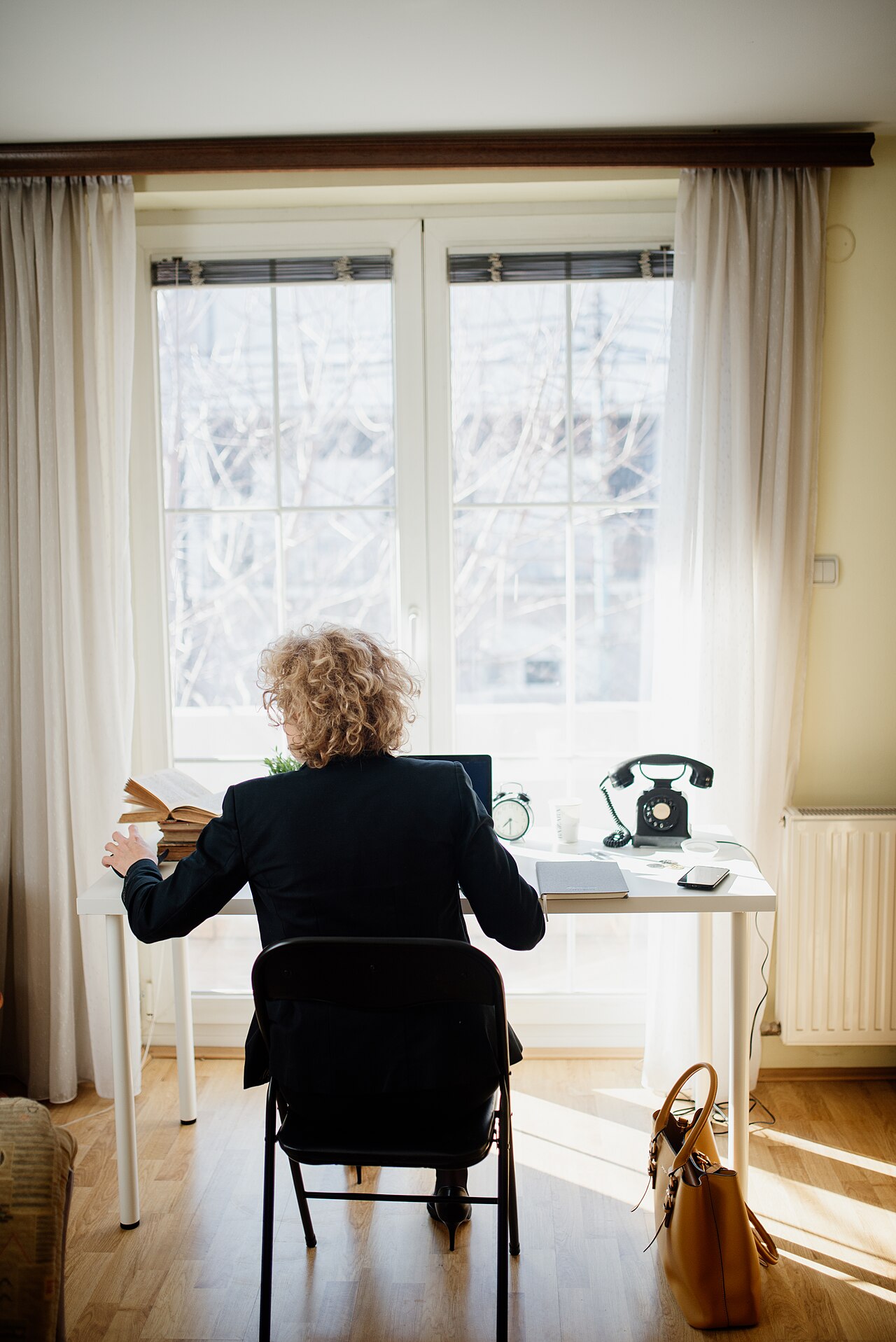
Pick a quiet room with a door you can close. Tell everyone in the house that you will be in an interview, and ask them not to enter. Move pets out of the room.
Robert Walters notes that people around you need to know not to disturb you, and that you should find a place where you can speak freely without fear of interruption.
Lighting decides how you look on camera. Put your main light source in front of you, facing your face. A window in front of you works well in daylight.
Deloitte warns against a bright light source behind you, such as a window or spotlight, since it turns you into a silhouette. If your room is dark, add a desk lamp behind the camera, pointed at your face. Test the light at the same time of day as the interview.
Camera position matters as much as light. Set the camera at eye level or slightly above. Training Magazine advises placing the computer on a solid surface so the camera sits at eye level, framing you from the top of your head to about mid-torso.
A stack of books under the laptop fixes a low camera in seconds. Looking slightly up at a laptop on a table is unflattering and tiring.
Check the background. The interviewer will see whatever sits behind you. A plain wall is best.
Remove laundry, dishes, and anything personal you would not show a stranger. Deloitte notes that many platforms offer a virtual or blurred background if your room is hard to tidy. Use that option only if it renders cleanly.
A glitchy virtual background that cuts off your hair distracts more than a plain wall.
Dress fully, as you would for an in-person interview. Deloitte warns against assuming you only need business attire from the waist up. You may need to stand up, adjust the camera, or fetch something.
Full dress also changes how you feel. Robert Walters notes that dressing properly helps you feel more ready. Keep colors soft and patterns simple, since bright patterns can shimmer on camera.
Rehearse the technology
Tech rehearsal is the step most candidates skip, and the one that prevents most disasters. Training Magazine advises testing everything at least an hour before the interview: connection, battery, software, audio, and video. Clean the camera lens.
A smeared lens softens the whole picture.
Do a full test call with a friend or family member. Deloitte suggests testing the video software with a friend before the interview to get comfortable with eye contact and body language over video. Ask your test partner three questions: Can you hear me clearly?
Can you see my whole face? Is anything distracting behind me? Fix what they report.
Close the apps that compete for attention. Robert Walters advises closing unnecessary programs and web pages, and making sure the device is not about to download, install, or run updates. Turn off notifications on the device you use for the call.
Charge the device or plug it in. Deloitte advises making sure the device is plugged in or fully charged, so the battery never becomes a worry. Keep the charger cable out of frame.
If your connection is weak, move closer to the router or use a wired connection. Ask others in the house to pause streaming during your call.
Prepare a backup plan. Know the interviewer's phone number or email in case the call drops. If video fails, suggest switching to a phone call rather than panicking.
Interviewers forgive a tech failure handled calmly. They remember a candidate who froze.
Practice answers on camera
Practicing out loud beats reading notes silently. Indeed advises asking a friend or family member to practice interview questions over a video call. Rehearse answering naturally and letting the interviewer finish before speaking.
Video calls carry a slight delay, so leave a short pause after the interviewer stops talking. That pause prevents talking over each other.
Record yourself once. A short recording shows habits you cannot feel: filler words, looking away, slouching, or speaking too fast. Watch it once, note two fixes, and record again.
The goal is to sound like yourself on a good day.
Prepare notes, but do not script answers. Deloitte suggests posting your resume, reminders of stories, and notes about your experiences behind the laptop for a quick glance. Do not write full answers and read them aloud.
Reading sounds flat, and interviewers notice the eye movement.
Prepare your opening. The first minute sets the tone. Write a 30-second introduction: who you are, what you do, and why this role fits.
Prepare a closing too. A short summary of why you fit the role, plus one question about next steps, ends the call on a strong note.
Behave well on the day
Join the call a few minutes early. Deloitte advises connecting early to avoid technical hang-ups and to greet the interviewer on time. Use the waiting minutes to check your framing and take a breath.
Look into the camera when you speak. Robert Walters advises looking into the camera rather than at the interviewer on screen, so it appears as if you are looking at them. Glance at the screen to read reactions, then return your gaze to the lens.
This habit takes practice, which is why the rehearsal call matters.
Stay focused. The home setting invites distraction. Do not check messages, browse, or look around the room.
Robert Walters warns that it is easier to drift during a video call than in person, and that focus must be deliberate.
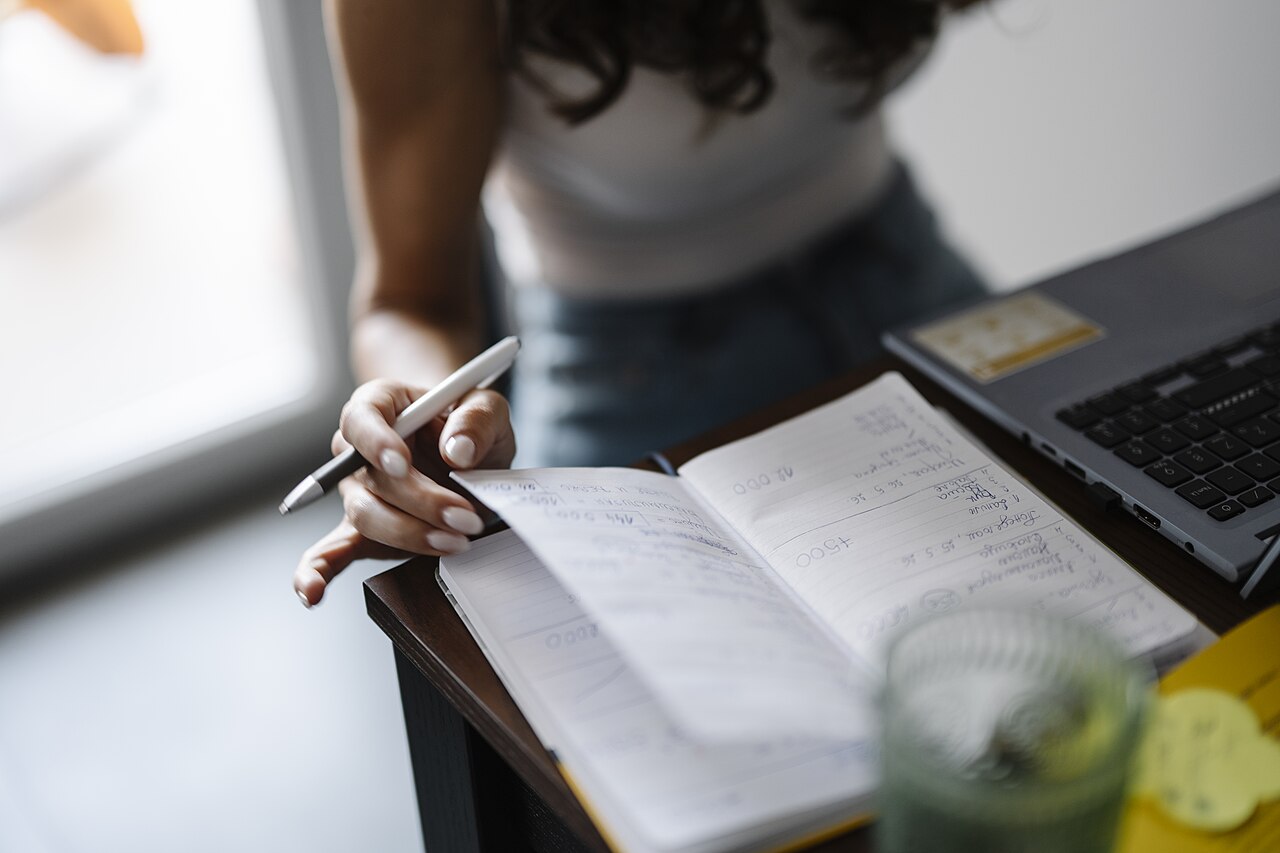
Take notes sparingly. Indeed suggests keeping a notebook beside the computer and telling the interviewer you are taking notes, so they do not mistake writing for disinterest. Notes help you ask better follow-up questions and write a stronger thank-you email.
Avoid typing long notes during the call, since keyboard noise carries through the microphone.
Handle interruptions with grace. If a child enters or a siren passes, pause, smile, and continue. Interviewers are human, and most have worked from home themselves.
A calm recovery impresses more than a perfect call.
After the call ends
Send a short thank-you email within a few hours. Mention one specific topic from the conversation, not just a generic thanks. Reconnect to the strongest example you gave, and restate your interest in the role.
Keep it under 150 words.
Write down what happened while it is fresh. Note the questions asked, your answers, and anything you want to improve. If the interviewer mentioned a timeline, write it down.
That note becomes your preparation for the next round, and for the next job decision you face.
If you do not get the role, ask for feedback. A polite request for one or two points of improvement often gets a real answer. Our guide on how to handle rejection and ask for feedback covers the wording.
Every interview, even a failed one, sharpens the next attempt.
Frequently asked questions
How early should I join a video interview?
Join a few minutes early to catch tech problems and greet the interviewer on time. Use the waiting time to check framing and lighting. Joining ten or more minutes early can look anxious, so aim for two to three minutes.
Should I use a virtual background?
A plain real background is best. Use a virtual or blurred background only if your room cannot be tidied. Test it first.
A background that flickers or cuts off your hair distracts the interviewer.
Is it okay to use notes during a video interview?
Yes, in moderation. Keep bullet points, not full scripts, and tell the interviewer you are taking notes. Glancing at a note is fine.
Reading answers word for word sounds flat and looks evasive.
What should I do if my connection drops mid-interview?
Stay calm and reconnect. If video keeps failing, suggest switching to a phone call. Having the interviewer's phone number or email ready beforehand turns a crisis into a small delay.
The bottom line
A strong video interview comes from the same preparation as any interview, plus a tested setup. Research the role, prepare stories with results, and write three good questions. Then build the room: front light, eye-level camera, clean background, quiet house.
Rehearse with a friend, charge the device, and silence notifications.
Tags: career, interviews, remote work, job search
Latest in Career
- How to handle salary questions when you know the range
- How to write a cover letter people read
- How to decide between job offers
Subscribe for one practical career idea each week.
Related stories
How to Ask for a Raise With Data, Not Emotions
Ask for a raise with market data and documented results, not emotions. Research your rate from BLS wage tables, build an evidence file, run

How to Explain a Career Gap on Your Resume Honestly
A career gap is not a red flag if you explain it honestly: give a reason, show what you did, and point forward. Recruiters reveal the exact

How to Switch Careers at 30 With No Experience in the Field
A career change at 30 means repackaging a decade of transferable skills, not starting over. Map your skills, earn one certification,