
What is the difference between 4K and 1080p for everyday viewing?
By Rive News / Research desk | Rive News / Published October 20, 2026 at 9:00 AM PKT
Key takeaways
- 4K packs 8.3 million pixels against 1080p's 2.1 million, but your eyes can only resolve the extra detail if you sit close enough to a big enough screen.
- On a 55-inch TV, 4K becomes clearly noticeable within about 6 to 7 feet; on a 40-inch screen at normal couch distance, the upgrade is minimal.
- For everyday viewing, content matters as much as the panel: broadcast TV is still mostly 1080p or lower, while streaming services carry the most native 4K.
Resolution is simply the number of tiny dots, called pixels, that make up a picture. More pixels mean finer detail, but only if your eyes are close enough to tell the dots apart.
A 1080p screen, also called Full HD, displays 1,920 by 1,080 pixels, about 2.1 million in total. A 4K screen, also called Ultra HD, displays 3,840 by 2,160 pixels, about 8.3 million, which is exactly four times as many.
Four times the pixels sounds like four times the picture, but everyday viewing does not work that way. This article explains what is the difference between 4K and 1080p for everyday viewing, including the pixel math, why viewing distance decides everything, how content and screen size factor in, and which one to buy.
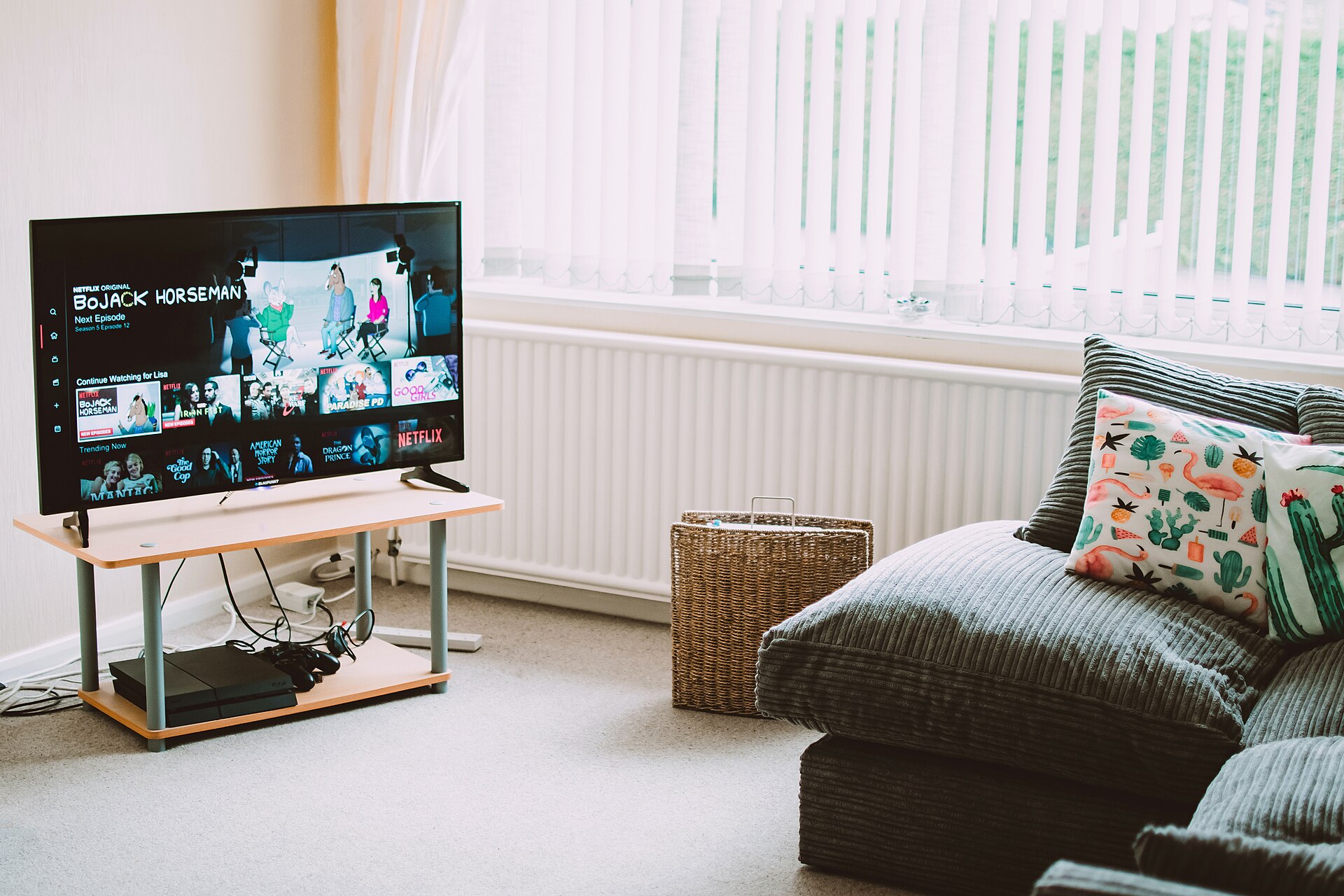
A modern flat-screen TV, where the visible difference between 4K and 1080p depends on size and seating distance.
Image Credits: Wikimedia Commons
What is the difference between 4K and 1080p for everyday viewing: the pixel math
The core difference is density. A 4K panel squeezes four 1080p-sized grids of pixels into the same physical space, so edges look smoother and fine textures like hair, fabric, and foliage render with visibly more detail.
That extra density also eliminates the screen door effect, where you can see the gaps between individual pixels if you sit close to a lower-resolution screen. On larger screens, 1080p can start to look soft or slightly pixelated up close, while 4K stays crisp.
The Zosi display guide notes that 4K's higher pixel density makes text, textures, and fine details noticeably crisper, especially on bigger displays. It also pairs with HDR, high dynamic range, which improves contrast and brightness on most 4K sets.
For computer monitors the story is similar but tighter. A 4K monitor at 27 inches delivers excellent text clarity with proper scaling and far more room for side-by-side windows than 1080p, which is why many desk workers notice the upgrade immediately at arm's length.
Why viewing distance decides everything
Here is the part most buyers miss: human vision has limits. A person with 20/20 vision can resolve about one arcminute of detail, which means that beyond a certain distance, two closely spaced pixels blur into one and extra resolution becomes invisible.
The Society of Motion Picture and Television Engineers recommends a viewing angle of about 30 degrees for an immersive experience, while THX suggests 40 degrees for a cinematic feel. From these guidelines come practical rules of thumb for seating distance.
For 1080p, the commonly cited ideal distance is 1.5 to 2.5 times the screen height. For 4K, it is 1 to 1.5 times the screen height, which means you sit closer to see the benefit.
The numbers make this concrete. On a 55-inch TV, 4K becomes clearly noticeable within about 6 to 7 feet, according to comparison tables from Alibaba's product insights team. On a 40-inch screen, 4K only becomes clearly advantageous within about 4 feet, which is far closer than most living room seating.
Most people sit 6 to 8 feet from the TV. At that distance on screens under 43 inches, the upgrade from 1080p to 4K is largely imperceptible in everyday use. The pixels are there; your eyes just cannot separate them.
Content: the other half of the equation
A 4K TV only shows its full advantage with 4K content. Feed it a 1080p signal and it upscales, which is a decent guess at the missing detail, not the real thing.
Broadcast and cable TV still mostly air in 1080p or even 720p, so upscaling does most of the work on live television, according to Obsbot's comparison. Streaming services are where native 4K lives: Netflix, Disney Plus, Amazon Prime Video, and YouTube all carry growing libraries of 4K HDR movies and shows.
Gaming is another strong 4K case. The PlayStation 5, Xbox Series X, and capable PCs all support 4K output, and games render every one of those pixels natively. Physical media sits at the top of the quality ladder, with 4K UHD Blu-ray discs offering the best picture of all, though they are far less common than standard HD discs.
For everyday viewing of news, sitcoms, and YouTube clips, much of what you watch will never be native 4K. In those hours, a good 1080p panel and a good 4K panel showing upscaled content look closer than the spec sheets suggest.
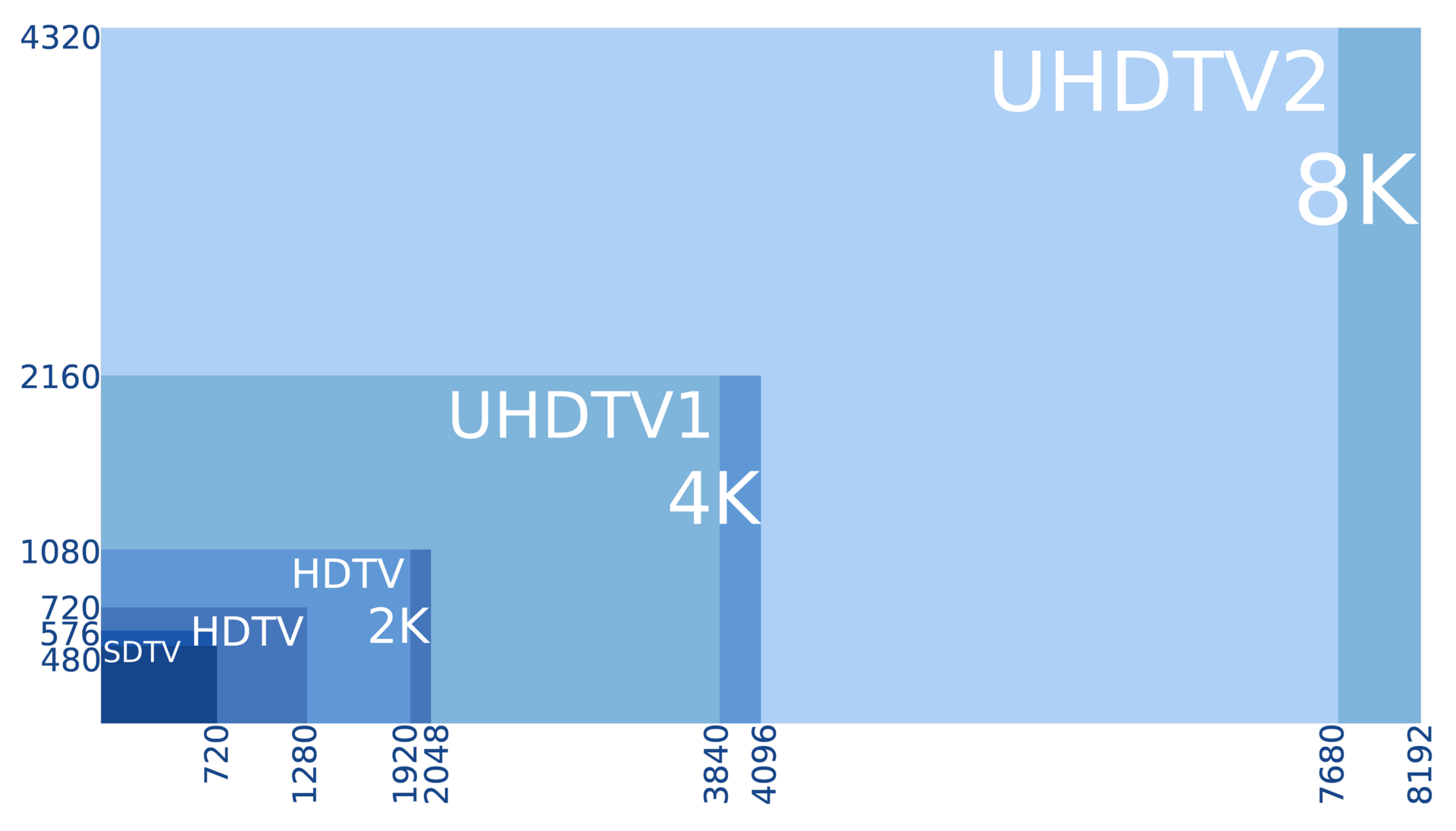
A resolution comparison chart showing how 4K quadruples the pixel count of 1080p.
Image Credits: Wikimedia Commons
Screen size, price, and what to buy
Size is the simplest buying rule. At 55 inches and above, 4K is worth it for most living rooms, especially since budget 4K models now start around 300 to 500 dollars for a 55-inch screen. At 43 inches and below with normal seating, 1080p still looks fine and costs less.
For monitors, the math favors 4K sooner because you sit two feet away. At typical desk distances of 24 to 30 inches, the human eye already struggles to see individual pixels on a 27-inch 1080p screen, but 4K still delivers visibly sharper text and more workspace.
There are trade-offs beyond the sticker price. 4K monitors typically cost 30 to 60 percent more than comparable 1080p models, need HDMI 2.0 or DisplayPort 1.2 cables or better, and demand more graphics power for smooth video and animations. Some older applications also scale poorly at high DPI settings, producing blurry text.
If your evenings are mostly streaming movies on a big screen, buy the 4K set and sit close enough to enjoy it. If you watch broadcast news on a 43-inch TV from eight feet away, a quality 1080p panel remains a sensible, cheaper choice, and slow evening WiFi that gets slower at night will bottleneck 4K streaming long before the panel does.
Frequently asked questions
Can the human eye actually see the difference between 4K and 1080p?
Yes, but only under the right conditions: a large enough screen and a close enough seat. On a 55-inch TV viewed from 6 feet, most people see it clearly. On a 32-inch TV from 8 feet, almost nobody can.
Is 4K worth it on a small TV?
Usually not for picture sharpness alone. On screens under 43 inches at normal living room distances, the visible difference is slight to nonexistent. Buy 4K small TVs for HDR and smart features, not for resolution you cannot see.
Does 4K use more internet data than 1080p?
Yes, substantially more. A 4K stream can use 15 to 25 megabits per second, several times a 1080p stream. If your connection struggles at night, 4K will buffer where 1080p plays smoothly.
Will a 4K TV make old shows look worse?
It can reveal flaws. Upscaling stretches a 720p broadcast across four times the pixels, which can expose compression artifacts and softness that a 1080p panel hid. Well-made upscaling engines minimize this, but the effect is real on low-quality sources.
Should I sit closer to enjoy 4K?
That is exactly what the standards suggest: 1 to 1.5 times the screen height for 4K, versus 1.5 to 2.5 times for 1080p. If your couch is fixed, let the seating distance pick your screen size, not the other way around.
The bottom line
4K genuinely out-resolves 1080p, but your living room geometry decides whether you ever see it. Big screen plus close seat equals a visible upgrade; small screen plus distant couch equals money spent on invisible pixels.
Measure your seating distance before you shop, match it to the screen size, and check that your internet can actually deliver 4K streams in the evening. Those three checks matter more than any spec sheet.
---
Rive News is the research desk behind these explainers, covering practical tech, home, and everyday questions with sourced, checkable facts.
Latest in Tech
- What to do when your laptop fan is always loud
- Why your WiFi gets slower at night
- Recovering deleted WhatsApp messages without a backup
Subscribe to the Rive News newsletter for one practical explainer in your inbox every morning.
© 2026 Rive News. All rights reserved. This article is for informational purposes only.
Related stories

Apple plans two October launches: smart home hub, OLED MacBook Pro
Apple set October 13 for a smart home launch with a new hub, Apple TV 4K and HomePod mini, then October 27 for OLED MacBook Pro models

How to Check If Your Phone Supports eSIM in 30 Seconds
Dial *#06# and look for an EID number to confirm eSIM support in under 30 seconds. This guide also walks through the iPhone and Android

eSIM vs iSIM: what is the difference?
An eSIM is a dedicated chip on the phone's board, while an iSIM lives inside the processor itself. Qualcomm's Snapdragon 8 Gen