
How to Check If Your Phone Supports eSIM in 30 Seconds
Key takeaways
- Dial *#06# on your phone. If you see an EID number, your phone has eSIM hardware.
- On iPhone, look for an "Add eSIM" option under Settings > Cellular; on Android, search Settings for "eSIM."
- A carrier-locked phone can still reject eSIMs from other carriers, so check the lock status too.

Image Credits: Wikimedia Commons
An eSIM is a SIM that lives inside your phone. It is a tiny chip, not a plastic card you slide into a tray. To start a plan, you download a carrier profile, often by scanning a QR code. Nothing gets inserted.
This guide explains what eSIM support actually means. It covers the 30-second dial-code check, the iPhone settings check, the Android settings check, and the carrier-lock catch that fools people.
What an eSIM actually is
A normal SIM is a small removable card. It tells your carrier who you are. An eSIM does the same job, but its ID lives on a chip built into the phone's circuit board at the factory.
That means a phone either has the chip or it does not. No software update can add eSIM support to a phone that lacks the hardware. The checks below all test for that chip in different ways.
The 30-second check: dial *#06#
Open your phone app as if you were about to call someone. Type `*#06#` and press the call button.
A screen pops up with your device IDs. Look for a 32-digit number labeled EID. EID stands for Embedded Identity Document. It is the serial number of your phone's embedded SIM chip.
If the EID is there, your phone supports eSIM. If you only see IMEI numbers and no EID, the phone almost certainly relies on physical SIM cards only.
This trick works on both iPhone and Android, which makes it the fastest universal method. TechRadar tested the reliable methods side by side and notes one warning: a few eSIM-capable phones do not display the EID through this code, so a missing EID is worth double-checking with one of the methods below.
How to check in iPhone settings
Every iPhone from the XS and XR generation, released in 2018, supports eSIM, according to compatibility guides. US-market iPhones from the iPhone 14 onward are eSIM-only, so those are sure to be compatible.
To confirm on your own phone, open Settings and tap Cellular (called Mobile Data in some regions). Look for an "Add eSIM" or "Add Cellular Plan" option. If you see it, your iPhone is eSIM-ready.
One regional exception matters: most iPhones sold in mainland China do not support eSIM, since those models use dual physical SIM trays instead. If you bought your iPhone in China or Hong Kong, treat the settings check as required, not optional.
How to check in Android settings
Android menus differ between Samsung, Google, and other makers, but the idea is the same. Open Settings, then look under Network & Internet or Connections.
You are looking for SIMs, SIM Manager, or Mobile Network, and inside it an option like "Add eSIM" or "Download a SIM." The fastest route on most Android phones is to type "eSIM" into the Settings search bar; if an add-or-manage option appears, the hardware is there.
As a rough rule of thumb, eSIM shows up on recent flagship lines: Samsung Galaxy S20 and newer plus the Fold and Flip series, and Google Pixel 3 and newer. But model variants differ by region, so the on-device check beats any model list.
The catch: carrier lock and software
Hardware support is only half the story. A carrier-locked phone has the eSIM chip but will reject plans from other carriers, which is exactly what most people buy an eSIM for when traveling.
On iPhone, check Settings > General > About and look at the Carrier Lock line. It should read "No SIM restrictions." On Android, there is no single screen; ask your carrier or test with another carrier's SIM.
Also update your software before judging the result. Very old iOS and Android versions had buggy eSIM software, and an update can make the "Add eSIM" option appear on a phone where it seemed missing.
What to do if the checks disagree
If the dial code shows no EID but Settings offers "Add eSIM," trust Settings. The dial code misses the EID on some models, as TechRadar's testing found.
If the dial code shows an EID but Settings has no eSIM option, trust the EID. The hardware is present; a software update or a carrier restriction is probably hiding the menu.
When both checks say no, and your model is not on the manufacturer's eSIM list, the answer is no. The manufacturer's official specifications page for your exact model is the final word, because regional variants can differ even within the same phone name.
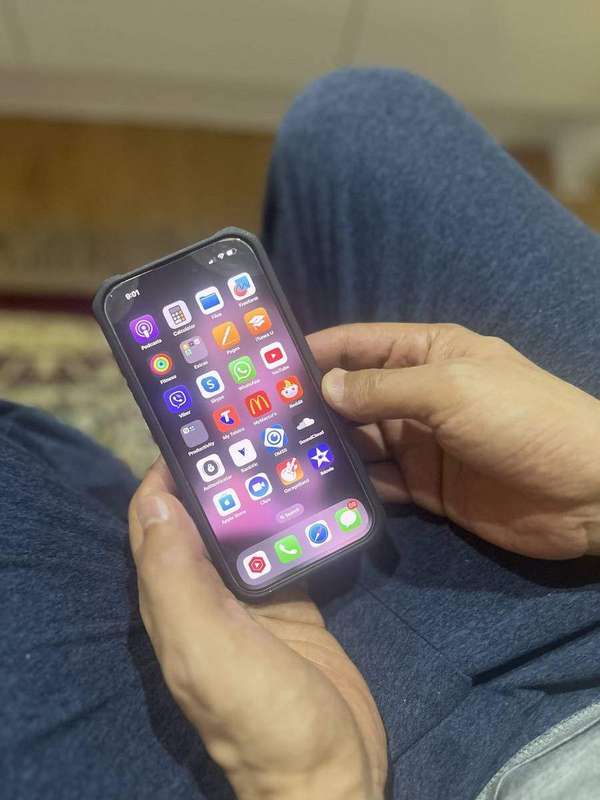
Image Credits: Wikimedia Commons
Image Credits: Wikimedia Commons
Frequently asked questions
Does *#06# work on every phone?
It works on the vast majority of modern iPhones and Android phones. If your dialer does not respond to the code at all, fall back to the Settings check for your platform.
What is the difference between EID and IMEI?
The IMEI identifies the phone itself to mobile networks. The EID identifies the embedded SIM chip specifically. A phone can have one or two IMEIs and still have no EID, which means no eSIM support.
My phone supports eSIM but the carrier's eSIM won't activate. Why?
The most common reason is a carrier lock. The second is an outdated phone system with buggy eSIM software. The third is a weak internet connection during setup, since the carrier profile downloads over the internet.
Can a phone have eSIM without any physical SIM slot?
Yes. US models of the iPhone 14, 15, 16, and 17 have no physical SIM tray at all and run entirely on eSIM, with support for two active eSIMs at once.
The bottom line
Dial `*#06#` and look for the EID. That single number tells you whether the eSIM chip exists inside your phone. Back it up with the Settings check for your platform, confirm the phone is carrier-unlocked, and you will know for certain before you spend money on an eSIM plan.
Rive News's research desk writes plain-English explainers on technology, verified against public sources.
Latest in Tech
- eSIM vs physical SIM for international travel: what changes abroad
- How to transfer an eSIM to a new iPhone or Android phone
- Can You Use an eSIM and a Physical SIM at the Same Time?
- Is eSIM Safer Than a Physical SIM Card?
Subscribe for one practical tech explainer every morning.
Corrections: spotted an error? We fix verified mistakes promptly and note the update.
Related stories

Apple plans two October launches: smart home hub, OLED MacBook Pro
Apple set October 13 for a smart home launch with a new hub, Apple TV 4K and HomePod mini, then October 27 for OLED MacBook Pro models

eSIM vs iSIM: what is the difference?
An eSIM is a dedicated chip on the phone's board, while an iSIM lives inside the processor itself. Qualcomm's Snapdragon 8 Gen
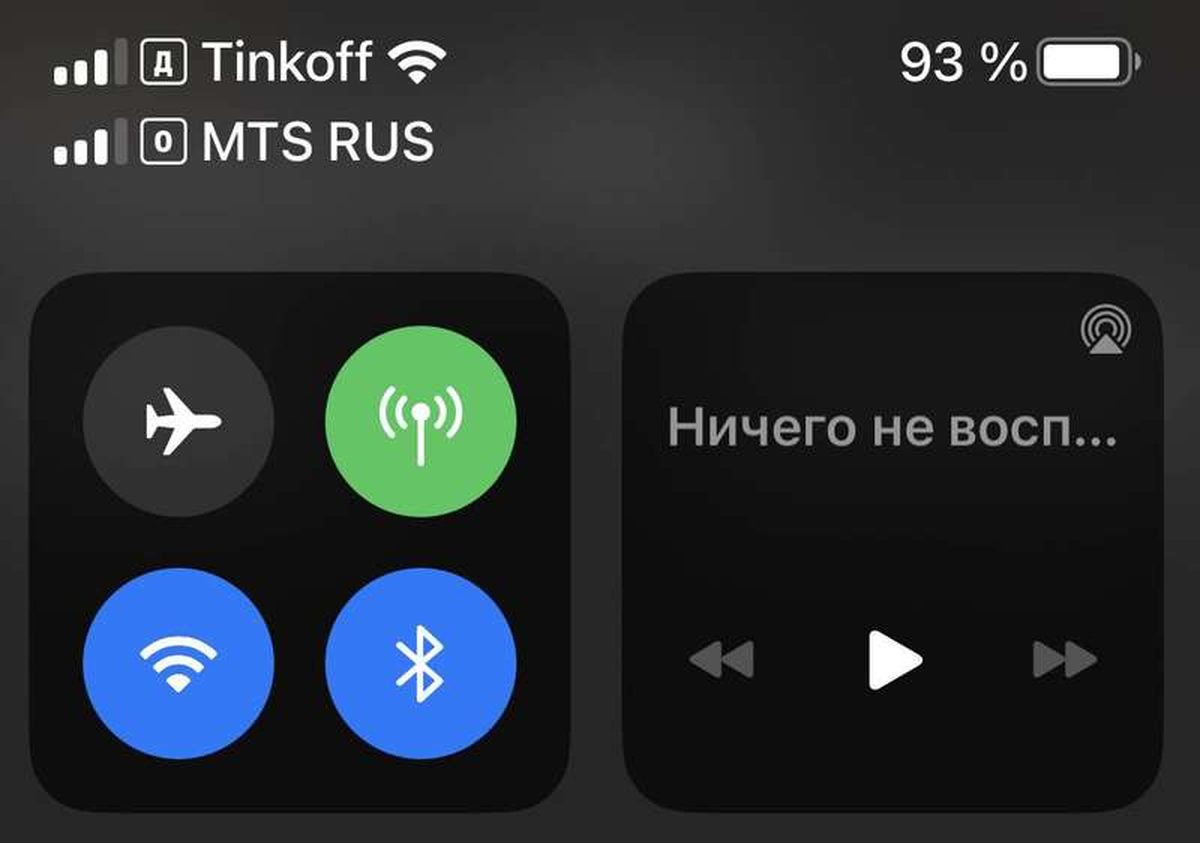
How dual eSIM works on iPhone: two active lines explained
iPhone 13 and later can run two eSIMs at once and store eight or more plans. How dual eSIM works on iPhone, which models support it,