
Can You Use an eSIM and a Physical SIM at the Same Time?
Key takeaways
- Yes. Most modern phones support dual SIM, running an eSIM and a physical SIM together with both lines reachable.
- The technology is called Dual SIM Dual Standby. One modem cycles between the two lines, which share a single radio.
- iPhone 13 and later can run two eSIMs at once and store 8 or more profiles. Older models pair one eSIM with one physical SIM.
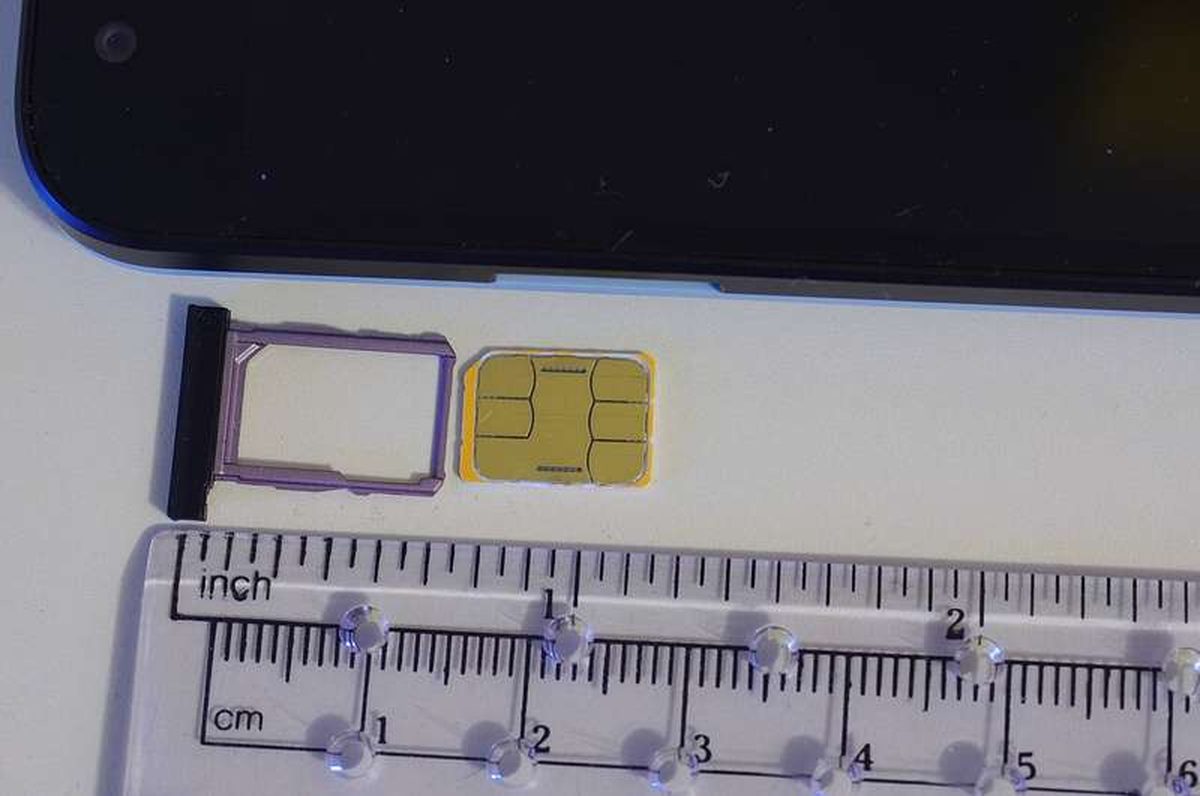
An eSIM is a digital SIM profile built into your phone's chip instead of a plastic card you insert. Because it is software, your phone can store several carrier profiles and keep more than one line active. So yes, on a compatible phone you can use an eSIM and a physical SIM at the same time, with both lines live.
This article explains what an eSIM is, how dual SIM actually works, what your specific phone supports, how to set up and manage two lines, and the practical combinations people use.
What an eSIM is, and how it differs from a physical SIM
A physical SIM is a small chip you slide into a tray. It stores your carrier identity and phone number. An eSIM (embedded SIM) stores the same kind of carrier profile, but on a chip soldered into the phone at the factory.
You activate it by scanning a QR code, using your carrier's app, or through carrier activation in settings. No card to insert.
The practical difference is flexibility. A phone can hold one physical SIM at a time, but it can store many eSIM profiles and switch between them in software. Apple introduced eSIM support with the iPhone XR and XS in 2018, and has expanded it with every generation since.
How dual SIM actually works
The technology behind two live lines is called Dual SIM Dual Standby, or DSDS. Apple calls its version Dual SIM. Android uses the DSDS name. The idea is the same. Your phone's single modem rapidly cycles between the physical SIM and the eSIM profile to check for incoming signals on both.
Both lines stay connected while idle, so you can receive a call or text on either number. There is one catch on most phones. Only one line handles mobile data at a time on Android. And if you are on a call with one SIM, the other becomes temporarily unavailable until the call ends. That is the "standby" part of the name.
You control the split in settings. Your phone lets you choose, line by line, which handles voice calls, SMS, and cellular data. The classic setup keeps calls and texts on the home number while routing data through a cheaper secondary plan.
What your phone supports
Support depends on the model. The limits differ between storing profiles and using them. On iPhone, models from the XR onward support eSIM. They can store eight or more eSIM profiles, per Holafly's compatibility guide. But only some can keep two active at once.
iPhone 13 and later can have two eSIMs active at the same time. They can also pair one eSIM with one physical SIM on models that still have a tray. iPhone XR through iPhone 12 support one active eSIM alongside the physical SIM. Models from iPhone 14 onward sold in the United States have no physical SIM tray at all. They are eSIM-only, though they still run two active eSIMs.
On Android, most recent phones from Google, Samsung, and OnePlus support eSIM. Dual SIM is common on Samsung Galaxy models from the S20 onward and Google Pixel phones from the Pixel 6 onward. A warning from Holafly: most iPhones sold in China, Hong Kong, and Macau do not support eSIM at all. So check the exact model number, not just the model name.
How to set up and manage two lines
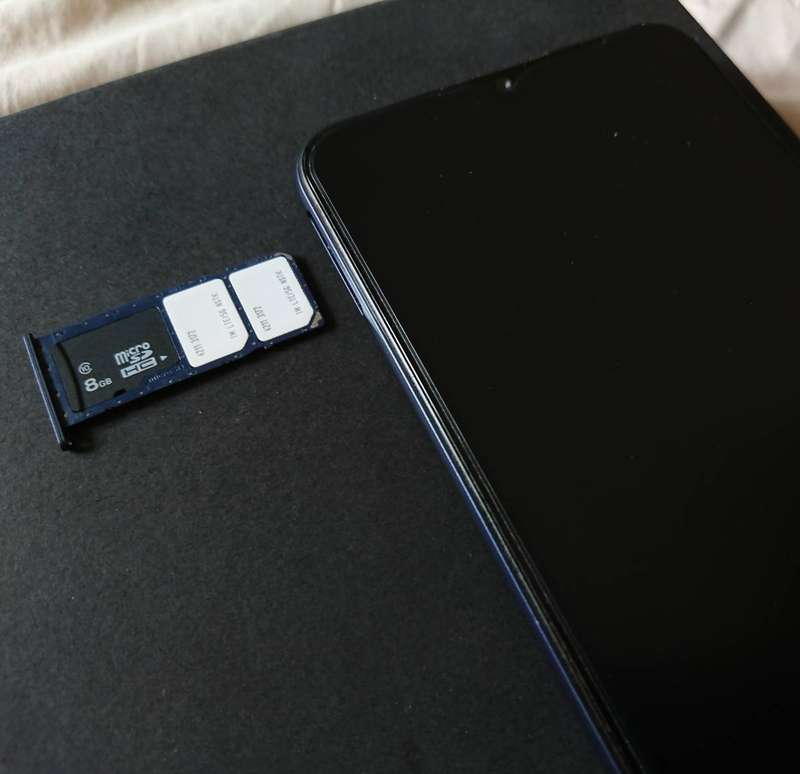
Setup takes a few minutes. Install the eSIM profile first, ideally on Wi-Fi before you need it, by scanning the carrier's QR code or entering the activation details.
Keep the physical SIM in its tray. Then open the cellular settings and turn on both lines.
Three settings do most of the work. First, label each line, such as "Personal" and "Business" or "Home" and "Travel data." Then you always know which is which.
Second, pick the default line for mobile data. Third, pick the default line for calls, or set it per contact. On iPhone this lives under Settings, then Cellular or Mobile Service. On Android it is usually under SIM Manager or Network settings.
One common gotcha: data roaming. If your home line is the physical SIM and you travel with a data eSIM, turn data roaming off for the home line and on for the travel eSIM. Otherwise the home line may quietly burn expensive roaming data.
Practical combinations people actually use
The most popular pairing is travel. Keep the home number active for calls, texts, and bank verification codes. Use a local or travel eSIM for cheap data abroad. No SIM swapping, no second device.
The second is work and personal on one phone. Assign one number to work and one to personal use. Silence the work line after hours without missing personal messages.
The third is coverage. If one carrier has weak signal where you live or commute, a second line from another carrier fills the gaps. You switch data to whichever is stronger. Some people also use dual SIM to test a new carrier for a month while keeping their main number untouched.
Frequently asked questions
Do both SIMs work at exactly the same time?
Both lines are reachable while idle. But on most phones only one line carries mobile data at a time. An active call on one line makes the other temporarily unavailable.
How many eSIMs can I store on my phone?
iPhones that support eSIM can store eight or more profiles. Only one or two can be active depending on the model. You switch between stored profiles in settings.
Can I convert my physical SIM to an eSIM?
Most carriers now support converting a physical SIM to an eSIM during setup or through the carrier's app. That is how many US iPhone 14 and later owners moved their numbers over.
Will using two SIMs drain my battery faster?
Keeping two lines connected does use more power than one. The modem monitors two networks. If battery is tight, you can temporarily turn off the line you are not using.
The bottom line
An eSIM and a physical SIM can absolutely run together on a compatible phone, thanks to Dual SIM Dual Standby. Store the profiles, label the lines, and set your defaults for calls and data.
Check your exact model first. The number of active lines and the presence of a physical tray vary by model and region. Once set up, one phone can carry your home number, a work line, or a travel data plan at the same time.
Tags: eSIM, dual SIM, iPhone, Android, mobile data, tech explainer
Rive News is a research desk producing verified explainers on science, money, and technology.
Related stories
- Why Hot Water Can Freeze Faster Than Cold: The Mpemba Effect Explained
- How Buy Now, Pay Later Makes Money Without Charging You Interest
- Why Muscles Cramp After Swimming: Cold Water, Fatigue, and Electrolytes
Subscribe to the Rive News newsletter for one clear, verified explainer every week.
Rive News follows a verification-first standard: every statistic above traces to a cited public source.
Related stories

Apple plans two October launches: smart home hub, OLED MacBook Pro
Apple set October 13 for a smart home launch with a new hub, Apple TV 4K and HomePod mini, then October 27 for OLED MacBook Pro models

How to Check If Your Phone Supports eSIM in 30 Seconds
Dial *#06# and look for an EID number to confirm eSIM support in under 30 seconds. This guide also walks through the iPhone and Android

eSIM vs iSIM: what is the difference?
An eSIM is a dedicated chip on the phone's board, while an iSIM lives inside the processor itself. Qualcomm's Snapdragon 8 Gen