
How does two-factor authentication get bypassed by attackers?
Key takeaways
- Two-factor authentication is usually beaten by tricking people or the phone company, not by breaking the cryptography (the math behind the codes).
- SIM swapping hijacks your phone number, MFA fatigue floods you with approval prompts, and phishing proxies relay your codes in real time.
- Hardware security keys and passkeys resist all of these attacks, because they bind logins to the real website.
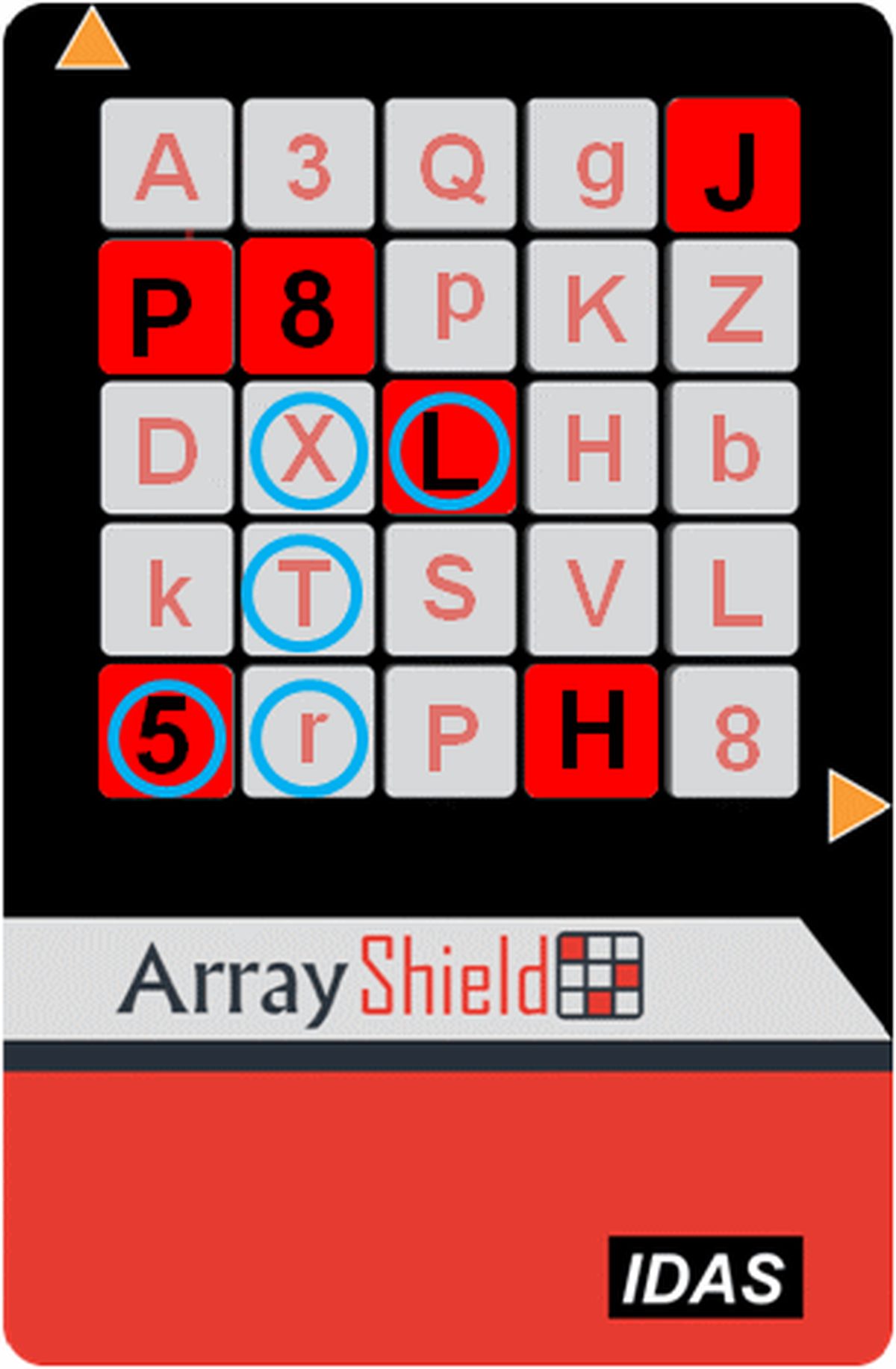
Two-factor authentication works. It blocks the vast majority of automated account takeovers, which is why every major platform now pushes you to turn it on. (Two-factor authentication means logging in with your password plus a second proof, like a code from your phone.)
But "blocks most attacks" is not the same as "cannot be beaten." Attackers have spent years studying the second factor, and they now run a playbook of proven techniques that defeat SMS codes, authenticator apps, and push approvals alike. None of them require breaking the math. They break the people and the processes around it.
This article explains how attackers bypass two-factor authentication, including SIM swapping, MFA fatigue, phishing proxies, session hijacking, and weak account recovery, and what actually stops each one.
Why the second factor is the target
Most breaches start with a password. Stolen, reused, or phished credentials are the entry ticket, and the second factor is the only thing standing between the attacker and the account.
Attackers respond to this by not attacking the factor directly. Instead, they reroute it, exhaust the person behind it, or go around it through recovery flows and stolen sessions. Security researchers now track these bypasses as their own category of attack, separate from password theft.
The uncomfortable truth is that some second factors are far easier to bypass than others. SMS codes sit at the weak end. App-based codes and push approvals sit in the middle. Hardware keys and passkeys, which tie the login to the exact website, sit at the top.
SIM swapping: stealing your phone number
SIM swapping does not attack your phone at all. It attacks your mobile carrier.
The attacker collects personal details about you, such as a date of birth, billing address, or the last digits of a Social Security number, often bought from data brokers or harvested from past breaches. Then they call your carrier, pretend to be you, and claim they lost their phone and need service moved to a new SIM.
The whole attack can execute in minutes. Your phone suddenly shows "No Service" while the attacker receives your calls and texts, including every SMS-based login code and password reset link. High-value targets are hit hardest: in March 2025, T-Mobile was ordered to pay $33 million in an arbitration case after a single SIM swap let thieves drain a customer's cryptocurrency wallet, according to Adaptive Security's reporting.
Insider help makes the attack worse. Investigations have found attackers offering telecom employees as much as $300 per fraudulent swap, a model researchers call "insider-as-a-service," which can defeat account PINs and security questions entirely.
The defense is simple in theory: stop using SMS as a second factor. Authenticator apps, hardware keys, and passkeys never touch the carrier's number-porting process, so there is nothing to swap.
MFA fatigue: the approval avalanche
Push-based logins ask you to tap "approve" on your phone. MFA fatigue (multi-factor authentication fatigue) turns that convenience into a weapon.
The attacker takes your stolen password and tries to log in over and over. Each attempt sends another approval notification to your phone. Dozens or hundreds of pings arrive in a row, often late at night when you are half awake and confused.
Eventually, one tap lands on "approve" by mistake or out of frustration, and the attacker walks in. "Attackers send hundreds of push notifications until an employee, frustrated or distracted, just taps 'approve,'" said Adrian Sanabria, principal researcher with The Defenders Initiative, in SCWorld's coverage. Cisco fell to exactly this method in its 2022 breach, which gave attackers access to sensitive corporate resources.
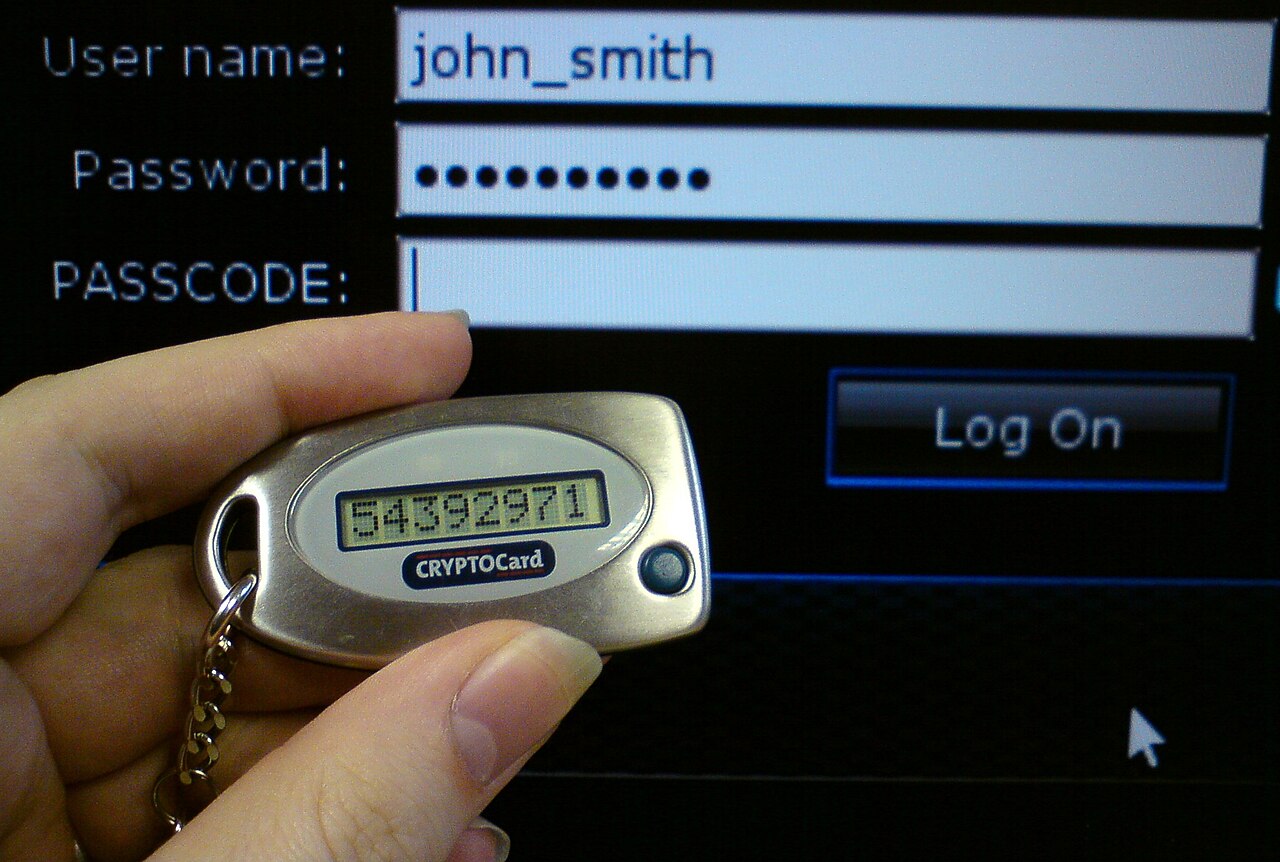
The hybrid version is nastier. Attackers now call the victim posing as IT support, warn them about a supposed security incident, and talk them through approving the prompts. Bombing plus social engineering (manipulation by deception) is now the standard technique of groups like Scattered Spider, according to Lorikeet Security's analysis.
Treat any unexpected approval prompt as an attack: deny it and change your password immediately. Number-matching push approvals, which ask you to type the digits shown on the login screen, blunt this attack because a blind tap can no longer succeed.
Phishing proxies: stealing the session, not the code
Adversary-in-the-middle (AiTM) attacks are the most technical of the common bypasses. Tools like Evilginx and Modlishka act as a transparent proxy (a hidden middleman server) between you and the real website.
You get a phishing link to a convincing lookalike domain. You enter your password and complete your second factor normally. The proxy relays everything to the legitimate site in real time and grabs the resulting session cookie (the token that keeps you logged in) before it reaches your browser.
You see a successful login. The attacker now holds a valid, authenticated session that skips the second factor entirely until it expires. Even app-generated codes are captured this way, relayed to the attacker inside their 30-to-60-second validity window, turning code-based MFA into a race attackers increasingly win, according to Adaptive Security.
Microsoft reports this technique is now commonplace in large-scale phishing campaigns targeting Microsoft 365 tenants, with individual campaigns reaching hundreds of thousands of targeted mailboxes.
The only factors immune to AiTM are FIDO2 and WebAuthn keys, including passkeys. The credential is cryptographically bound to the real site's address, so it refuses to authenticate to a lookalike domain. Every other factor, SMS, app codes, and push, can be relayed.
The back doors: session theft and weak recovery
Sometimes attackers never touch the second factor at all. Once you log in, many services keep you signed in with a session token. Steal the token and the second factor is irrelevant.
In the 2022 Uber breach, attackers used stolen session tokens to reach internal systems with unrestricted access, SCWorld reported. Token theft usually arrives through malware on the victim's device, which harvests browser cookies after a legitimate login.
Weak account recovery is the other back door. Many breaches skip 2FA entirely and reset it through an insecure "lost your device?" flow. If the recovery path accepts a single email or a weak identity check, the second factor you set up so carefully never gets consulted.
The fix is unglamorous: guard your recovery options as carefully as the login itself. Store backup codes offline in a safe place, and register a second hardware key or passkey so a lost phone does not force you through a risky recovery.
FAQ
Is SMS two-factor authentication still worth using?
Yes, it beats nothing. SMS blocks bulk credential-stuffing attacks (mass login attempts with stolen passwords). But it is the weakest second factor because of SIM swapping, so upgrade to an authenticator app or security key for important accounts.
Can an authenticator app be phished?
The codes can be relayed in real time by phishing proxies, even though the app itself is not hacked. Only phishing-resistant factors like passkeys and hardware keys stop this.
What should I do if I get a login prompt I did not request?
Deny it, then change the account's password from a device you trust. An unexpected prompt usually means someone has your password and is trying to get past your second factor.
Are passkeys really safer than authenticator apps?
Against phishing, yes. A passkey refuses to work on a fake domain, which defeats phishing proxies completely. Authenticator app codes can still be relayed by an attacker in the middle.
The bottom line
Attackers beat two-factor authentication by going around it: swapping your SIM, exhausting you with prompts, proxying your login in real time, or stealing the session afterward. Every one of these attacks fails against phishing-resistant factors. If you do one thing after reading this, put a passkey or hardware security key on your email account, because email is the reset path for everything else.
Rive News is the research desk behind this article. We explain how everyday technology works, using published sources and documented guidance rather than guesswork.
Subscribe to the Rive News newsletter for one practical tech explainer every week.
Rive News publishes explainers that pass its internal QA: no invented facts, no fake bylines, named sources for every key claim. Corrections are logged with timestamps, never made silently.
Related stories

Apple plans two October launches: smart home hub, OLED MacBook Pro
Apple set October 13 for a smart home launch with a new hub, Apple TV 4K and HomePod mini, then October 27 for OLED MacBook Pro models, Bloo

How to Check If Your Phone Supports eSIM in 30 Seconds
Dial *#06# and look for an EID number to confirm eSIM support in under 30 seconds. This guide also walks through the iPhone and Android sett

eSIM vs iSIM: what is the difference?
An eSIM is a dedicated chip on the phone's board, while an iSIM lives inside the processor itself. Qualcomm's Snapdragon 8 Gen 2 introduced