
Why does your phone get hot when charging, and when to worry
Key takeaways
- Some warmth while charging is normal physics. Pushing current into a lithium-ion battery always produces heat as a byproduct.
- Extra heat usually comes from fast charging, heavy apps running at the same time, thick cases, hot rooms, or a damaged cable.
- Stop charging and get help if the phone is painful to hold, swollen, smells strange, or gives smoke or hissing sounds.
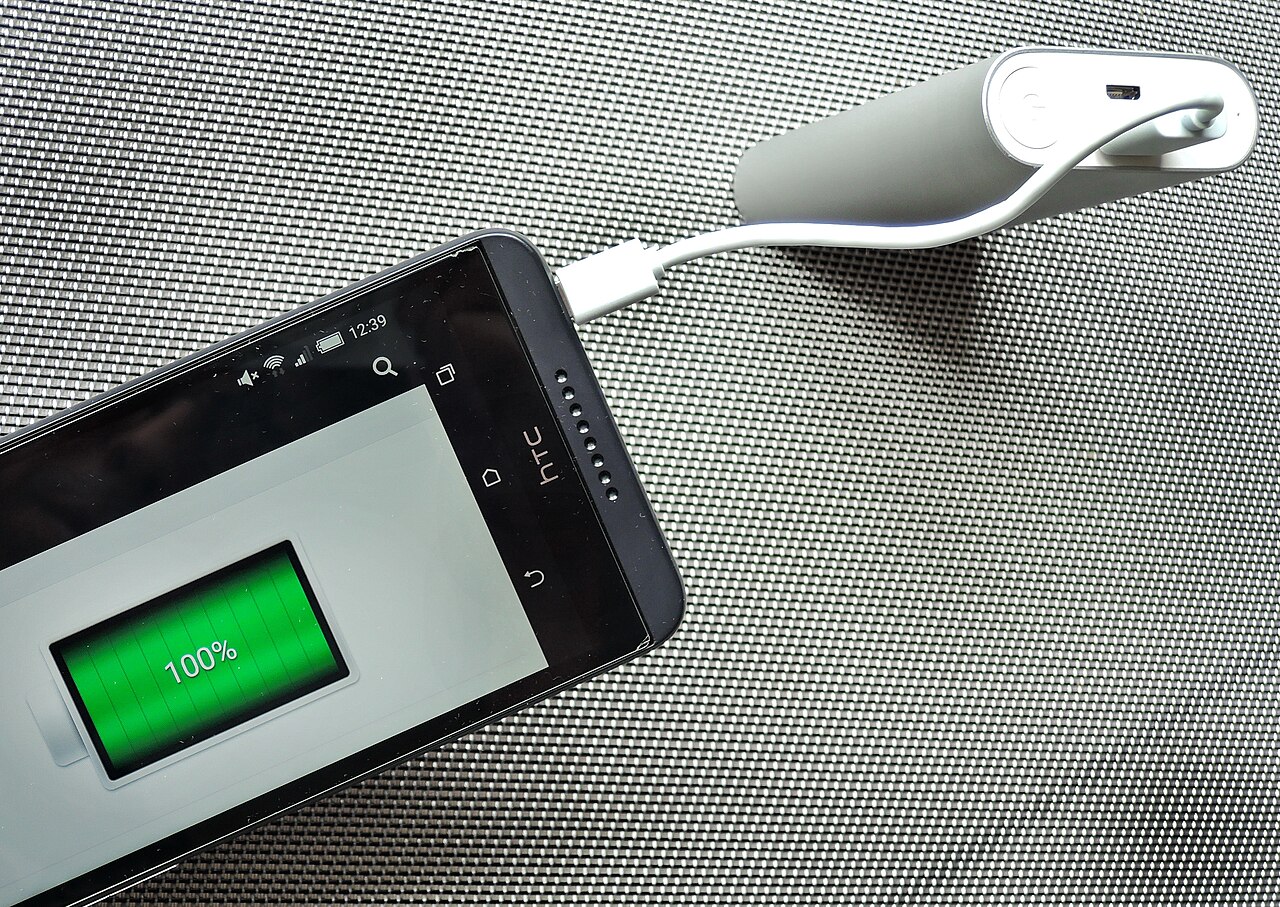
A warm phone on the charger is one of the most ordinary things in modern life. Almost every phone heats up a little while it charges. Most of the time that warmth means nothing is wrong.
The worry starts when warmth turns into real heat. Phones that get uncomfortably hot, stay hot after unplugging, or show swelling and odd smells cross a line. The battery itself may be in trouble.
This article explains why phones heat up on the charger. It covers what normal warmth looks like, what causes extra heat, when the heat becomes a warning sign, and how to charge more safely.
What normal charging warmth looks like
Charging is an electrochemical process. That means a chemical reaction driven by electricity. When you push electrical current into a lithium-ion battery, some of that energy turns into heat instead of stored charge. That is physics, not a defect.
A phone's processor adds to the warmth. While plugged in, many phones sync cloud backups, index downloaded files, and install app updates in the background. All of that work generates heat on top of what the battery produces.
Back-panel temperatures of roughly 35°C to 40°C during charging are typical for many phones. This is especially true for mid-range Android devices using faster chargers. That feels warm to the touch but not alarming.
Temperature also shapes how phones manage themselves. Most phones throttle their charging speed or show a temperature warning when things get too hot. Throttle means slow down. The device is protecting its own battery.
What causes the extra heat
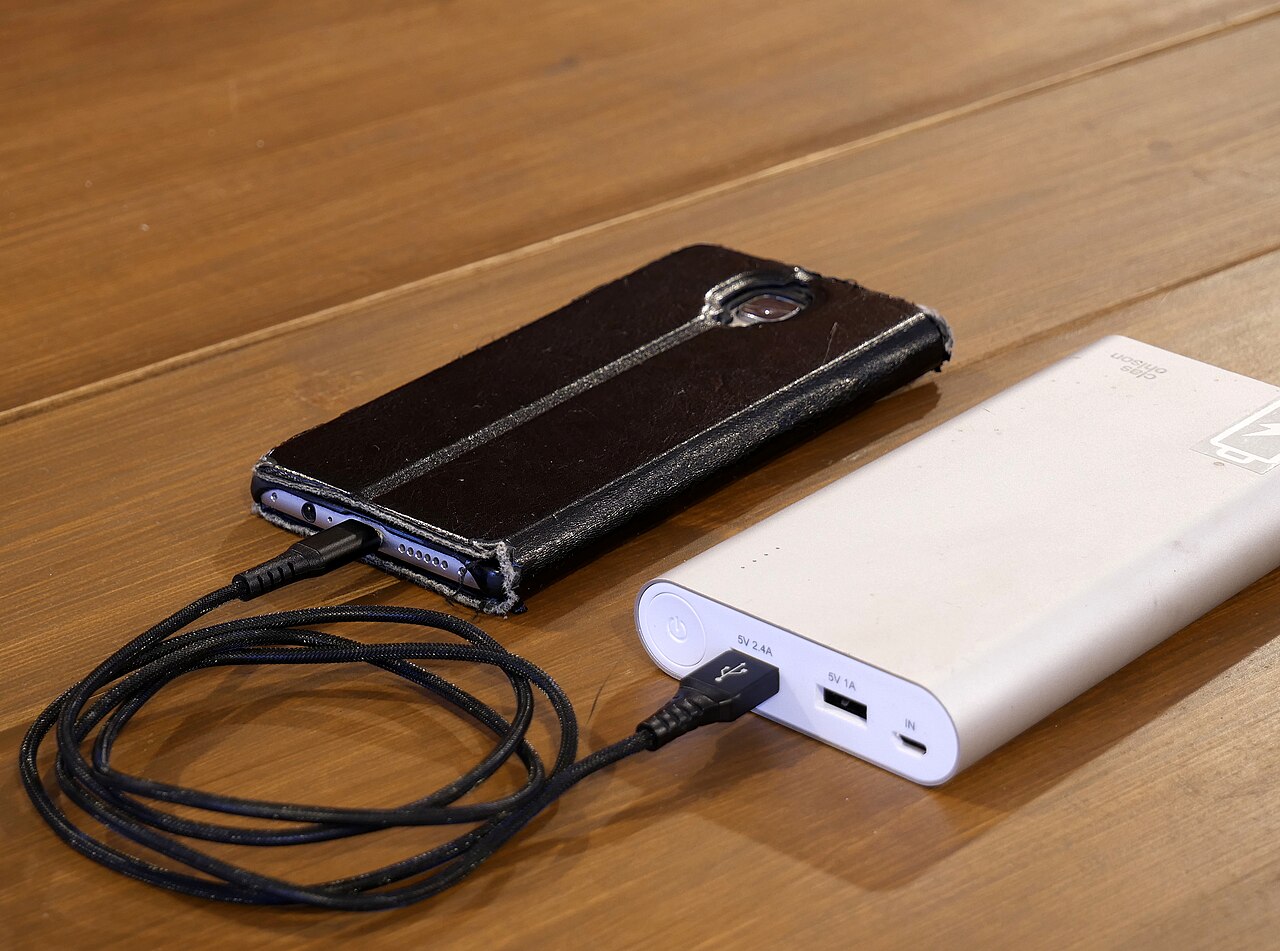
Fast charging is the most common reason a phone runs hotter than usual. Higher wattages push more current through the battery. More current means more heat. The phone is not broken. The charger is simply working harder.
Using the phone while it charges stacks a second heat source on top. A demanding game, a video call, or navigation keeps the processor hot at the same time the battery is heating up. Doing both at once is the quickest way to reach uncomfortable temperatures.
Cases and charging spots matter too. A thick case traps heat against the phone. A phone charging under a pillow or blanket cannot shed heat at all. Google's safety guidance specifically warns against covering a device or charger with bedding. It recommends a hard, stable, well-ventilated surface instead.
Background apps are the quiet culprit. An app stuck in a processing loop, a large update downloading overnight, or location services running constantly for several apps can generate more heat than the charger itself. On iPhone, battery usage screens reveal which apps consumed power overnight. On Android, the battery usage page shows the same breakdown.
Damaged gear changes the picture. A frayed cable, bent connector, or swollen third-party charger can create resistance and extra heat. That has nothing to do with normal charging physics.
When the heat is a warning sign
The line between warm and worrisome is something you can feel. Warm means you notice the heat but can hold the phone comfortably. Hot means it is uncomfortable to hold for long. Painful means something is wrong.
A rough guide used by several repair and safety writers: sustained heat above roughly 40–45°C is where battery degradation speeds up noticeably. Anything too hot to hold comfortably deserves attention right away. A few sources have recorded peak readings near 60°C on some devices without immediate failure. But those levels accelerate wear and are never healthy for the battery.
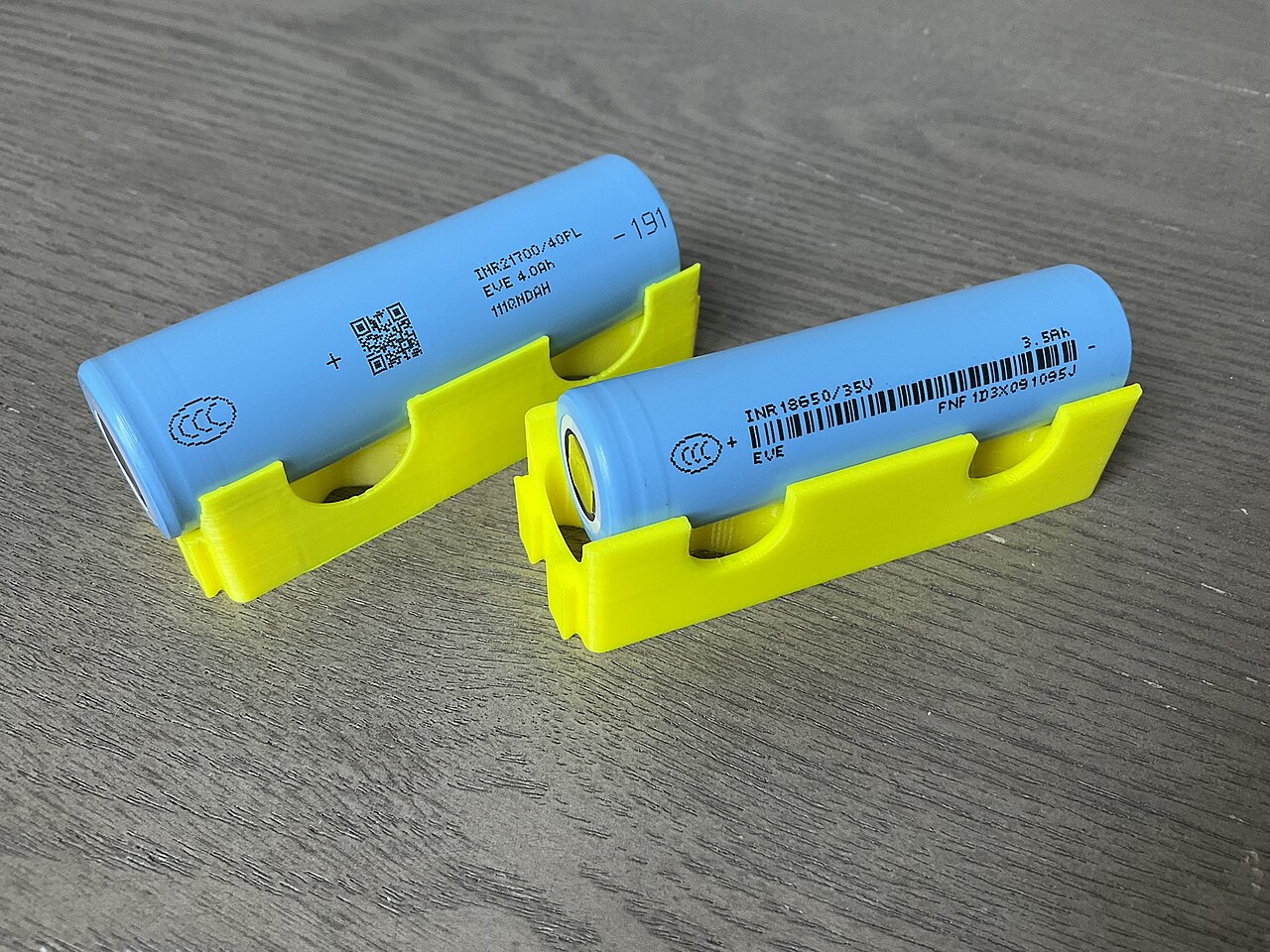
The U.S. Fire Administration recommends stopping use of lithium-ion batteries if you notice "excessive heat, changes in shape, unusual odors, leaking, or other abnormalities." That is the official test. One warning sign plus heat means stop charging immediately.
Other warning signs include a swollen or bulging battery, a back cover that no longer sits flat, hissing or popping sounds, smoke, or a chemical smell. If a device is smoking, swelling rapidly, or catching fire, the Fire Administration advises getting away from it. Call emergency services rather than trying to handle it yourself.
One more red flag is persistence. A phone that stays hot for hours after unplugging, or that runs hot while idle on a desk, may already have a degraded battery or a faulty component inside.
How to charge more safely
Start with the surface. Charge on a hard, open surface like a nightstand or desk. Never charge under a pillow or inside bedding. That way heat can escape instead of building up.
Remove the case while charging if the phone regularly runs hot. Cases are insulation, and taking one off costs nothing.
Use the manufacturer's charger or a certified equivalent. Cheap, uncertified chargers are a known fire-safety risk. Fire-safety guidance consistently recommends the charging equipment the manufacturer specifies or approves.
Slow down when you can. If your phone supports scheduled or optimized charging, let it trickle-charge overnight instead of racing to 100% at full speed. Many phones also cap charging at 80% when they detect high heat. That protects the battery.
Watch what runs overnight. Turn off background app refresh for apps that do not need it. Check battery usage in the morning to find any app eating 30–40% of the battery while the phone sat idle. That app is generating heat, not the charger.
Never cool a hot phone in the fridge or freezer. The sudden temperature change can create condensation inside the device and cause new damage. Unplug it, move it away from heat, and let it cool naturally in a dry place.
FAQ
Is it bad to charge my phone overnight?
Overnight charging itself is not dangerous for a healthy phone. Modern phones stop charging at 100%. The risk is heat trapped by bedding or a case, so charge on a hard surface with ventilation.
Should I take the case off while charging?
Yes, if the phone runs warm. Cases trap heat against the back panel. Removing the case during charging measurably improves heat dissipation.
Is wireless charging hotter than wired charging?
It can be, because wireless charging is less efficient and the lost energy becomes heat. A phone on a wireless pad often runs warmer than the same phone on a cable.
Why does my phone stop charging at 80% on hot days?
That is a protective feature. When internal temperatures climb, phones cap charging at around 80% to avoid stressing the battery further. It is the device protecting itself, not a malfunction.
The bottom line
A warm phone on the charger is normal. Heat you cannot comfortably hold is not. The practical test is simple. Unplug it, take the case off, and change where and how you charge. If the heat stays, or comes with swelling, smell, or smoke, stop using the phone and get professional help. Your battery will last longer and you will stay safer for it.
Rive News is the research desk behind this article. We explain how everyday technology works, using published sources and documented guidance rather than guesswork.
Subscribe to the Rive News newsletter for one practical tech explainer every week.
Rive News publishes explainers that pass its internal QA: no invented facts, no fake bylines, named sources for every key claim. Corrections are logged with timestamps, never made silently.
Related stories

Apple plans two October launches: smart home hub, OLED MacBook Pro
Apple set October 13 for a smart home launch with a new hub, Apple TV 4K and HomePod mini, then October 27 for OLED MacBook Pro models

How to Check If Your Phone Supports eSIM in 30 Seconds
Dial *#06# and look for an EID number to confirm eSIM support in under 30 seconds. This guide also walks through the iPhone and Android

eSIM vs iSIM: what is the difference?
An eSIM is a dedicated chip on the phone's board, while an iSIM lives inside the processor itself. Qualcomm's Snapdragon 8 Gen