
How to avoid roaming charges without buying a local SIM
Key takeaways
- Roaming charges kick in when your phone connects to a foreign network, and US carriers charge $10 to $12 a day for day-pass plans.
- Turning off data roaming, using airplane mode with Wi-Fi, and installing a travel eSIM can bring the cost down to nearly nothing.
- If a surprise bill arrives, contact your carrier first, then file a complaint with the FCC if the dispute is not resolved.

Roaming charges are the extra fees your carrier adds when your phone connects to a mobile network outside your plan's home area. That happens on nearly every trip abroad, the moment your phone links up with a foreign carrier's tower.
The rates can be far higher than what you pay at home. According to the Federal Communications Commission, domestic US plans generally do not cover usage abroad, and mobile networks differ from country to country, which can make rates much higher.
This article explains what causes roaming charges, how to stop data roaming on your phone, the alternatives to buying a local SIM, a settings checklist to run before you fly, and what to do if a surprise bill arrives.
What causes roaming charges
When you travel abroad, your home carrier has no network of its own in that country, so it borrows one. Your carrier pays the foreign network for access and passes that cost on to you.
Most carriers bill you in one of two ways: a daily flat fee that switches on when you use your phone, or pay-per-use rates charged per minute, text, and megabyte. AT&T's International Day Pass costs $12 per active day in more than 210 destinations, according to a 2026 rate roundup by TurkSIM.
Without a plan, the per-unit rates are punishing. TurkSIM reports that AT&T pay-per-use voice can reach $3 per minute outside the Americas, with data over $2 per megabyte. Verizon works the same way: its TravelPass costs $12 a day in most countries and $6 a day in Canada and Mexico, according to Verizon's own international travel page.
How to stop data roaming before it starts
The single biggest leak is background data. Apps refresh email, sync photos, and download updates on their own, and that traffic counts as roaming. Verizon warns that a TravelPass session can start automatically from background activity such as app refreshes, email syncing, and software updates.
The fastest protection is airplane mode. With airplane mode on and Wi-Fi turned back on, your phone cannot touch a foreign cellular network at all. Use hotel, airport, and cafe Wi-Fi for messages, maps, and calls.
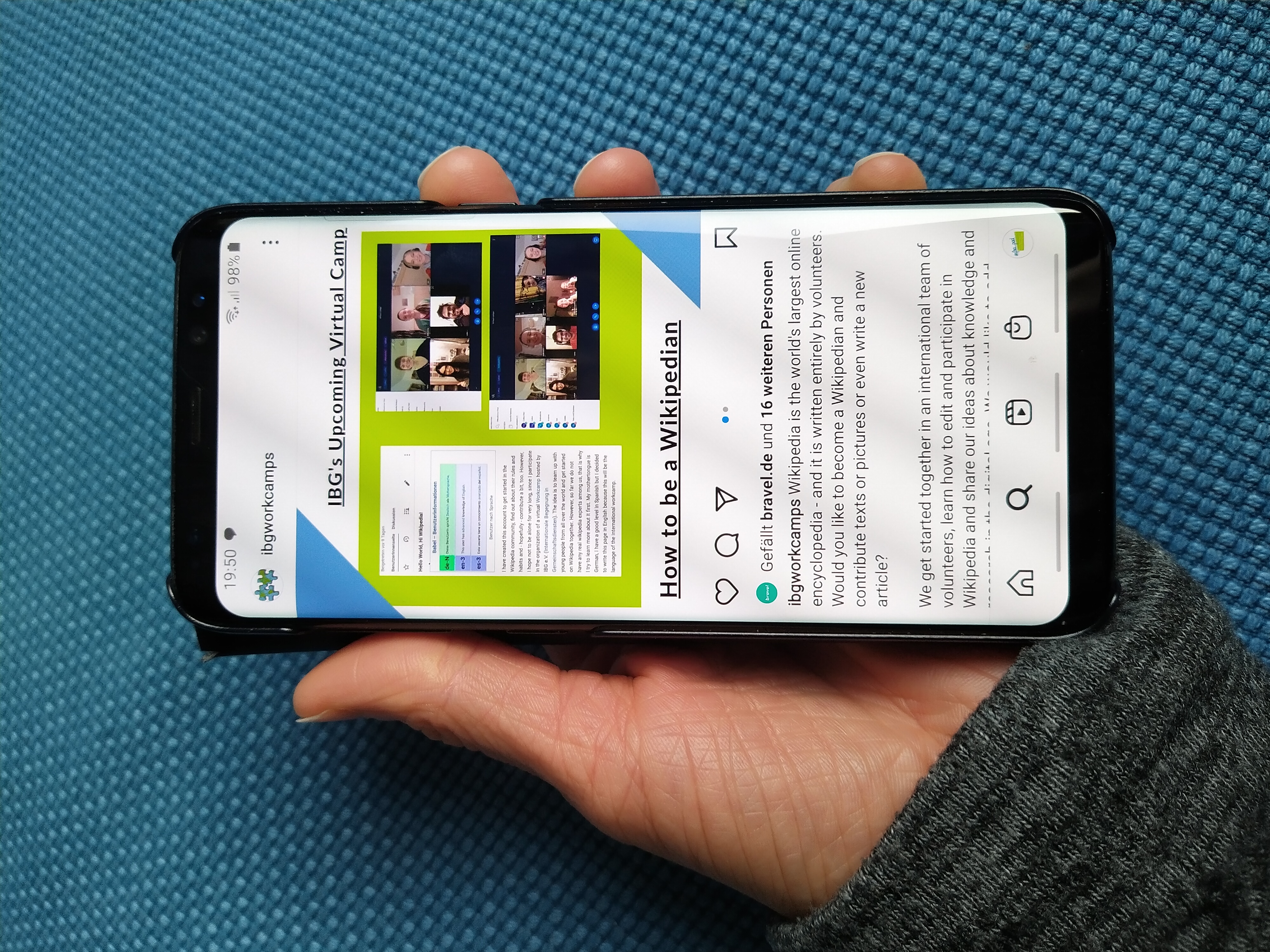
If you need cellular connectivity, turn off the data-roaming toggle on your home line specifically. The FCC advises travelers to turn off automatic downloads, since phones and apps can pull data in the background and trigger roaming charges without you lifting a finger.
On an iPhone, the toggle sits under Settings, then Cellular, then Cellular Data Options. On Android phones, it is usually under Settings, then Network and Internet, then Mobile Network. Both platforms also let you restrict background data per app, which is worth doing for the thirstiest ones before you leave.
Download maps, movies, and playlists for offline use before you fly, so the entertainment that helps you sleep on a long-haul flight never touches a roaming network.
Alternatives to buying a local SIM
A local SIM usually means finding a shop in a foreign airport, showing a passport, and swapping tiny pieces of plastic. These options skip that entirely.
Carrier day passes. If keeping your own number matters and the trip is short, a day pass is the simplest option. AT&T and Verizon both charge $12 per active day, which beats pay-per-use rates.
The trap is that background data can trigger a fresh $12 day when you believed you were on Wi-Fi the whole time.
Travel eSIMs. A travel eSIM is a digital SIM profile you download before departure, so your phone connects to a local network on arrival while your home number stays untouched. Most modern smartphones can run a home SIM and a travel eSIM at the same time.
The price gap is real. According to an August 2026 report by Traveler Today, major carrier day passes run $10 to $12 a day, or $70 to $84 for a week.
In the same report, Airalo's Europe plan delivered 1 GB over seven days for $4.50 and 5 GB over 30 days for $13, based on pricing published in June 2026. Holafly's unlimited Europe plan ran $19 for seven days.
Traveler Today estimated the gap at $50 to $80 staying in the traveler's pocket for a seven-day trip. Setup takes a few minutes: buy the plan at home over stable Wi-Fi, install the profile, and wait until you land to activate it. The critical step, per the report, is turning data roaming on for the eSIM line and off for your home line, or your carrier can still bill you.
One caveat: travel eSIM plans are usually data-only, so voice calls go through apps like WhatsApp or Wi-Fi calling instead. For most travelers, that trade-off is worth it.
Wi-Fi calling. If your carrier supports it, Wi-Fi calling lets you call home numbers over Wi-Fi as if you were in the US, with no roaming charge. It must be enabled before you leave, and each carrier's version of the feature differs slightly, so check your carrier's instructions first.

A settings checklist to run before you fly
- Check whether your plan already covers your destination. Some US plans include Mexico and Canada at no extra cost.
- Ask your carrier about its roaming rates and whether international roaming is active on your line, as the FCC recommends.
- Download the offline maps, boarding passes, and entertainment you will need.
- Buy and install a travel eSIM at home, but wait to activate it until you land.
- Turn off data roaming on your home line, and keep it off for the whole trip.
- Turn off automatic app updates and photo backup over cellular.
- Enable Wi-Fi calling and test it on your home network first.
- Ask your carrier to unlock your phone if it is still tied to a contract, so eSIMs and other options stay open to you.
Run through this list the night before, or while waiting at the gate after you arrive early for your international flight.
What to do if a surprise bill arrives
Do not ignore it. The FCC notes that international roaming charges can show up a full billing cycle after you return, so check at least two statements after every trip.
Call your carrier and ask for an itemized breakdown of the charges. Carriers sometimes remove or reduce roaming charges when the usage looks accidental, so ask directly and get the response in writing.
If the carrier will not fix it, escalate. The FCC accepts complaints about charges for telephone service internationally, by phone at 1-888-225-5322 or through its consumer complaint center.
For the future, save your travel eSIM receipts and screenshot your phone settings before takeoff. Written records make the next dispute easier to win.
Frequently asked questions
Will airplane mode completely stop roaming charges?
Yes. Airplane mode disables all cellular connections, so your phone cannot reach a foreign network. Re-enable Wi-Fi after turning it on and you can still message, call over apps, and browse on wireless networks without any roaming risk.
Can I keep my phone number and still avoid roaming charges?
Yes. Dual-SIM phones can keep your home line active for texts and verification codes while a travel eSIM handles data. Keep data roaming off on the home line so the carrier never bills it for data usage.
Does using Wi-Fi abroad really cost nothing?
Wi-Fi does not count toward your cellular data allowance, according to the FCC. Hotel or airport Wi-Fi may carry its own fee, so check before connecting. Avoid banking or sensitive logins on public networks without a VPN.
How much data do I need for a week-long trip?
Light use such as maps, messaging, and email fits comfortably in 1 to 2 GB. Heavy use with social media and video calls can need 5 GB or more. Buying a slightly larger eSIM plan up front is cheaper than topping up mid-trip at premium rates.
The bottom line
Roaming charges are avoidable without ever buying a local SIM. Turn off data roaming, lean on Wi-Fi and Wi-Fi calling, and compare your carrier's day pass against a travel eSIM before you fly. The next practical step: check your phone's data-roaming toggle tonight and price one eSIM plan for your next destination.
Related stories

The 3-1-1 liquids rule for planes: what each number means
TSA's 3-1-1 rule limits carry-on liquids to 3.4-ounce containers in one quart bag. Where the 2006 rule came from, what counts, and how
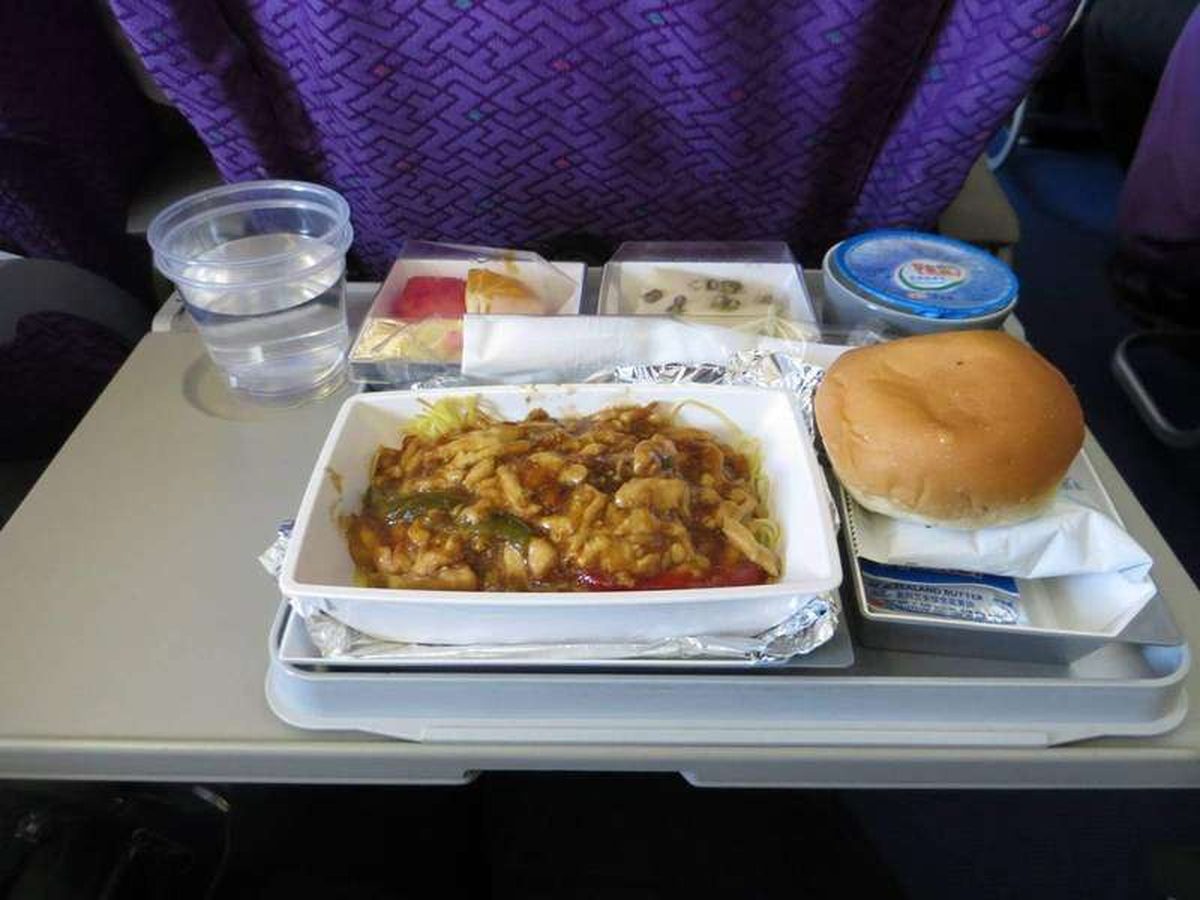
Why Is Airplane Food So Bland at Altitude?
A 2010 Fraunhofer study found altitude cuts sweet and salty perception by up to 30 percent. Low humidity, cabin pressure, and noise all
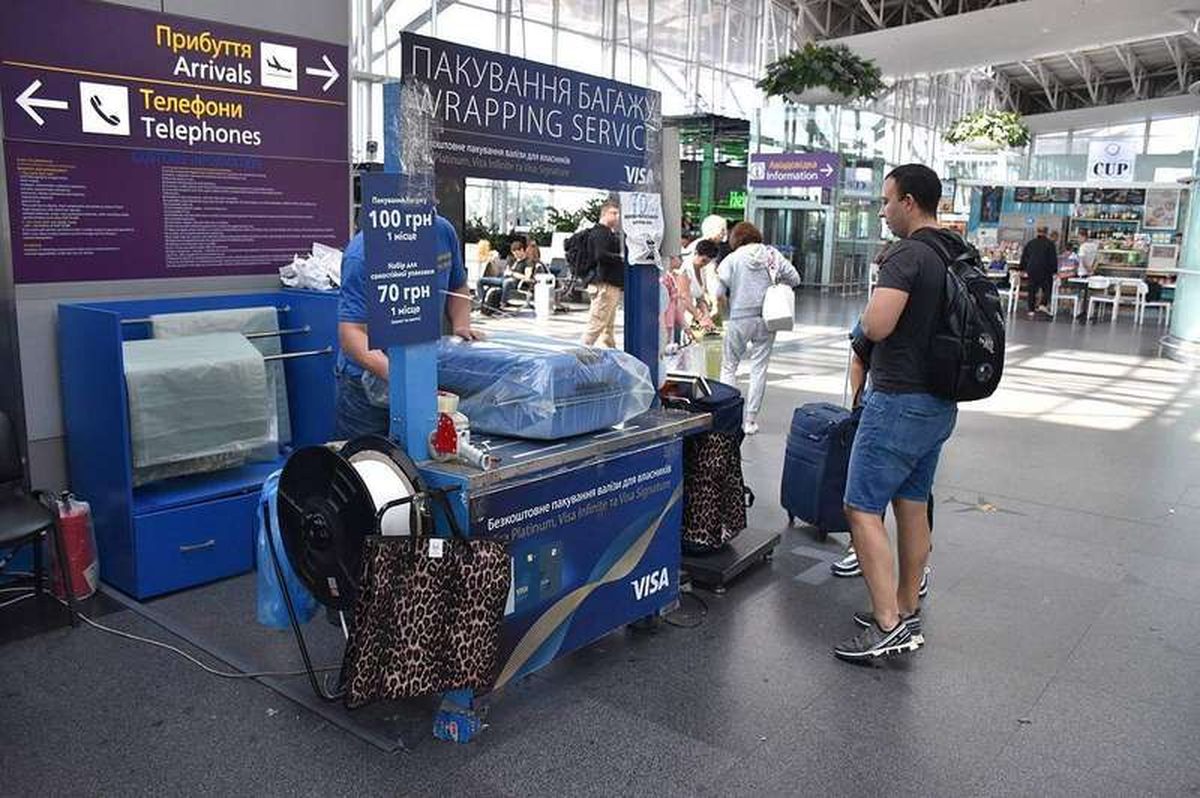
Carry-on size limits: why airlines each set their own
Airlines set their own carry-on limits because the FAA only requires each carrier to have a policy, not one global size. Why 22 x 14 x