
Why Your Ceiling Fan Wobbles and How to Balance It
Key takeaways
- Most wobbles come from loose screws or small weight differences between blades, not a broken motor.
- Tighten every screw first, then measure blade tip heights; blades should sit within 3/16 inch of each other.
- A balancing kit costs $4 to $8 and fixes weight imbalances in about 15 minutes.
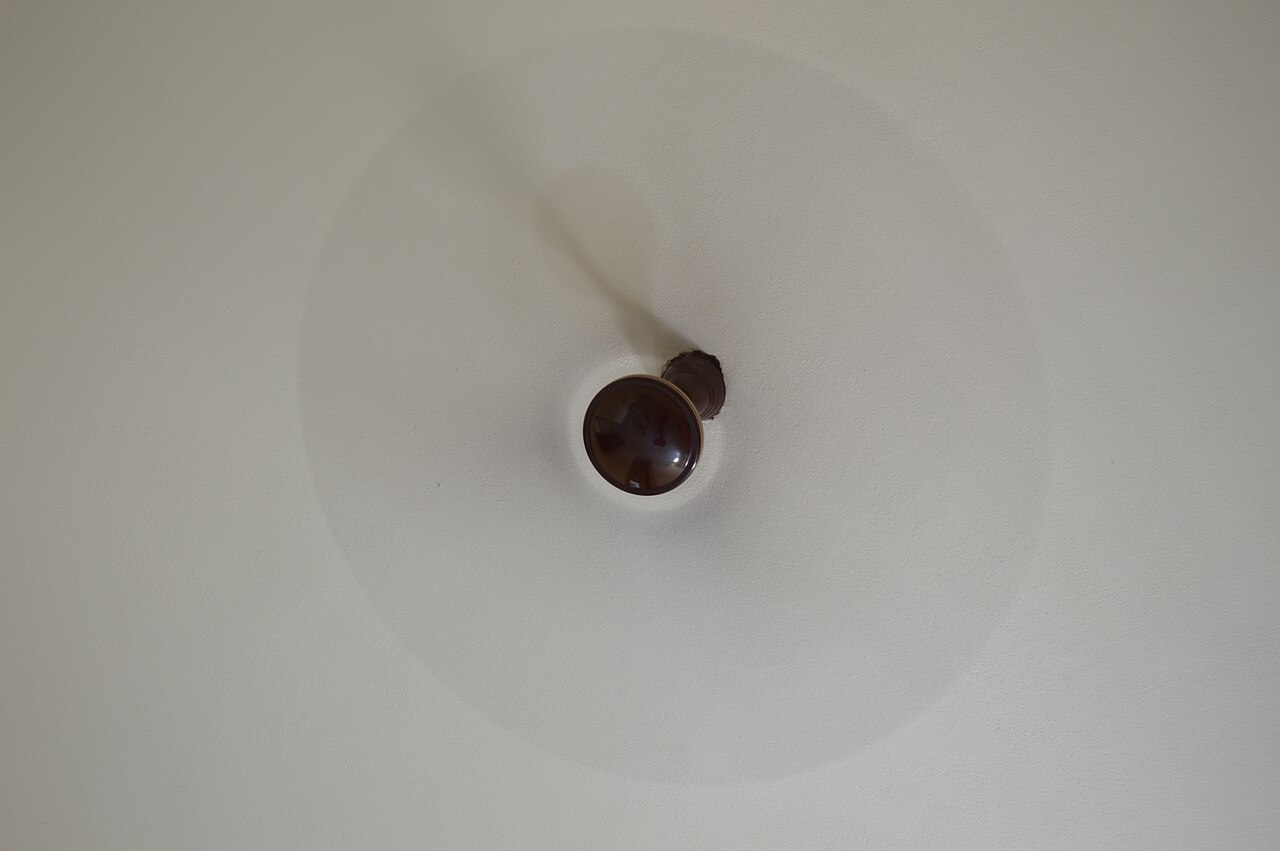
A ceiling fan that wobbles is telling you something is off balance. The shake is not normal, and it is not something to live with. A persistent wobble strains the motor, loosens connections over time, and turns a quiet fan into a noisy one.
The good news is that most wobbles have simple causes: loose screws, blades that weigh slightly different amounts, or a blade bracket that bent during shipping. This article explains why fans wobble, how serious each cause is, and walks through a six-step fix you can do with a screwdriver, a tape measure, and a cheap balancing kit.
Why does a ceiling fan wobble?
A wobble means the fan's weight is not distributed evenly around its center of rotation. Even a few grams of difference between blades becomes a noticeable shake at high speed, because centrifugal force amplifies the imbalance. The four usual culprits, in order of likelihood, are loose screws, blade weight imbalance, bent blade brackets, and a loose mounting bracket.
Loose blade bracket screws are the most common cause, and the easiest to fix. Screws work loose gradually from vibration, especially on fans installed a few years ago. Unbalanced blades come next: small manufacturing variations in blade weight or shape create imbalance, which is why even a brand-new fan can wobble straight out of the box.
Bent blade irons, the metal arms that connect blades to the motor, tilt one blade out of plane. A blade that hangs lower than the others throws off the whole rotation. Humidity can contribute here too: wooden or composite blades absorb moisture and warp slightly, which AEANET notes is more common in humid climates.
The last cause is the serious one. If the whole fan swings in a circle rather than the blades just shaking, the mounting bracket or ceiling box is loose.
That is not a balancing problem. It is a fall hazard, and the fan should stay off until the mounting is fixed.
Is a wobbly ceiling fan dangerous?
A mild blade wobble is mostly an annoyance, but it should not be ignored. Vibration gradually loosens screws and electrical connections, stresses the motor, and reduces the fan's efficiency. AEANET warns that a persistent wobble can loosen the mounting hardware over time, increasing the risk of the fan detaching from the ceiling.
There are clear warning signs to stop and reassess. If you hear metal-on-metal clicking, see the canopy separating from the ceiling, smell overheating, or notice the electrical box itself moving, leave the fan off. Those symptoms point past blade balance and toward support or electrical problems that deserve a professional.
A clicking sound alongside the wobble usually means loose screws clicking against each other as the imbalance worsens the looseness. Tightening everything often silences both at once.
How to balance a ceiling fan in 6 steps
Work through these in order. Most wobbles are fixed by tightening screws, so do not buy a balancing kit until you have tried the free fixes. Always cut power at the circuit breaker before ladder work, not just at the wall switch, and confirm the fan does not respond to the switch.
Step 1: Tighten every screw. Go around the fan and tighten all of them: blade-to-bracket screws, bracket-to-motor-housing screws, and the canopy screws at the ceiling. Then restore power and run the fan at medium speed for two minutes. If the wobble is gone, you are done. If it persists, move on.
Step 2: Clean the blades. Dust buildup creates uneven weight distribution. Wipe all blades thoroughly with a clean cloth. This alone sometimes settles a mild wobble, and it costs nothing.
Step 3: Inspect the blades. Look for warping, twisting, cracks, or bent brackets. Never use a ceiling fan with bent blades or damaged edges; replace damaged parts before continuing.
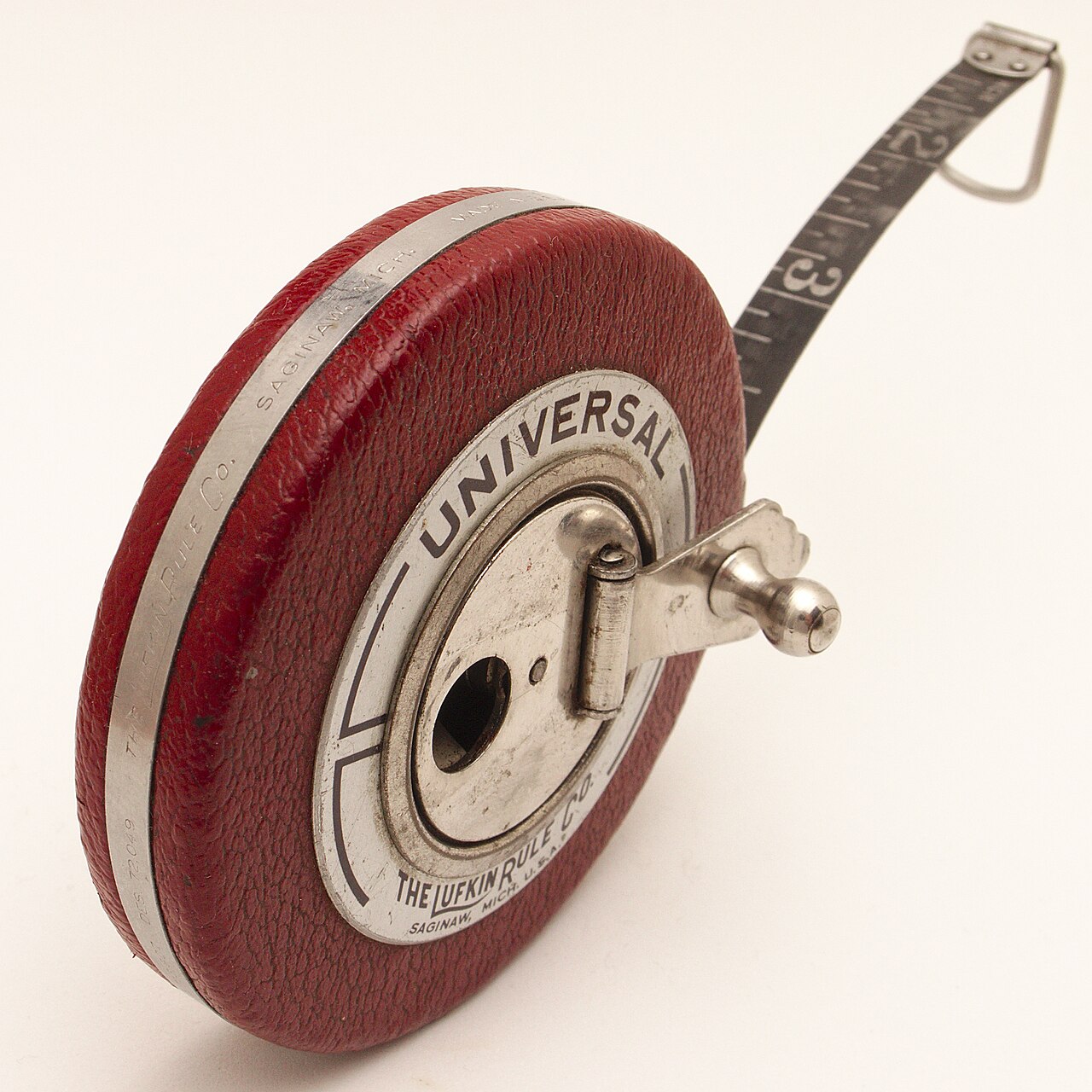
Step 4: Measure blade tip height. Cut power again. Number each blade with masking tape, then measure the distance from the floor to each blade tip with a tape measure. According to HowTo Home Edition, all blades should sit within 3/16 inch of each other. The outlier blade, significantly higher or lower, is the problem. Check its bracket for bending and the blade itself for warping by laying it on a flat surface: a warped blade rocks. Replace a bent bracket with a brand-matched part.
Step 5: Use a balancing kit. If the blades measure evenly but the fan still wobbles, the issue is weight imbalance. Balancing kits cost $4 to $8 and include a plastic clip plus adhesive weights. Clip the plastic clip to the midpoint of blade one and run the fan at medium speed. Move the clip from blade to blade until you find the one where the clip reduces the wobble most.
Then slide the clip along that blade, at the tip, the midpoint, and near the bracket, to find the sweet spot. Stick the adhesive weight on the top surface of the blade at that position.
A classic low-tech alternative, described by HowStuffWorks, is to clip a clothespin to a blade about halfway from the end to the center and test blade by blade, then glue coins to the top of the offending blade. Test at low, medium, and high speed afterward.
Step 6: Check the mount if the whole fan swings. A swinging motion is a mounting issue, not a blade issue. With the power off, open the canopy and tighten all bracket-to-junction-box screws. Push the junction box: if it moves, it may not be fan-rated. Look for the "acceptable for fan support" marking on the box. An unrated box must be replaced with a fan-rated one before the fan is used again.
One common mistake is adding balancing weights without tightening screws first, since screws are the most common cause. Another is sticking adhesive weights on the underside of the blade; they go on the top surface. And guessing which blade needs weight, instead of using the clip test, wastes an afternoon.
When to call a professional
Most wobbles are DIY fixes, but some situations call for an electrician. Call one if you suspect any electrical problem, if the mounting bracket or junction box is damaged, if the motor shaft appears to run off-center, or if grinding and rattling at high speed plus a wobble suggest worn motor bearings on an old fan. When in doubt about the mounting, a professional can confirm the box is fan-rated and the bracket is secure.
If the fan continues to wobble after balancing, and the blades and mount all check out, the motor itself may be failing. A fan with a genuinely worn-out motor is usually better replaced than repaired.
Frequently asked questions
Why does my ceiling fan only wobble on high speed?
The imbalance is probably minor. Centrifugal force grows with speed, so a small weight difference that is invisible on low becomes a visible wobble on high. Try the balancing kit steps; a small adhesive weight usually settles it.
Can a wobbly ceiling fan fall?
While unlikely to fall immediately, a persistent wobble loosens mounting hardware over time, which increases the risk of the fan detaching. Fix the wobble promptly rather than waiting to see if it gets worse.
How do I know which blade is causing the wobble?
Watch the fan while it runs: the blade that dips lowest during the wobble is usually the culprit. The clip test from step 5 confirms it. Move a clip from blade to blade and note which position reduces the wobble most.
Can I use coins instead of a balancing kit?
Coins glued to the top of the blade work in a pinch, and HowStuffWorks describes exactly this trick. A purpose-made kit is more precise and costs only a few dollars, so it is the better choice if you can wait for one.
Why is my brand-new ceiling fan wobbling?
Minor manufacturing variations in blade weight or small assembly differences can cause a wobble from day one. Tighten all screws, since new fans sometimes ship with connections that are not fully snug, and use the balancing kit that often comes in the box.
The bottom line
Start with the free fixes: cut the breaker, tighten every screw, and clean the blades. That alone resolves most wobbles.
If the shake persists, measure blade tip heights against the 3/16-inch rule, then spend a few dollars on a balancing kit and let the clip test find the heavy blade. A whole-fan swing means the mount is loose, and that is a stop-and-call-a-pro situation. Ten minutes of tightening now protects the motor and keeps the fan quiet for years.
Topics: ceiling fan, home repair, DIY, balancing
Latest in Home
- Why Do Smoke Detectors Beep Randomly With No Smoke
- How to Reset a Tripped GFCI Outlet That Will Not Reset
- Why Is One Room Colder Than the Rest of the House
- Why Do LED Bulbs Flicker in Some Fixtures but Not Others
Subscribe for one practical home fix every morning.
Related stories
Why Your Faucet Keeps Dripping After You Turn It Off
A dripping faucet is usually a worn washer, O-ring, or cartridge that can no longer seal. One drip per second wastes over 3,000 gallons
How to fix a running toilet without a plumber in 30 minutes
A running toilet can waste 200 gallons of water a day. Diagnose the flapper, float, or fill valve in two minutes, then fix it yourself
How to hang heavy shelves on drywall safely
Studs first, toggle bolts second, plastic anchors never for heavy loads. Weight ratings, installation steps, and mistakes that bring