
How does Find My network locate a phone with no internet?
Key takeaways
- A lost iPhone emits rotating Bluetooth beacons that any nearby Apple device can detect, even with no Wi-Fi or cellular signal of its own.
- Nearby iPhones encrypt the lost device's location with a rotating public key and upload it to Apple, so even Apple cannot read where your phone is.
- Only a second Apple device signed in to the same Apple ID can decrypt those reports, which is why offline finding requires owning more than one Apple product.
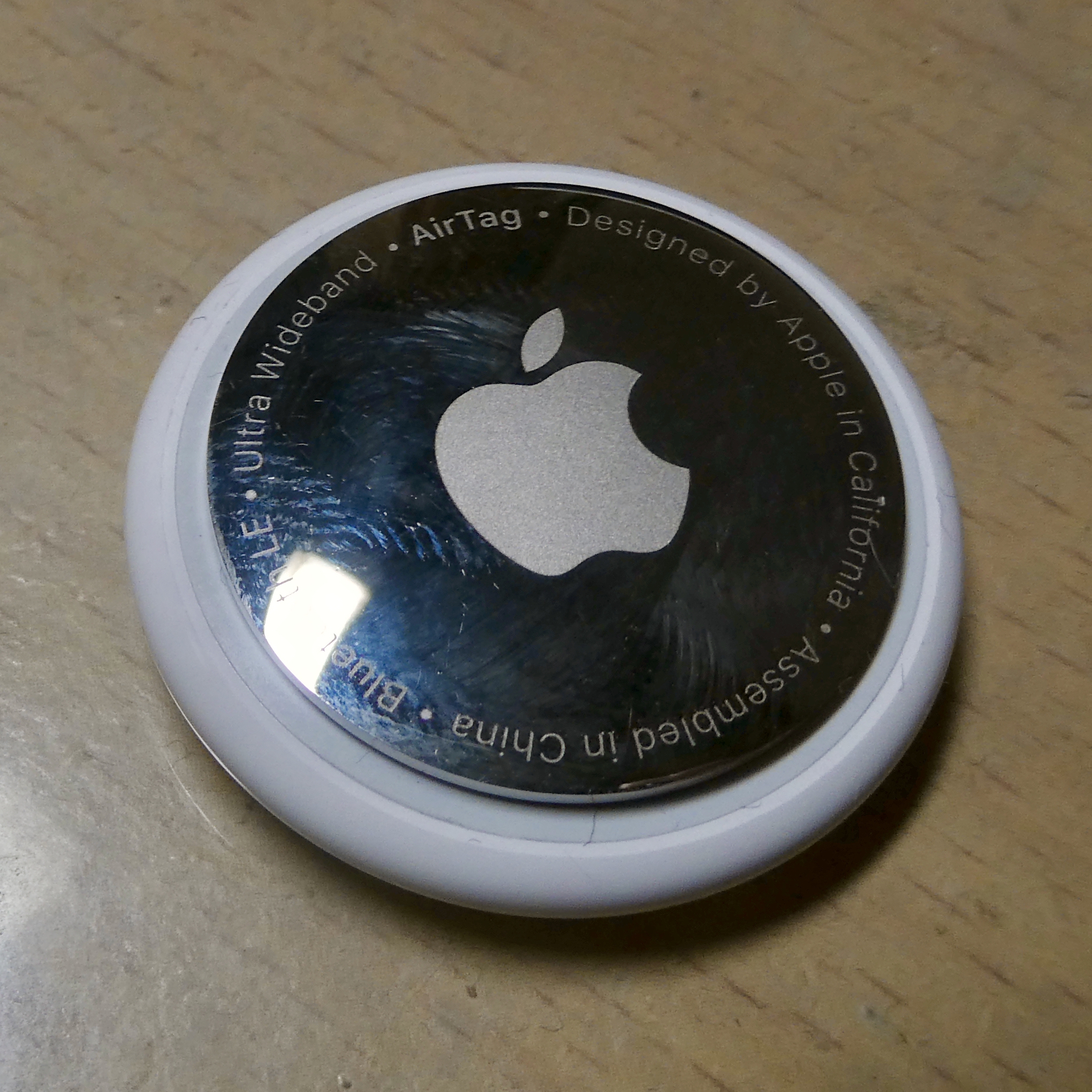
Your phone can be found without an internet connection of its own. That sounds like a trick, because a lost phone normally needs Wi-Fi or cellular data to report its position. Apple's Find My network gets around this with a crowdsourced relay: the lost device whispers over Bluetooth Low Energy, passing iPhones pick up the whisper, and those strangers' phones do the reporting over their own connections.
This article explains what offline finding is, how the Bluetooth beacon system works, how nearby devices relay locations without exposing anyone's privacy, what you need to use it, and where the system reaches its limits. It covers iPhones, iPads, Macs, AirPods, and AirTags, which all share the same underlying network.
What is offline finding?
Offline finding arrived in 2019 with iOS 13 and macOS Catalina, when Apple merged the old Find My iPhone and Find My Friends apps into a single Find My app. One of its headline features was locating devices even when they are offline, meaning not connected to Wi-Fi or cellular.
Apple describes it plainly: a missing device can be located even when it is not connected to Wi-Fi or cellular, using crowd-sourced location. When you mark a device as missing and another Apple user's device is nearby, it can detect your lost device's Bluetooth signal and report its location to you. The company says the whole process is anonymous and encrypted end to end.
The catch is that it only works inside the Apple ecosystem. The relay devices doing the detecting must be iPhones, iPads, or Macs. Hundreds of millions of them are in pockets and on desks around the world, which is what makes the crowd part of crowdsourced location actually work.
How the lost device broadcasts
A lost iPhone, iPad, Mac, or AirTag does not sit silent. It keeps transmitting short Bluetooth Low Energy (BLE) broadcasts, the same low-power radio used by wireless earbuds and fitness bands. Security researcher Fabian Braunlein of Positive Security documented the mechanics in 2021: an AirTag sends a BLE broadcast every 2 seconds, and the broadcast carries a public encryption key as its content.
That key is not fixed. It rotates, changing every 15 minutes in a deterministic way derived from a shared secret created when the tracker was paired. For a lost iPhone or Mac, the same idea applies: each device emits a constantly changing key that nearby Apple devices pick up.
The rotation matters for privacy. A static beacon could be tracked over time by anyone listening. A rotating one looks like a new stranger every few minutes.
Bluetooth range is the physical limit here. BLE broadcasts reach roughly 10 to 30 meters in real-world conditions, depending on walls and interference. The lost device only needs one passerby with an iPhone inside that bubble for a location report to exist.
How nearby devices relay the location
The relay is where the crowd comes in. A nearby iPhone or Mac that hears the Find My broadcast checks its own location (from GPS, Wi-Fi positioning, or cell towers), then encrypts that location using the lost device's broadcast public key and uploads the encrypted report to Apple's servers.
The finder device stores the location reports and uploads them when it has an internet connection. Braunlein noted that finding devices cache received broadcasts until they are online, so a lost AirTag in a dead zone can still be reported later once someone who walked past it reaches coverage.
This design protects the finder, too. The person whose iPhone relayed your lost phone's location never learns about it. There is no notification, no visible trace.
Their phone just quietly contributes encrypted reports in the background.
The encryption: why only you can read it
Here is the clever part. The location report is encrypted with the lost device's public key, using a scheme called ECIES (elliptic curve integrated encryption scheme). This kind of key-based encryption means only the matching private key can decrypt it.
That private key lives on your other Apple devices, synced through iCloud under the same Apple ID. Apple itself never holds it.
When you open the Find My app on your second device, say an iPad, it generates the list of rotating public keys your lost iPhone would have used over the past days, sends the SHA256 hashes of those keys to Apple, and Apple returns any encrypted reports filed under matching hashes. Your iPad then decrypts them and shows you the location on a map. Wired's breakdown of the system put it simply: each device acts as a beacon, and the whole interaction is end-to-end encrypted and anonymous.
This is also why offline finding has a hard requirement: you must own a second Apple device signed in to the same Apple ID. Without it, there is nothing to decrypt the reports, and Apple cannot do it for you.
What you need to set it up
Offline finding is on by default on modern iPhones, iPads, and Macs, as long as Find My is enabled and you are signed in with an Apple ID. For the network to include a device as a relay, Bluetooth needs to be on. Location Services must be on for precise reporting.
Marking a device as lost speeds things up. In the Find My app, tap the Devices tab, select the missing device, and activate Mark As Lost. That locks the device with its passcode, displays a custom message with a contact number, and tells the network to keep watching for its beacons.
If the device is a Mac, you can also erase it remotely, though a remote erase ends its participation in the network.
For items, AirTags are the purpose-built accessory. Released on April 30, 2021, an AirTag pairs with your Apple ID, gets its own key pair, and broadcasts on the same network.
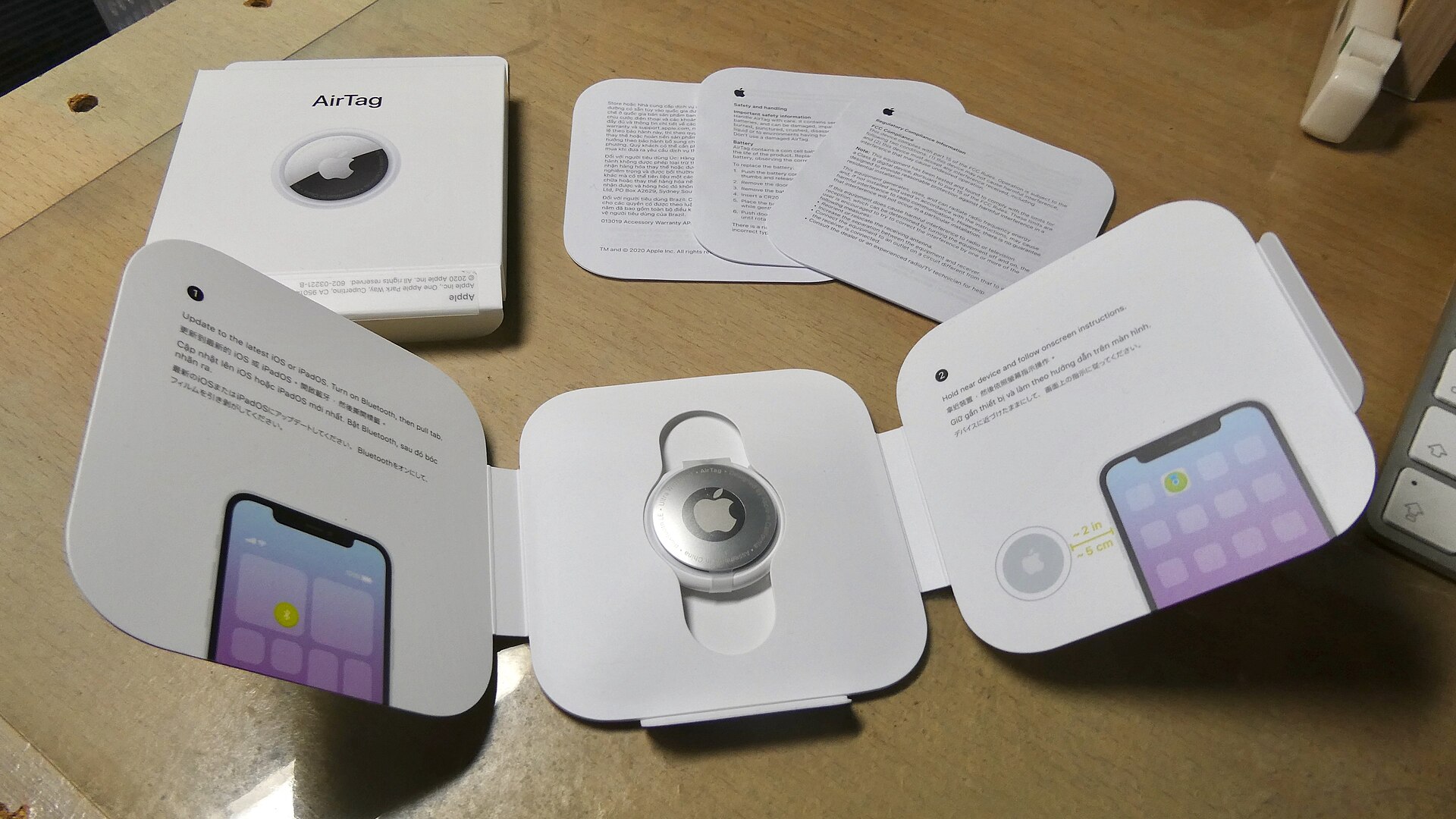
On iPhones with ultra wideband (UWB) chips, the Find My app can guide you to an AirTag with directional arrows once you are within a few meters, a feature Apple calls Precision Finding.
Limits and edge cases worth knowing
The system is strong, but it has real boundaries. If the lost device is powered off or its battery dies, the Bluetooth broadcasts stop. Some recent iPhones keep emitting Find My beacons for a short while after shutdown or in low-power reserve, but a fully dead battery means silence.
Density matters. In a city, hundreds of Apple devices pass within Bluetooth range every hour, and reports stream in. In a remote forest, your phone may broadcast for days before a single finder walks past.
The network is only as good as the crowd around the device.
Researchers have also probed the system's edges. The Open Wireless Link team at the Technical University of Darmstadt reverse-engineered the network and built OpenHaystack, a framework letting hobbyists create their own Find My-compatible trackers. In 2020 they disclosed that cached decryption keys on macOS could let a malicious app read a user's own last seven days of location reports, a flaw Apple patched in macOS 10.15.7 in November 2020 (CVE-2020-9986).
Braunlein's "Send My" proof of concept showed the same encrypted relay could carry arbitrary small data payloads, which he described as nearly impossible for Apple to prevent because it is inherent to the privacy-focused design.
None of this breaks the core promise. The encryption still means Apple, the finder, and anyone listening in cannot read where your device is. The known issues were about local key storage and the dual-use nature of the relay, not about the cryptography itself.
Frequently asked questions
Does the finder device know it reported my phone's location?
No. The relay is silent. The finder device encrypts and uploads the report without any notification to its owner, and it never learns which lost device it helped.
Can someone else use the network to track my AirTag?
An AirTag broadcasts rotating keys, so a stranger listening to raw Bluetooth traffic sees ever-changing identifiers. Apple also alerts nearby iPhone users if an unknown AirTag appears to be traveling with them, which was added to deter stalking.
Does offline finding drain the lost phone's battery?
The BLE broadcasts use very little power, which is part of why Bluetooth Low Energy was chosen. Still, a lost phone keeps consuming some battery, and once the battery dies, broadcasts stop.
Do I need cellular service on the lost device?
No. That is the entire point. The lost device needs only Bluetooth.
The internet connection belongs to the finder device that relays the report.
The bottom line
Apple's Find My network turns every nearby iPhone into an anonymous relay. Your lost device broadcasts rotating Bluetooth keys, strangers' phones encrypt and upload the location, and only your second Apple device can decrypt it. Set up takes seconds (Find My on, Bluetooth on, same Apple ID), and the system works precisely because no party in the middle, not even Apple, can see the result.
Topics: Find My, Apple, Bluetooth, location tracking
By Rive News, Research desk | Rive News. Rive News covers consumer technology with reporting grounded in primary sources and independent research.
Latest in Tech
- How satellite messaging on phones works
- What is a VPN kill switch and why does it matter
- eSIM vs physical SIM security compared
- Why app updates keep getting bigger
Get one practical tech explainer in your inbox every morning. Subscribe to the Rive News newsletter.
Related stories

Apple plans two October launches: smart home hub, OLED MacBook Pro
Apple set October 13 for a smart home launch with a new hub, Apple TV 4K and HomePod mini, then October 27 for OLED MacBook Pro models

How to Check If Your Phone Supports eSIM in 30 Seconds
Dial *#06# and look for an EID number to confirm eSIM support in under 30 seconds. This guide also walks through the iPhone and Android

eSIM vs iSIM: what is the difference?
An eSIM is a dedicated chip on the phone's board, while an iSIM lives inside the processor itself. Qualcomm's Snapdragon 8 Gen