
What is WebAuthn in simple terms: a plain-English explainer
Key takeaways
- WebAuthn is the W3C web standard that lets your browser log you in with a fingerprint, face scan, PIN, or security key instead of a typed password.
- It uses public-key cryptography: your device keeps a private key and the website only ever sees a matching public key, so breached databases are useless to attackers.
- "Passkey" is simply the friendly product name for a WebAuthn credential; Level 3 of the standard became an official W3C Recommendation on August 25, 2026.
WebAuthn (pronounced "web-auth-en") is the official web standard that powers passwordless logins. It is a built-in browser capability that lets websites verify you are really you, using your device's fingerprint reader, face scanner, PIN pad, or a physical security key.
In the W3C's own words, WebAuthn is "an API enabling the creation and use of strong, attested, scoped, public key-based credentials by web applications, for the purpose of strongly authenticating users." That sentence is accurate and almost completely unhelpful to normal people, so this article translates it.
This article explains WebAuthn in plain English, including the two-key trick at its heart, the three players in every login, the difference between WebAuthn, FIDO2, and passkeys, the two kinds of authenticators, why phishing fails against it, and where the standard stands today.
What is WebAuthn?
Think of WebAuthn as a rulebook that browsers and websites both agreed to follow. Before it existed, every website that wanted passwordless login had to invent its own system. WebAuthn standardized the conversation, so any website can ask any browser to verify you, and any browser can talk to any compatible authenticator.
The standard was developed by the World Wide Web Consortium (W3C) together with the FIDO Alliance, an industry group that now counts over 300 member companies. The first version became an official W3C Recommendation on March 4, 2019. Level 2 followed on April 8, 2021, and Level 3 became a full Recommendation on August 25, 2026.
Browsers were ahead of the paperwork: Chrome supported it from version 67, Firefox from version 60 (released May 9, 2018), and Safari from version 13.
In practice, WebAuthn is invisible to you. When a site offers "sign in with a passkey" or "sign in with a security key," the browser is using the WebAuthn API under the hood. You just see the fingerprint prompt.
The two-key trick, in plain English
Public-key cryptography sounds intimidating, but the idea is simple. Imagine a special padlock and key.
When you register on a website, your device creates a unique padlock-and-key pair just for that site. The device keeps the key (the "private key") locked inside its secure hardware.
It hands the padlock (the "public key") to the website. The website cannot open the padlock; it can only check whether a given key fits.
When you log in, the website sends your device a random challenge, basically a message sealed with the padlock. Your device opens it with the private key, but only after you prove you are the owner with your fingerprint, face, or PIN. The device then sends back a signed answer that the website verifies with the padlock.
Two things make this powerful. First, your fingerprint or face never leaves your device; it only unlocks the key locally, as MDN Web Docs explains.
The website never receives your biometric data, so it cannot leak it. Second, the website stores only padlocks. If attackers breach the site's database, they get a pile of padlocks with no keys, which is useless for impersonating anyone.
This is the opposite of passwords, where the website stores something equivalent to your secret and every breach puts it at risk.
WebAuthn vs FIDO2 vs passkeys: clearing up the names
Three names get used for what is nearly the same thing, and the confusion is understandable because they arrived at different times.
WebAuthn is the browser side of the standard: the API that websites call. CTAP2 (Client to Authenticator Protocol) is the other half: the language the browser uses to talk to your authenticator over USB, NFC, or Bluetooth. FIDO2 is the umbrella name for both halves together, co-developed by the FIDO Alliance and the W3C.
Passkeys are the user-facing product name for a WebAuthn credential, specifically the kind your device remembers so you can pick it from a list instead of typing a username. Apple popularized the term in 2022, which briefly made people think passkeys were Apple-only. They are not; passkeys are WebAuthn credentials with a friendly label, working across Apple, Google, and Microsoft platforms.
The older name you may still see is FIDO U2F, the first-generation security keys from around 2014. U2F only worked as a second factor on top of a password and verified the device without verifying you. In the FIDO2 world it was relabeled CTAP1, and WebAuthn stays backward compatible with those old keys.
So when a website says it supports passkeys, it means it speaks WebAuthn. Same technology, friendlier name.
The three players in every login
Every WebAuthn login involves three roles, and keeping them straight makes everything else click.
The Relying Party is the website. "Relying" because it relies on the authenticator to verify you instead of checking a password itself.
The WebAuthn Client is your browser (or operating system). It sits in the middle, passing messages between the website and your authenticator, and it enforces the privacy rules.
The Authenticator is the thing that actually proves it is you: your phone, your laptop's security chip, or a physical security key you plug in. The authenticator holds the private keys and demands your fingerprint, face, or PIN before using them.
The browser matters because it is the referee. When the website asks for a login, the browser checks which site is really asking before it lets the authenticator sign anything. That check is what makes phishing nearly impossible, as the next section explains.
Platform authenticators vs roaming authenticators
MDN Web Docs describes two kinds of authenticators, and the difference decides how portable your logins are.
Platform authenticators are built into the device you are using: Windows Hello, Apple Touch ID or Face ID, or Android's built-in biometrics. They are the most convenient option because there is nothing extra to carry, but the credential lives on that device unless your platform syncs it (Apple's iCloud Keychain and Google Password Manager both do).
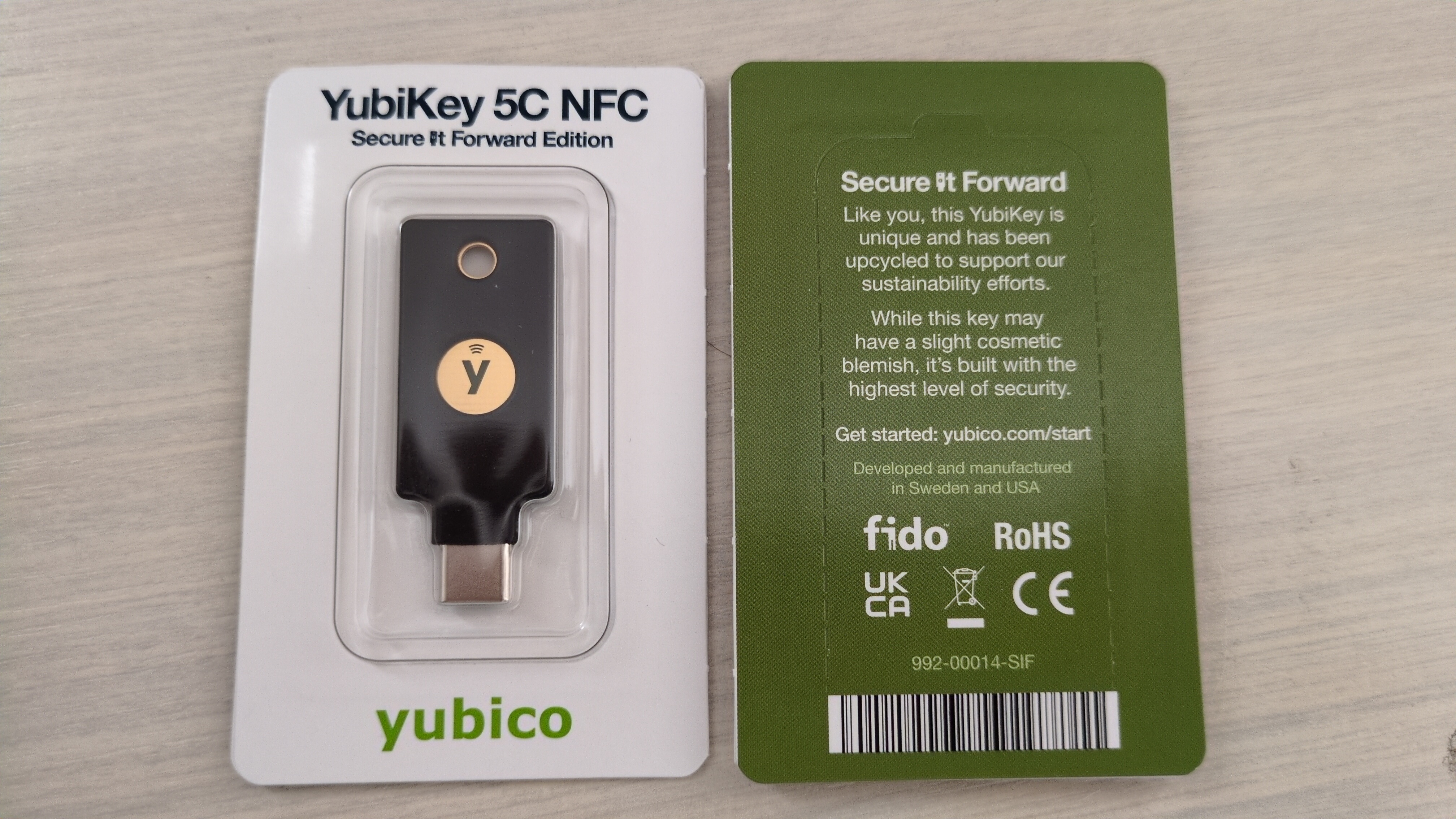
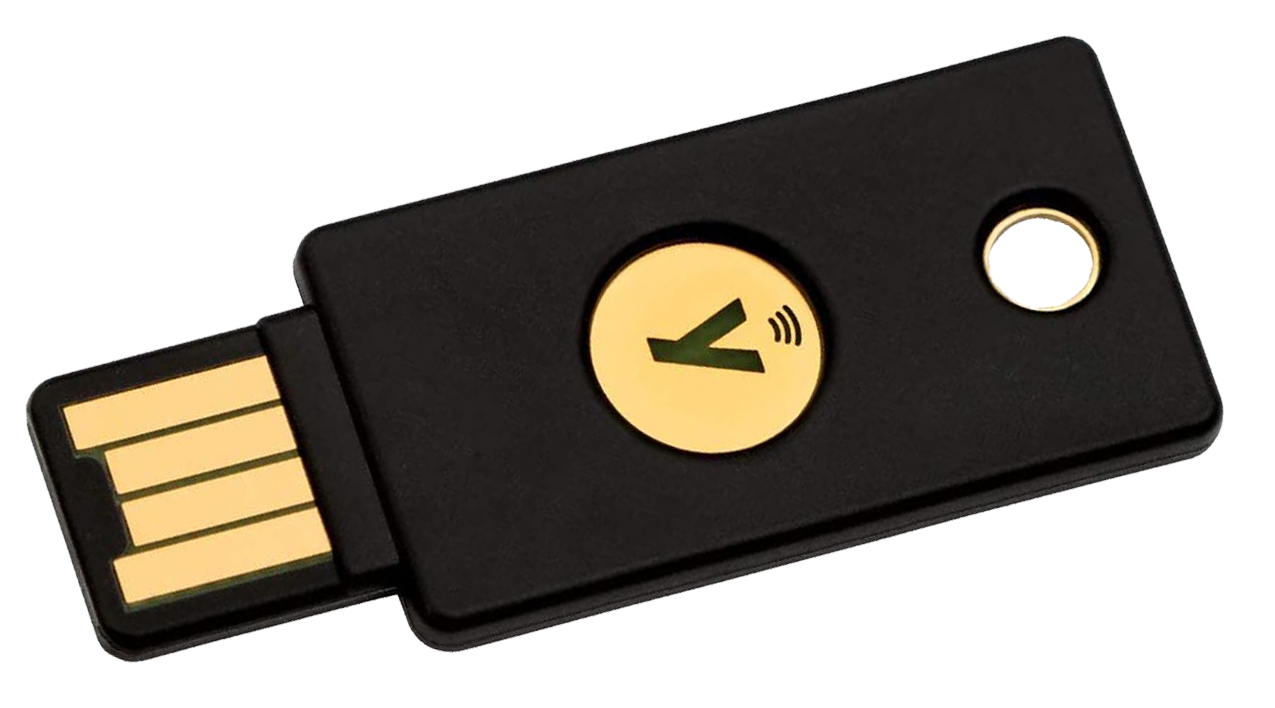
Roaming authenticators are separate devices you carry: USB security keys like the YubiKey, or keys that connect over NFC or Bluetooth. Plug one into any computer and it works there, which is why they are popular with IT teams and security-conscious users. The trade-off is obvious: you have to buy them, carry them, and replace them if lost.
A website can also ask the authenticator to prove its make and model cryptographically, a feature called attestation. A burned-in key from manufacturing lets the site decide whether it trusts that particular authenticator before accepting the login.
Why phishing fails against WebAuthn
Phishing works against passwords because a password is just text: if you type it into a fake site, the attacker has it. WebAuthn credentials are bound to the real site's domain, and that binding breaks the attack.
Here is what happens on a lookalike site. You land on a fake page that looks like your bank, and it asks you to log in. The browser, acting as referee, checks the site's actual origin before letting the authenticator sign anything.
Your authenticator has no credential registered for that fake domain, so there is nothing to sign. The signed response also names the site that requested it, so the real server would reject a response meant for a different site anyway.
There is no secret for you to hand over by mistake. That origin check is the core of WebAuthn's phishing resistance, and it is why the FIDO Alliance's 2026 data shows passkey sign-ins succeeding 93% of the time while cutting login time from 31.2 seconds to 8.5.
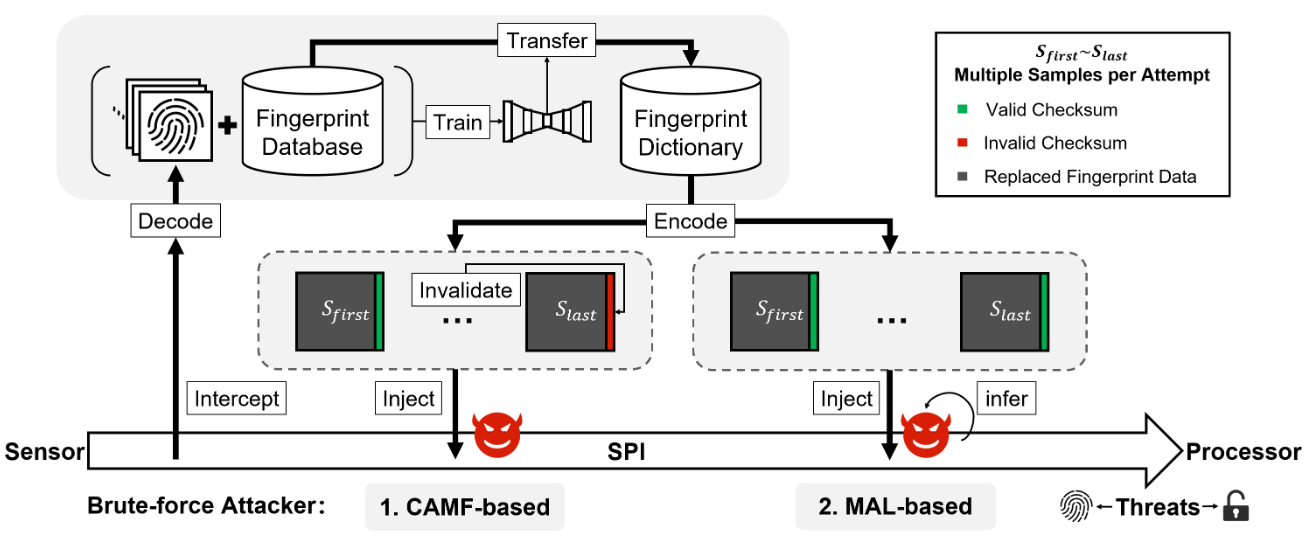
One honest caveat: WebAuthn protects the login ceremony, not your finger. Security researchers Yu Chen of Tencent's Xuanwu Lab and Yiling He of Zhejiang University demonstrated in 2023 that some smartphone fingerprint sensors could be attacked with lab equipment and physical access to the device, in a technique they named BrutePrint.
The attack required hours, special hardware, and holding the phone, which is a very different threat from remote phishing. It is a reminder that biometrics unlock the key locally, and the key's security still depends on the device holding it.
Where the standard stands now
WebAuthn is a finished, shipping standard, not a proposal. Level 1 (March 2019) and Level 2 (April 2021) are long-established, and Level 3 became a full W3C Recommendation on August 25, 2026.
Level 3 adds practical improvements rather than new security: related-origin requests (so one credential can work across a company's related domains), a signal API for keeping credential lists in sync, and better JSON helpers for developers. Work on Level 4 has already begun, with its first public working draft appearing in September 2026.
That maturity is part of why passkey adoption keeps climbing. The FIDO Alliance reported roughly 5 billion passkeys in use worldwide in May 2026. The remaining work is not the cryptography; it is account recovery, cross-platform consistency, and the reasons many websites still hesitate to offer passkey login at all.
If you are ready to try it yourself, the step-by-step guide to setting up a passkey on a Google account walks through the whole flow in a few minutes.
The bottom line
WebAuthn is the agreed rulebook that lets websites verify you without passwords: your device holds a private key, the site holds a matching public key, and your fingerprint or PIN only ever unlocks the key locally. Passkeys are simply the friendly name for those credentials, and FIDO2 is the umbrella covering WebAuthn plus the protocol that talks to your security key.
The standard is final, the browsers support it, and phishing cannot easily touch it. The next time a site offers "sign in with a passkey," you will know exactly what is happening behind the prompt.
Tags: WebAuthn, passkeys, security keys, FIDO2
Latest in Tech
- Why do some websites still not offer passkey login?
- How to set up a passkey on your Google account step by step
- What is satellite messaging on phones and how it works
Subscribe for one practical tech explainer a day, written from real sources.
Related stories

Apple plans two October launches: smart home hub, OLED MacBook Pro
Apple set October 13 for a smart home launch with a new hub, Apple TV 4K and HomePod mini, then October 27 for OLED MacBook Pro models

How to Check If Your Phone Supports eSIM in 30 Seconds
Dial *#06# and look for an EID number to confirm eSIM support in under 30 seconds. This guide also walks through the iPhone and Android

eSIM vs iSIM: what is the difference?
An eSIM is a dedicated chip on the phone's board, while an iSIM lives inside the processor itself. Qualcomm's Snapdragon 8 Gen