
Why Does Your Phone Battery Drain Faster When Traveling Abroad?
Key takeaways
- Abroad, your phone roams across unfamiliar networks and scans for towers constantly, keeping the cellular radio working far harder than at home.
- In weak-signal areas the phone boosts transmission power and resends lost data, draining the battery noticeably faster.
- Airplane mode with Wi-Fi re-enabled cuts most of that radio drain and can extend battery life by 20 to 50 percent.
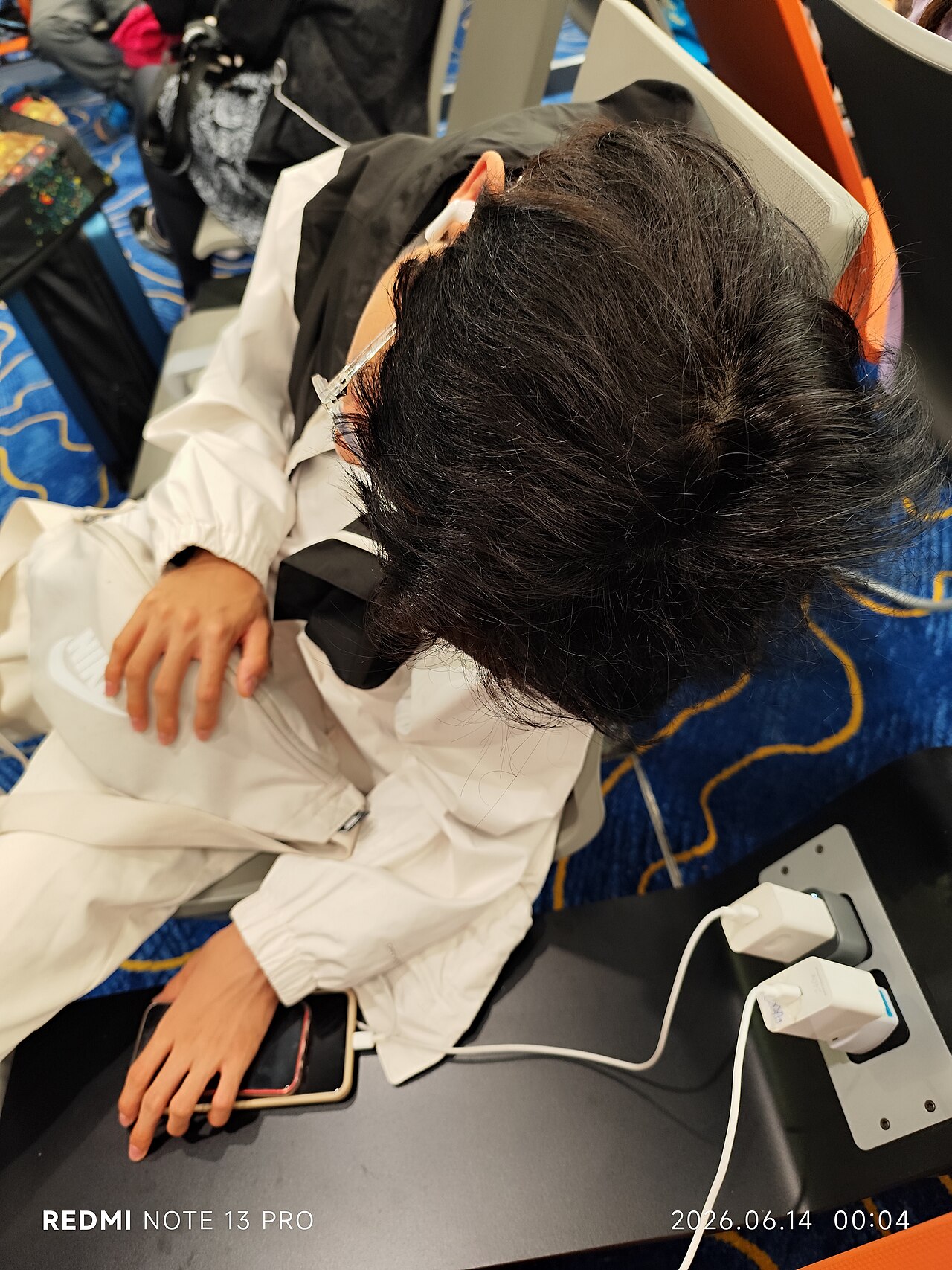
A traveler charges a phone in the Hong Kong Airport arrivals zone in June 2026. Photograph: MM88_Lok_Galia_PangPang/Wikimedia Commons
Image Credits: Wikimedia Commons / MM88_Lok_Galia_PangPang
Your phone does not get worse at holding a charge the moment you land in another country. What changes is how hard its cellular radio has to work to stay connected. On a foreign network, the device is essentially a guest, and guests do not get the same smooth treatment that home subscribers do.
This article explains what your phone is actually doing when it drains faster abroad, including the roaming handshake, weak-signal power boosts, and constant tower scanning, and what genuinely helps. It closes with a short FAQ on the myths that waste travelers' time.
Your phone works much harder on foreign networks
At home, your phone talks to one familiar carrier network. It knows which towers to use, which frequency bands are strongest, and when to hand off between them. Abroad, none of that familiarity exists.
When your phone connects to a visited network, it must repeatedly authenticate with your home carrier to prove your SIM is legitimate. This handshake happens not once but over and over as you move between cell sectors, for example walking from the airport to the city center. Each re-authentication costs processor time and radio energy.
Your phone also scans for compatible networks far more often than it does at home. Domestic handsets typically check for a better tower only when the current signal degrades. A roaming handset cycles through available bands and operators continuously, and that scanning never fully stops, even when the phone is idle in your pocket.
The difference is large enough that both Apple and Google publish travel-specific battery advice. Apple's support page, updated in February 2026, states that airplane mode turns off cellular and Wi-Fi, leaving all radios except Bluetooth off, and adds that airplane mode can also help save battery and lower roaming charges while traveling, according to TechUpsider's review of the documentation.
Google's Android help takes the same position in plain terms: "If you don't need your mobile network, turn on Airplane mode." The two biggest mobile platforms agree that the cellular radio is the main offender.
Why weak signal drains the battery so fast
Signal strength is the second half of the story, and it applies at home too. A phone that is straining to reach a distant or obstructed tower has to transmit at much higher power to be heard.
TechUpsider's analysis, published in late October 2026, lays out the physics: when the tower is far away or blocked by concrete, the phone transmits harder, resends lost pieces of data, and keeps looking for a better tower. Apple's own battery page lists this as a battery drain called "No Cell Coverage and Low Signal" and names airplane mode as the fix.
Samsung agrees. The company's battery guidance, updated June 24, 2026, states that an unstable network connection can result in faster battery drain. Three of the biggest names in smartphones point at the same mechanism.
The most careful measurement of the effect comes from researchers at Purdue University and the University of Cambridge. Presented at the ACM SIGMETRICS conference in 2013, their study collected signal data from 3,785 phones across 145 countries and then measured energy use in the lab. The finding: downloading the same amount of data over a weak signal costs far more energy than over a strong one.
This is why travelers notice the drain most in specific places. Rural areas with sparse tower coverage, old stone buildings that block signals, underground transit systems, and border zones where the phone flip-flops between two countries' networks are all classic battery killers. Your phone is shouting into the void, and shouting takes power.
Airplane mode: the single biggest fix
Airplane mode is the fastest way to stop the drain because it switches off the cellular radio entirely. On an iPhone, airplane mode turns off cellular and Wi-Fi while leaving Bluetooth on, so wireless earbuds keep playing, according to TechUpsider's summary of Apple's February 2026 support page. You can switch Wi-Fi back on inside airplane mode, and the iPhone remembers that choice.
How much does it save? Nobody official publishes a figure, but SamMobile's testing puts the range at 20 to 50 percent more battery life, depending on usage and signal conditions. In poor coverage the savings run even larger, since the phone stops wasting energy trying to reach distant towers.
The smart traveler setup is airplane mode plus Wi-Fi. Hotels, cafes, and airports in most of the world have usable Wi-Fi, and it uses substantially less power than a struggling cellular connection. Both Apple and Google recommend Wi-Fi over mobile data for exactly this reason.
If you must keep the cellular connection live, a few settings make a real difference. Disable Wi-Fi Assist on iPhone or its Android equivalent, so the phone does not hop back onto expensive roaming data mid-download. Drop location accuracy to battery-saving and switch push email to manual fetch.
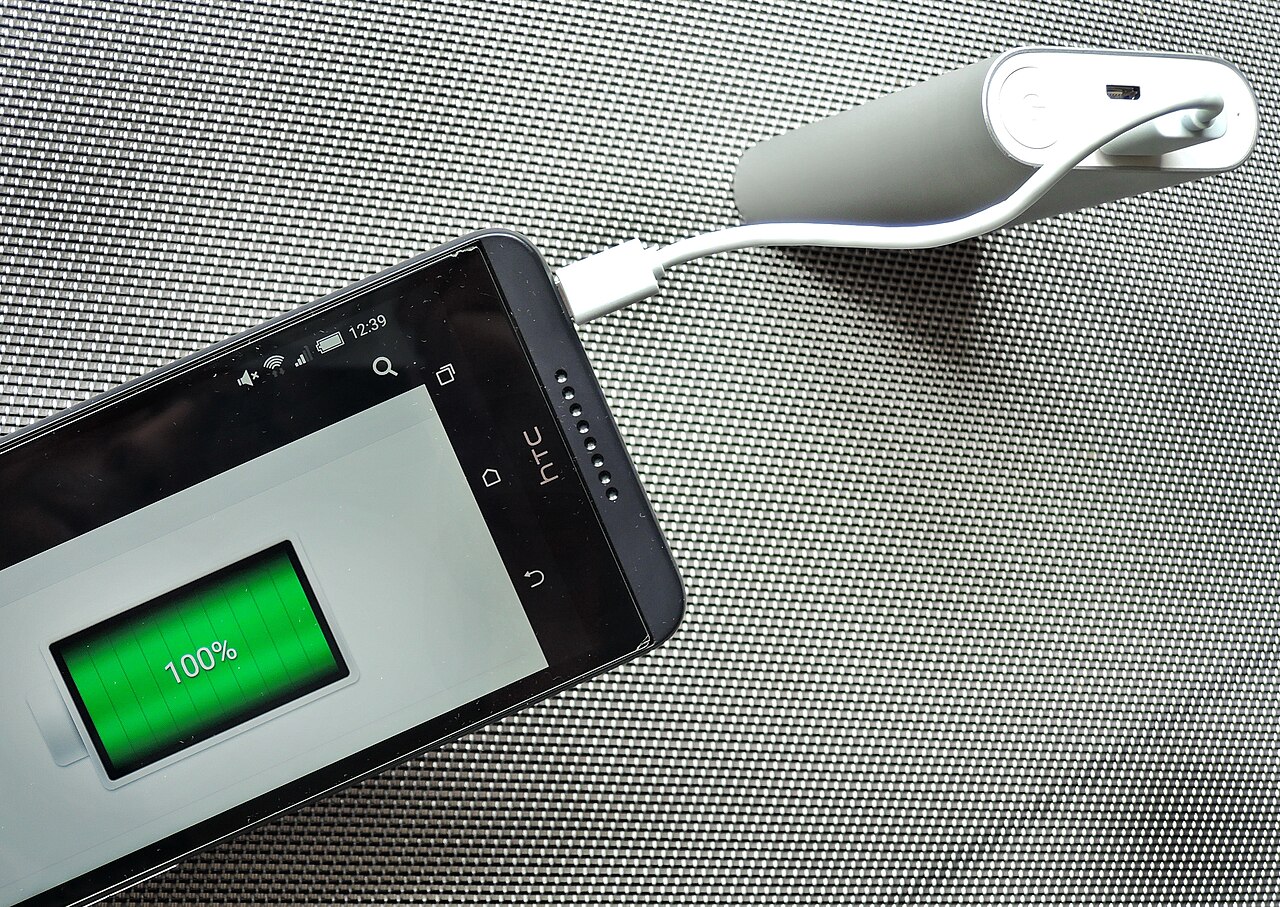
A phone charges from a Xiaomi USB power bank. Photograph: Mk2010/Wikimedia Commons
Image Credits: Wikimedia Commons / Mk2010
What actually does not help
The most persistent myth is that foreign electricity drains the battery, but it does not. Modern phone chargers automatically adapt to voltages between 100 and 240 volts and frequencies of 50 to 60 hertz. The wall socket changes how fast the battery refills, not how fast it empties.
A cheap, unregulated travel adapter can cause inefficient charging or heat buildup, and heat is genuinely bad for lithium-ion batteries over time. But a hot charger has no effect on how fast the phone discharges during normal use. If your battery is dying while the phone is on and active, the wall outlet is not the cause.
Closing apps does not help either. On both iOS and Android, suspended background apps consume essentially no power, and force-closing them often costs more, because relaunching from scratch is expensive. Check your battery screen: on travel days, cellular standby climbs to the top.
How to set up your phone before the flight
Do this once, before you leave, and the trip is dramatically easier. First, download offline maps for your destinations in Google Maps or Apple Maps. GPS reception alone costs far less power than a map that is streaming tiles over roaming data, and it works in airplane mode.
Second, download anything you will stream: podcast episodes, playlists, reading material, and translation language packs. Offline content means the radio can stay asleep for hours at a time.
Third, decide your connectivity strategy in advance. If your carrier offers a reasonable travel pass, activate it before departure rather than paying per-day roaming rates negotiated in real time, which keeps the phone from bouncing between expensive networks. If it does not, consider an eSIM from a local provider or a travel eSIM service, which gives you a domestic-style connection in the visited country and stops the constant roaming negotiation.
Fourth, pack power where it matters. A 10,000 mAh power bank adds roughly two full charges for most phones and weighs under 200 grams. It is the cheapest insurance against a dead phone in an unfamiliar city, and it works regardless of the local socket situation.
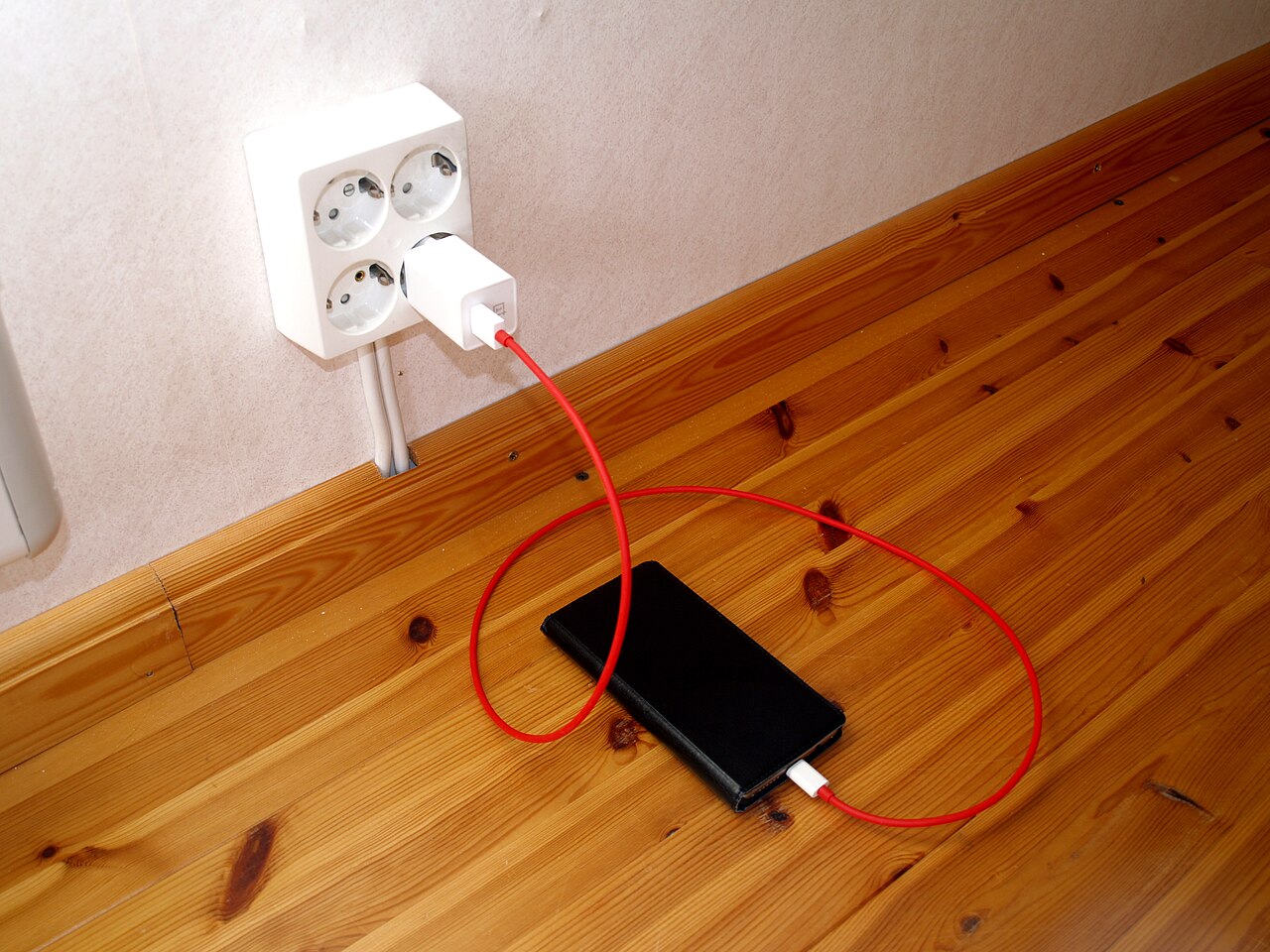
A smartphone charging via cable. Photograph: Santeri V / Wikimedia Commons
Image Credits: Wikimedia Commons / Santeri V (Zunter)
Finally, set a low-power routine. Enable Low Power Mode on iPhone or Battery Saver on Android when you head out for the day. These modes cut background work without switching off the cellular connection, so you stay reachable while the phone sips instead of gulps.
Frequently asked questions
Does roaming drain the battery even if I never make a call?
Calls are only a small part of the cellular radio's work. The scanning, tower handoffs, and re-authentication with your home carrier all happen in the background. A roaming phone sitting idle in your pocket still burns far more power than at home.
Is it better to buy a local SIM or use roaming?
For battery life, a local SIM is usually better. With a local SIM, your phone connects as a normal domestic subscriber instead of a roaming guest, so it skips the repeated home-carrier authentication and scans less aggressively. An eSIM from a local provider works the same way and avoids the physical SIM swap.
Why does the battery also die faster in very hot or cold places?
Lithium-ion batteries are chemistry, and chemistry is temperature-sensitive. Heat accelerates the side reactions that degrade capacity, while cold temporarily reduces the battery's ability to deliver current, which is why phones sometimes shut off in freezing weather even at 30 percent charge. Keeping the phone out of direct sun and in an inside pocket on cold days genuinely helps.
Should I leave my phone plugged in at the hotel overnight?
Yes, with one caveat. Modern phones stop charging at 100 percent without overcharging. If your phone offers optimized charging, turn it on so it finishes just before your alarm.
The bottom line
Your phone battery drains faster abroad for one main reason: the cellular radio works much harder. Roaming forces constant network scanning, repeated authentication with your home carrier, and higher transmit power in unfamiliar coverage. Apple, Samsung, and Google all document this in their battery guidance, and the Purdue and Cambridge measurements confirm that weak signals multiply the energy cost of every byte.
The fix is proportionate. Use airplane mode with Wi-Fi re-enabled whenever you do not need the cellular connection, disable the settings that wake the radio unnecessarily, and carry a power bank. These three steps address the actual cause instead of the myths, and they are the difference between a phone that dies by dinner and one that lasts the whole trip.
Latest in Travel
- Why airport codes look nothing like their city names
- Why planes sometimes board from the back and sometimes from the front
- Why some hotel rooms have two beds pushed together
- Why your Bluetooth headphones take so long to pair
Get a new travel explainer in your inbox every morning, subscribe to the Rive News newsletter.
Related stories

The 3-1-1 liquids rule for planes: what each number means
TSA's 3-1-1 rule limits carry-on liquids to 3.4-ounce containers in one quart bag. Where the 2006 rule came from, what counts, and how
Why Is Airplane Food So Bland at Altitude?
A 2010 Fraunhofer study found altitude cuts sweet and salty perception by up to 30 percent. Low humidity, cabin pressure, and noise all
Carry-on size limits: why airlines each set their own
Airlines set their own carry-on limits because the FAA only requires each carrier to have a policy, not one global size. Why 22 x 14 x