
Bluetooth pairing: how your phone finds your headphones
By Rive News / Research desk | Rive News / Published October 29, 2026 at 9:00 AM PKT
Key takeaways
- Headphones in pairing mode announce themselves on the 2.4 GHz band while your phone scans for them.
- Classic Bluetooth hops across 79 channels 1,600 times per second to dodge interference.
- Pairing ends in bonding: your phone stores a link key so the next connection is instant.
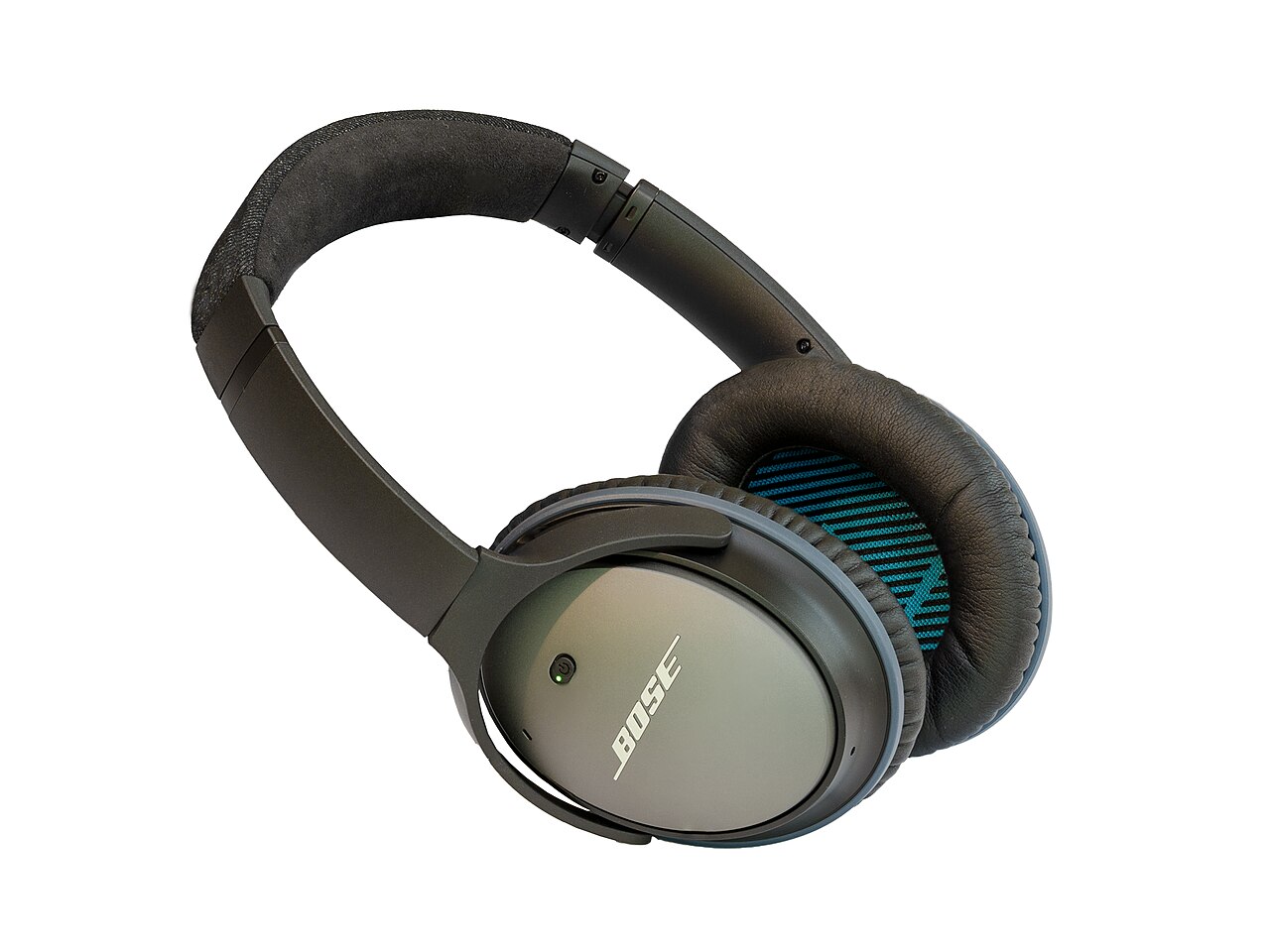
[Bose QuietComfort 25 acoustic noise cancelling headphones. Photograph: Florian Fuchs/Wikimedia Commons]
Image Credits: Wikimedia Commons
Bluetooth pairing looks like magic because nothing visible happens. You open the case, a name appears on your phone, you tap it, and music starts. Underneath that quiet list is a radio negotiation in the crowded 2.4 GHz band, shared with Wi-Fi, microwaves, and baby monitors.
Your headphones have to be heard above that noise, prove they are the device you meant, and agree on a secret for encrypting everything that follows.
This article explains what pairing actually is, how your phone finds a device, the handshake that sets up encryption, why reconnecting is instant, and why headphones sometimes vanish from the list.
What pairing actually is
Pairing is the first meeting between two Bluetooth devices, and it has two jobs. The first is discovery: each side must learn that the other exists and is willing to connect. The second is authentication: the two sides must agree they are allowed to talk and set up encryption so nobody nearby can listen in.
Pairing is not the same as connecting. A paired device is a known device. A connected device is a paired device currently in use.
That distinction explains a common confusion. Your phone can remember dozens of paired headphones, speakers, and cars while only playing audio through one of them at a time.
After pairing comes bonding. Bonding means both sides store the keys created during pairing, so later connections skip the whole introduction. When you open your earbud case a week later and audio resumes without a prompt, bonding is doing that work.
If you tell your phone to forget a device, you are deleting that stored key, and the next meeting starts from scratch.
Headphones usually enter pairing mode in one of two ways. Some switch to pairing automatically the first time they are switched on, because they have no stored partner yet. Others need a button held down for a few seconds, which puts them into a discoverable state for a limited window.
That window matters. A device that is merely switched on is not necessarily advertising itself to strangers.
How your phone finds a device
Classic Bluetooth discovery works as an inquiry. Your phone, acting as the scanner, sends out inquiry messages across the band, and any device in discoverable mode answers with its address and name. The scanning device listens on known frequencies for replies, and each reply supplies the information the phone needs to display that device in its list.
The band itself is the 2.4 GHz ISM band, running from 2400 to 2483.5 MHz. Classic Bluetooth divides it into 79 channels of 1 MHz each, starting at 2402 MHz. Once connected, the two devices hop between those channels at 1,600 hops per second, following a pseudo-random pattern set by the master device.
That hopping is why Bluetooth survives in a band full of Wi-Fi traffic. A burst of interference can spoil one channel, but the conversation has already moved on.
Bluetooth Low Energy, the variant used by many modern earbuds, trackers, and watches for their first announcement, works a little differently. Instead of an inquiry scan, the peripheral broadcasts short advertising packets on dedicated advertising channels, and the phone listens for them. The effect for the user is the same.
A name appears in a list. The radio method behind the list is not.
Distance and power shape what you see. The most common phone radio class, Class 2, reaches about 10 metres in open space, according to the Bluetooth technology references. Walls, bodies, and pockets shrink that in practice.
A headphone that appears when it sits on the desk may vanish from the scan when it is in a bag in the next room, simply because its signal no longer clears the noise.
On Android, a classic discovery scan lasts about 12 seconds, according to the CodePath Android connectivity guide, and the system reports each found device as it arrives. Closing the scan after two seconds may cut it short before your headphones answer.
The handshake that sets up encryption
Finding each other is only half the job. The two devices must now agree on a secret without ever sending it in the clear. Older Classic Bluetooth often did this with a PIN, commonly 0000 or 1234, typed on one side or both.
That method was simple and famously guessable, and it is one reason modern pairing looks different.
Modern devices use Secure Simple Pairing. The two sides exchange public values and run a Diffie-Hellman style key exchange, which lets both compute the same secret link key without transmitting that key itself. Anyone listening to the radio hears values that do not reveal the key.
Depending on the device, you may confirm matching numbers on two screens, tap to accept, or see nothing at all, in the case where one side has no screen.
Service discovery follows pairing. Your phone asks the headphones what they can do, using the Service Discovery Protocol. Headphones advertise audio profiles, such as stereo playback and hands-free calling, and the phone then knows which buttons and streams to offer.
A device that pairs but produces no sound has often failed at this stage, or has connected to a profile you did not expect, such as hands-free calling instead of stereo audio.
Once the link key exists, the two sides bond. The phone stores the key alongside the device's 48-bit Bluetooth address, the unique hardware identifier that lets it tell your earbuds apart from your neighbour's speaker. From then on, reconnection is a short check.
The devices recognise each other, confirm the stored key, and resume.
Why reconnecting is instant
Bonding is the whole reason reconnection feels instant. The introduction, the key exchange, and the profile negotiation have already happened. A later connection only needs the devices to find each other again and prove they hold the same key.
This also explains why a factory reset of either side breaks the spell. Resetting headphones wipes their stored keys, so your phone's stored key no longer matches anything. The phone may still list the device as paired, but the connection fails, and the fix is to forget the device on the phone and pair again from scratch.
Multipoint headphones add one more wrinkle. Some can hold bonds with two devices at once, such as a phone and a laptop, and switch audio between them. The bonds are separate, and each follows the same rules.
Switching does not re-pair anything. It only changes which bonded device is currently connected for audio.
Battery and power saving can also interrupt the story. Earbuds that run low may drop their advertising to save power, and a phone in a strict battery-saving mode may scan less often. Neither is a pairing failure.
Both are the radio going quiet to save energy, and both clear up when the case is charged or the phone is woken.
Why headphones sometimes vanish
The most common cause is also the simplest. The headphones are not in pairing mode. They may already be connected to another device, such as a laptop in the next room, and a connected device often stops advertising itself.
Turning that other device's Bluetooth off, or putting the headphones back in pairing mode, usually brings them back into view.
Interference is the second suspect. A busy 2.4 GHz environment, a microwave running nearby, or a dozen Bluetooth devices in a gym can all slow discovery. Moving closer, ideally within a metre or so, gives the scan a cleaner signal.
The Cumulocity sensor documentation recommends bringing a device within 30 centimetres for a first pairing, and that advice transfers well to headphones.
A third cause is a stale bond. If one side was reset and the other was not, the phone may try to use a dead key and fail silently. Forgetting the device on both sides and pairing again is the reliable fix.
Finally, some headphones hide themselves after a short pairing window, often a minute or two, and need their button held again. If a device never appears at all, check that window before assuming the hardware is broken.
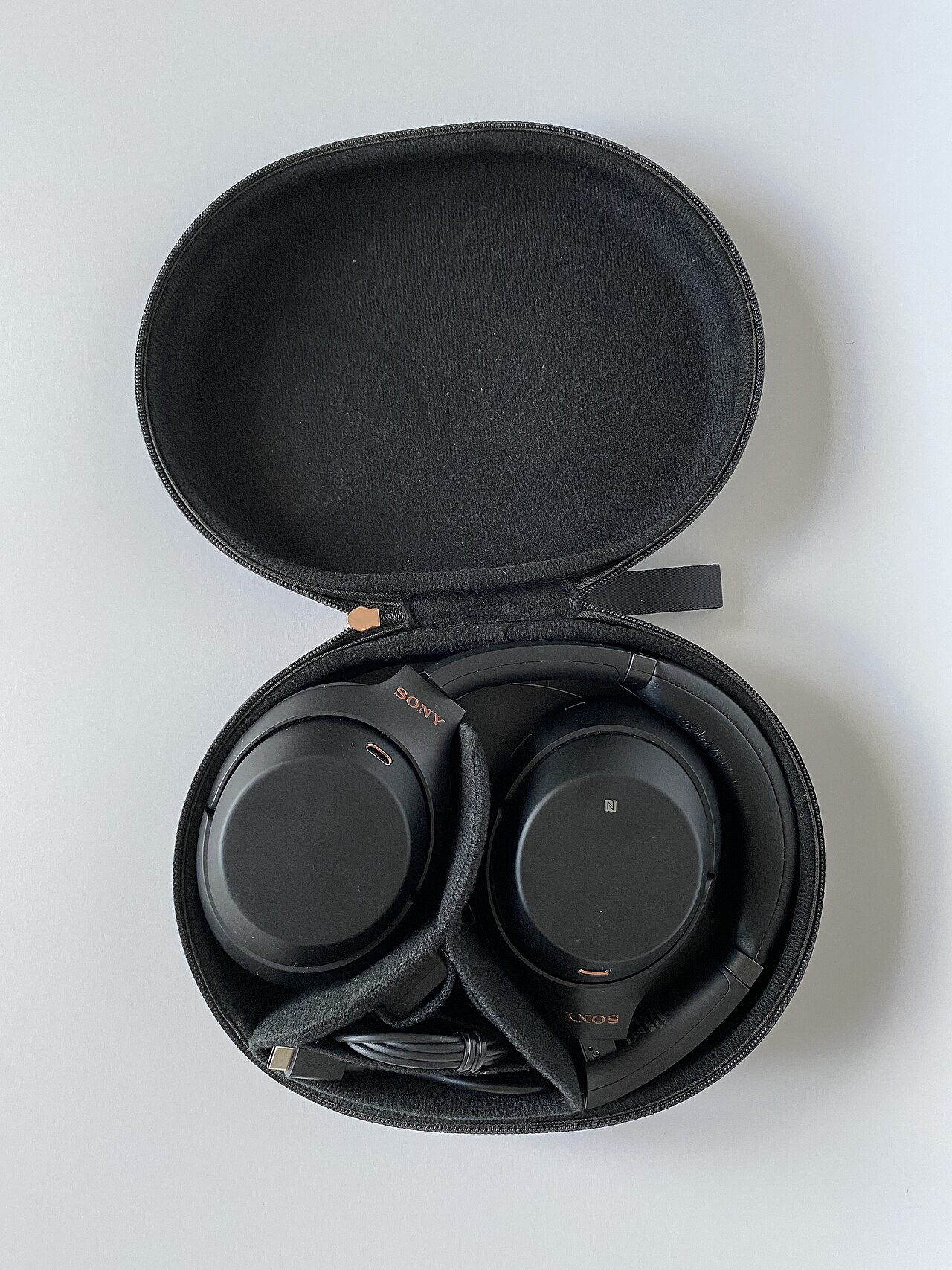
[Sony WH-1000XM3 wireless headphones with active noise cancelling, a popular hybrid-ANC design. Photograph: digitalpush.net/Wikimedia Commons]
Image Credits: Wikimedia Commons
Frequently asked questions
Why do my headphones need a button press to pair?
A button press puts them into discoverable mode for a limited window. Without it, they would advertise to every phone nearby all the time, which would waste battery and invite unwanted connection attempts.
Is Bluetooth pairing secure against eavesdropping?
Modern Secure Simple Pairing uses a key exchange that does not transmit the link key itself, and the link is then encrypted. Older PIN methods were weaker, which is why a fixed code such as 0000 should be treated as a sign of an old device.
Why does my phone connect to the wrong speaker?
Your phone reconnects to bonded devices it can reach, often the most recently used one. If a speaker in another room wins the race, disconnect it on the phone or switch the audio output manually.
Do I need to pair again after a phone update?
Usually not. Bonding keys survive most updates because they live in the Bluetooth system data, not in the app. If pairing breaks after an update, forgetting and re-pairing the device is the standard fix.
The bottom line
Your phone finds headphones by scanning the 2.4 GHz band for devices in discoverable mode, then runs a Secure Simple Pairing handshake that creates a link key without sending it over the air. Bonding stores that key, which is why the second connection is instant and the first one needs a button press. When headphones vanish, check pairing mode, distance, and stale bonds in that order before blaming the hardware.
Tags: Bluetooth, pairing, headphones
Rive News's research desk covers everyday technology in plain language, checking each claim against public documentation before publication.
Related
- What Bluetooth tracking is and how unknown tracker alerts work
- How wireless charging works and whether it harms the battery
- Why some apps drain battery in the background
- Why phone batteries degrade even if you barely use them
Subscribe to Rive News for one plain-English technology explainer each weekday.
Rive News publishes explainers based on public sources; corrections are noted on the article when a sourced fact changes.
Related stories

Apple plans two October launches: smart home hub, OLED MacBook Pro
Apple set October 13 for a smart home launch with a new hub, Apple TV 4K and HomePod mini, then October 27 for OLED MacBook Pro models

How to Check If Your Phone Supports eSIM in 30 Seconds
Dial *#06# and look for an EID number to confirm eSIM support in under 30 seconds. This guide also walks through the iPhone and Android

eSIM vs iSIM: what is the difference?
An eSIM is a dedicated chip on the phone's board, while an iSIM lives inside the processor itself. Qualcomm's Snapdragon 8 Gen