
How Does Wireless Charging Work, and Does It Harm the Battery?
Key takeaways
- Wireless charging sends power through magnetic induction between two coils.
- Wired charging runs near 95 percent efficient, while wireless typically reaches 70 to 80 percent.
- The lost energy becomes heat, and heat is what ages a battery faster.
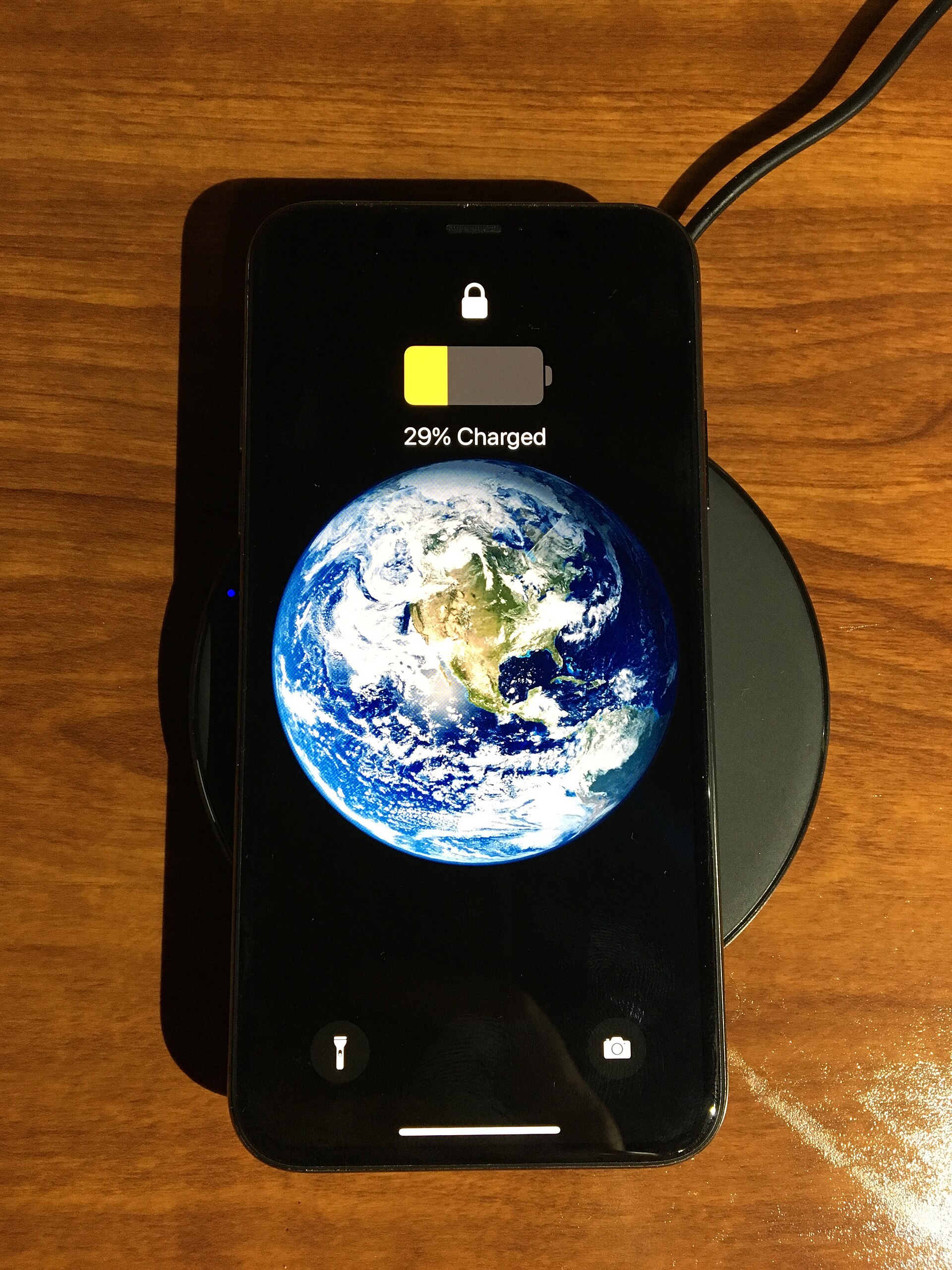
Wireless charging powers a phone without a cable plugged into it. The phone rests on a pad or a magnetic stand, and energy crosses the small gap between them. The trick is magnetic induction, a process that moves power through a magnetic field instead of a wire.
This article explains how wireless charging works, including coils, the Qi standard, and charging speed, and whether it harms the battery. It also covers how to charge wirelessly with less wear.
How wireless charging works
A wireless charger holds a coil of wire. When electricity flows through that coil, it creates an alternating magnetic field. The phone holds a matching coil inside its back.
When the phone rests on the pad, that magnetic field induces an electric current in the phone coil, which the phone converts into direct current (DC) to charge the battery.
Associate Professor Ritesh Chugh of Central Queensland University described the process to TechRadar in plain terms. He explained that the pad coil creates an alternating magnetic field, the phone coil picks it up, and the phone converts the result into direct current for the battery. He added a clear verdict: "No, wireless charging does not 'kill' your phone's battery.
" It can make the phone run slightly warmer, which may have a small effect on long-term battery health with frequent use.
The phone and charger also talk to each other during the session. Under the Qi standard, pronounced "chee," the two devices communicate to adjust current and voltage, hold safe temperatures, and avoid overcharging. Certified chargers add temperature monitoring, automatic shut-off, and foreign object detection.
If a set of keys lands on the pad, a good charger refuses to send power into it.
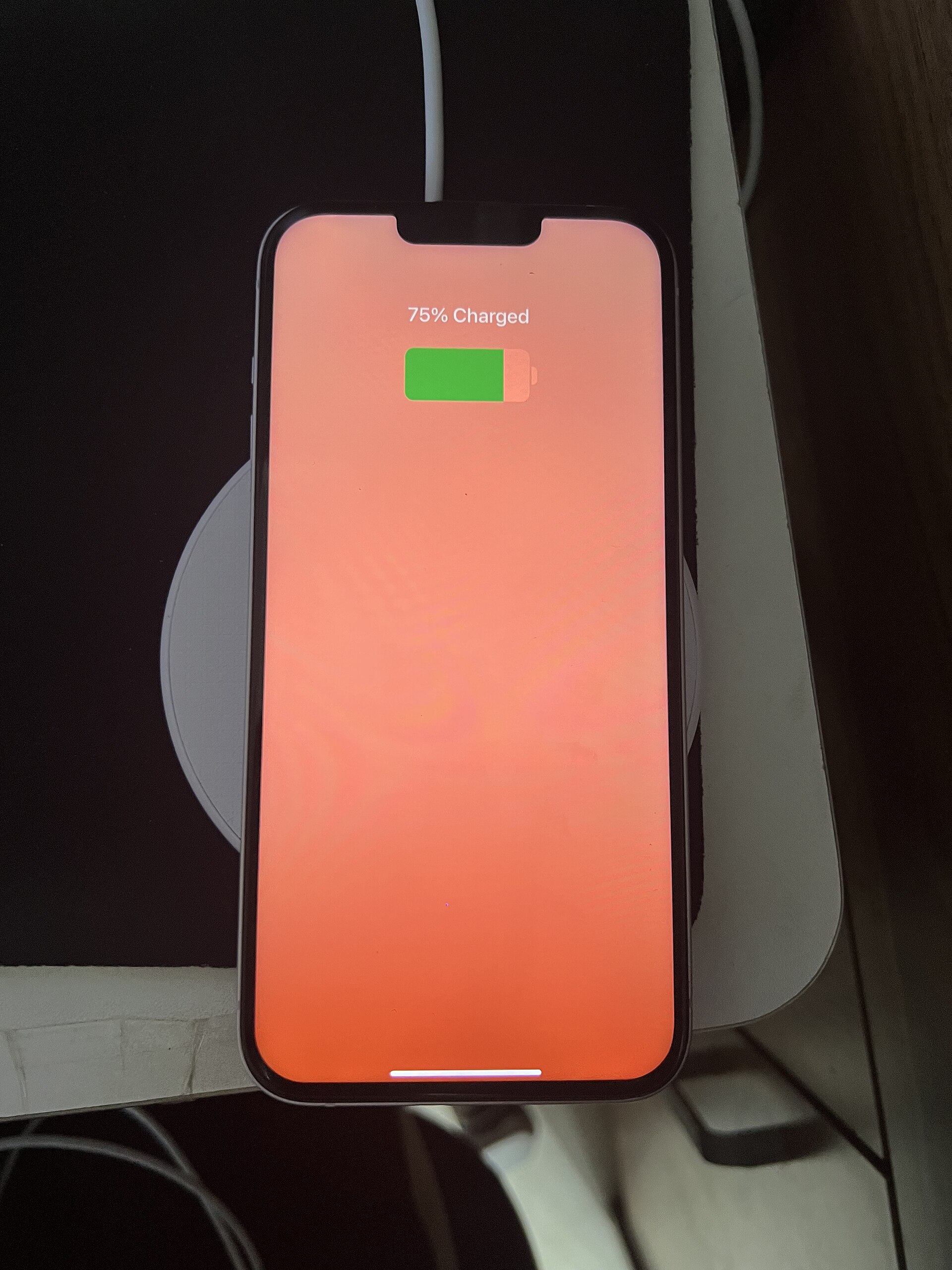
Alignment matters. When the coils sit centered on each other, the magnetic link is strong and little energy is wasted. When the phone sits crooked, the link weakens and more energy turns into heat.
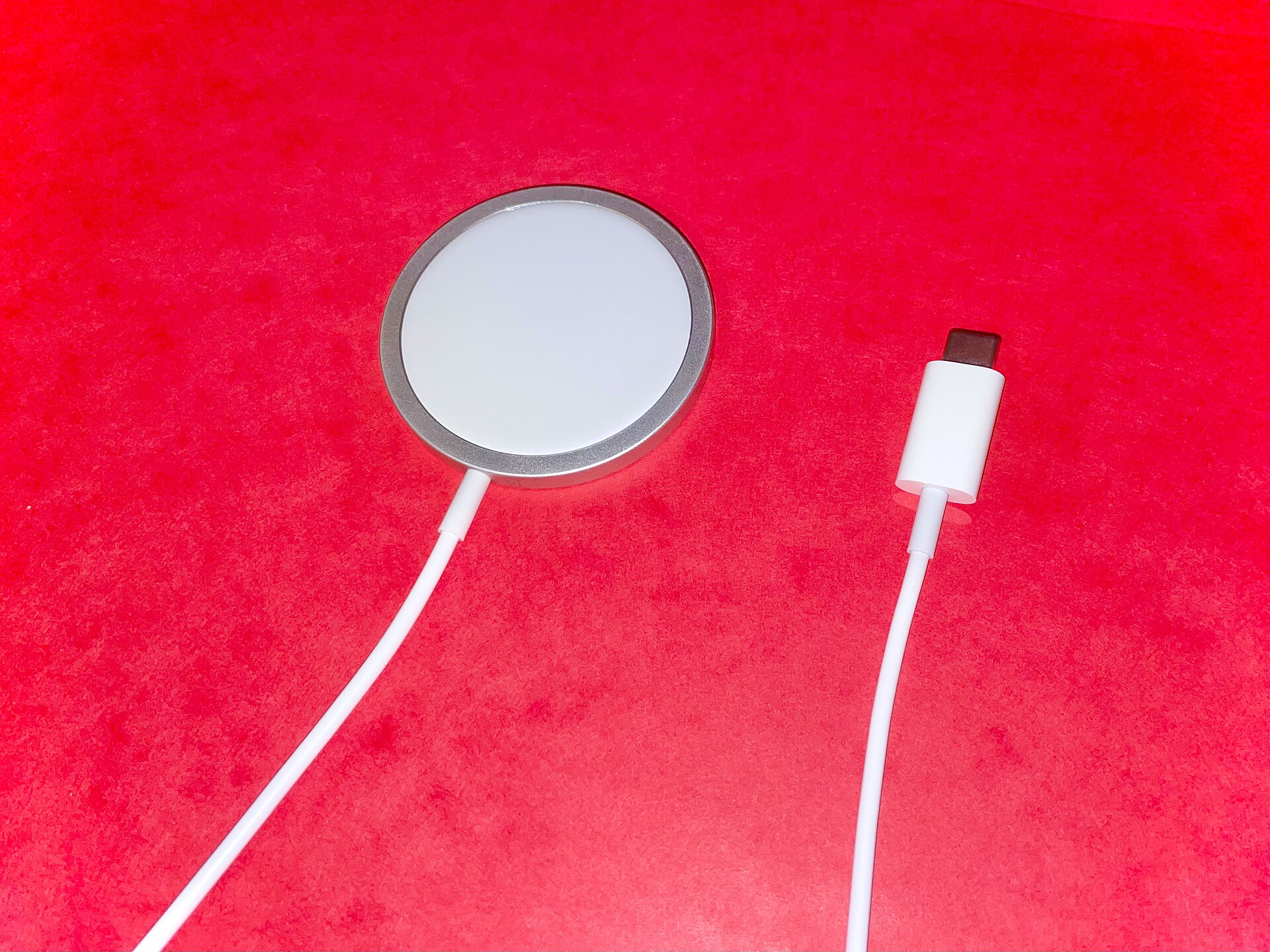
Magnetic systems such as Qi2 and MagSafe snap the phone into place, which fixes alignment without thought. That is one reason magnetic pads run cooler than older flat pads.
Why wireless charging is slower and less efficient
Wired charging moves electricity straight through a physical connection. Wireless charging converts electricity into a magnetic field and then back into electricity inside the phone. Each conversion loses some energy, and the lost energy appears as heat.
Kent Griffith, an Assistant Professor of Chemistry and Biochemistry at University of California, San Diego, gave TechRadar the key numbers. He said wired charging runs around 95 percent efficient, while wireless charging is typically 70 to 80 percent efficient, sometimes higher under ideal conditions. He added that any energy lost is lost as heat, and heat is what can speed up battery aging.
Engadget reports a similar gap. Charging systems approved under the Wireless Power Consortium Qi2 standard run up to 30 percent less efficient at getting power into a device than a cable. Dataconomy puts the energy cost higher still, reporting that wireless charging uses about 40 percent more electricity than wired charging, with 20 to 30 percent of power lost as heat plus 5 to 10 percent lost in conversion.
Speed shows the same gap. Engadget notes that an iPhone 18 Pro reaches 50 percent battery in 15 minutes with a 60W-capable adapter and USB-C cable, while the same step takes 30 minutes on a Qi2 wireless charger. Older phones cap at 15W, so they charge slower still.
The adapter matters too: a 25W charger fed by an old 5W power brick delivers only a slow 5W charge.
If your phone battery drains oddly fast in winter, see our guide on why a phone battery drains faster in cold weather.
Does wireless charging harm the battery?
Wireless charging does not ruin a battery on its own. It does add heat, and heat ages lithium-ion chemistry faster than cool charging. The size of the effect depends on how hot the phone gets, how often it charges wirelessly, and how long it sits warm.
Engadget reports that the extra heat can reduce capacity by up to 12 percent over two years, or up to 25 percent in hot environments. Modern phones fight back with built-in power management. They throttle charging speed when the device gets too warm and can pause a session until it cools.
Dataconomy notes that many devices throttle once temperatures pass about 45 degrees Celsius (113 degrees Fahrenheit).
Charge cycles matter as well. Engadget notes that lithium-ion batteries handle roughly 1,000 to 2,000 full charge cycles before performance fades. Keeping the battery near the middle of its range preserves those cycles.
That is why Apple and Samsung offer charge limits that hold the battery near 80 percent, found in Settings on iPhone 15 and later and under battery protection on Samsung devices.
The practical answer is moderation. Occasional wireless charging is fine, and even daily use causes little noticeable harm for most users, according to Chugh. The risk grows when a phone charges wirelessly in a hot room, under a pillow, or inside a thick case that traps heat.
How to charge wirelessly with less wear
Keep the phone cool and aligned, and wireless charging stays close to wired charging in real-world battery cost. These habits help most.
First, use a Qi-certified charger from a known maker. Certification brings temperature monitoring, shut-off, and foreign object detection. Cheap unbranded pads may skip those protections.
Place the pad on a hard, flat, ventilated surface, not on a couch or bed where heat builds up.
Second, center the phone on the pad. Magnetic chargers do this by themselves. With a flat pad, nudge the phone until charging starts, and check that it stays put.
If the phone feels hot, lift it off for a few minutes and let it cool before resuming.
Third, mind the case. Thick cases and cases with metal parts can block the magnetic link or trap heat. If the phone charges slowly or runs warm, try removing the case.
Very thick cases often cause trouble.
Fourth, use charge limits and avoid charging to 100 percent every night. Keeping the battery between about 20 and 80 percent cuts wear from both heat and high voltage. For overnight charging, wired charging on a cool surface with a charge limit is the gentlest option.
For daytime top-ups, a wireless pad on a desk works well.
Software updates can change charging behavior too, as covered in our guide on whether software updates make phones slower.
Wireless versus wired: when each wins
Wired charging wins on speed, efficiency, and battery gentleness. It delivers more power with less waste heat, and the phone stays usable while plugged in. For a fast top-up before leaving the house, a cable is the better tool.
Wireless charging wins on convenience. Drop the phone on a pad and walk away, with no cable to fray and no port to wear out. It suits desks, nightstands, and cars, where short top-ups happen all day.
Engadget reports that 88 percent of smartphone users are satisfied with their Qi2 charging device, according to the Wireless Power Consortium.
The two methods mix well. Many owners use a wireless pad for daytime top-ups and a cable overnight, with a charge limit set. Charging habits sit alongside other phone upkeep, such as how to free up storage without deleting photos.
That split keeps the convenience while holding heat and full-charge time down.
Frequently asked questions
Is it safe to leave a phone on a wireless charger overnight?
Yes, modern phones and certified chargers manage the session and stop at full charge. For the least wear, use a charge limit near 80 percent and keep the phone on a cool, hard surface. A wired charger with a limit is gentler still.
Why does my phone get hot on a wireless charger?
The magnetic transfer wastes some energy as heat, and poor alignment wastes more. A thick case, a soft surface, or a warm room makes it worse. Center the phone, remove a heat-trapping case, and move the pad to a ventilated spot.
Does wireless charging work through a phone case?
Thin cases designed for wireless charging work fine. Thick cases, metal plates, and card wallets can block the link or add heat. If charging slows or the phone warms up, remove the case and test again.
Is Qi2 better than older Qi charging?
Yes, for most phones. Magnetic alignment centers the coils every time, which cuts wasted energy and heat. Qi2 pads also support higher power, so charging runs faster than on older 10W pads.
The bottom line
Wireless charging works by magnetic induction, with a pad coil sending power across a small gap to a coil inside the phone. It runs less efficiently than a cable, typically 70 to 80 percent against about 95 percent, and the missing energy becomes heat. That heat, not the magnetic field, is what can age a battery faster.
Use a certified charger, keep the phone aligned and cool, and set a charge limit, and wireless charging costs little battery life for a great deal of convenience.
Tags: wireless charging, batteries, smartphones, Qi
Latest in Tech
- How to free up storage on your phone without deleting photos
- Are password managers safe for your logins?
- When is a laptop usable again instead of buying new?
Subscribe for one practical tech explainer each week.
Related stories

Apple plans two October launches: smart home hub, OLED MacBook Pro
Apple set October 13 for a smart home launch with a new hub, Apple TV 4K and HomePod mini, then October 27 for OLED MacBook Pro models

How to Check If Your Phone Supports eSIM in 30 Seconds
Dial *#06# and look for an EID number to confirm eSIM support in under 30 seconds. This guide also walks through the iPhone and Android

eSIM vs iSIM: what is the difference?
An eSIM is a dedicated chip on the phone's board, while an iSIM lives inside the processor itself. Qualcomm's Snapdragon 8 Gen