
Why Do Software Updates Make Old Phones Slower?
Key takeaways
- New software is built for newer hardware, so older phones carry heavier code on the same processor, memory, and battery.
- Aged batteries can trigger performance management that caps peak speed to prevent sudden shutdowns, which Apple documents for iPhone.
- Freeing storage, updating apps, restarting weekly, and checking battery health often restore speed without buying a new phone.
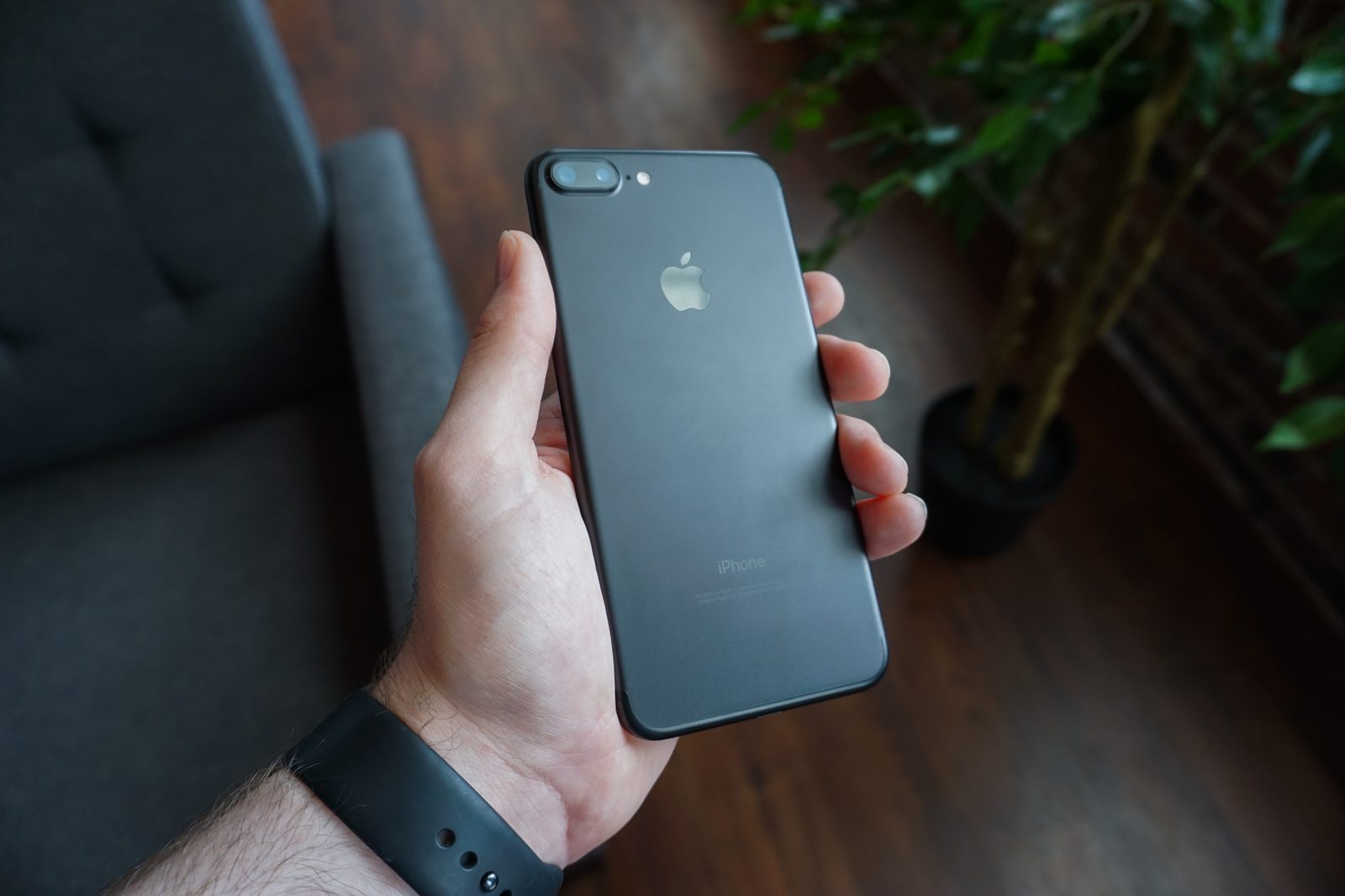
Many owners ask why do software updates make old phones slower after an otherwise routine install. A software update replaces part of the system that runs your phone, adding features, closing security holes, and changing how it manages power and apps.
On an older phone, that new system runs on the same processor, memory, and battery the phone shipped with. When the new code asks for more than that hardware can give with ease, taps, scrolling, and app launches feel slower.
This article explains what changes during an update, why new software feels heavier on old hardware, the battery link, the Apple throttling case, and steps that can help.
What changes when a phone updates
An update is not one single change. It can replace system files, add features, update built-in apps, change settings, and patch security flaws.
Security fixes matter because they close holes that attackers could use. MakeUseOf notes that updates patch existing bugs and vulnerabilities, which is why keeping software current protects the phone even when new features feel like a burden.
The same update can also change background behavior, adding new services, new animations, stronger checks, and new rules for how apps use power and data.
Those additions are small on their own. Together, they raise the baseline load, which means the phone has less spare capacity for the app you actually opened.
Why new software feels heavier on old hardware
Phone hardware stays fixed after purchase. The processor, memory, and storage do not gain speed because the software got newer.
SamMobile puts the mismatch plainly: developers optimise new versions for current-generation hardware, not devices from previous years. That leaves older phones running code tuned for faster chips and larger memory.
New camera modes, richer graphics, and extra security work all need processing power and memory. On a three or four year old phone, that cost can show up as lag.
Apps add weight too. When developers update apps for a new system version, they often assume newer specs. MakeUseOf notes that app developers may need time to optimise apps for a new OS version, and unoptimised apps can use more resources in the meantime.
Storage pressure makes the gap worse. SamMobile notes that as internal storage fills, the system has less room for temporary files and caching, which slows app launches. Keeping space free gives the system room to work, and freeing storage by deleting photos and files is one direct way to do that.
The battery link: when power limits speed
The battery is the second half of the story. All rechargeable batteries age, and lithium-ion batteries lose both capacity and peak power delivery as their chemical age rises.
Apple explains that a battery with higher impedance may not supply enough power when the system needs a sudden peak. If voltage falls too far, the phone can shut down to protect its parts, even though the shutdown feels sudden to the owner.
To avoid that shutdown, the system can cap peak performance. Apple states that iOS will "dynamically manage the maximum performance of some system components, such as the CPU and GPU." Apple says this step applies only when temperature, charge, and impedance require it to prevent an unexpected shutdown.
In extreme cases, Apple lists longer app launch times, lower frame rates while scrolling, and background apps that need reloading on launch. Call quality, photo quality, GPS performance, and Apple Pay are areas Apple says performance management does not affect.
Cold makes the same problem sharper. Apple notes that shutdowns are more likely with a low charge, a higher chemical age, or colder temperatures. If your phone also drains fast in winter, cold weather battery drain explains that separate effect.
What happened with Apple and iPhone throttling
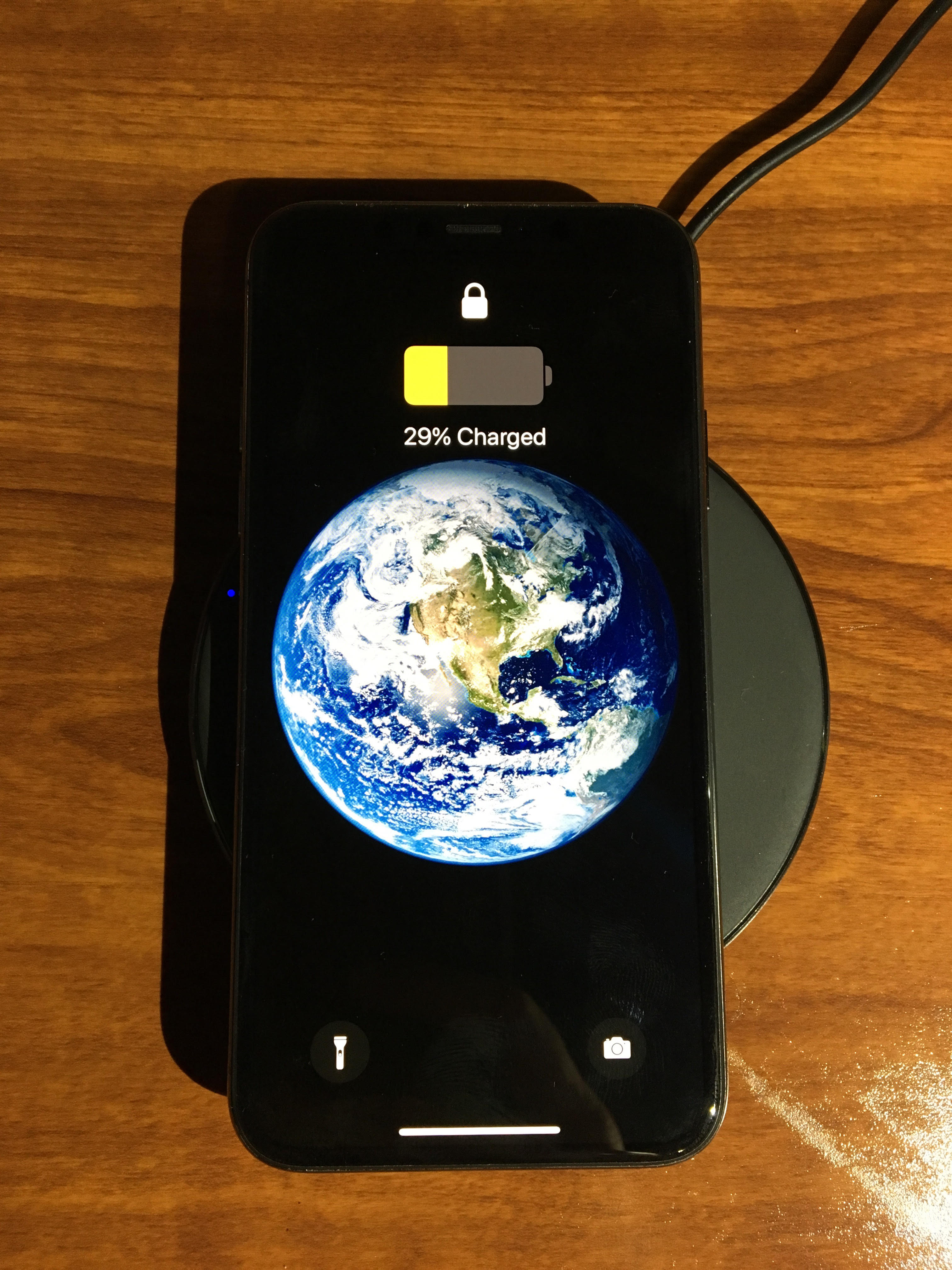
The most documented case of update-linked slowdowns involves Apple and older iPhones. In 2017, Apple released iOS 10.2.1 with performance management software built in, but made little mention of the change in the release notes, according to MacRumors.
The change was spotted by Primate Labs founder John Poole, who noticed lower than expected benchmark scores. Apple then confirmed that it had introduced software to limit maximum performance on some older iPhone models with chemically aged batteries, to stop the phones from shutting down without warning.
The backlash was about disclosure, not only speed. Owners said they had not been told about the change or given a clear chance to replace the battery first. Apple apologised for its lack of communication and cut battery replacement prices to $29 through the end of 2018, according to MacRumors.
Apple later added battery health screens in iOS 11.3, so owners could see capacity and peak performance capability. The same update turned off performance management by default until an unexpected shutdown occurred, according to MacRumors.
The legal fallout ended in a settlement. Apple agreed in March 2020 to pay up to $500 million to settle a class action that accused the company of secretly throttling older iPhone models, and a judge gave the deal preliminary approval in May 2020, according to MacRumors. The deal set a $310 million minimum payout floor, with about $25 per affected user at that stage, and Apple maintained that it had done nothing wrong legally.
The covered models were the iPhone 6, 6 Plus, 6s, 6s Plus, 7, 7 Plus, and SE, running iOS 10.2.1 or later, or iOS 11.2 or later, before December 21, 2017, according to MacRumors. The lesson is narrow but useful: a battery fix, not a new phone, can remove this kind of slowdown.
Why the first days after an update feel worst
Not every post-update slowdown is permanent. Some of the lag comes from apps and caches catching up with the new system.
MakeUseOf notes that cached data can become outdated or corrupt after a system update, which can cause lags, crashes, and odd behavior. Clearing cache removes those stale files, and on iPhone the equivalent step is to delete and reinstall the problem app.
App updates matter in the same window. Developers release fixes after a new OS version ships, so updating apps after the system update can close the compatibility gap. If the phone still feels slow after a few days of normal use and app updates, the cause is more likely lasting load or battery health.
A restart helps clear temporary strain. SamMobile suggests restarting weekly to clear temporary files and refresh system processes. That step is cheap, and it separates a one-time glitch from a real slowdown.
How to tell an update problem from a dying battery
Start with battery health on iPhone. Apple says batteries in iPhone 14 models and earlier are designed to retain 80 percent of original capacity at 500 complete charge cycles under ideal conditions, while iPhone 15 models are designed to reach the same mark at 1,000 cycles.
Open Settings, then Battery, then Battery Health to see maximum capacity and peak performance capability. If the screen says performance management has been applied, the battery is part of the slowdown, and a replacement can help.
On Android, battery health checks vary by brand, and some makers show capacity in Settings under Battery. If no built-in readout exists, a maker support page or a service check can confirm the state.
Watch the pattern too. Slowdowns that appear only at low charge, in the cold, or during heavy tasks point toward power limits. Slowdowns that hit every app at every charge level point more toward storage pressure, background load, or an app that has not been updated.
What can make an older phone feel faster again
Free storage first. SamMobile suggests keeping at least 10 to 15 percent of storage free for best system performance. Delete unused apps, old downloads, and duplicate media, and move photos and video to cloud storage or another device.
Update every app after a system update. MakeUseOf lists app updates as the first fix, because updates can include optimisations for the new OS version. Remove apps you no longer use, since unused apps can still consume storage and system resources.
Trim background load. Turn off background refresh and location access for apps that do not need them, and reduce notifications that wake the phone. Fewer background jobs leave more headroom for the app in front of you.
Reduce visual load where the phone allows it. Turning off live wallpapers, cutting motion effects, and lowering brightness can reduce work for the processor and screen.
Check the battery before buying a new phone. Apple says replacing a degraded battery can improve device performance when performance management is the cause. A battery service costs less than a new handset, and it keeps a working phone in use longer.
Charging habits also matter for long-term battery health. If you use a pad, how wireless charging works and whether it harms the battery can help you judge the trade-off.
Consider a factory reset only as a last step. MakeUseOf describes it as a last resort because it erases all data and apps. Back up first, and try the cheaper fixes above before wiping the phone.
FAQ
Does every software update slow down an old phone?
No. Some updates feel neutral, and some fix bugs that were already slowing the phone. Major version updates carry the most risk, since they add the most features and code.
Should I skip updates to keep my phone fast?
Skipping security updates is a poor trade. Security fixes close holes that attackers can use. Install the update, then free storage, update apps, and check battery health.
Will a new battery make my old phone fast again?
It helps when the battery is the bottleneck. If performance management was capping peak speed, a fresh battery can restore full performance. If storage pressure or heavy software is the cause, a battery alone will not fix the lag.
The bottom line
Old phones slow down after updates because new software asks more of fixed hardware, apps and caches lag behind the new system, and aged batteries can trigger speed caps that prevent shutdowns. Check storage, app updates, and battery health before assuming the phone is finished. A battery replacement is often cheaper than a new phone.
Tags: smartphones, software updates, phone performance, battery health
Latest in Tech
- Free up storage on your phone by deleting photos and files
- Why your phone battery drains faster in cold weather
- How wireless charging works and whether it harms the battery
- The difference between 4G, LTE, and 5G in everyday use
Subscribe to the Rive News newsletter for one plain-English tech explainer each week.
Related stories

Apple plans two October launches: smart home hub, OLED MacBook Pro
Apple set October 13 for a smart home launch with a new hub, Apple TV 4K and HomePod mini, then October 27 for OLED MacBook Pro models

How to Check If Your Phone Supports eSIM in 30 Seconds
Dial *#06# and look for an EID number to confirm eSIM support in under 30 seconds. This guide also walks through the iPhone and Android

eSIM vs iSIM: what is the difference?
An eSIM is a dedicated chip on the phone's board, while an iSIM lives inside the processor itself. Qualcomm's Snapdragon 8 Gen