
How does a password manager keep your logins safe
Key takeaways
- A password manager stores your logins in an encrypted vault that only your master password can open.
- Zero-knowledge design means the provider cannot read your vault, even if its servers are breached.
- Unique, generated passwords stop one leaked login from unlocking your other accounts.
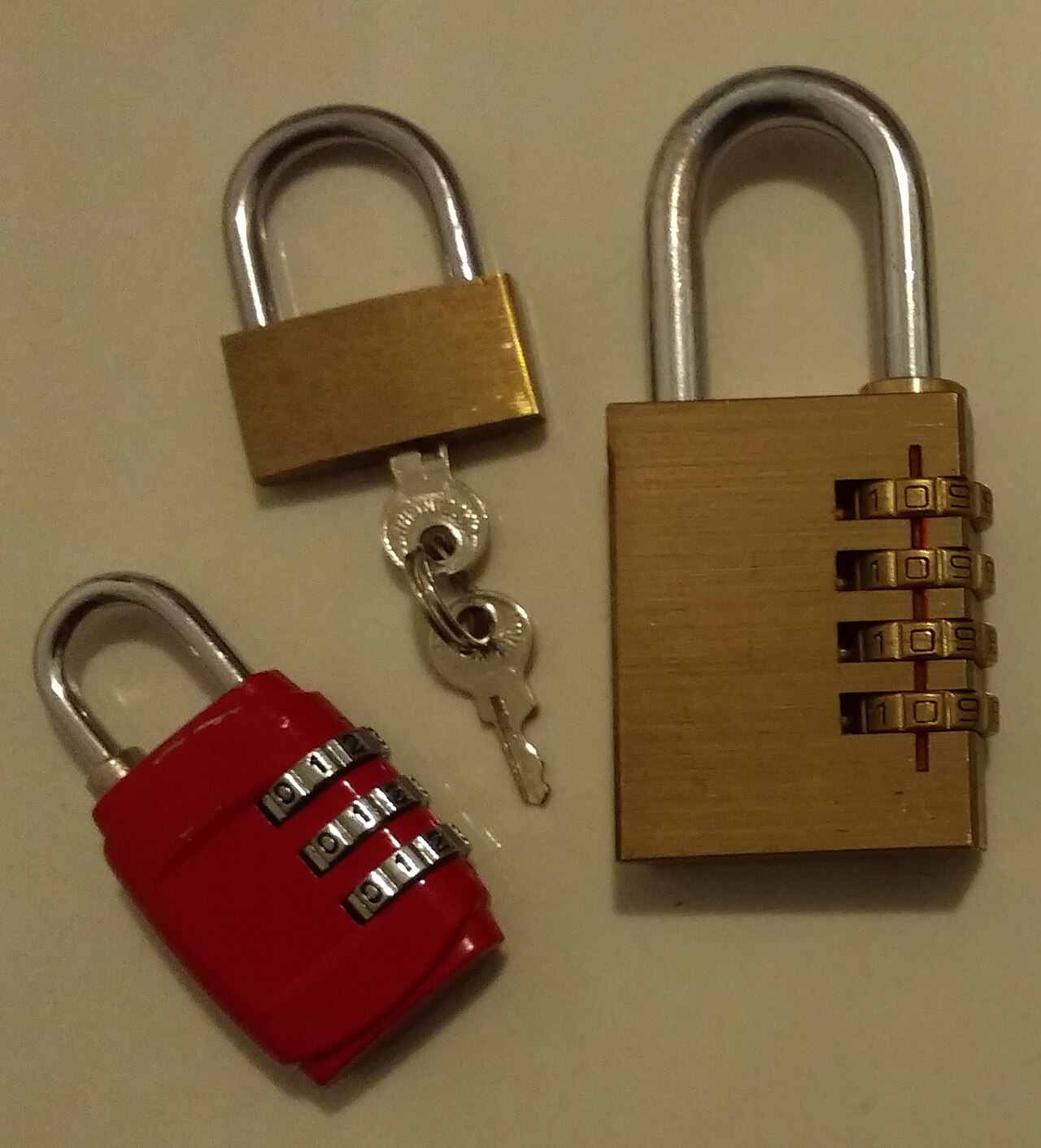
A password manager is an app that creates, stores, and fills in your logins for you. You remember one strong master password. The manager remembers the rest.
Each site gets a long, random password that you never need to type or memorize.
This article explains how a password manager keeps your logins safe, including encryption and zero-knowledge design, autofill checks, the risks that remain, and how to pick and use one.
What a password manager actually does
The core job is simple: give every account its own strong password, and keep those passwords locked away. Reusing one password across sites is the habit that causes the most damage. If one site leaks its password list, attackers try the same email and password on banking, email, and shopping sites.
This attack is called credential stuffing.
A password manager breaks that chain. Its generator creates random passwords with no link to your name, birthday, or favorite team. Because each login is unique, one breach stays contained.
Android Authority puts it plainly: with unique passwords, a single breach at a random social media site will not compromise your banking and sensitive accounts.
The manager also removes the memory problem. People who juggle dozens of accounts tend to pick short, memorable passwords or write them on sticky notes. A vault holds hundreds of logins behind one master password, so you can afford to make each stored password long and random.
Most managers sync across devices. Your phone, laptop, and tablet share the same encrypted vault. Many also store passkeys, card details, and secure notes.
Some check your vault for weak, reused, or breached passwords and flag the ones to change first.
How encryption and zero knowledge work
Encryption is what turns your passwords into unreadable ciphertext. The vault on your device is locked with a key derived from your master password. Without that key, the stored data looks like random noise.
The process has two steps. First, a key derivation function stretches your master password into a cryptographic key. LastPass says its system uses PBKDF2-HMAC-SHA256 for this step, with 600,000 rounds of hashing plus salting.
Salting adds random data to your password before hashing, which blocks attackers from precomputing answers.
Second, the derived key encrypts the vault with AES-256. LastPass notes that AES-256 is approved by NIST and CISA for protecting sensitive federal and military assets, and that a 256-bit key offers more than 1.1 x 10^77 possible combinations. Comparitech adds that some managers use XChaCha20 instead, which offers a similar level of protection. Either way, guessing the key by brute force is not a realistic attack.
Zero knowledge is the design rule on top of the math. In a zero-knowledge manager, encryption happens on your device before anything reaches the provider's servers. The provider stores ciphertext it cannot read.
Android Authority notes that no credible password manager service will ever record your master password or keep a copy of the encryption keys used to decrypt your vault.
This design has a sharp edge. If you forget your master password, the provider cannot reset it for you. A reset would mean the provider could open your vault, which would break the zero-knowledge promise.
Write down your recovery details and store them somewhere safe, like a locked drawer or a sealed envelope with a trusted person.
How autofill stops phishing
Autofill is the feature you use every day, and it is also a security tool. A password manager checks the address of the page before it fills anything in. Comparitech explains that a manager only autofills when the URL is an exact match, which helps you avoid scams.
This matters because phishing pages look convincing. A fake bank login can copy the real site pixel for pixel. Your eyes may miss the wrong domain.
Your password manager will not fill your bank password into a lookalike address, because the address does not match the saved entry.
Autofill also protects against keyloggers. A keylogger records what you type. When the manager fills a password for you, you type nothing.
This does not make you immune to malware, but it removes one easy way for attackers to harvest passwords.
Passkeys go one step further. A passkey is a cryptographic credential tied to a specific site. There is no password to steal, phish, or reuse.
Many managers now store passkeys alongside passwords, so you can switch to them where sites support them.
What a password manager cannot protect you from
A password manager is a vault, not a bodyguard. It cannot protect a device that is already infected with malware. Android Authority warns that a malicious program watching your clipboard could siphon passwords, and a keylogger could record your master password as you unlock your vault.
Keep your devices updated and run reputable security software.
It cannot fix a weak master password. Your master password is the key to everything. A short or guessable master password undermines the whole design.
Pick a long passphrase you can remember, such as five random words with a number mixed in. Never reuse your master password anywhere else.
It cannot stop you from approving a scam. If a fake support agent talks you into reading out a code or approving a login, the manager cannot intervene. Treat every urgent call or message asking for codes as suspect.
Real support teams do not ask for your master password.
It cannot guarantee a provider will never be breached. Several managers have suffered breaches in the past. In a zero-knowledge design, a breach exposes ciphertext, not usable passwords.
That is the point of the architecture. Still, pick a provider with a clean track record, independent audits, and fast patching.
How to pick and use one safely
Start with the architecture. Choose a manager that uses zero-knowledge encryption and states it clearly. If a provider can reset your master password for you, it is not zero-knowledge, whatever its marketing says.
Look for independent security audits and a public record of fixing flaws.
Turn on two-factor authentication for the vault itself. A second factor, such as an authenticator app or a hardware key, blocks an attacker who somehow learns your master password. Biometrics can add convenience on a phone, though a face or fingerprint unlock should never replace the master password entirely.
For more on how face unlock works, see our explainer on whether a photo can fool face unlock.
Run a vault health check after setup. Change reused passwords first, then weak ones, then any flagged as breached. Start with email, banking, and cloud storage, since those accounts can reset the rest.
Keep the app and your devices updated, since software updates often patch the flaws attackers exploit.
Share passwords through the manager, never by text or email. Most managers offer secure sharing with family or colleagues. The recipient gets access without ever seeing the password in plain text.
Secure your home network too, since your vault syncs over it. Our guide on whether you need a mesh Wi-Fi system covers the basics of stronger home coverage. Revoke shared access when the need ends.
Revoke access when the need ends.
Back up your recovery details. Export an encrypted backup if the manager supports it, and store it separately from your devices. Test the recovery path once, while you are calm, so you know it works before you need it.
Is a password manager safer than a browser's built-in saver?
Dedicated managers usually offer more: zero-knowledge design, health checks, breach alerts, and secure sharing. Browser savers are better than reusing passwords, but they vary in how they store and protect your logins.
Can a password manager be hacked?
Yes, any software can have flaws. The question is what a breach exposes. With zero-knowledge encryption, attackers get ciphertext they cannot read without your master password.
What happens if I forget my master password?
In a true zero-knowledge design, nobody can recover it for you. You may lose access to the vault. Set up recovery options and store your recovery details safely when you first create the account.
Are free password managers safe?
Reputable free managers use the same encryption as paid ones. Check the provider's audit history and business model. Avoid obscure managers that offer no audits and no clear way of making money.
The bottom line
A password manager keeps your logins safe by giving every account a unique password, locking the vault with strong encryption, and keeping the key out of the provider's hands. Autofill adds a quiet phishing check on every login. The system has limits, so pair it with a strong master password, two-factor authentication, and updated devices.
The weakest link is rarely the math. It is the human holding the key.
Tags: password manager, online security, encryption, privacy
Latest in Tech
- Free up storage on your phone without deleting photos
- Can a photo fool face unlock?
- Do software updates make phones slower?
- Do you need a mesh Wi-Fi system?
Subscribe for weekly tech explainers from the Rive News research desk.
Related stories

Apple plans two October launches: smart home hub, OLED MacBook Pro
Apple set October 13 for a smart home launch with a new hub, Apple TV 4K and HomePod mini, then October 27 for OLED MacBook Pro models

How to Check If Your Phone Supports eSIM in 30 Seconds
Dial *#06# and look for an EID number to confirm eSIM support in under 30 seconds. This guide also walks through the iPhone and Android

eSIM vs iSIM: what is the difference?
An eSIM is a dedicated chip on the phone's board, while an iSIM lives inside the processor itself. Qualcomm's Snapdragon 8 Gen