
What is a mesh Wi-Fi system and do you need one
Key takeaways
- A mesh system uses several nodes that act as one network with a single name, so devices move between nodes without manual switching.
- The backhaul link between nodes decides real speed, and wired backhaul beats wireless backhaul every time.
- Mesh suits larger homes and several dead zones, while a single weak room is often fixed cheaper with an extender.
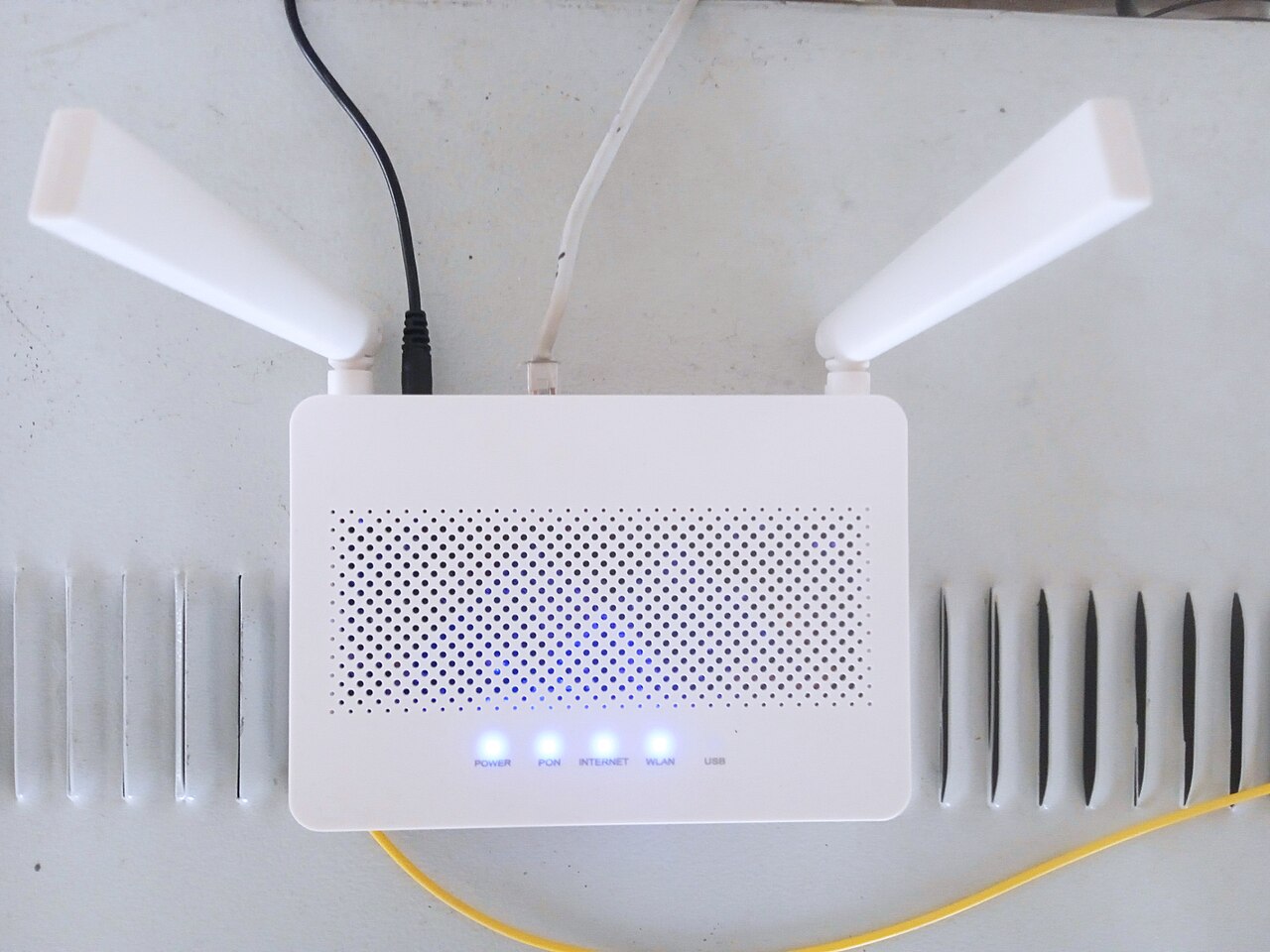
A mesh Wi-Fi system is a set of small router-like devices, called nodes, that work together to cover a home with one wireless network. One node connects to your modem, and the other nodes spread the signal to rooms the main unit cannot reach well. Your phone or laptop sees a single network name and moves between nodes on its own as you walk around the house.
This article explains what is a mesh Wi-Fi system and do you need one, including how it differs from a Wi-Fi extender, what backhaul means for speed, and how to decide between mesh, an extender, and a wired access point. The answer depends on your home, not on the box.
What a mesh Wi-Fi system is
A traditional setup has one router broadcasting from a single point. That works in a small, open space, but walls, floors, and distance weaken the signal. A mesh system replaces that single point with several points that cooperate.
NETGEAR describes mesh Wi-Fi as multiple devices that create one seamless network, with each device called a node, and with nodes that keep you connected to whichever node has the strongest signal.
How mesh differs from an extender
A Wi-Fi extender, also called a repeater or booster, is a single device that picks up your router's signal and rebroadcasts it further into your home. That sounds similar to mesh, but the experience differs in two ways that matter. First, an extender often creates a second network name, so devices do not switch over on their own.
Second, an extender adds a relay step that can cut speed.
NETGEAR notes that traditional dual-band extenders use a single channel to receive data and then broadcast it again, which may reduce available bandwidth by half. Astound gives the same warning in plainer terms: extenders need to use about half of the available bandwidth to talk back to the router. That does not make extenders useless, but it explains why a far room can show full signal bars and still feel slow.
Mesh systems handle the same relay problem with more radios and smarter routing. A tri-band mesh node can use a dedicated radio for node-to-node traffic, so your laptop and the backhaul link do not fight over the same airtime. TP-Link points out that a dedicated backhaul radio reduces the penalty rather than removing it, since the backhaul is still wireless and each extra hop adds another link.
A wired Ethernet backhaul removes the penalty entirely, because the cable carries the node-to-node traffic.
What backhaul means and why it decides speed
Backhaul is the link that carries traffic between an extra device and the router. Every extender and every wireless mesh node depends on it. If the backhaul is weak, everything behind that node is slow, no matter how strong the signal looks on your phone.
There are three common setups. A single-radio extender uses the same channel to talk to the router and to your device, so each frame uses airtime twice. TP-Link explains that Wi-Fi radios are half-duplex and cannot transmit and receive on the same channel at once, which is why usable bandwidth roughly halves on single-radio designs.
A mesh node with a dedicated backhaul radio moves node-to-node traffic onto its own radio, preserving more capacity for your devices. A node wired with Ethernet backhaul spends none of its airtime on backhaul at all.
When mesh is worth it
Mesh earns its price when the problem is bigger than one room. NETGEAR positions mesh for medium to large homes of 3,000 square feet or more, or for homes with complex layouts. Multi-story houses, homes with thick brick or concrete walls, and long hallways all fit that pattern.
If you have two or more dead zones, mesh is usually the cleaner fix.
A home office at the far end of the house is a classic mesh case. The worker needs steady speed for calls and file uploads, and the family needs coverage everywhere else. A two- or three-node kit covers both needs with one network name and one set of settings.
When mesh is not worth it
Mesh is overkill for a small home with one weak spot. If a single router already covers nearly everything and only one room struggles, an extender is a simpler and cheaper fix. NETGEAR notes that basic extenders can cost as little as 20 to 30 dollars, while mesh kits cost far more because you buy two or more devices at once.
Mesh also cannot fix a slow internet plan. TP-Link and NETGEAR both warn that a mesh system is only as fast as the connection from your internet provider. If your plan delivers 20 to 30 megabits per second, the best mesh hardware will not make it faster.
Check your plan speed first, and test with a wired connection to the modem before buying new hardware.
Thick walls deserve a special note. Mesh has no magic ability to punch through concrete, brick, or metal. Its signals follow the same physics as any Wi-Fi radio at the same frequency and power.
Mesh helps through placement: a node on the far side of an obstruction means fewer walls between each device and a radio. If a wall blocks the signal completely, the fix is a cable or a node placed around the obstruction, not a stronger box.
How to choose: extender, mesh, or wired access point
Four questions settle most decisions. Answer them in order, and the right option usually becomes clear.
First, how many areas need better coverage? One area next to good coverage points to an extender. More than one area points to mesh or to multiple wired access points.
Each extra extender adds another device to configure and another wireless hop, which compounds the backhaul penalty.
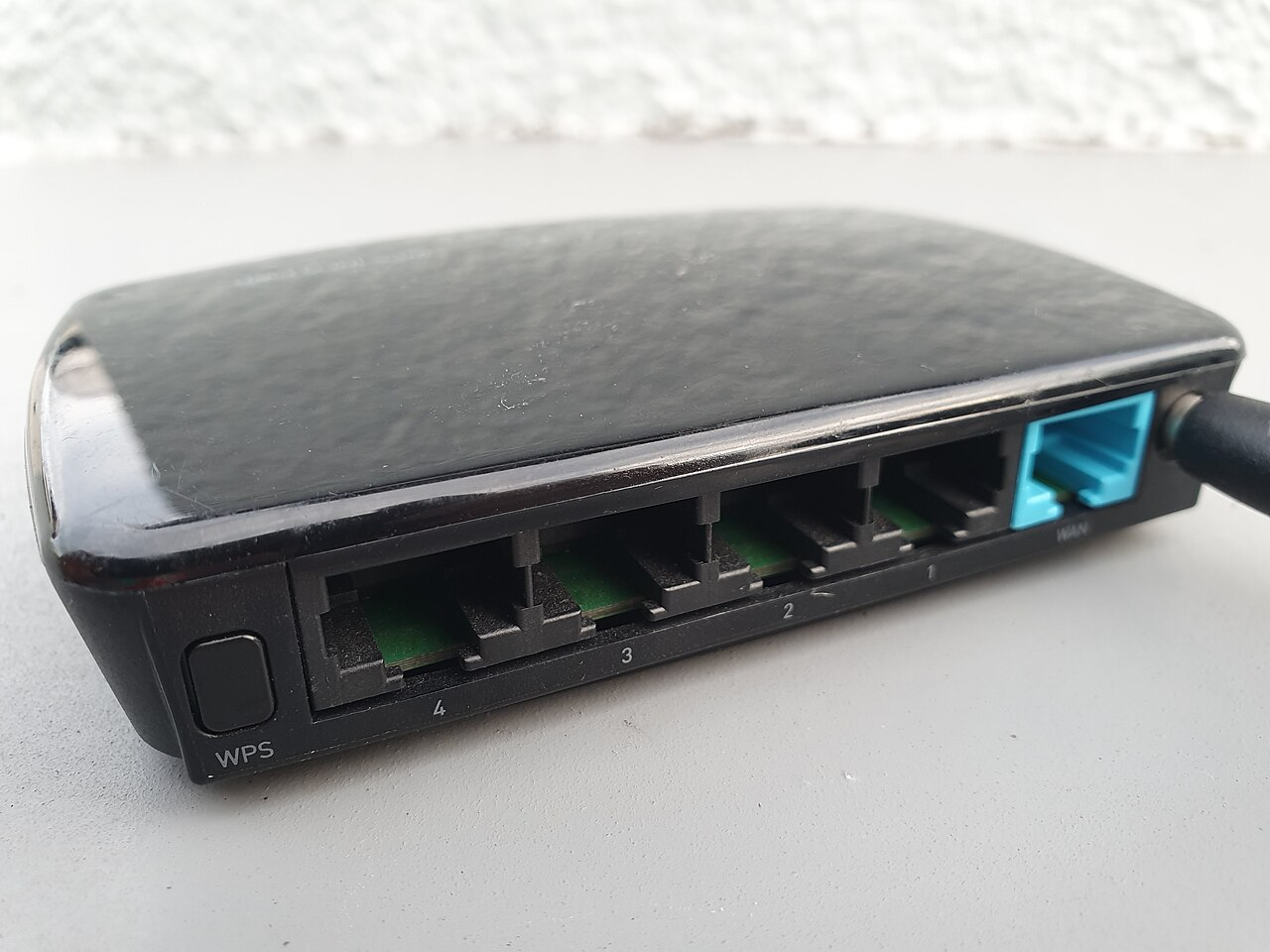
Second, can Ethernet reach each location? If yes, wired access points are the strongest foundation, since each radio gets a wired uplink and spends its airtime on your devices. If no, wireless mesh with a dedicated backhaul radio, or a mesh system built for hard-to-wire spots, is the fallback.
Third, do people move while connected? Phones, laptops, and tablets that roam between rooms need coordinated handoffs, which mesh handles better than basic extenders. A printer or sensor that sits in one place at the edge of range can be fine on an extender.
Fourth, how many networks need central management? One home network is easy for a consumer mesh app. Several networks, VLANs, or sites call for controller-managed access points.
A phone battery that drains faster in cold weather is a reminder that placement and environment shape device behavior, and Wi-Fi placement works the same way.
Setting up mesh so it actually helps
Placement decides whether mesh helps or disappoints. Nodes need a good signal to each other, so do not put a node inside the dead zone it is meant to fix. Put it halfway between the router and the weak room, where it still gets a solid signal.
A node that can barely hear the router will broadcast a strong-looking signal with little behind it.
Let the app guide you, then test. Walk through the house with a speed test on your phone and check the far rooms. If a room is still slow, move the nearest node a few feet or shift it to the other side of a wall.
Small moves can change results more than a new node. After setup, update the firmware and set a strong admin password, just as you would with any router. Good charging habits matter too, and a guide to wireless charging and battery health covers the other half of keeping home tech healthy.
What mesh costs and what to check before buying
Mesh kits cost more than extenders because they replace the router and add nodes. Prices vary by Wi-Fi generation, node count, and whether the kit has a dedicated backhaul radio. Wi-Fi 6 and Wi-Fi 7 kits cost more than older Wi-Fi 5 kits, and the newer standards help most when your devices also support them.
Before buying, check three things. First, confirm your internet plan speed, since mesh cannot exceed it. Second, count the dead zones and the devices that use them, since that sets the node count.
Third, check whether you can run Ethernet to any node, since wired backhaul changes the value of the whole kit. A two-node kit with one wired node often beats a three-node kit with none.
Does mesh Wi-Fi increase speed?
It can raise the speed you actually get in far rooms, but it cannot raise your internet plan speed. Mesh improves coverage and handoffs, so devices in weak spots get more of the speed you already pay for.
Is mesh Wi-Fi just a repeater with better marketing?
No. A repeater simply extends coverage, while a mesh system uses interconnected nodes that share one network name and coordinate handoffs. The difference shows up when you move around the house or when a node drops out.
How many mesh nodes do I need?
Start with two for a medium home and three for a large or multi-story home. Add nodes only where tests show a real gap, since extra nodes add cost and wireless traffic.
Does mesh Wi-Fi work through thick walls?
Not on its own. Mesh signals follow the same physics as any Wi-Fi radio, and dense materials like concrete and brick weaken them. Mesh helps by placing a node past the obstruction, or by using a wired backhaul through it.
The bottom line
A mesh Wi-Fi system is a team of nodes that forms one network with one name and smooth handoffs. Buy it when you have a larger home, several dead zones, or people who move while connected. Skip it when one room is the only problem, when your internet plan is the real bottleneck, or when a cable can reach the far room.
In those cases, an extender or a wired access point does the same job for less money.
Tags: Wi-Fi, mesh networking, home internet, routers
Latest in Tech
- Are password managers safe for logins
- Is your laptop usable again before buying a new one
- Why your phone battery drains faster in cold weather
- Does wireless charging work and does it harm the battery
Subscribe for one practical tech explainer each week.
Related stories

Apple plans two October launches: smart home hub, OLED MacBook Pro
Apple set October 13 for a smart home launch with a new hub, Apple TV 4K and HomePod mini, then October 27 for OLED MacBook Pro models

How to Check If Your Phone Supports eSIM in 30 Seconds
Dial *#06# and look for an EID number to confirm eSIM support in under 30 seconds. This guide also walks through the iPhone and Android

eSIM vs iSIM: what is the difference?
An eSIM is a dedicated chip on the phone's board, while an iSIM lives inside the processor itself. Qualcomm's Snapdragon 8 Gen