
What Is Bluetooth Tracking and How Do Unknown Tracker Alerts Work
Key takeaways
- Bluetooth trackers are small tags that report their location through nearby phones, which makes misuse possible.
- iPhone and Android now warn you when an unknown tracker moves with you over time.
- An alert lets you view the tracker, play a sound to find it, and get steps to disable it.
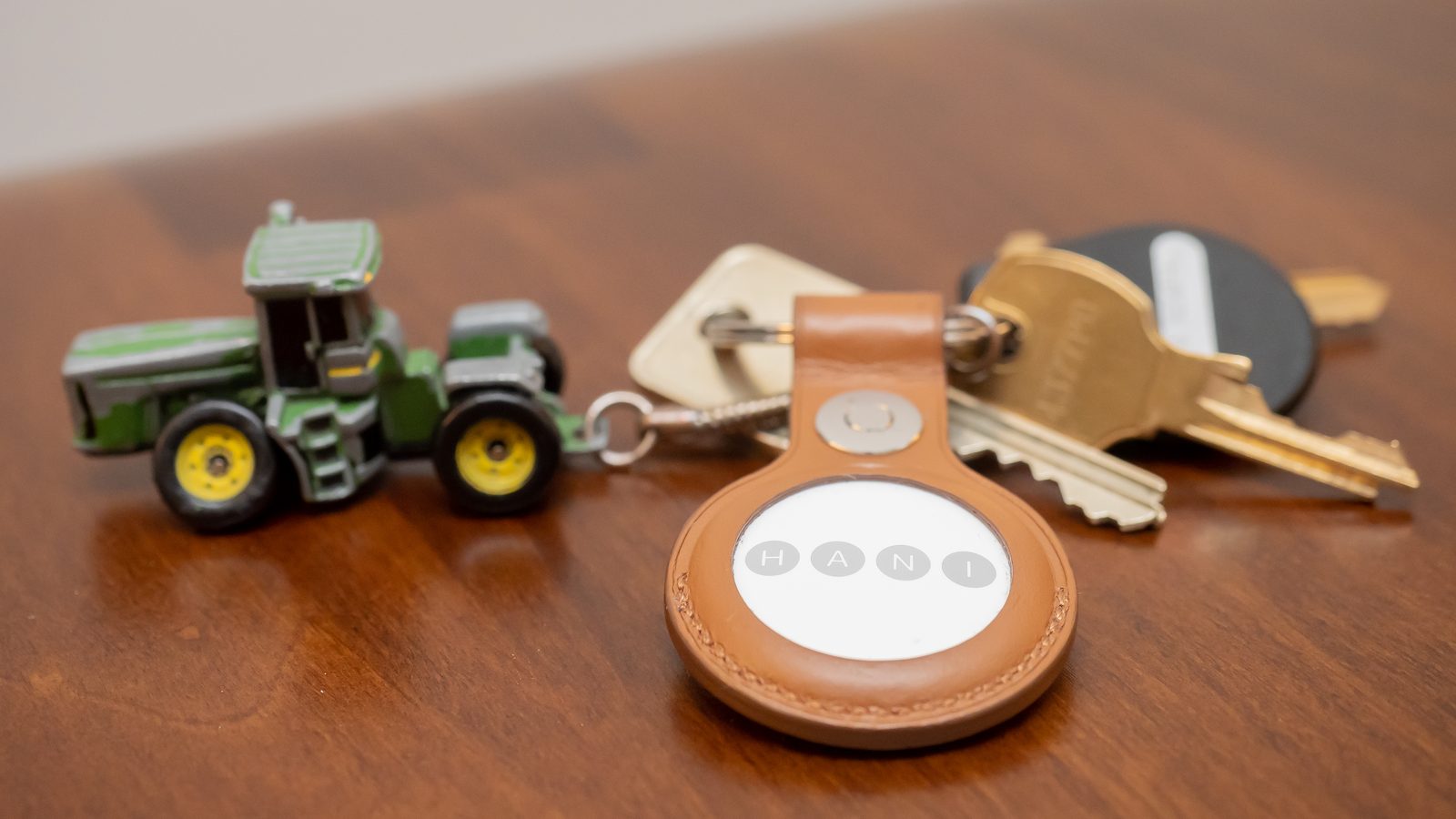
Bluetooth tracking uses small battery-powered tags that send out short-range Bluetooth signals. Nearby phones pick up those signals and report the tag's location to its owner. The system was built to find lost keys and bags, but the same trick can track a person who never agreed to it.
This article explains what Bluetooth tracking is, how unknown tracker alerts work on iPhone and Android, and what to do when one appears.
What is Bluetooth tracking?
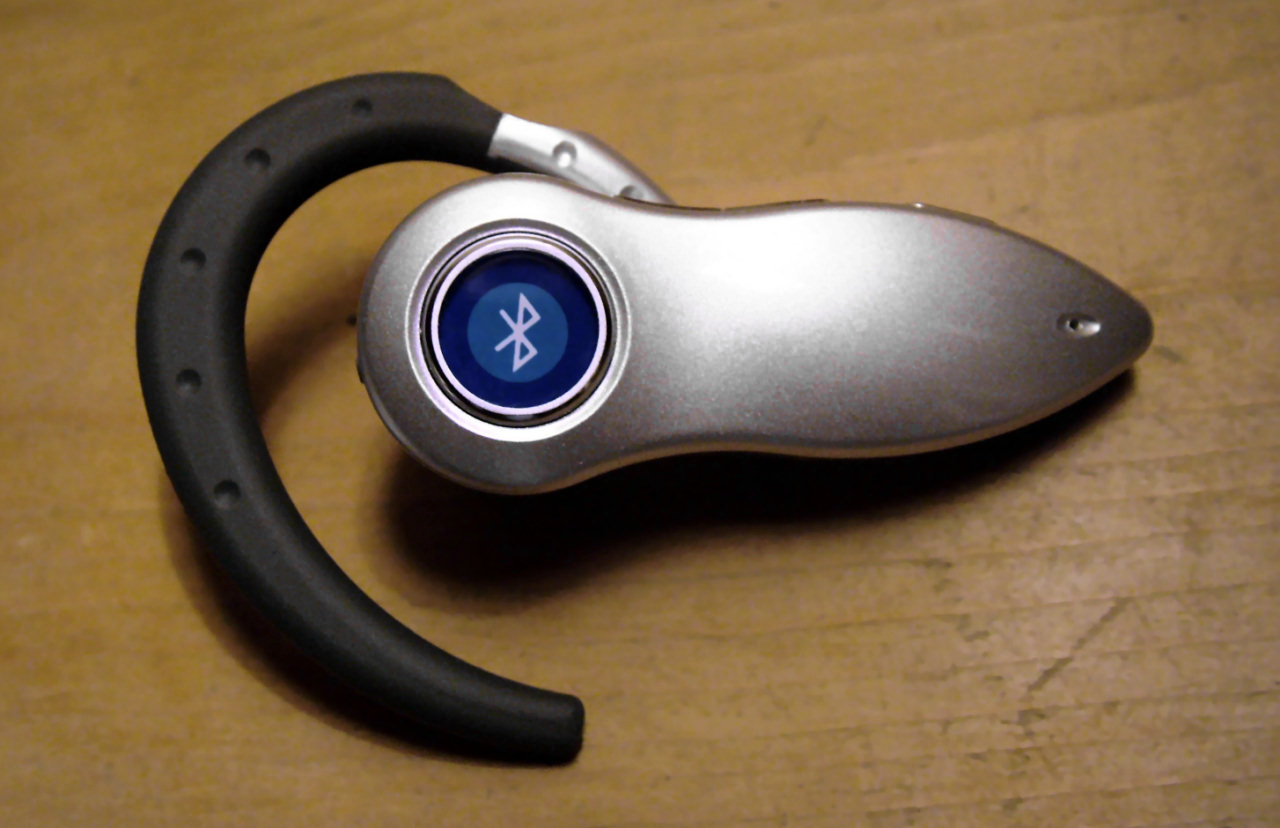
A Bluetooth tracker is a small tag, often the size of a coin, that you attach to keys, a bag, or a bike. The tag itself has no GPS and no mobile connection. It broadcasts a Bluetooth signal that nearby phones can detect.
When a phone in the same tracking network passes near the tag, it notes the tag's location and sends that report to the owner. The owner then sees the tag on a map, even from far away. The helper phones stay anonymous in the design, so the owner learns where the tag is without learning who helped locate it.
That relay is what makes the tags useful. A lost bag in another city can still report its spot, because any passing phone in the network can relay it. The same relay is what makes misuse possible, because a tag slipped into someone's bag or car can report that person's movements to its owner.
Bluetooth tracking is different from GPS tracking. GPS trackers carry their own location chip and mobile data, and they cost more and need charging. Bluetooth tags are cheap, run for months on a coin battery, and lean on other people's phones for location.
How unknown tracker alerts work
The fix came from Apple and Google working together. The two companies created an industry specification called Detecting Unwanted Location Trackers, built to let phones warn their owners about trackers they do not own.
Apple put the capability into iOS 17.5, and Google rolled it out to Android 6.0 and later devices. The announcement came on May 13, 2024, and it covered trackers from both platforms at once.
Your phone watches for Bluetooth trackers that stay near you over time. A tag that sits in a cafe while you pass by will not trigger a warning. A tag that travels with you from place to place will, because that pattern looks like something attached to you or your belongings.
On iPhone, the alert reads "[Item] Found Moving With You." On Android, it reads "Tracker traveling with you." Both mean the same thing: an unknown tracker has been seen moving with you, whatever platform it is paired with.
The alert is cross-platform by design. Before this joint work, an iPhone might miss a tracker built for Android networks, and an Android phone might miss an AirTag. The shared specification closed that gap.
What happens when you get an alert
Do not ignore the alert, and do not panic. The tracker could belong to a borrowed item, such as a friend's bag or a rental car key. Apple notes that the tracker may be attached to an item you are borrowing, so a calm check comes first.
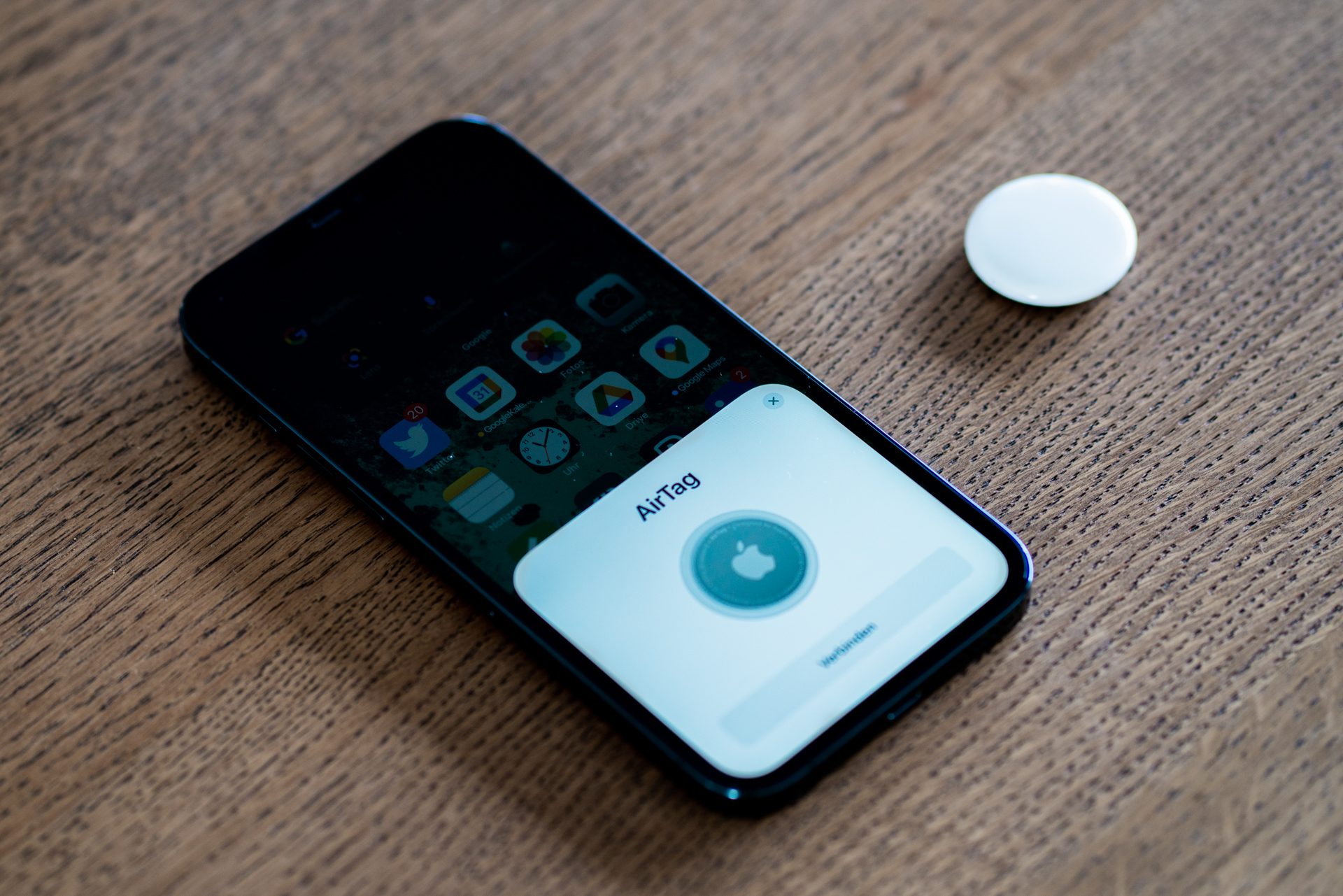
On iPhone, the alert lets you view the tracker's identifier. You can also make the tracker play a sound to help you find it, and you can open instructions to disable it. Those three steps (identify, locate, disable) are the core of the response.
On Android, you get similar tools. Google's system lets you view the tracker, play a sound, and read instructions to disable it physically. Android also shows a map of where the tracker traveled with you, which can help you work out where it was planted.
Android adds a manual scan option. You can tell your phone to search its surroundings for trackers that are separated from their owners. That helps when you want to check a car, a bag, or a room without waiting for an automatic alert.
If you find the tracker, follow the on-screen steps to disable it. If you feel unsafe, keep the tracker as evidence and contact local law enforcement.
MediaNama quoted Erica Olsen, senior director of the Safety Net Project at the National Network to End Domestic Violence, who said advocates had pushed for "universal standards to protect survivors, and all people, from the misuse of bluetooth tracking devices."
Which trackers are covered
The system covers Apple's AirTag and Find My accessories, plus trackers that follow the new specification. Google's version covers AirTags, Find My Device network-compatible tracker tags, and other specification-compatible Bluetooth trackers.
Several tag makers committed to compatibility. Apple named Chipolo, eufy, Jio, Motorola, and Pebblebee as manufacturers whose future tags would follow the specification. That list matters, because a tracker from a maker outside the system may not trigger alerts.
Coverage is not perfect. A tracker that is switched off, out of battery, or built without the specification will not announce itself to your phone. Physical checks still matter, especially for a car or a bag you use every day.
How to protect yourself
Keep your phone updated. The alert system arrived in iOS 17.5 and on Android 6.0 and later, so an old unpatched phone may miss warnings. Updates also bring fixes to the detection logic.
Keep Bluetooth and location services on. The alerts depend on your phone sensing nearby Bluetooth tags over time. If Bluetooth is off for days, the phone cannot build the travel pattern that triggers a warning.
Check borrowed items and rentals. A tracker on a borrowed bag or a shared car key is the most common innocent cause of an alert. A quick question to the owner can settle it in a minute.
Run a manual scan when something feels off. Android lets you scan on demand, and iPhone owners can check the Find My app for unknown items. A scan of a car takes a few minutes and covers seats, pockets, the boot, and the glove box.
The same care applies to other connected devices. Smart TVs collect viewing data, apps ask for more permissions than they need, and cloud storage raises its own questions about where files go. Privacy is a habit, not a single setting.
What the alerts cannot do
Alerts cannot tell you who owns the tracker. They show an identifier and a travel map, not a name. Identifying an owner is a job for law enforcement, not for the phone.
Alerts cannot catch every tracker. The system needs time to see a travel pattern, so a short trip may end before a warning fires. A tag that stays with you for only a few minutes may never trigger one.
Alerts cannot prove intent. A tracker in a borrowed jacket and a tracker planted by a stalker look the same to the phone. The alert tells you a tag is traveling with you, and you decide what it means.
Frequently asked questions
Why did I get an unknown tracker alert?
Your phone saw a Bluetooth tracker it does not recognize moving with you over time. The most common innocent cause is a borrowed item. Check bags, jackets, and car keys before assuming the worst.
What should I do first after an alert?
Open the alert and follow its steps. View the tracker, play a sound to locate it, and read the disable instructions. If you feel unsafe, contact local law enforcement and keep the tracker as evidence.
Does the alert work if the tracker is a different brand than my phone?
Yes, when the tracker follows the shared specification. Apple and Google built Detecting Unwanted Location Trackers so iPhone and Android phones can warn about each other's trackers.
Can I scan for trackers without waiting for an alert?
On Android, yes. Google offers a manual scan for trackers separated from their owners. On iPhone, keep the phone updated and check the Find My app for unknown items.
The bottom line
Bluetooth trackers find lost things by borrowing nearby phones as relays, and that relay can be misused to follow a person. The Apple and Google alert system watches for unknown tags that travel with you and gives you tools to find and disable them. Keep your phone updated, act on alerts promptly, and get help from law enforcement when you feel unsafe.
Tags: Bluetooth, tracking, privacy, AirTag
Latest in Tech
- What Is Your Smart TV Doing With Your Viewing Data
- Why Do Apps Ask for So Many Permissions
- Where Do Your Files Go in Cloud Storage
Subscribe for one clear tech explainer each week.
Related stories

Apple plans two October launches: smart home hub, OLED MacBook Pro
Apple set October 13 for a smart home launch with a new hub, Apple TV 4K and HomePod mini, then October 27 for OLED MacBook Pro models

How to Check If Your Phone Supports eSIM in 30 Seconds
Dial *#06# and look for an EID number to confirm eSIM support in under 30 seconds. This guide also walks through the iPhone and Android

eSIM vs iSIM: what is the difference?
An eSIM is a dedicated chip on the phone's board, while an iSIM lives inside the processor itself. Qualcomm's Snapdragon 8 Gen