
What Is a Smart TV Doing With Your Viewing Data?
Key takeaways
- Most smart TVs run Automatic Content Recognition, which fingerprints what is on screen and builds a viewing profile for advertising.
- Vizio paid $2.2 million in a 2017 FTC settlement after collecting second-by-second viewing data from about 11 million TVs without adequate consent.
- You can turn ACR off in privacy settings, but streaming apps still collect their own viewing data inside your account.
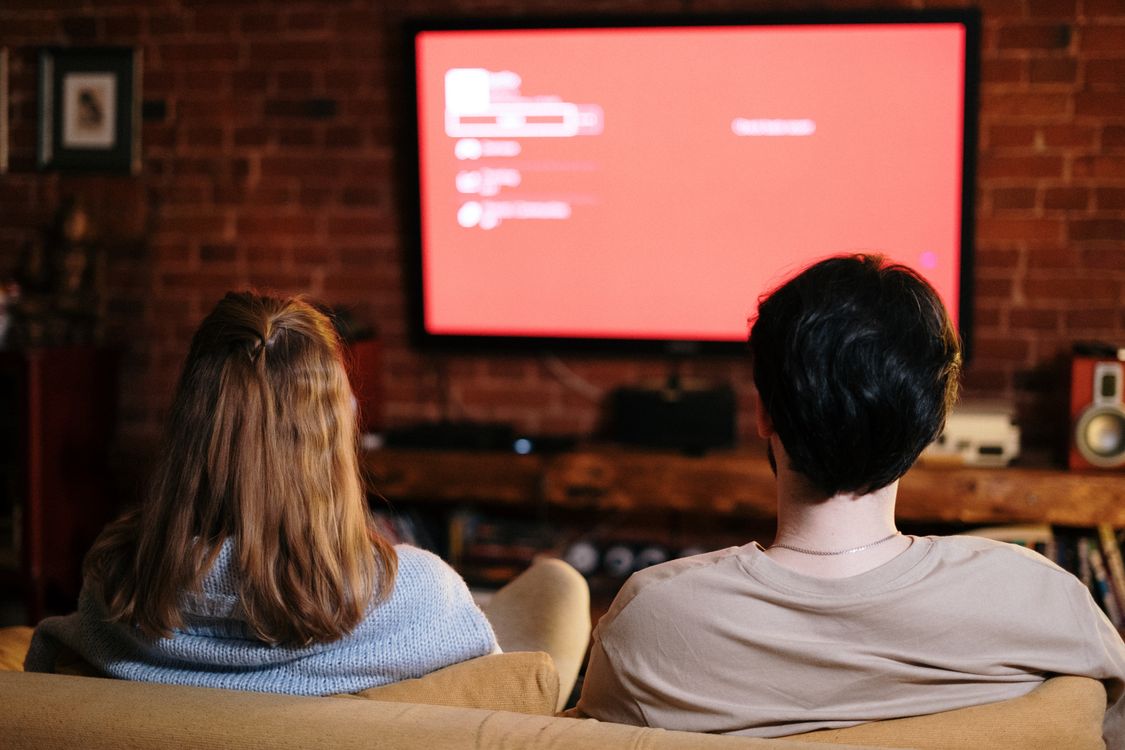
A smart TV does more than show the picture you asked for. On most sets, software watches the screen along with you, identifies what is playing, and sends a record of that viewing back to the manufacturer and its advertising partners.
This article explains what a smart TV is actually doing with your viewing data, including how Automatic Content Recognition works, what the Vizio case established, and how to turn the tracking off.
What is Automatic Content Recognition?
Automatic Content Recognition, usually shortened to ACR, is software built into most smart TVs. It samples what is on the screen every few seconds, turns each sample into a compact fingerprint, and matches that fingerprint against a large database of known shows, ads, and movies.
The match tells the TV what you are watching even when the content does not come from one of its own apps. ACR can identify a cable broadcast, a DVD, a game console session, or a stream from a connected stick, because it reads the picture itself rather than asking the app for a viewing log.
Once the content is identified, the TV logs the viewing event. Over days and weeks, those events form a viewing profile: which programs you watch, when you watch, how long you stay, and when you change channels.
What data leaves the TV?
The core record is the viewing history itself. According to the complaint described in the Vizio case, the software captured second-by-second information about what was being watched, including video from cable, broadband, set-top boxes, DVDs, over-the-air broadcasts, and streaming devices.
The TV also sends device details that tie the viewing to one household. In the Vizio case, those details included IP addresses, MAC addresses, Wi-Fi signal strength, and nearby access points, along with a persistent identifier for the set.
Vizio then combined viewing records with demographic information. The complaint listed sex, age, income, marital status, household size, education level, home ownership, and household value. That combined profile was sold to third parties, who used it for targeted advertising.
Other manufacturers describe their programs in narrower terms. They commonly say the data supports recommendations and ad measurement. The mechanism, however, is the same: screen fingerprints become viewing records, and viewing records feed advertising.
The Vizio case and why it mattered
On February 6, 2017, the Federal Trade Commission and the State of New Jersey announced a $2.2 million settlement with Vizio. The complaint said Vizio had installed ACR software on its smart TVs and collected viewing data from about 11 million consumers without their knowledge or consent.
The settlement required Vizio to prominently disclose its data collection and sharing practices and to obtain affirmative express consent before collecting viewing data. Vizio also had to delete viewing data collected before March 1, 2016, and to set up a comprehensive data privacy program.
The case mattered because it set a public baseline. Viewing history was treated as sensitive information that needs clear opt-in consent, not a clause buried in a setup flow. Later coverage of TV privacy still cites this settlement as the key precedent.
How ACR differs from app tracking
Streaming apps already track what you watch inside their own services. Netflix knows which episodes you finished, because that record lives in your Netflix account. That is app tracking, and it continues even if you change every setting on the TV.
ACR adds a second layer on top. It watches everything on the screen, whatever the source. It can log a live broadcast, a Blu-ray, or a game console session that no single app would ever see.
Researchers at University College London reported in 2024 that ACR stayed active even when the TV was used as an external display. A laptop presentation, a console game, or a streaming stick plugged into HDMI could still be fingerprinted, because the TV sees the picture regardless of where it came from.
That distinction explains why turning off one toggle rarely ends all tracking. You can stop the TV maker from profiling you, but each app still keeps its own record.
What the tracking is used for
The main use is advertising. Viewing profiles help advertisers reach households that watch particular programs, and they help measure whether an ad campaign reached its intended audience. A profile built from living-room viewing can also be matched with activity on other devices, so ads follow the same household across screens.
A second use is recommendations. Manufacturers use viewing data to suggest shows you might like. Some viewers value that feature, and some find the trade-off too steep for a row of suggestions.
A third use is audience measurement. Networks and studios buy viewing statistics to learn what people actually watch. In this role, the TV acts as a measurement panel that never asks permission twice.
PCMag put the privacy trade-off bluntly: "Even if the device manufacturer or platform holder says the data is private, secure, and anonymized, the tech is still invasive." That line captures why many owners want the feature off even when they accept app tracking.
How to turn ACR off by brand
Manufacturers give the same feature different names, and they bury the switch several menus deep. The paths below are the ones most often cited in current guides. Menu labels change with firmware updates, so search your model number plus the words "privacy" and "ACR" if a path does not match.
On LG sets, the feature is called Live Plus. Open Settings, then General, then System, then Additional Settings, and turn off Live Plus. Also check Viewing Information under Support, Privacy and Terms, plus the interest-based ads toggle.
On Samsung sets, open Settings, then All Settings, then General and Privacy, then Terms and Privacy. Turn off Viewing Information Services and Interest-Based Advertisements. On older Samsung sets, the same toggles sit under Settings, then Support, then Terms and Privacy.
On Vizio sets, open Menu, then System, then Reset and Admin, and turn off Viewing Data. Also check the advertising section for a Limit Ad Tracking option.
On Roku TVs, open Settings, then Privacy, then Smart TV Experience, and turn off Use Info from TV Inputs. Then open Privacy, then Advertising, and turn on Limit Ad Tracking.
On Sony sets, look for Samba Interactive TV under Settings and Device Preferences, and turn it off. Sony uses this third-party ACR service rather than building its own.
On Amazon Fire TV, open Settings, then Preferences, then Privacy Settings, and turn off Device Usage Data, Collect App Usage Data, and Interest-Based Ads. Note that this does not stop Prime Video from tracking viewing inside your Amazon account.
What turning ACR off does not fix
Disabling ACR stops the TV maker from fingerprinting your screen. It does not stop streaming apps from logging your viewing inside their accounts. It does not remove data already collected.
And on some sets, a factory reset or a major firmware update can restore the default, so it pays to recheck after updates.
The strongest option is to disconnect the TV from the internet entirely and feed it from a separate streaming device you control. The TV then works as a simple display, and the streaming device becomes the only tracker in the chain.
A middle option is network-level filtering. A DNS filter or a Pi-hole style blocker can stop the TV from reaching known telemetry domains. This helps, but it needs setup and care, and it can break some app features.
The FBI has offered basic smart TV guidance along the same lines. It advises owners to learn exactly which features a TV has, not to depend on default security settings, and to cover a camera they cannot switch off. Those steps sound old-fashioned, and they still work.

How to check your own set
Start with one question: does the TV know what you watched last night? If the home screen shows recommendations that match a DVD or a live broadcast, ACR is probably active. If recommendations only reflect one app, the TV-level tracker may already be off.
Next, open the privacy menu and read each toggle out loud. Look for phrases like "viewing information," "viewing data," "Live Plus," "Smart TV Experience," or "interest-based ads." Turn off anything that shares viewing data, then restart the TV.
Then check the advertising ID. Most sets let you reset or limit it under privacy or ads. Resetting it breaks the link between past viewing and future ads.
Finally, repeat the check after any factory reset or major update. Defaults have a habit of coming back.
Frequently asked questions
Does ACR record my voice or take photos of my room?
ACR itself fingerprints the picture on the screen, not the room. Voice remotes and built-in cameras are separate features with their own settings. If your TV has a microphone or camera, check those toggles too, and mute or cover hardware you do not use.
Will turning off ACR break streaming?
No. Streaming apps, HDMI inputs, and normal controls keep working. The main change is that recommendations get less personal, because they no longer draw on a full viewing profile.
Is ACR illegal?
In most places, ACR is legal when the manufacturer obtains consent, even if that consent sits inside a long terms-of-service flow during setup. The Vizio case turned on the absence of adequate consent, not on the technology itself. Consumer protection cases in Texas have since argued that burying ACR consent in dense legal language is deceptive.
Does ACR track content from a connected laptop or console?
Yes, according to the University College London research cited above. The TV sees whatever picture reaches the screen, whatever device sent it. Using the TV as a plain monitor does not by itself stop ACR.
Can I delete viewing data already collected?
Some manufacturers offer a reset for the advertising ID, and privacy laws in some regions give you a right to request deletion. Check the privacy policy for your brand and region, and file a deletion request if one is offered.
The bottom line
Your smart TV treats the screen as data. ACR fingerprints what you watch, logs it second by second, and feeds the result into advertising and recommendations. The Vizio settlement showed how far that practice went when consent was missing, and it set the rule that viewing history needs clear permission.
You can switch ACR off in a few minutes per set. Do that, reset the advertising ID, and remember that each streaming app still keeps its own viewing record. If you want the strongest privacy, keep the TV offline and stream through a device you control.
Tags: smart TV, privacy, ACR, streaming
Latest in Tech
- Why Do Apps Ask for So Many Permissions?
- How Bluetooth Tracking and Unknown Tracker Alerts Work
- Where Do Your Files Go in Cloud Storage?
Subscribe to the Rive News newsletter for one useful explainer each week.
Related stories

Apple plans two October launches: smart home hub, OLED MacBook Pro
Apple set October 13 for a smart home launch with a new hub, Apple TV 4K and HomePod mini, then October 27 for OLED MacBook Pro models

How to Check If Your Phone Supports eSIM in 30 Seconds
Dial *#06# and look for an EID number to confirm eSIM support in under 30 seconds. This guide also walks through the iPhone and Android

eSIM vs iSIM: what is the difference?
An eSIM is a dedicated chip on the phone's board, while an iSIM lives inside the processor itself. Qualcomm's Snapdragon 8 Gen