
Why Do Apps Ask for So Many Permissions Explained
Key takeaways
- Apps request permissions because phone systems lock camera, location, contacts, and files behind user approval.
- Many requests serve real features, but measured audits found hundreds of unnecessary requests across popular apps.
- Deny first, then grant only the permission tied to the feature you want to use.
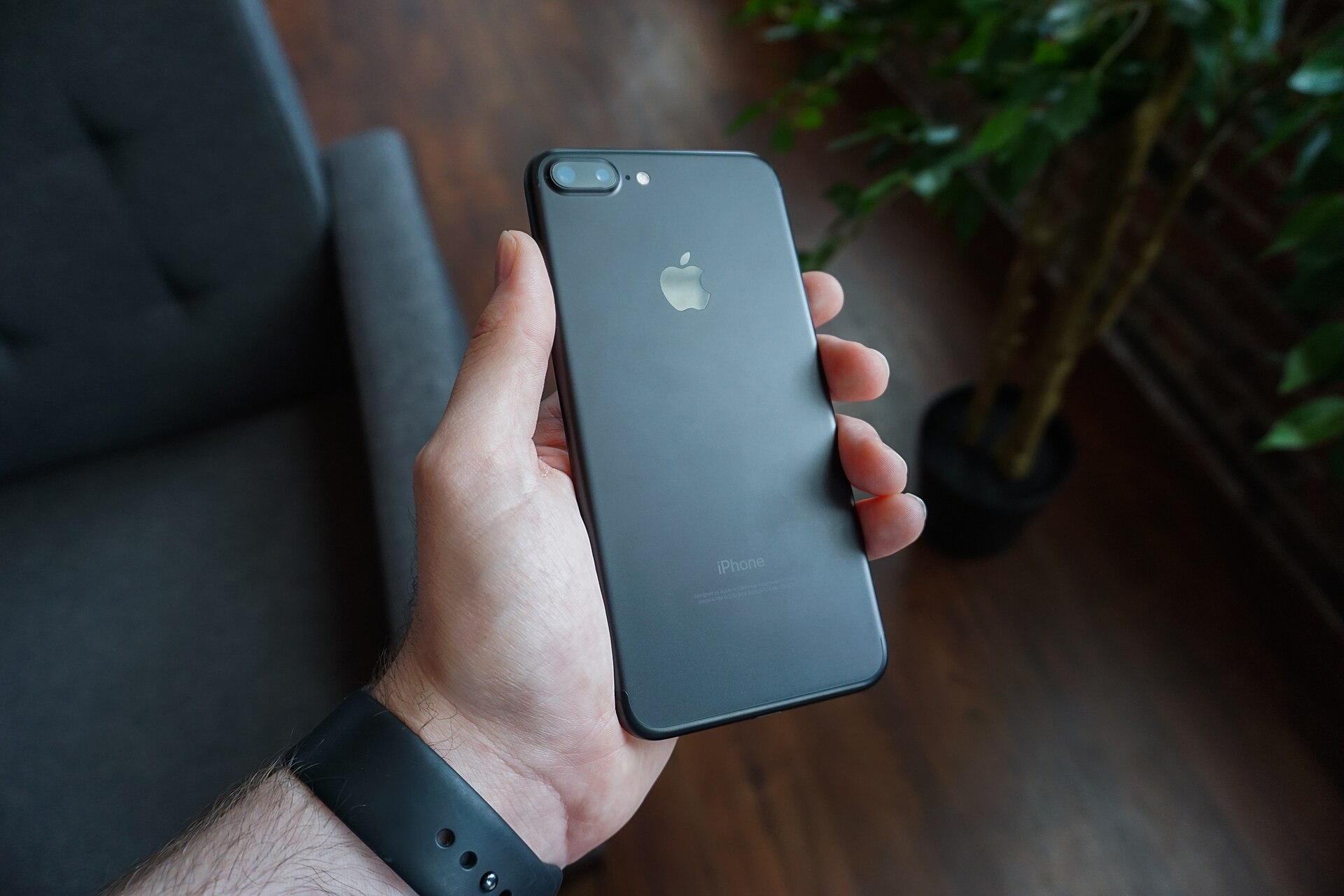
What app permissions are
An app permission is a formal request for access to a part of your phone. The camera, microphone, location, contacts, photos, and files all sit behind these requests. The operating system blocks access until you approve it.
This gatekeeper model exists because apps would otherwise read anything on the device. Android and iOS both use it, though they present requests in different ways.
On iOS, an app usually asks when you first use the feature that needs access. On Android, the prompt also appears at the moment of use in current versions.
The list of requests can feel long because a modern app touches several phone systems. A messaging app may need the camera, microphone, contacts, photos, and notifications.
This article explains why apps ask for so many permissions, which reasons are legitimate, and which ones deserve a denial. It covers the business reasons behind extra requests, the difference between Android and iOS, and a simple rule for deciding each prompt.
Why apps ask for permissions at all
Phones hold sensitive material. Your photo library, contact list, message history, and precise location live on one device. App permissions put a checkpoint between that material and every app you install.
A map app needs location to show your position and give directions. A camera app needs the camera.
A messaging app needs contacts to find people you know. These requests match the core job of the app.
Developers also ask for permissions for secondary features. A shopping app may ask for the camera so you can scan a barcode.
A banking app may ask for the camera to deposit a check. A fitness app may ask for location to map a run.
The trouble starts when the request has no clear link to anything the app does. A flashlight app has no reason to read your contacts.
A calculator has no reason to track your location. When the link is missing, the request deserves a closer look.
The main reasons behind long permission lists
Features you asked for
The most common reason is simple. The app needs access to do the thing you opened it to do. Video calls need the camera and microphone.
Photo editing needs the photo library. Navigation needs location.
These requests usually arrive right when you tap the related feature. That timing is a useful signal. A permission asked at the moment of use is easier to judge than one asked at install.
Features you did not ask for
Many apps bundle extra features into one install. A social app may include live video, voice messages, location tags, and contact sync. Each feature adds a permission, even if you only use one of them.
Developers often request all permissions early so nothing breaks later. That design choice trades your privacy for convenience. You get fewer prompts, but the app holds more access than it uses.
Third-party code inside the app
Apps rarely consist of only the developer's own code. Most include third-party libraries for advertising, analytics, crash reporting, and social logins. Those libraries can bring their own permission needs.
Advertising libraries are a frequent source of extra requests. An ad network may want location to serve local ads.
An analytics library may want device details to count users. You grant these permissions to the app, but the data can flow to outside firms.
Security firm FireEye's Bryce Boland told Gadgets Now that developers, in the process of making apps more usable, end up asking for access to too many things the apps do not require. He added that poorly written code and third-party libraries can expose a user's phone or data. That warning still fits the current app market.

Operating system rules
Some requests come from platform rules, not from the app's own wishes. On Android, an app that scans for nearby Bluetooth devices can trigger a location prompt. The system treats Bluetooth scanning as a way to infer where you are, so it demands location permission first.
This explains a confusing case. A smart light app may ask for location even though it never shows you on a map.
It needs the permission to find the bulb over Bluetooth. The request looks unrelated, but the operating system forces it.
Data collection and advertising
Some permissions feed advertising and profiling. Location, contacts, and activity data help ad networks build profiles and target ads. An app that is free to use may treat data collection as part of its business model.
This does not mean every permission request is a trap. It means the request deserves a question. Ask what the app gains from the data, and whether that gain serves you.
How many permissions are unnecessary
NordVPN's research lab studied the top five apps in 18 categories, including shopping, travel, and gaming. The team checked terms and conditions, permission counts, and which permissions were unnecessary for each app's purpose.
The totals were large. Collectively, the studied apps asked for 1,808 permissions on Android and 421 permissions on iOS. Of those, 433 were unnecessary on Android and 73 were unnecessary on iOS, according to the researchers.
Nearly half of the studied apps asked for permissions related to user activities outside the actual app. Location, camera, photos, and microphone were among the most common sensitive requests.
The gap between Android and iOS totals reflects platform design more than virtue. Apple's system locks down some device features by default, so fewer prompts appear.
Android shows more of the underlying requests. Both systems leave room for unnecessary access.
Category patterns also emerged. On Android, social networking, messaging, navigation, business, and dating apps asked for the most permissions on average.
Gaming apps asked for the fewest, about 10 on average, with less than one unnecessary request. On iOS, health and fitness apps asked for the most, while food and drink apps asked for the fewest.
These numbers show that extra requests are common, not rare. A long permission list is normal for a feature-rich app, but it is also normal for an app that collects more than it needs.
Permissions that deserve extra caution
Some permissions open more of your life than others. Treat these with care.
Location reveals where you live, work, and travel. Grant it only to apps that need a place to function, such as maps, ride-hailing, and delivery. Prefer "while using the app" over "always" when the phone offers the choice.
Microphone and camera can capture private moments. Grant them to calling, video, and camera apps you trust. A game or news app rarely needs either one.
Contacts expose other people's names, numbers, and email addresses. A messaging app may need them to connect you with friends. Most other apps do not.
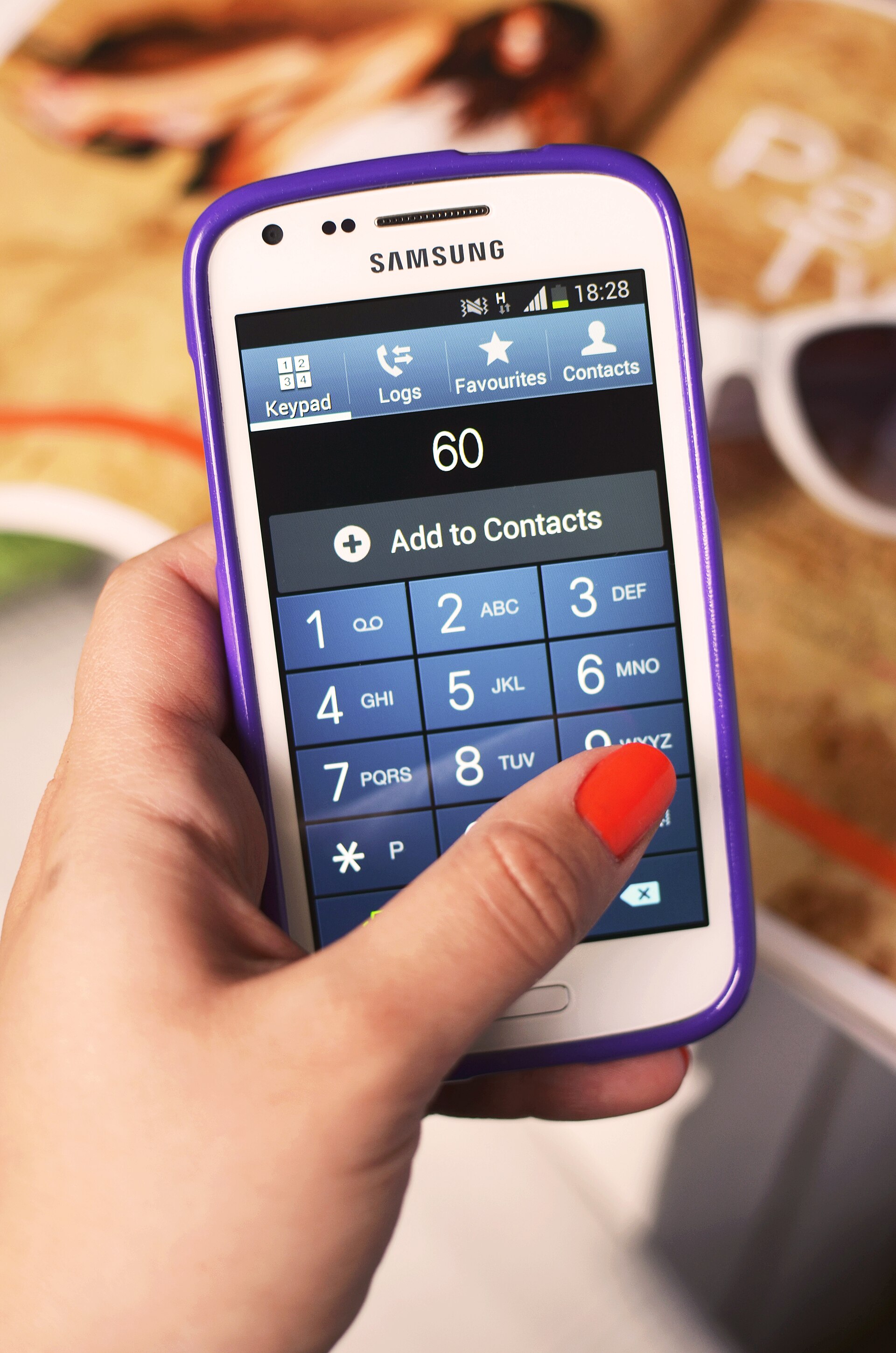
SMS and call logs are among the most sensitive permissions. Few apps need them.
A spam filter or a backup tool may have a case. A game or wallpaper app does not.
Files and photos can include documents, screenshots, and private images. Photo apps need access, but they do not all need the whole library.
Both Android and iOS now let you share selected photos instead of the full collection. Use that option when it appears.
A simple rule for every prompt
Use this three-step check when a prompt appears.
First, name the feature. Ask what the app is about to do that needs this access. If you cannot name it, deny the request.
Second, check the timing. A camera prompt when you tap the camera button makes sense. A contacts prompt when you open a flashlight app does not.
Third, test the refusal. Deny the permission and see whether the app still works.
How to audit permissions you already granted
Open your phone's settings and review permissions by app or by permission type. Both Android and iOS offer a permission manager that lists every app with access to location, camera, microphone, and contacts.
Start with location set to "always". Switch any app that does not need background location to "while using" or "never". Then check microphone, camera, and contacts for apps that have no clear need.
Remove permissions from apps you no longer use. Uninstalling an app removes its access on the device, but data it already sent to a server stays with the developer. That is why denying early matters more than cleaning up late.
If you use cloud storage, remember that file access permissions interact with synced folders. An app with photo access may reach images that also sync to the cloud. Keep that chain in mind when you grant file access.
When denying a permission breaks the app
Some apps refuse to work without a permission. That is sometimes legitimate.
A navigation app cannot guide you without location. A video chat app cannot show you without the camera.
If an app demands broad access for a narrow feature, look for an alternative. A barcode scanner that needs only the camera beats one that also wants contacts and location. Competition gives you choices.
Frequently asked questions
Why does a game ask for my location?
It may use location for local ads, regional events, or fraud checks. Most games do not need precise location to play. Deny it and see whether the game still works.
Why does an app ask for contacts when I never share anything?
It may want to find friends who use the same app, or it may want to grow its user base through invitations. If you do not use the friend-finding feature, deny the request.
Can I change a permission after I grant it?
Yes. Both Android and iOS let you revoke permissions at any time in settings. The app loses access at once, though data it already collected stays with the developer.
Should I worry about apps that ask for Bluetooth access?
Bluetooth access can help an app find nearby devices, such as headphones, trackers, or smart lights. It can also feed location inference.
Grant it to apps that pair with hardware, and deny it elsewhere. If you get odd alerts about unknown trackers, read how Bluetooth tracking alerts work.
The bottom line
Apps ask for so many permissions because phones gate every sensitive resource, apps bundle many features, third-party code adds its own needs, and some businesses collect data for ads. Most requests have an explanation, but explanations vary in quality.
Deny first, grant with a reason, and audit what you already approved. That habit keeps the useful features and cuts the access you never meant to give. For a related privacy question, see how your smart TV handles viewing data.
Tags: app permissions, mobile privacy, Android, iOS
Latest in Tech
- What Your Smart TV Does With Viewing Data
- How Bluetooth Tracking Alerts for Unknown Trackers Work
- Where Your Files Go in Cloud Storage
Subscribe for one practical privacy tip each week.
Related stories

Apple plans two October launches: smart home hub, OLED MacBook Pro
Apple set October 13 for a smart home launch with a new hub, Apple TV 4K and HomePod mini, then October 27 for OLED MacBook Pro models

How to Check If Your Phone Supports eSIM in 30 Seconds
Dial *#06# and look for an EID number to confirm eSIM support in under 30 seconds. This guide also walks through the iPhone and Android

eSIM vs iSIM: what is the difference?
An eSIM is a dedicated chip on the phone's board, while an iSIM lives inside the processor itself. Qualcomm's Snapdragon 8 Gen