
How do touch screens know exactly where your finger is?
By Rive News / Research desk | Rive News / Published October 24, 2026 at 9:00 AM PKT
Key takeaways
- Your touch screen detects electricity, not pressure. Your finger disturbs an invisible electric grid under the glass.
- A controller scans that grid many times per second and triangulates your finger's position from the crossings that changed.
- Gloves and fingernails fail because they are insulators: no conductivity means the screen sees nothing at all.
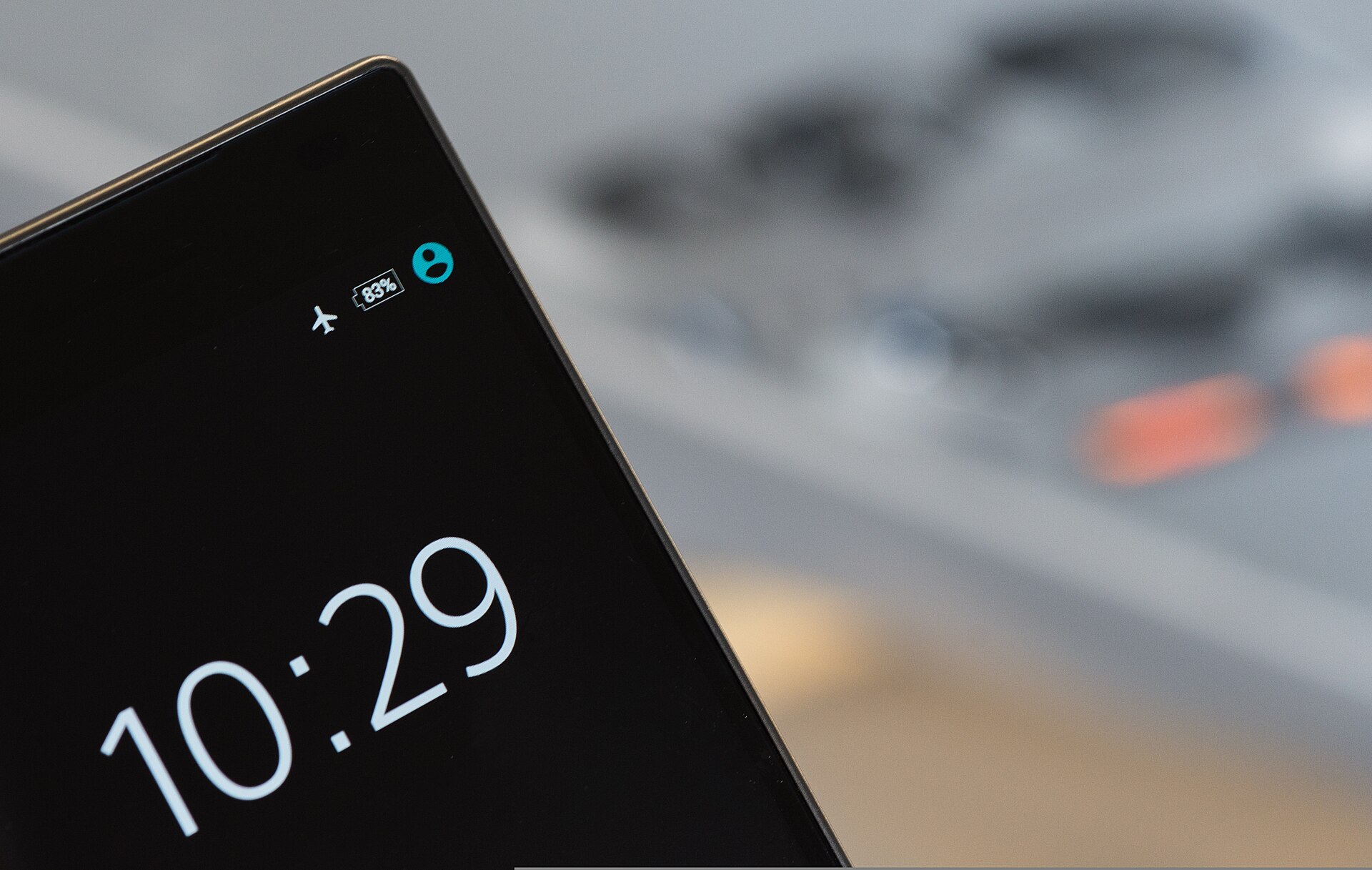
[A smartphone display showing a touch screen.] Photograph: Skitterphoto
Image Credits: Wikimedia Commons
A touch screen knows where your finger is because it is not really measuring touch at all. Under the glass sits a transparent grid of conductive lines holding a tiny electric field at every crossing point.
Your finger is conductive. Your body is full of salty water, so when it gets close, it distorts that field. The screen's controller notices the disturbance and calculates exactly which crossing points changed, which tells it where you are.
This article explains that mechanism in plain English: the invisible grid, the scan that runs many times per second, the difference between self-capacitance and mutual capacitance, and why gloves, fingernails, and styluses behave the way they do. It also covers the older resistive technology and why it mostly lost.
What is capacitive sensing in plain English?
Think of the screen as an invisible spider web made of electricity. The web is a thin transparent conductor (usually indium tin oxide, or ITO) coated on the glass. It holds a small electric charge spread evenly across the surface.
Now press your finger to the glass. Your body is a decent conductor, and it is big. Electrically speaking, your body has a large capacitance, meaning it can soak up charge.
So your finger draws a tiny amount of charge toward the point of contact, disturbing the electric field right there. As TechTarget's explainer by Andrew Zola (published November 18, 2022) puts it, when a capacitive panel is touched, "it draws a small charge to the point of contact, becoming a functional capacitor," and the change in the electrostatic field is measured to find the location.
Here is the part most short answers skip: the screen does not feel anything. It measures. The controller, a dedicated chip, scans the grid continuously, many times per second, looking for crossings whose electrical state changed.
CircuitMess's explainer for young readers states it simply: "A transparent grid of conductive lines under the glass creates a small electric field at every crossing point. Your finger, being conductive, distorts that field where it comes close. The controller scans the grid many times a second and calculates the position from which crossings changed and by how much.
Because the grid has known geometry (the controller knows exactly where every crossing sits), the calculation is straightforward: the crossings that changed, and by how much, map to an X-Y coordinate. The software turns that into taps, swipes, and multi-touch gestures. The whole round trip happens fast enough that the screen feels instant.
This also explains a subtle calibration detail noted in Stanford's 2012 physics-of-touchscreens course page: the screen can be tuned to respond only to capacitance changes roughly equal to what a human finger produces, so rain or a stray object does not register as touches.
What is the difference between self-capacitance and mutual capacitance?
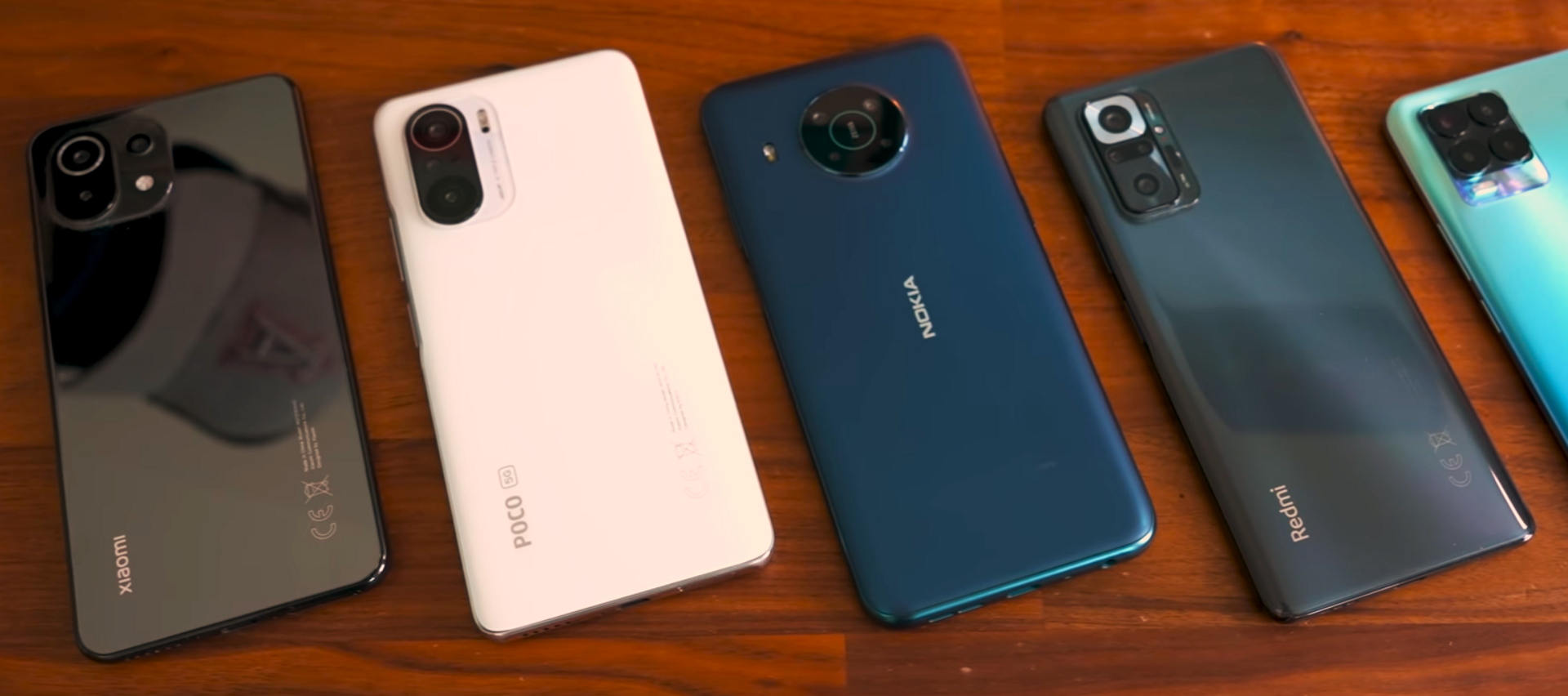
[A row of smartphones, all using projected capacitive touch screens.] Photograph: The Tech Cheat
Image Credits: Wikimedia Commons
There are two ways to build the grid, and the difference is why your phone can track two fingers at once while an old touchscreen could not.
In a self-capacitance system, each electrode row measures its own capacitance relative to the finger. The two layers operate independently: the X layer reports which columns changed, the Y layer reports which rows changed.
The problem, as the Stanford course page explains, is ghosting: with two fingers down, the independent X and Y readings produce four possible crossings, and the system cannot consistently tell which two are real. It "indicates a finger is touching the screen in a place it is not.
In a mutual-capacitance system, the kind your phone uses, has the X and Y layers working together. One set of wires carries current while the other senses the capacitance between them at each crossing.
When a finger approaches, its different dielectric constant changes the local electric field, altering the mutual capacitance at that specific crossing. Because each crossing is measured as a pair, the system resolves multiple real touches with no ghosts.
This is the technology behind projected capacitive screens: a grid of electrodes under the glass, each crossing independently monitored. It is what makes pinch-to-zoom, two-thumb typing, and ten-finger games possible.
Why do gloves, fingernails, and styluses behave differently?
Because the screen detects conductivity, not pressure. A glove is an insulator: it holds your conductive skin away from the glass, so the electric field stays undisturbed and the screen sees nothing. Touchscreen gloves solve this with conductive thread in the fingertips, which bridges your skin's conductivity to the surface.
Fingernails fail for a related reason. CircuitMess's explainer notes that nails are keratin, which does not conduct electricity, while the pad of your finger is skin over tissue full of salty water and conducts well.
"Same pressure, completely different electrical behaviour. " This is the cleanest proof that pressure is irrelevant: press as hard as you want with a nail and nothing happens; graze lightly with your fingertip and the screen responds.
Ordinary styluses fail too, for the same reason: plastic is an insulator. Capacitive styluses work because they have a conductive tip (usually a soft rubber or mesh) and are wide enough to mimic a finger's electrical signature. They do not press harder; they conduct better.
Wet hands are the edge case. Water conducts a little, so droplets can create phantom touches, which is why phones get jumpy in the rain. Modern controllers compensate with algorithms, but the physics is genuinely ambiguous there: the screen cannot always tell a droplet from a fingertip.
What about resistive touch screens?
The older technology works on pressure, and it is worth knowing because it still shows up in industrial equipment, ATMs, and cheap devices.
A resistive screen has two flexible conductive layers separated by a tiny air gap. Press the screen and the top layer bends down to touch the bottom layer at that point; the controller measures the voltage at the contact to get X and Y coordinates. It works with anything that presses (a finger, a nail, a gloved hand, a stylus) because pressure is the signal.
Resistive screens lost to capacitive in phones for three reasons: they need real force (no light taps), they support only single touch, and the extra layers dim the display. Capacitive screens sense presence without pressure, support multi-touch, and stay optically clear. That is why your phone uses capacitive and the warehouse scanner uses resistive.
If physics curiosities like this appeal to you, our other explainers cover why hot water sometimes freezes faster than cold water and what gravity is in simple words, both cases where the simple intuition turns out to be wrong.
The bottom line
Your touch screen is an electrical measuring instrument wearing a glass disguise. A transparent grid holds an electric field; your conductive finger disturbs it; a controller scans the grid many times per second and converts the disturbed crossings into coordinates. Self-capacitance reads rows and columns independently and ghosts on multi-touch; mutual capacitance reads each crossing as a pair and tracks every finger.
Gloves and nails fail because they are insulators, and no amount of pressure changes that. The screen never felt your touch. It measured your electricity.
How does a phone tell the difference between a tap and a swipe?
Timing and movement. The controller reports a stream of coordinates many times per second.
Software interprets a brief stationary contact as a tap, a moving contact as a swipe, and two contacts moving apart as a pinch. The screen itself only reports positions; the gestures are software.
Can a touch screen work through glass?
Yes, within limits. Projected capacitive screens detect the field disturbance through thin insulating layers, which is why rugged devices and some public kiosks work behind protective glass.
The thicker the barrier, the weaker the signal. Past a few millimeters, sensitivity drops off.
Why does my phone act weird in the rain?
Water droplets are slightly conductive, so they disturb the electric field the way a finger does. The controller cannot always distinguish a droplet from a fingertip, producing phantom touches. Modern phones run rejection algorithms, but heavy rain still confuses them: a physics problem, not a defect.
Do screen protectors affect touch sensitivity?
Thick protectors add distance between your finger and the grid, slightly weakening the signal. Most phones compensate automatically.
If touches feel sluggish after applying a protector, check for a "touch sensitivity" setting. Many phones include one for exactly this reason.
Tags: touchscreens, capacitive sensing, smartphones, electronics, how it works
Rive News's research desk covers work, technology, and everyday science in plain language.
Related
- Why Does Hot Water Sometimes Freeze Faster Than Cold Water
- What Is Gravity in Simple Words: A Plain Guide
- Why does the earth have seasons? The 23.5-degree tilt
- Why Does a Balloon Shrink in Cold Air? Charles's Law Explained
Subscribe for one practical science explainer every morning.
Rive News follows a no-fabrication standard: every fact above traces to a named public source.
Related stories
Why diamond is hard and graphite is soft when both are carbon
Diamond and graphite are both pure carbon, yet diamond is 10 on the Mohs scale and graphite is 1 to 2. The difference is not the atoms;

Why Hot Water Can Freeze Faster Than Cold: The Mpemba Effect Explained
Hot water can freeze faster than cold under specific conditions. The Mpemba effect, named for a 1963 schoolboy experiment, still divides
How Magnets Work at the Atomic Level: Spins, Domains, and Iron
Magnetism comes from electrons: their spin and orbits make each atom a tiny magnet. In iron, quantum forces align these atomic magnets into