
5G icon means a radio link, not a speed guarantee
By Rive News / Research desk | Rive News / Published October 24, 2026 at 9:00 AM PKT
Key takeaways
- The 5G icon only says your phone is camped on a 5G-capable cell, not that it is fast or running on real 5G core infrastructure.
- Most carrier 5G still runs non-standalone (NSA) architecture, anchored to a 4G LTE core, so the icon rarely means standalone 5G.
- The same badge covers low-band, mid-band, and mmWave spectrum, where speeds range from barely better than 4G to about 10 Gbps.
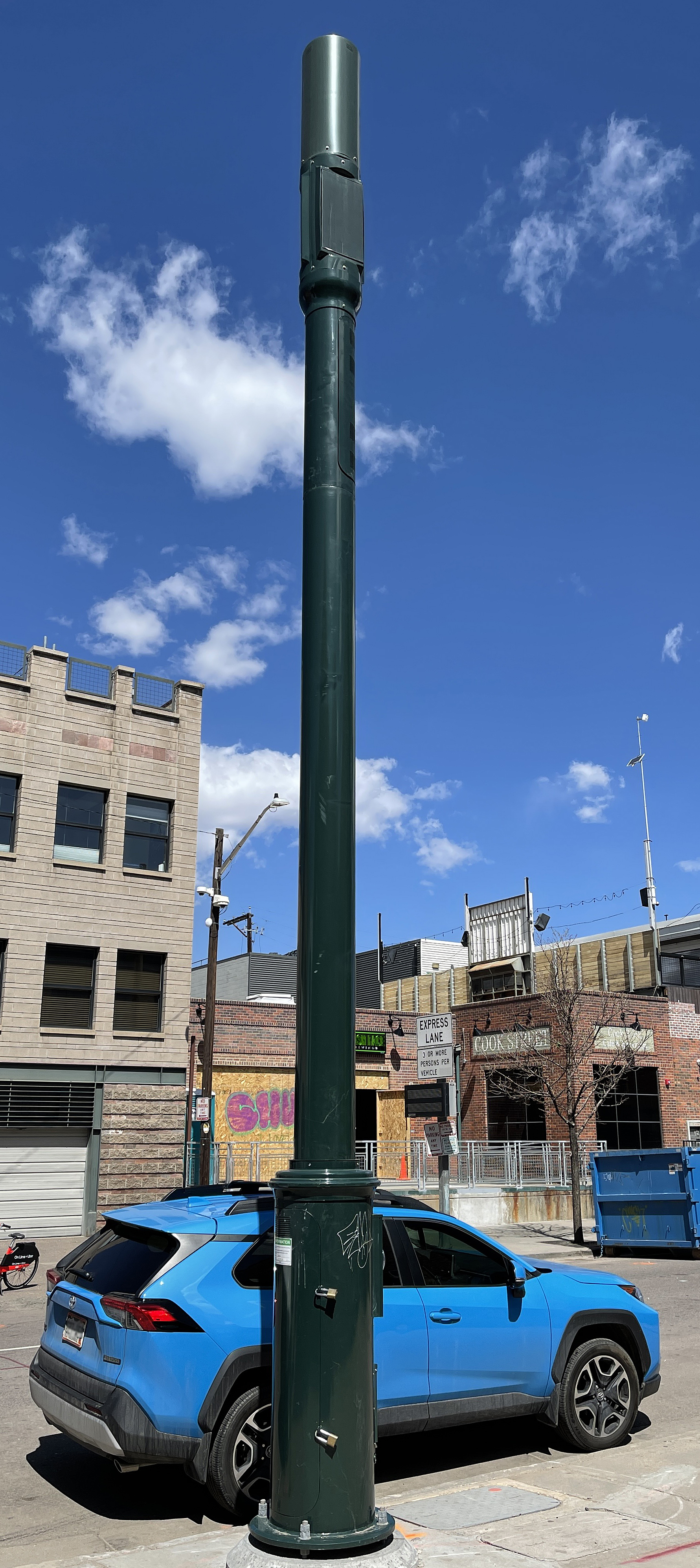
A 5G macro cell tower with panel antennas, the kind of cell behind your 5G icon, with no promise of speed. Photograph: Jeffrey Beall
Image Credits: Wikimedia Commons
The 5G icon is a radio signal badge, not a speed report. It means the phone has connected to a cell speaking the 5G New Radio (NR) standard. Nothing more is promised.
That one badge can cover wildly different realities, from slow low-band 5G to fast mid-band to a phone still anchored to a 4G core. Carriers chose marketing simplicity over honesty.
This article explains what the 5G icon really signals, including non-standalone versus standalone architecture, the three families of 5G spectrum, and why a "5G" icon can show on a painfully slow connection.
What the 5G icon actually signals
The icon reports a camped radio state, not a completed quality test. According to the Android Open Source Project documentation, devices can display a 5G icon on the status bar when a device connects to a 5G network. That connection only confirms the radio link exists.
The icon does not measure speed, latency, or tower crowding. A phone showing 5G can still crawl when the cell is congested. The badge is blind to conditions.
In non-standalone deployments, the phone often keeps a 4G LTE link as its control anchor and adds 5G for extra data, yet the status bar still says 5G. The icon hides that split personality.
Some carriers use tiered icons like "5G+", "5G UW", or "5G UC" to hint at faster flavors. Those labels generally mark mid-band or mmWave, while plain "5G" means standard coverage. They vary by carrier, so they are hints, not a standard code.
Non-standalone vs standalone: one icon, two architectures
Two architectures wear the same badge. In non-standalone (NSA) mode, the carrier uses 5G radio technology on top of the existing 4G core network. The LTE core still handles control signaling and mobility, while 5G contributes extra bandwidth, according to network vendor Teldat's architecture explainer.
Standalone (SA) 5G is the full rebuild: a 5G radio paired with a dedicated 5G core. Huawei's reporting says SA phones connect only to the 5G NR network instead of staying dual-connected, cutting power use by an estimated 20 percent. That same reporting puts NSA access latency near 400 ms versus about 40 ms for SA, a gap you can feel in gaming and voice calls.
3GPP's Release 15 provided the foundation for the non-standalone option, according to OneSDR's standards explainer. NSA let carriers launch 5G quickly without replacing their cores, which is why most early 5G connections were NSA.
Deloitte estimated that operator investment in standalone networks would double by the end of 2023. The migration is slow and expensive, so many consumer connections still run through NSA today.
Here is the kicker for the icon: the badge does not distinguish SA from NSA. As explainer site PhoneProSolve puts it, the 5G icon generally does not tell you whether you are on standalone or non-standalone, and checking usually requires device diagnostics or asking the carrier directly.
Low, mid, and mmWave: the three families of 5G spectrum
The icon also ignores your frequency, and that decides your speed. 5G New Radio spans FR1, from 410 MHz to 7.125 GHz, and FR2, the mmWave range from 24.25 GHz to 71 GHz, according to spectrum summaries of 3GPP's definitions.
Low-band 5G, below 1 GHz, is the coverage workhorse. Bands like n71 at 600 MHz and n28 at 700 MHz travel far and penetrate buildings well, but deliver only up to roughly 100 to 250 Mbps, according to CableFree's band guide. This is the 5G that feels like 4G because, on speed, it nearly is.
Mid-band 5G, roughly 1 to 6 GHz, is the sweet spot. It balances coverage and capacity, can reach about 1 Gbps, and turned the C-band slice at 3.7 to 3.98 GHz in the US and the n78 band at 3.3 to 3.8 GHz globally into the workhorses of real 5G upgrades. All three band families show the identical 5G icon.
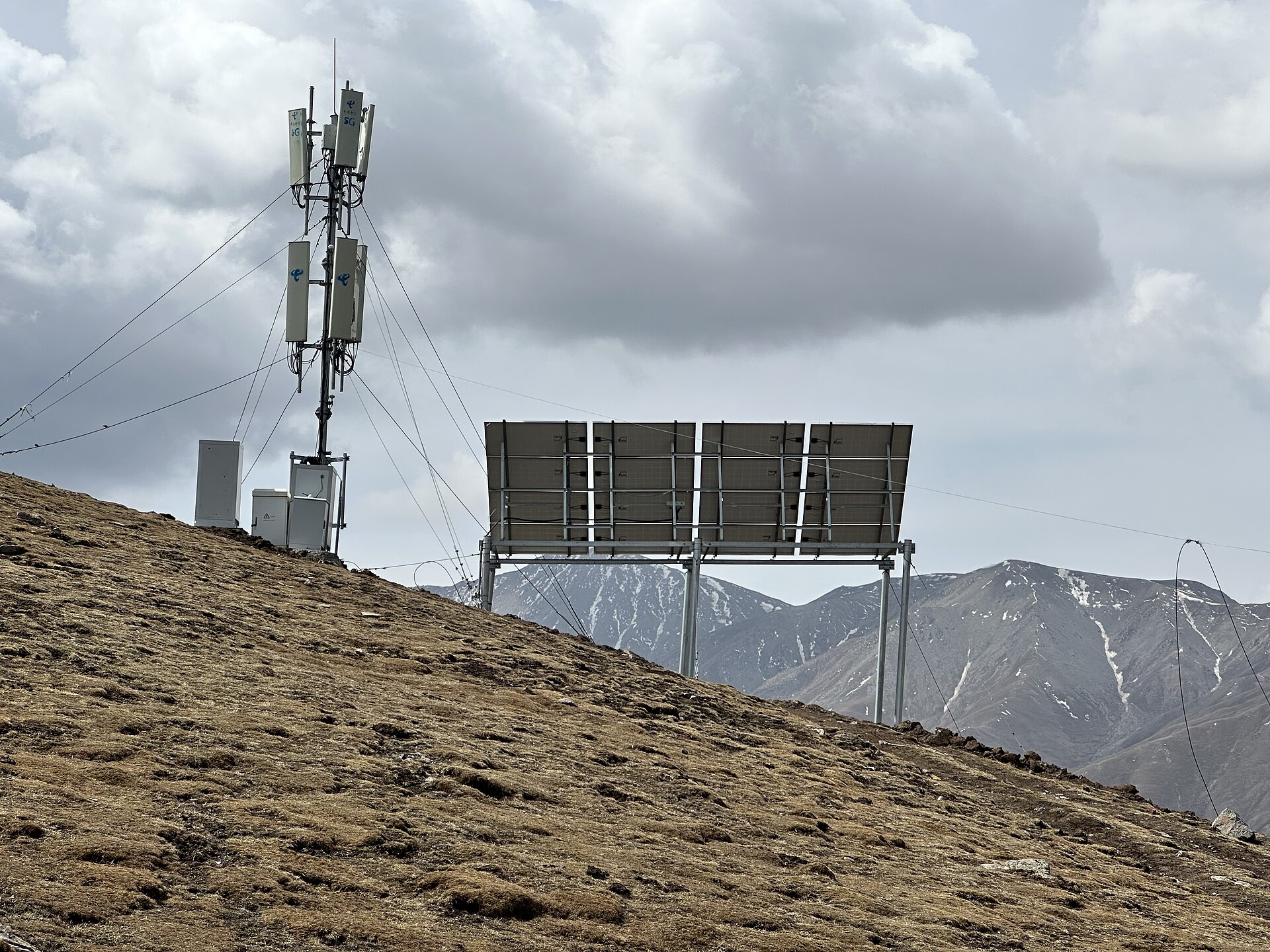
A base transceiver station in a mountain pass. Low-band 5G reaches places like this, which is why the icon shows up far beyond fast coverage. Photograph: Michał Beim
Image Credits: Wikimedia Commons
High-band 5G, or mmWave, sits at 24 GHz and above. It can push toward 10 Gbps, but its range is tiny and it is blocked by trees, windows, and even rain. It lives mostly in stadiums, airports, and dense downtown blocks.
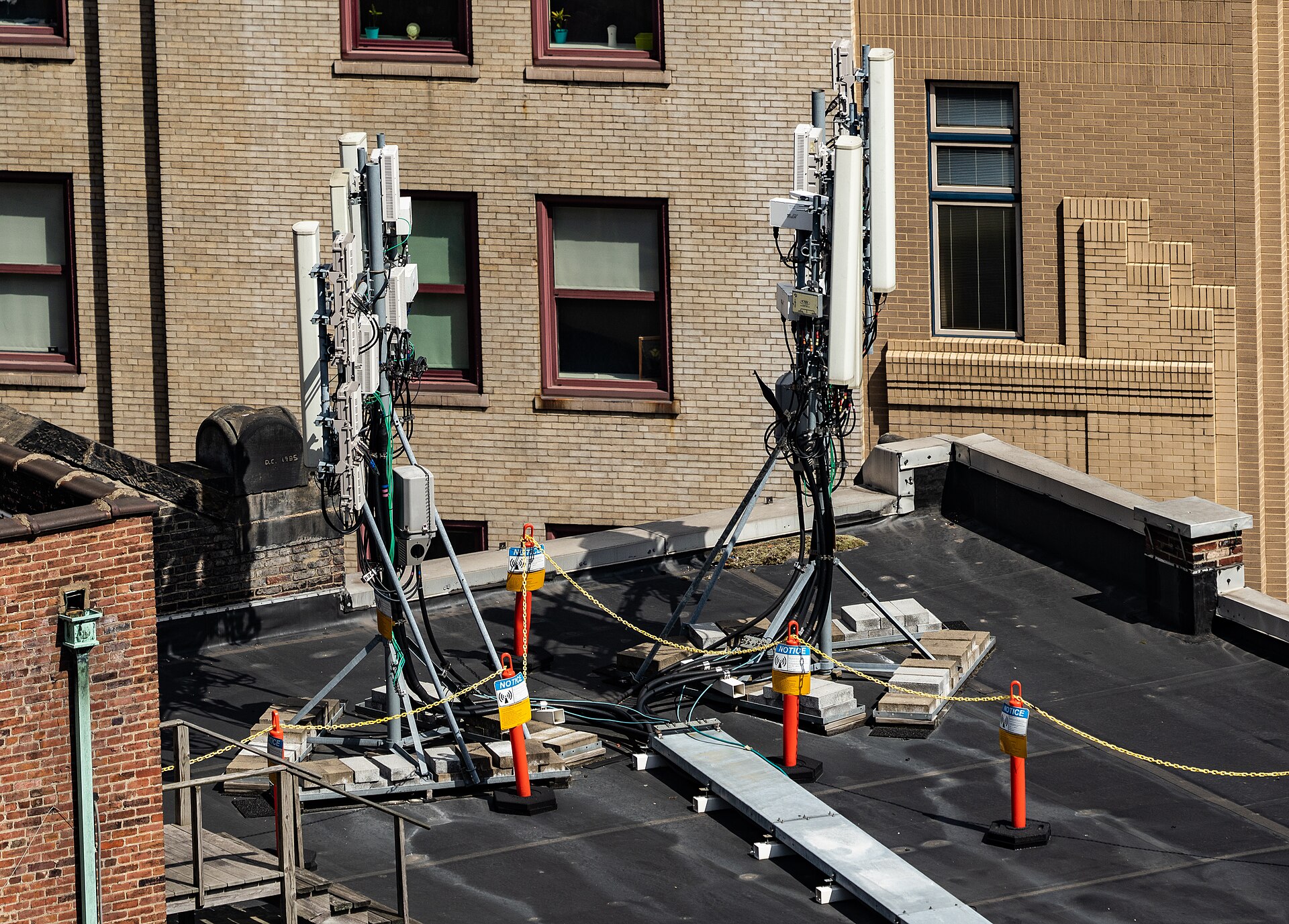
5G small cell antennas on a city rooftop. mmWave speed needs sites this close together because the signal barely travels. Photograph: Tony Webster
Image Credits: Wikimedia Commons
Dynamic spectrum sharing (DSS) blurs the line further. It lets carriers run 5G and 4G LTE on the same spectrum at the same time, according to TelecomTrainer. A 5G icon can therefore appear over airwaves mostly carrying 4G traffic, and the phone never tells you this.
Why the icon can show on a slow connection
Now the pieces fit together. A 5G icon on a congested low-band NSA cell with DSS is five marketing letters away from a 4G experience. The radio standard changed, but the underlying math of spectrum, users, and physics did not.
Congestion is the most common culprit. A mid-band cell can be fast at 3 AM and brutally slow at 6 PM because hundreds of phones share the same slice. The icon has no opinion about sharing.
Distance and obstacles matter more than the icon suggests. Low-band reaches you fine but slowly, while mmWave would be fast but cannot get through your office window. The badge cannot warn you.
Device and plan details hide behind the icon too. Some phones lack the fastest bands, and a plan that deprioritizes heavy users can throttle you while the badge keeps smiling at full bars.
How to tell what kind of 5G you are really on
Since the icon will not tell you, look at actual data instead. Run a speed test at different times of day. If your "5G" never breaks about 100 to 150 Mbps, you are probably living on low-band.
Your phone's field test mode can reveal the serving band and whether the connection is NSA or SA. On iPhone, the hidden field test shows the band number, and Android phones vary by manufacturer.
Match expectations to the band you actually have. If most of your time is on sub-1 GHz bands, mid-range plans will not unlock some hidden speed because the airwaves are the ceiling. If you travel often and juggle two carriers, knowing how dual eSIM on iPhone works lets you pick whichever network is genuinely faster where you stand.
Frequently asked questions
Does the 5G icon mean I am getting 5G speeds?
No. The icon confirms a 5G radio connection, not a speed level. Only mid-band or mmWave usually deliver the fast speeds carriers advertise.
Why is my 5G slower than my old 4G sometimes?
Because 5G is a radio standard, not a guarantee. A congested or low-band 5G cell can easily underperform a quiet 4G cell.
What is the difference between 5G NSA and 5G SA?
In non-standalone mode, 5G radio runs on top of the existing 4G core. Standalone 5G pairs 5G radio with a dedicated 5G core. SA can cut access latency and phone power use, but the status icon looks the same for both.
What do 5G+, 5G UW, and 5G UC mean on my phone?
Those are carrier labels for faster 5G, typically mid-band or mmWave. Plain "5G" usually means standard coverage, and the labels differ by carrier.
Should I switch plans to get faster 5G?
Only after checking what bands reach you. If your area is low-band only, a pricier plan will not create speed the spectrum cannot carry.
The bottom line
The 5G icon tells you one true thing: your phone found a 5G-capable cell. By omission it hides the rest, since it does not mean standalone architecture, a fast band, or real speed. The real story is the band and architecture behind the badge.
This week, check your phone's field test once, learn which band you actually live on, and calibrate your plan to that reality. You may find your "5G" has been 4G's cousin all along.
Tags: 5G, smartphones, mobile networks
Written by the Rive News research desk, which covers mobile technology with sourced, plain-language explainers.
Related
- How dual eSIM works on iPhone: two active lines explained
- Can an eSIM be hacked or cloned? The honest security answer
- How to switch from eSIM back to a physical SIM card
Like this explainer? Get one sourced tech story every week from the Rive News newsletter.
Facts in this article are sourced from carrier documentation, 3GPP band definitions, and independent explainers; check the sources list in the file header for links.
Related stories

Apple plans two October launches: smart home hub, OLED MacBook Pro
Apple set October 13 for a smart home launch with a new hub, Apple TV 4K and HomePod mini, then October 27 for OLED MacBook Pro models

How to Check If Your Phone Supports eSIM in 30 Seconds
Dial *#06# and look for an EID number to confirm eSIM support in under 30 seconds. This guide also walks through the iPhone and Android

eSIM vs iSIM: what is the difference?
An eSIM is a dedicated chip on the phone's board, while an iSIM lives inside the processor itself. Qualcomm's Snapdragon 8 Gen