
How to switch from eSIM back to a physical SIM card
Key takeaways
- Moving from eSIM to a physical SIM is a carrier operation: they deactivate your eSIM profile and issue a card with the same number.
- Keep the eSIM active until the physical SIM works. Deleting it first is the most common way people lose service.
- Some phones have no SIM tray at all, so the switch is impossible on that hardware.
An eSIM is a digital version of the SIM card, stored inside your phone instead of on a removable chip. A physical SIM is the small plastic card that slides into a tray on the side of the phone. Both connect you to the same network, and switching between them is common when you change phones, repair a device, or simply prefer a card you can hold.
This article explains how to move your number from eSIM back to a physical SIM card: what to check first, the exact order of steps, how to remove the old profile on iPhone and Android, and when the switch is not possible.
Check your phone actually has a SIM tray
This sounds obvious, but it settles the question before it starts. Every iPhone 14 or later sold in the United States is eSIM-only, according to Apple's reference on which SIM type each iPhone and iPad model uses. The iPhone 17 lineup and iPhone Air are eSIM-only across a longer list of markets that now includes Canada, Mexico, Japan, and several Gulf states, per eSIMradar's guide.
If there is no slot, there is nowhere for a card to go, no matter what the carrier is willing to send. Outside those markets, the same models still ship with a nano-SIM tray next to the eSIM. It is where the phone was bought that decides, not the model name, so check your exact variant rather than assuming.
If you are unsure about your specific phone, check whether your phone supports eSIM first. The same support pages that list eSIM compatibility usually list tray availability too.
Contact your carrier before touching anything
The move is started by your carrier, not by a setting on the phone. Ask your carrier for a physical SIM tied to your existing number, and confirm any fee before you begin.
Most carriers still issue cards, often for a small fee, though some newer eSIM-only operators have no card to send at all. In India, Gizbot reports the replacement fee is usually around 50 rupees. In Nepal, Ncell centers charge roughly 100 to 200 NPR for a SIM replacement, with eSIM-to-physical conversion taking 10 to 20 minutes at a service center, according to HamroNepaliBazar. Timings and fees vary by carrier and country, so get the number from yours.
Do not delete the eSIM profile first and then discover the carrier cannot send a card. That is the single most common mistake in this process. Keep using the eSIM while you wait: it stays live until the carrier performs the switch.
Activate the physical SIM
When the card arrives, activate it through your carrier's app or by calling their support line. This is the moment your number actually moves from the eSIM to the card.
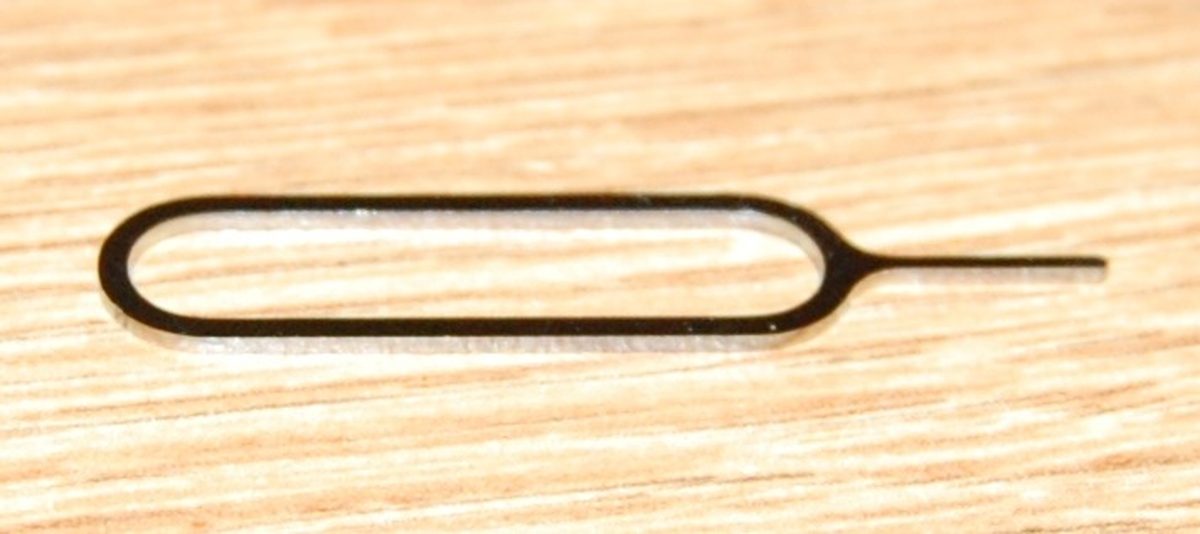
The mechanics are simple. Power the phone off, pop open the tray with the ejector tool (a straightened paperclip works in a pinch), seat the card in the correct orientation, and slide the tray back until it clicks. Then power on and wait 5 to 15 minutes for automatic activation, during which the phone talks to the carrier's servers, per S3Semi's walkthrough. You should see the carrier name appear in the status bar as signal bars populate.
Some carriers need manual activation. In that case, follow the instructions that came with the card: visit the activation page, enter the SIM number printed on the card or packaging, and confirm your number and account PIN. Gizbot notes the new physical SIM can take up to two hours to come fully live in some cases, so do not panic if the first few minutes look dead.
Once the card is recognized, confirm calls, texts, and mobile data all work. Place a test call and load a web page. Only when everything checks out is the switch done.
Remove the old eSIM profile
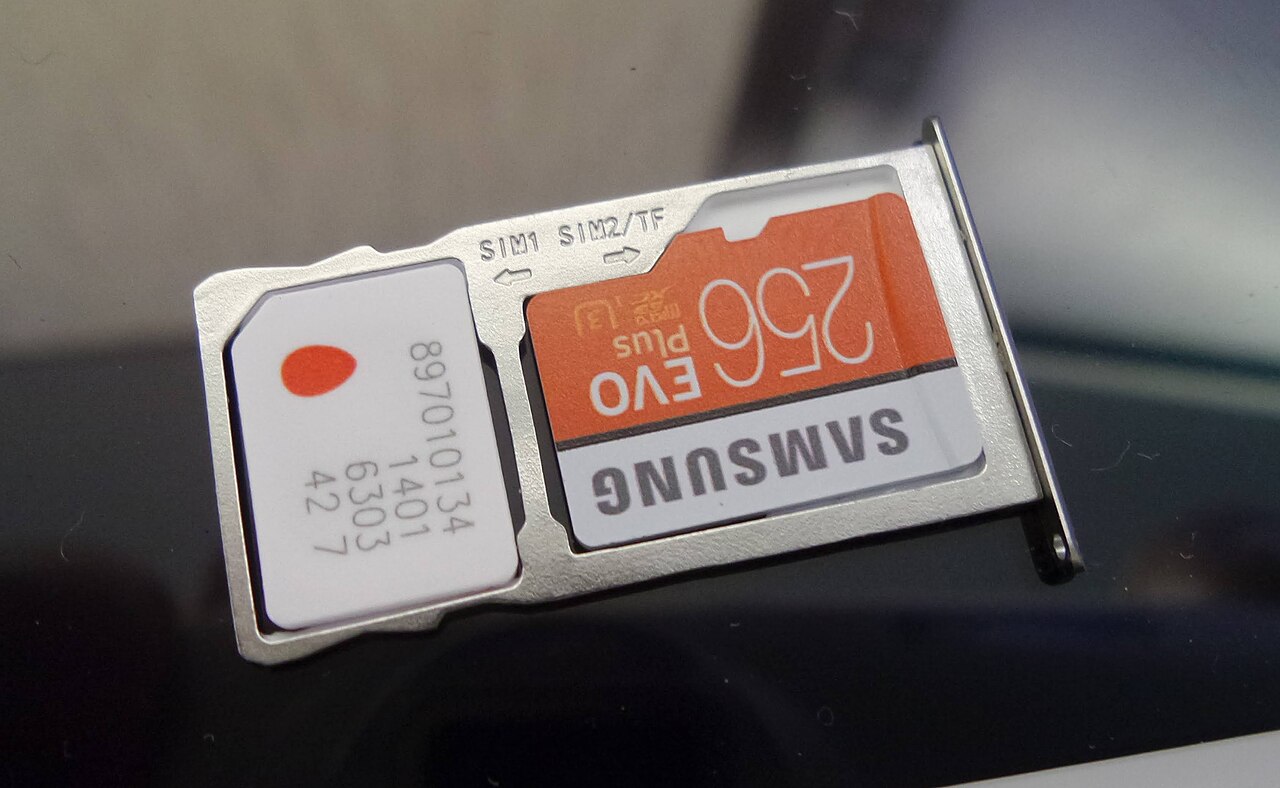
Only now, with the physical SIM working, should you delete the old eSIM profile. Leaving both active can cause confusion about which line is handling calls and data.
On iPhone, go to Settings, then Cellular, tap the eSIM plan you want to remove, and choose Remove Cellular Plan, as documented by AEANET. Confirm your choice. On Android, the path is usually Settings, then Connections, then SIM card manager, where you select the eSIM and choose Deactivate or Remove, though the exact menu names vary by manufacturer and Android version.
This is the same cleanup you would do in other situations. If you are switching phones entirely, see the guide on using eSIM and physical SIM at the same time, and if you need to clean up profiles generally, the guide to deleting an eSIM profile properly walks through the menu paths in detail.
When switching back is not an option
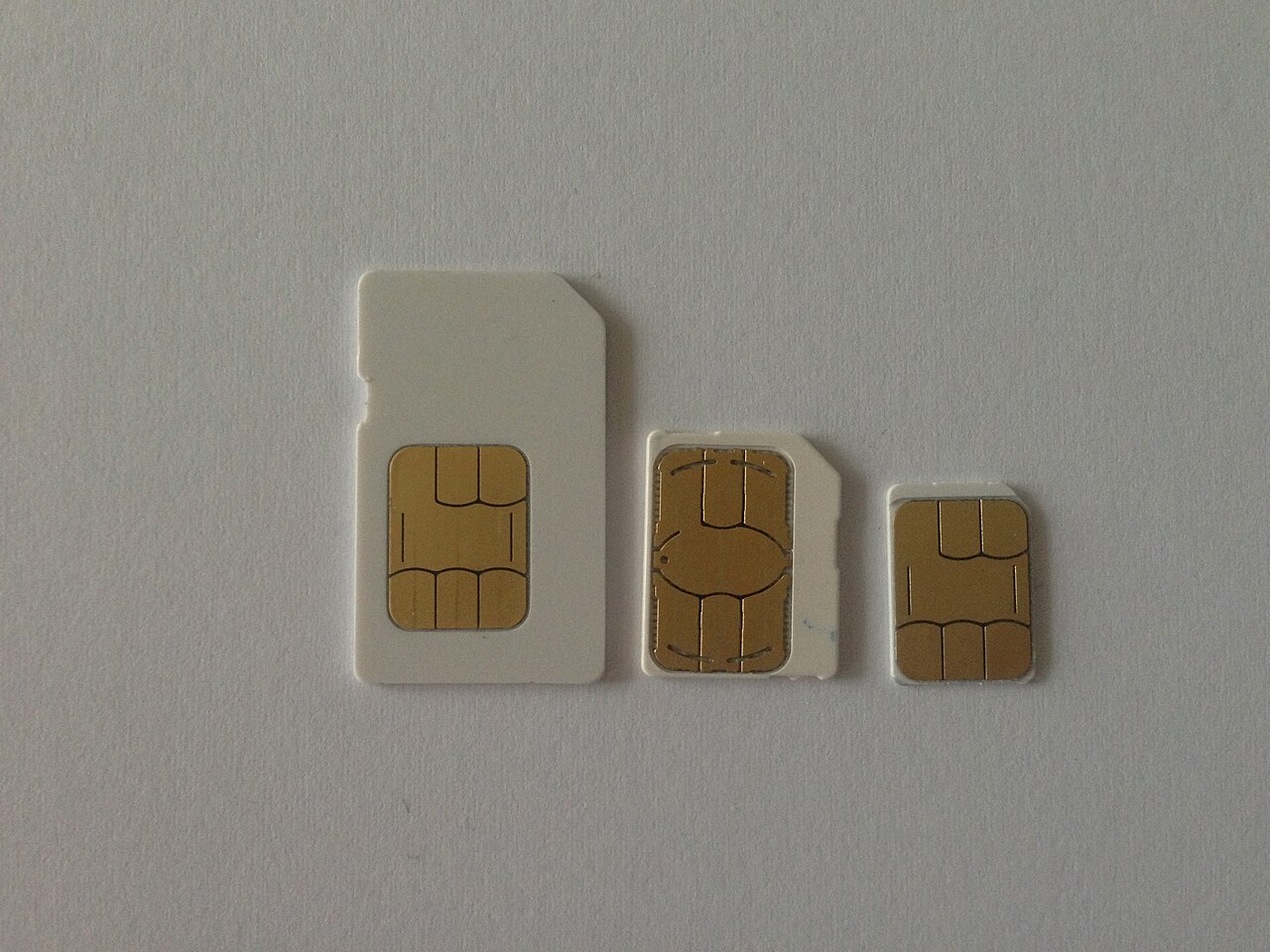
Two hard limits decide everything: whether your phone has a tray, and whether your carrier still ships cards.
If your phone is eSIM-only, no carrier process can change the hardware. Your alternatives are a different phone or staying on eSIM. If your carrier is eSIM-only, ask whether they can move your number to a partner brand that still issues cards, or consider porting the number to a carrier that does.
A third, softer limit is cost and patience. Some carriers charge fees for cards where they previously did not, as a way to push customers toward eSIM adoption. Ask about fees up front so the bill does not surprise you.
The bottom line
Switching from eSIM back to a physical SIM is a carrier task with a strict order: request the card, wait, activate it, confirm service works, and only then remove the eSIM profile. The process typically takes minutes to a couple of hours once you have the card, and your number stays the same. Never delete the eSIM first. If your phone has no tray or your carrier has no cards, the switch cannot happen on that setup.
Can I switch from eSIM to physical SIM myself online?
No. The carrier must deactivate the eSIM profile on their side and link your number to the new card. You can request this online, by phone, or in a store, but the carrier performs the actual switch.
Will I keep my phone number?
Yes. The carrier issues the new physical SIM with the same number your eSIM was using. Your contacts, photos, and apps are unaffected.
Does switching cost anything?
Often a small fee. Reported examples include about 50 rupees in India and 100 to 200 NPR in Nepal, but your carrier sets the price, so ask before starting.
Can I go back to eSIM later?
In most cases, yes. Nothing about the switch is irreversible. You would repeat the same kind of carrier request in reverse, assuming your phone and carrier support eSIM.
If you are switching back because of phone trouble rather than preference, an eSIM and factory reset explainer may help you decide whether the profile itself is the problem. For background on how the two SIM types differ, see eSIM vs physical SIM.
Topics: eSIM, SIM card, carrier switch, phone setup, mobile plans
Rive News is the research desk behind this article. It covers practical technology explainers.
Latest in Tech
- Check your phone's eSIM support
- Using eSIM and physical SIM at the same time
- How to delete an eSIM profile properly
Subscribe for weekly practical tech explainers.
Corrections: spotted an error? Email the research desk and it will be fixed with a dated update note.
Related stories

Apple plans two October launches: smart home hub, OLED MacBook Pro
Apple set October 13 for a smart home launch with a new hub, Apple TV 4K and HomePod mini, then October 27 for OLED MacBook Pro models

How to Check If Your Phone Supports eSIM in 30 Seconds
Dial *#06# and look for an EID number to confirm eSIM support in under 30 seconds. This guide also walks through the iPhone and Android

eSIM vs iSIM: what is the difference?
An eSIM is a dedicated chip on the phone's board, while an iSIM lives inside the processor itself. Qualcomm's Snapdragon 8 Gen