
eSIM After a Factory Reset: What Stays and What Goes
Key takeaways
- On iPhone, a factory reset asks you to choose: "Keep eSIMs and Erase Data" or "Delete eSIMs and Erase Data."
- On Pixel phones, an "Erase downloaded SIMs" checkbox controls the outcome. Samsung's eSIM prompt varies by model and carrier.
- A reset done in recovery mode, or remotely through Find My Device, wipes the eSIM with no choice offered. Cloud backups do not restore it.
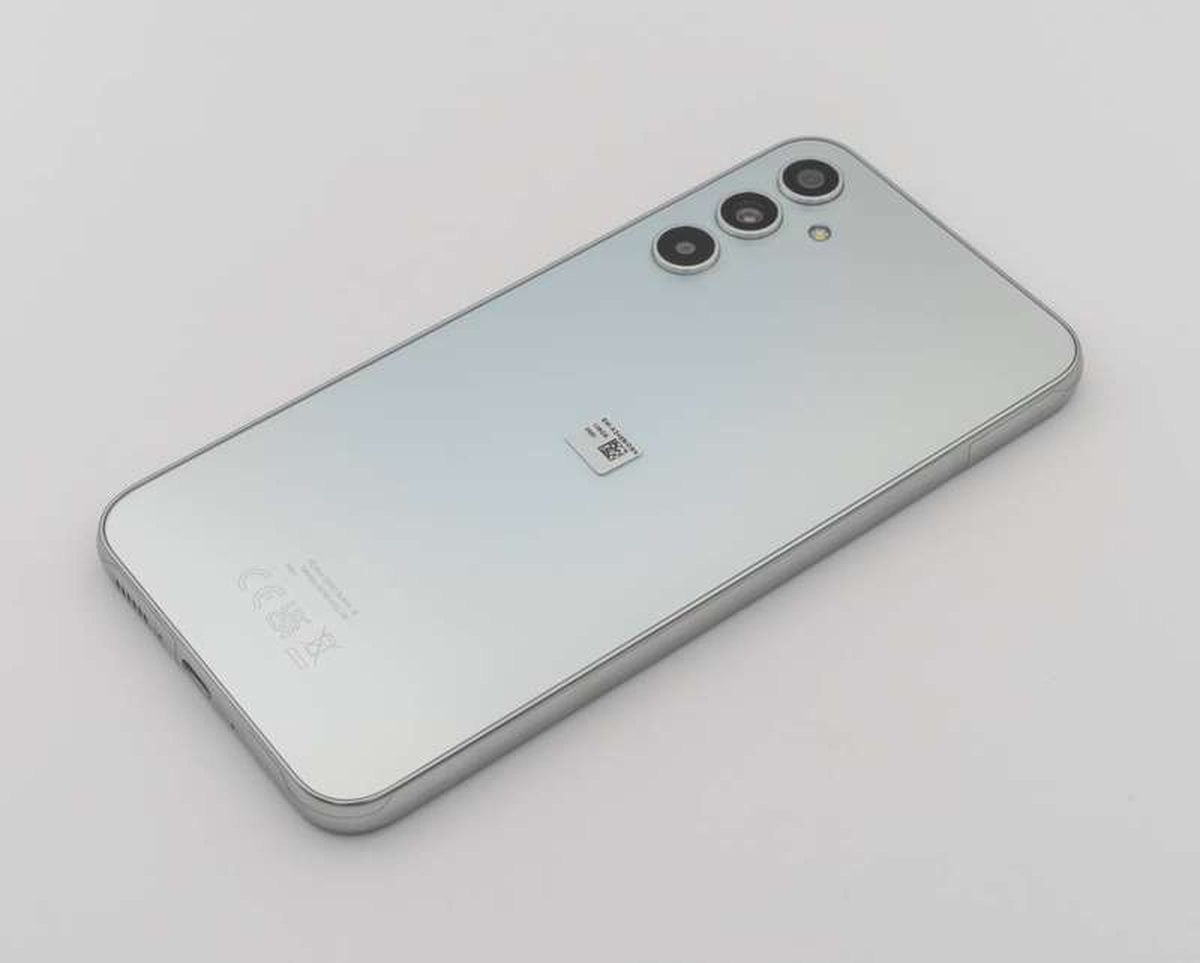
Image Credits: Wikimedia Commons
An eSIM is a digital SIM profile stored on a chip soldered inside your phone. It carries your carrier credentials. That is how the phone connects to a mobile network without any physical card in a tray.
A factory reset erases your apps, photos, accounts, and settings. It returns the phone to the state it was in when it left the box. The open question is whether the eSIM profile counts as "your data" or survives the wipe.
This article explains what a factory reset does to an eSIM: how iPhones handle it, how Android phones handle it, the edge cases that delete your plan anyway, and how to get your service back.
What is an eSIM, exactly?
A traditional SIM is a small plastic card with a chip. It identifies you to your carrier. An eSIM moves that job onto a rewritable chip called an eUICC. The eUICC is built into the phone's motherboard and cannot be removed.
Because the profile is software, you activate service by downloading it. You usually scan a QR code from your carrier or use the carrier's app. The same phone can store several profiles, though only one or two are active at a time.
That software nature is the whole story here. A physical SIM sits in a tray, untouched by any reset. An eSIM lives in the phone's memory, so a wipe can reach it.
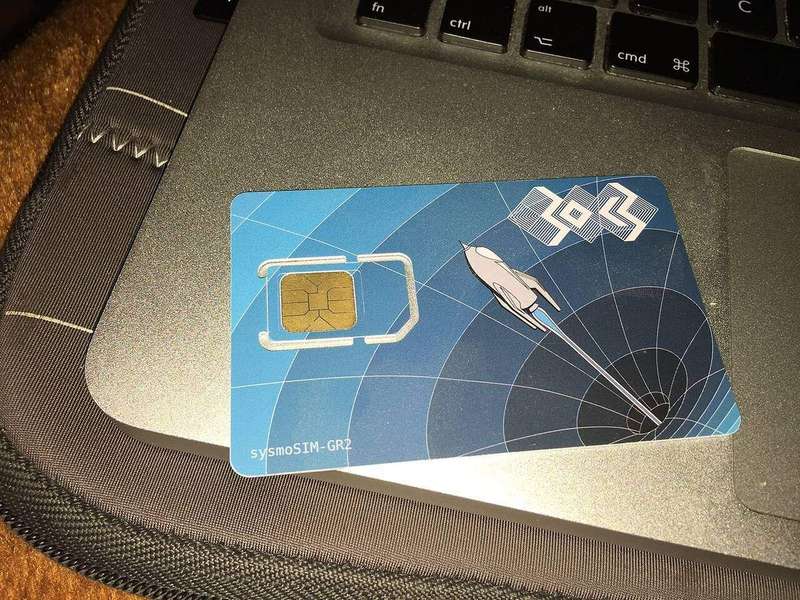
Image Credits: Wikimedia Commons
What a factory reset actually erases
On both iPhone and Android, a factory reset deletes user data: apps, photos, messages, accounts, and preferences. It also signs you out of your Apple Account or Google account. It re-locks features like Activation Lock and Factory Reset Protection.
The eSIM sits in a gray area between "user data" and "phone hardware." Phone makers recognized this. Modern reset screens treat the eSIM as a separate line item with its own choice. The default answer differs by platform, which is where people get tripped up.
One thing a reset never touches is your carrier account itself. Your phone number, plan, and billing stay with the carrier. What disappears is only the local copy of the credentials on that phone.
On iPhone: you get a clear choice
Apple's reset flow is the most explicit. Go to Settings, then General, then Transfer or Reset iPhone, and tap Erase All Content and Settings. After the confirmation screens, the phone presents two options, as documented in Verizon's iPhone support guide.
"Keep eSIMs and Erase Data" leaves the cellular plans on the phone untouched. Verizon calls this the preferred method. It notes that "eSIM profiles remain intact after the device is reset to factory settings." Choose this when you plan to keep using the phone yourself.
"Delete eSIMs and Erase Data" removes every cellular plan along with everything else. This is the right choice when selling, trading in, or giving away the phone. The next owner should not inherit your line.
Macworld's Mac 911 column adds a useful preemptive step. Before erasing, you can go to Settings, then Cellular, and tap Delete eSIM under any listed plan.
That removes the profile ahead of time. Then there is nothing to decide during the reset. If you delete a profile you meant to keep, you will need to reinstall it through your carrier. That may mean a phone call or a new QR code.
On Android: Pixel and Samsung differ
Android has no single reset screen, so the eSIM question looks different depending on the manufacturer. On a Google Pixel, the path is Settings, then System, then Reset options, then Erase all data (factory reset). If the confirmation screen includes an "Erase downloaded SIMs" checkbox, leave it unchecked to keep your profiles, per The BitJoy's reset guide.
On a Samsung Galaxy phone, the path is Settings, then General management, then Reset, then Factory data reset. Where an eSIM prompt appears, choose to keep the profiles. The BitJoy notes that the prompt can show up later than the first reset screen on some models, such as the Galaxy S24 Ultra. So read every screen before the final confirmation.
Samsung's own documentation warns that the available screens vary by carrier, software version, and model. Do not assume your Galaxy behaves like someone else's. If no eSIM option appears at all, pause and check your exact model's instructions before proceeding.
Image Credits: Wikimedia Commons
When your eSIM gets deleted anyway
The keep-my-eSIM options have limits. The travel blog Blivale documents the most painful ones. The "keep eSIM" choice only appears during a normal reset started from the Settings menu on a working phone.
If the phone is wiped in recovery mode, restored through a computer, or erased remotely via Find My Device or an employer's device-management system, there is no prompt. The wipe takes everything, eSIM included, with no choice offered.
There is a second trap. Standard cloud backups do not include eSIM profiles. Apple and Google exclude them for security reasons. The profiles contain network credentials tied to a specific device.
Restoring from iCloud or Google One brings back your photos and apps, but not your cellular plan.
Also note what a reset does not fix. As the carrier guide Cominsurer explains, a factory reset does not remove a carrier lock. It does not disable Activation Lock or Factory Reset Protection. It does not clear a lost-or-stolen blacklist flag. Those are controlled by the carrier, Apple, Google, or shared databases, not by the phone's storage.
How to get your plan back after a reset
If your eSIM survived, check the SIM settings after setup. On iPhone, look under Settings, then Cellular. On Pixel, look under Settings, then Network and internet, then SIMs.
The retained line may need to be enabled or selected as the data line before it connects.
If the profile is gone, reinstall it. Many carriers let you re-download the eSIM from their app or website by signing into your account. Some require a fresh QR code or a call to support. This is especially common if the profile is still tagged to the old device state, as the FlexiRoam help center notes for travel eSIMs.
Before any reset, take thirty seconds to prepare. Save your carrier's eSIM QR code or confirmation email somewhere you can reach without the phone. Make sure you can sign into your carrier account. If you are traveling, keep the travel eSIM's reinstall instructions handy. You may be far from your home carrier's support hours.
Frequently asked questions
Does "Reset Network Settings" delete my eSIM?
No. On both iPhone and Android, resetting network settings clears saved Wi-Fi networks, Bluetooth pairings, and some APN data. It normally leaves installed eSIM profiles untouched, per Blivale's troubleshooting guide. It is a safe first step for connectivity problems.
Will a factory reset remove my phone number?
Your number stays with your carrier account. The reset only removes the local profile from the phone. As Android Central puts it, with an eSIM you will need to set the plan up again through your carrier after the reset. The number itself does not change.
I kept the eSIM but have no signal. What now?
A retained profile does not guarantee an active connection. Check that the line is enabled and selected for mobile data. Confirm the plan is still valid with your carrier. Make sure you are inside the plan's coverage area.
Should I delete the eSIM before selling my phone?
Yes. Choose "Delete eSIMs and Erase Data" on iPhone, or check "Erase downloaded SIMs" on Pixel. Also sign out of your Apple Account or Google account first. Then Activation Lock or Factory Reset Protection will not trap the next owner.
The bottom line
A factory reset does not have to kill your eSIM, but it will if you rush through the prompts. On iPhone, pick "Keep eSIMs and Erase Data" unless you are handing the phone to someone else. On Android, watch for the eSIM checkbox or prompt. Its wording and placement vary by manufacturer.
And remember the two silent killers: recovery-mode wipes offer no choice, and cloud backups never include the profile. Save your carrier's reinstall details before you tap erase. Then the worst case becomes a ten-minute re-download instead of a trip-ruining outage.
---
Topics: eSIM, factory reset, iPhone, Android, smartphones, mobile carriers
Rive News is the research desk behind this publication's explainers, covering money, health, home, and science in plain English.
Latest in Tech
- How to Check If Your Phone Supports eSIM in 30 Seconds
- eSIM: What It Is, How It Works, and How Travelers Use It
- How to Transfer Your eSIM to a New Phone
- eSIM Troubleshooting Abroad: Fixing Common Problems
Subscribe for one plain-English tech explainer in your inbox each week.
Educational content only. © 2026 Rive News. Corrections: contact the research desk.
Related stories

Apple plans two October launches: smart home hub, OLED MacBook Pro
Apple set October 13 for a smart home launch with a new hub, Apple TV 4K and HomePod mini, then October 27 for OLED MacBook Pro models

How to Check If Your Phone Supports eSIM in 30 Seconds
Dial *#06# and look for an EID number to confirm eSIM support in under 30 seconds. This guide also walks through the iPhone and Android

eSIM vs iSIM: what is the difference?
An eSIM is a dedicated chip on the phone's board, while an iSIM lives inside the processor itself. Qualcomm's Snapdragon 8 Gen