
How airplane mode saves battery: what the radios do
Key takeaways
- Airplane mode shuts off the cellular, Wi-Fi and Bluetooth radios, stopping the constant signal hunting that drains your battery.
- Weak signal is the biggest single cause of cellular battery drain, because the phone boosts transmit power to reach distant towers.
- Turning off mobile data alone does not switch the radio off; your phone stays registered with the tower for calls and texts.
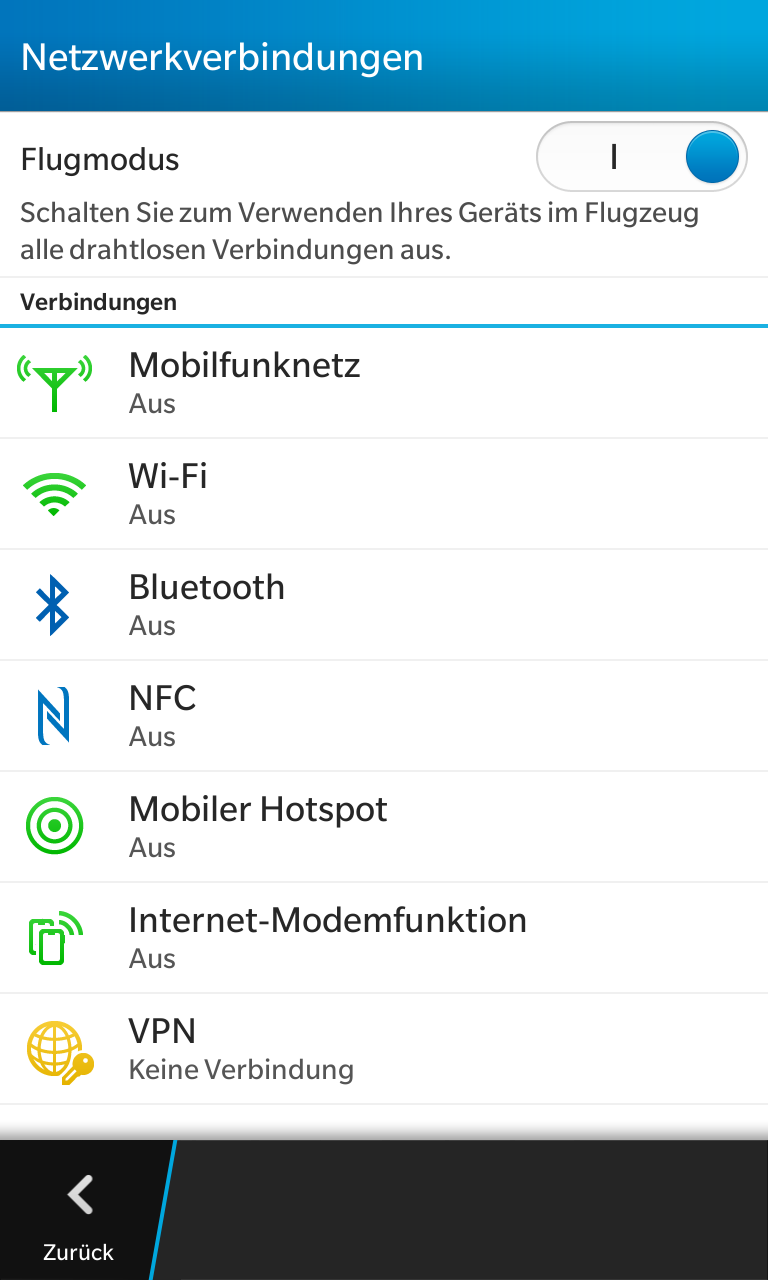
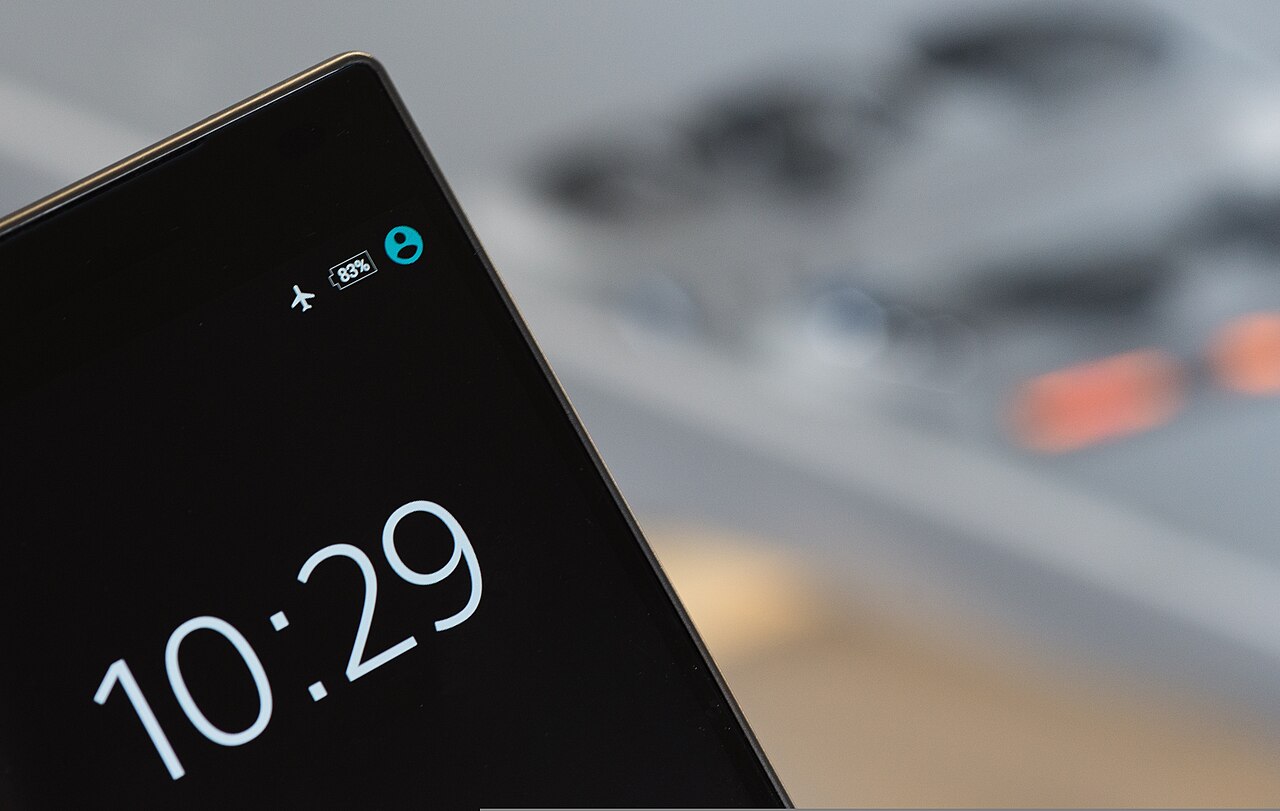
Airplane mode is the switch that takes your phone off the airwaves. Tap it and the device stops talking to cell towers, Wi-Fi routers and Bluetooth gadgets all at once.
This article explains what airplane mode actually switches off, why your phone's radios are such battery hogs, and when the toggle makes a real difference. It also covers when it barely matters and how it compares to simply turning off mobile data.
What airplane mode actually switches off
Airplane mode disables the wireless radios inside your phone. On most devices that means the cellular radio (voice and data), Wi-Fi and Bluetooth stop transmitting or receiving. Some phones also pause GPS or NFC, depending on the model.
The result is immediate silence on the radio front. Your phone stops scanning for cell towers, searching for Wi-Fi networks and advertising its Bluetooth presence, according to SamMobile's explainer on the feature.
There is a quirk worth knowing on iPhones. Apple's support page, updated February 11, 2026, says airplane mode turns off cellular and Wi-Fi but leaves Bluetooth on unless you disable it yourself, TechUpsider reports. That is so wireless earbuds keep playing on flights.
You can switch Wi-Fi and Bluetooth back on individually while the rest of airplane mode stays active, and the phone remembers your choice.
Everything else keeps working. The camera, music player, calculator, alarms and downloaded videos run normally. What stops is anything that needs a live connection.
How your phone's radios drain the battery
The display usually takes the biggest slice of battery, but the cellular radio is not far behind. SamMobile puts it bluntly: the radio searching for signal and transmitting data is one of the most energy-intensive things a phone does, even when you are not touching it.
That is because the radio is never really idle. A phone that is switched on and connected checks in with nearby cell towers every few minutes, a routine known as a periodic location update. Each check costs energy, and hundreds of them add up over a day.
The phone also measures signal strength from multiple towers and switches between them to hold the best connection. In areas with weak coverage it boosts its transmission power to reach distant towers, SamMobile explains. Think of it like shouting to be heard across a field: the further the tower, the louder the phone has to shout.
Background activity compounds the problem. With connectivity on, apps sync data, fetch updates and receive push notifications all day. Cut the connection and the processor handles far fewer background tasks, so system load drops too.
Why weak signal is the real story behind the savings
Here is the part most battery tips skip: the savings depend almost entirely on signal strength. Weak signal is the biggest single cause of cellular battery drain, Gadgets Now reports, because the phone raises its transmit power and scans more often as it fights to stay registered.
Put numbers on it. In lab conditions cited by a 2023 GSMA mobile test report, enabling airplane mode cut power draw from the cellular, Wi-Fi and Bluetooth subsystems by 42 to 68 percent, depending on the network environment, and stretched standby from roughly 23 hours to 72 hours. The single largest chunk came from scanning radios that were pulling 120 to 280 milliwatts continuously while hunting weak towers.
Flip the situation and the benefit shrinks. On a strong 5G connection the baseband processor drops into deep sleep between scheduled transmissions, drawing as little as 8 to 12 milliwatts, according to Qualcomm power profiling from 2022. Wi-Fi 6E in power-save mode can sip just 4 to 7 milliwatts when there is no traffic. When the radios are already resting, airplane mode gains less than 2 percent, the GSMA report found.
So the same toggle is a lifesaver in a concrete basement, a tunnel or a rural road with one bar of signal, and nearly pointless on your couch with full bars and strong Wi-Fi.
Airplane mode versus just turning off mobile data
Many people switch off mobile data and assume they have done the same thing. They have not.
Gadgets Now's comparison is clear: turning off cellular data only stops your phone from browsing the internet. The phone stays registered with the tower for calls and texts, so the radio inside keeps transmitting.
Airplane mode walks off the court entirely by switching that radio off. That is why it beats every other single toggle for stopping idle drain. If you want internet without the cellular cost, the smarter play is airplane mode plus Wi-Fi re-enabled: Wi-Fi uses far less power than mobile data, a point both Apple and Google make in their battery guidance.
Overnight is the classic use case. Tests cited by Wirecutter have found minimal overnight drain, roughly 1 to 3 percent over eight hours with battery saver on, while normally connected phones can drop far more in weak-signal rooms. Alarms still ring and the offline music keeps playing.
When the toggle actually matters most
Airplane mode earns its keep in specific situations. Traveling between coverage zones is a big one: when the phone hops between networks it works overtime to stay connected, and airplane mode removes that churn entirely. Underground garages, basements, rural stretches and airplanes are obvious candidates.
It is also the right move when your battery is critically low and you still want the phone alive for essential tasks later. A short stretch in airplane mode banks charge you cannot recover otherwise.
When does it not matter? If you are on strong Wi-Fi with a solid signal and need your apps syncing anyway, toggling it buys you almost nothing.
Heavy foreground use like streaming or gaming dominates the power budget, and airplane mode cannot touch the screen or the processor. For low battery with calls still needed, the built-in battery saver modes are the better pick because they cut background work without killing the connection.
Does airplane mode make my phone charge faster?
Slightly. With the radios and background syncing quiet, less energy is being spent while the charger works, so more of the incoming current goes to the battery. The difference is usually small unless the phone was under heavy use before you plugged in.
Can I still use Wi-Fi and Bluetooth in airplane mode?
Yes. On both iPhone and Android you can re-enable Wi-Fi and Bluetooth while airplane mode stays on. The phone will remember your preference the next time you toggle it.
Does airplane mode stop all battery drain?
No. The screen, the processor and any apps you use still consume power. Airplane mode only removes the radio portion of the drain, which is why heavy screen use will still empty the battery quickly.
Is airplane mode better than turning the phone off overnight?
Turning the phone off preserves slightly more charge, but you lose alarms and the convenience of a quick wake-up. Airplane mode is the practical middle ground: minimal drain with the phone ready to use.
The bottom line
Airplane mode saves battery by switching off the power-hungry wireless radios and ending the constant signal hunt. The benefit is huge where signal is weak and almost zero where signal is strong, so use it where your phone would otherwise strain to stay connected. Pair it with battery saver for the maximum stretch on critical days.
Latest in Tech
- Find your phone even with no internet connection
- What really happens to your deleted phone photos
- What incognito mode actually hides, and what it does not
- Why some of your texts show up green and others blue
Want more practical phone explainers? Subscribe to the Rive News newsletter for one useful teardown every week.
Image Credits: Wikimedia Commons / contributors
Related stories

Apple plans two October launches: smart home hub, OLED MacBook Pro
Apple set October 13 for a smart home launch with a new hub, Apple TV 4K and HomePod mini, then October 27 for OLED MacBook Pro models

How to Check If Your Phone Supports eSIM in 30 Seconds
Dial *#06# and look for an EID number to confirm eSIM support in under 30 seconds. This guide also walks through the iPhone and Android

eSIM vs iSIM: what is the difference?
An eSIM is a dedicated chip on the phone's board, while an iSIM lives inside the processor itself. Qualcomm's Snapdragon 8 Gen