
What Is End-to-End Encryption? A Plain English Guide
Key takeaways
- End-to-end encryption scrambles a message on the sender's device so only the recipient's device can unscramble it.
- The app that carries the message cannot read it, because it never holds the key.
- Encryption hides content, not metadata, and it cannot protect a phone that is already compromised.
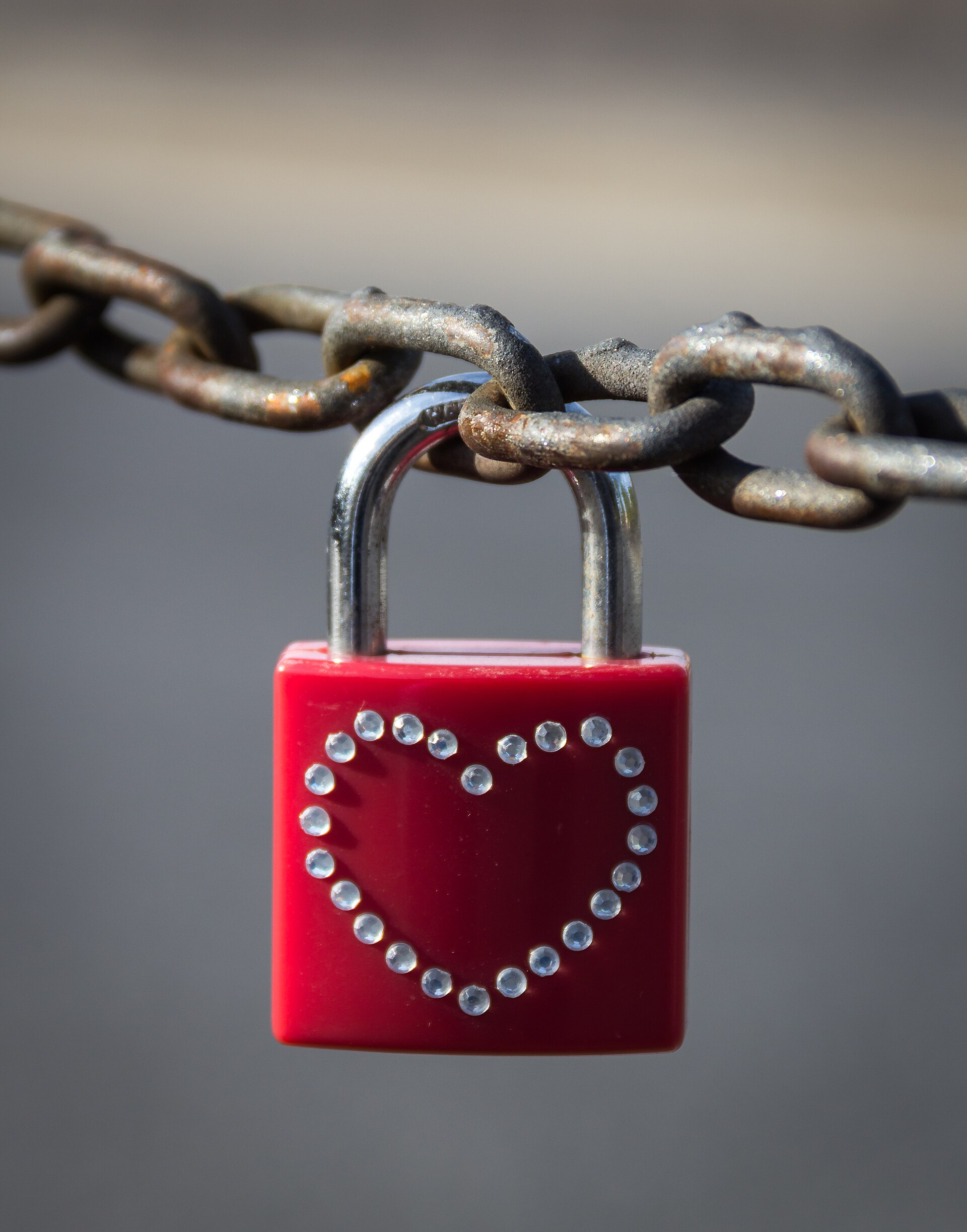
End-to-end encryption means only the sender and the intended recipient can read a message. The message is scrambled before it leaves the sender's device, and it stays scrambled while it travels across the internet. It becomes readable again only when it reaches the recipient's device.
Think of it as a letter inside a locked box. You lock the box before handing it to the courier, and only the recipient holds the key. The courier can carry the box, store it, and deliver it, but cannot open it.
That is the whole idea in one image.
This article explains what is end-to-end encryption in plain English, including how the keys work, how it differs from ordinary website encryption, which apps use it, and where its limits sit.
What end-to-end encryption actually does
End-to-end encryption, often shortened to E2EE, protects the content of a message between two endpoints. The endpoints are the devices at each end, such as two phones. Everything in the middle, including the app's servers, the Wi-Fi network, and the internet provider, sees only scrambled data.
That middle-blindness is the point. With ordinary encryption on a website, your device encrypts traffic to a server, and the server can usually read the data once it arrives. With E2EE, the server is a courier, not a reader.
According to FreeTechLearner, the key idea is simple: the service can deliver your data, but it should not hold the key needed to read your data.
The protection covers more than text. The same approach can shield voice calls, video calls, photos, files, and password vaults. Any content that passes between two endpoints can travel in scrambled form.
What matters is who holds the key, not what kind of file is inside.
How the keys work, step by step
Every E2EE system uses a pair of keys. The public key can be shared with anyone, and it is used to lock a message. The private key stays on its owner's device, and it is the only key that can unlock messages sent to that owner.
The flow runs in four stages. First, each device creates its own key pair. Second, the sender's app locks the message with the recipient's public key.
Third, the locked message travels through servers that cannot read it. Fourth, the recipient's app unlocks it with the private key that never left the device.
NordVPN describes the same sequence: keys are generated, the message is encrypted with the recipient's public key, the scrambled message travels, and only the recipient's private key can decrypt it. The private key is the secret that makes the whole system work. If it stays protected, intercepted messages stay unreadable.
Modern apps add one more trick. Instead of reusing one key, they rotate keys from message to message. The Signal Protocol, which powers Signal and has shaped other secure messengers, uses a design called the double ratchet.
Message keys change continuously, so exposing one current key should not unlock older messages. That property is called forward secrecy.
How it differs from other kinds of encryption
Encryption is not one single thing. Different systems protect data in different places, and mixing them up causes most of the confusion.
Encryption in transit protects data while it moves to a server. HTTPS websites work this way. It stops snoopers on the local network, but the server itself can usually read the data.
Encryption at rest protects stored data, such as an encrypted hard drive, but whoever controls the storage keys can open it.
End-to-end encryption is stricter than both. It protects data from sender to recipient, and only the endpoints can read it. Client-side encryption comes close when files are scrambled before upload, but the result depends on who controls the keys.
Full-disk encryption protects a whole device drive, and it guards the device after it is locked, not messages in transit.
A quick way to test any claim: ask who holds the key. If the provider holds it, the provider can read the content. If only the endpoints hold it, the provider cannot.
That one question cuts through most marketing language.
Which apps use end-to-end encryption
Several everyday apps use E2EE for messages and calls. Signal is widely regarded as the reference case, because its app and protocol are open source and its encryption is on by default. WhatsApp uses end-to-end encryption for personal messages and calls by default, which matters because so many people already use it.
Apple iMessage provides encrypted communication between Apple users.
Telegram is the common source of confusion. Regular Telegram cloud chats are not end-to-end encrypted by default. E2EE is available only in Secret Chats, which must be started separately.
If you want default E2EE for ordinary chats, Signal or WhatsApp are usually better choices, according to FreeTechLearner.
Email is harder. Standard email was not built around E2EE. Services such as Proton Mail and Tuta make encrypted email easier, especially when both sides use the same encrypted provider.
Password managers use a related idea: a good vault is encrypted so the provider cannot simply read your stored passwords.

What end-to-end encryption does not protect
E2EE is powerful, but it is not magic. It protects message content during transmission, and several risks remain outside that job.
Metadata can still leak. Encryption hides what you said, but it may not hide who you talked to, when you talked, how often, your IP address, or your device details. That pattern can still reveal sensitive information even when every word stays secret.
Device security still matters. If malware is running on your phone, it can read messages before encryption or after decryption. E2EE cannot protect a compromised endpoint.
A strong screen lock, current operating system, and careful app permissions all sit underneath encryption.
Backups can weaken privacy. Encrypted messages may become less private if they are backed up to cloud storage without strong encryption. Some apps offer end-to-end encrypted backup options, but users must enable or configure them correctly.
Always review backup settings before assuming everything is protected.
Identity checks are often ignored. Many apps show safety numbers or QR codes that let you verify you are talking to the right person. If you never check them, you could miss signs of account takeover.
Verification takes under a minute and is worth doing for sensitive contacts.
How to check whether your chats are encrypted
Start with the app you use most. Open a conversation and look for its encryption notice or security settings. Signal encrypts by default, and WhatsApp shows an end-to-end encrypted notice in each chat.
iMessage conversations with other Apple users are encrypted, while green-bubble SMS texts are not.
Next, check your backups. Cloud backups can sit outside the encrypted system. WhatsApp, iCloud, and Google Drive each have their own backup settings, so review them one by one.
Turn on end-to-end encrypted backup options where they exist.
Then verify one important contact. Compare the safety number or QR code with the other person through a second channel, such as in person or a voice call. If the numbers match, the conversation is with the right device.
If the app ever warns you that a contact's safety number changed, pause and re-verify before sending anything sensitive.

Finally, protect the endpoint. Keep your phone updated, use a strong screen lock, and turn on two-factor authentication for the accounts tied to your chats. Encryption guards the road between devices, so the devices themselves need locks too.
Common questions about end-to-end encryption
People often ask whether E2EE slows a phone down. In practice, modern devices handle encryption with no noticeable delay. The math runs in the background, and messages arrive at normal speed.
Another common question is whether E2EE makes an app completely private. It does not. Metadata, backups, and device security sit outside the encryption itself.
A private messenger on a compromised phone is not private, and an encrypted chat backed up in plain text is only as safe as the backup.
Some readers wonder whether public Wi-Fi becomes safe with E2EE. Safer, not safe. E2EE protects the content of encrypted chats on any network, but other traffic on that network may still be exposed.
A VPN adds a separate layer for the rest of your traffic, though it does not make you anonymous.
Frequently asked questions
Is end-to-end encryption the same as HTTPS?
No. HTTPS encrypts traffic between your device and a server, and the server can usually read the data. E2EE keeps data scrambled all the way to the recipient, so the server cannot read it.
Can the app company read my end-to-end encrypted messages?
With proper E2EE, no. The company carries scrambled data and never holds the key. Backups, metadata, and account information are separate issues that can still leak details.
Does end-to-end encryption protect me if my phone is stolen?
Only partly. Encryption guards messages in transit, not a device in someone else's hands. A strong screen lock and full-disk encryption matter more in that case.
Why is Telegram different from Signal or WhatsApp?
Telegram's regular cloud chats are not end-to-end encrypted by default. E2EE applies only to Secret Chats. Signal and WhatsApp encrypt ordinary personal chats by default.
The bottom line
End-to-end encryption means your message is locked on your phone and unlocked only on the recipient's phone. The service in the middle carries scrambled data and never holds the key. That design protects content from snoopers, providers, and breaches, but it does not hide metadata, secure backups, or protect a compromised device.
If you want a safer setup, pick an app with E2EE by default, turn on encrypted backups, verify one important contact, and keep your device locked and updated. For account safety beyond chats, check whether your email password leaked in a breach and watch out for phishing QR codes.
Tags: encryption, privacy, messaging, security
Latest in Tech
- Two-factor authentication can stop most account takeovers
- How to tell if a public Wi-Fi network is safe to use
- How to check if your email password leaked in a breach
- What is the difference between SSD and NVMe storage?
Subscribe for one plain-English tech explainer each week.
Related stories

Apple plans two October launches: smart home hub, OLED MacBook Pro
Apple set October 13 for a smart home launch with a new hub, Apple TV 4K and HomePod mini, then October 27 for OLED MacBook Pro models

How to Check If Your Phone Supports eSIM in 30 Seconds
Dial *#06# and look for an EID number to confirm eSIM support in under 30 seconds. This guide also walks through the iPhone and Android

eSIM vs iSIM: what is the difference?
An eSIM is a dedicated chip on the phone's board, while an iSIM lives inside the processor itself. Qualcomm's Snapdragon 8 Gen