
Why your phone slows down when storage is almost full
Key takeaways
- Flash memory cannot overwrite data directly; it must erase whole blocks first, and that needs free space.
- Keep at least 10 percent of storage free: below that, garbage collection and wear leveling slow down sharply.
- Your phone also uses storage as overflow memory and temp space, which is why a full drive affects everything, not just saves.
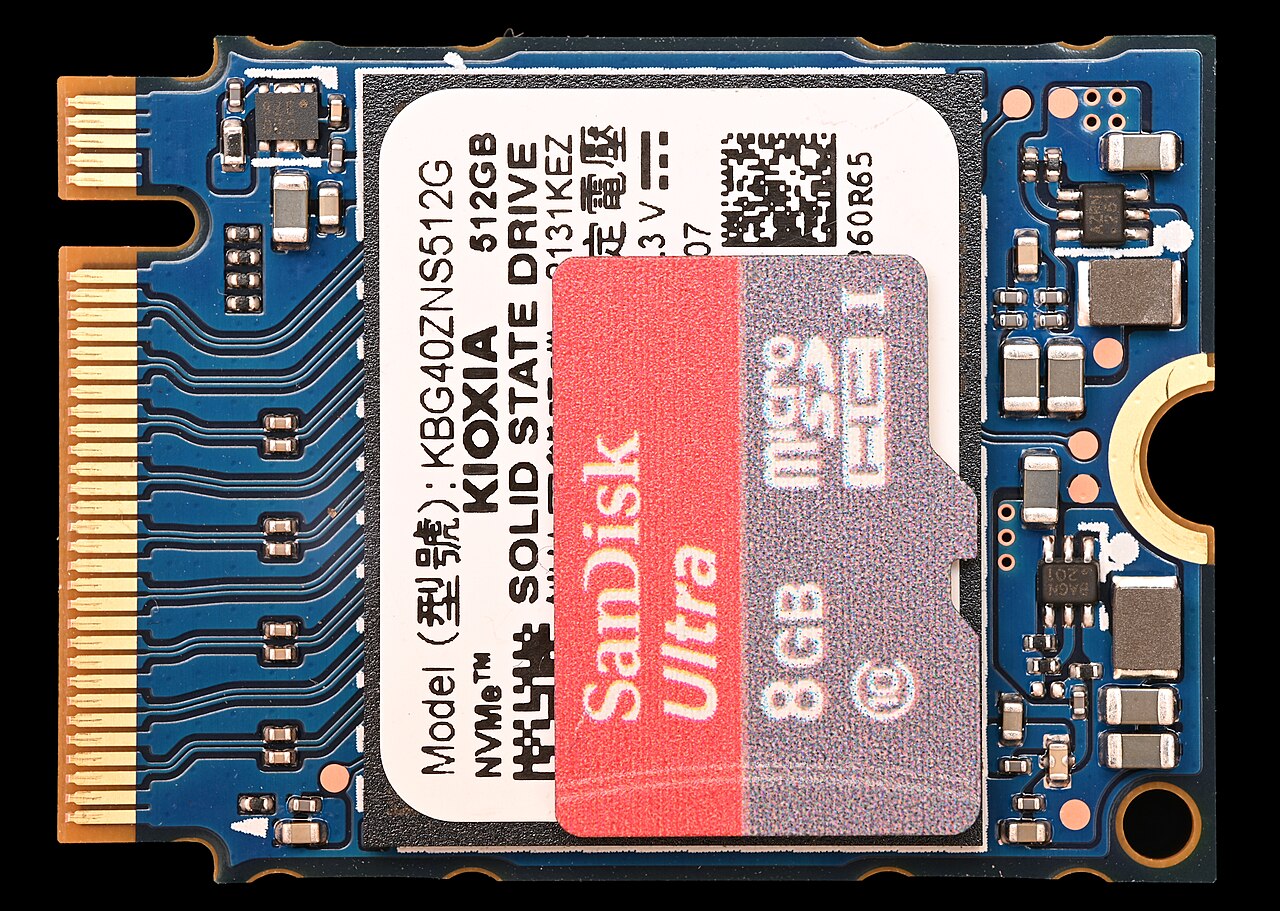
Free up a few gigabytes and the phone feels new again. That is not your imagination. A nearly full phone is slower for mechanical reasons, and they live inside the flash memory itself.
This article explains how phone storage really works, why garbage collection and wear leveling need free space, and the storage threshold where the slowdown kicks in. It also covers what actually helps and what does not.
Flash memory cannot overwrite the way you think
Modern phones store everything on NAND flash, in variants called eMMC on cheaper devices and UFS on mid-range and flagship models. Flash has one fundamental quirk: it cannot directly overwrite data that is already written, UIS Journal explains.
The reason is the erase granularity. Pages are the minimum units the phone can read and write, but erasing only works on whole blocks, each made of many pages.
To rewrite a page, the storage controller must first erase the entire block it sits in, then write the new data. Think of it as a whiteboard you can only clean with a full-board wipe, never spot-clean.
When free space is plentiful, this is no problem. The controller keeps spare empty blocks handy and erases them ahead of time. When free space is scarce, the controller loses that margin: operations queue up and every new write gets slower.
Garbage collection and wear leveling need room to work
Two background algorithms keep flash fast, and both need free blocks to lean on, according to UIS Journal. The first is wear leveling, which spreads writes evenly across all memory cells so no cell wears out before the others. Flash cells have a finite number of write cycles, so this even spreading is what keeps the chip alive for years.
The second is garbage collection.
Over time, blocks end up half full of stale, invalid data. Garbage collection consolidates the still-valid pages into dedicated blocks and frees the rest for future writes. Both processes need scratch space to shuffle data around.
With the memory nearly saturated, that operating margin shrinks or disappears. Latencies climb, and even simple operations like saving a photo or installing an app update take much longer than normal. UIS Journal puts it plainly: it is the most direct and immediate effect of a filling memory, but not the only one.
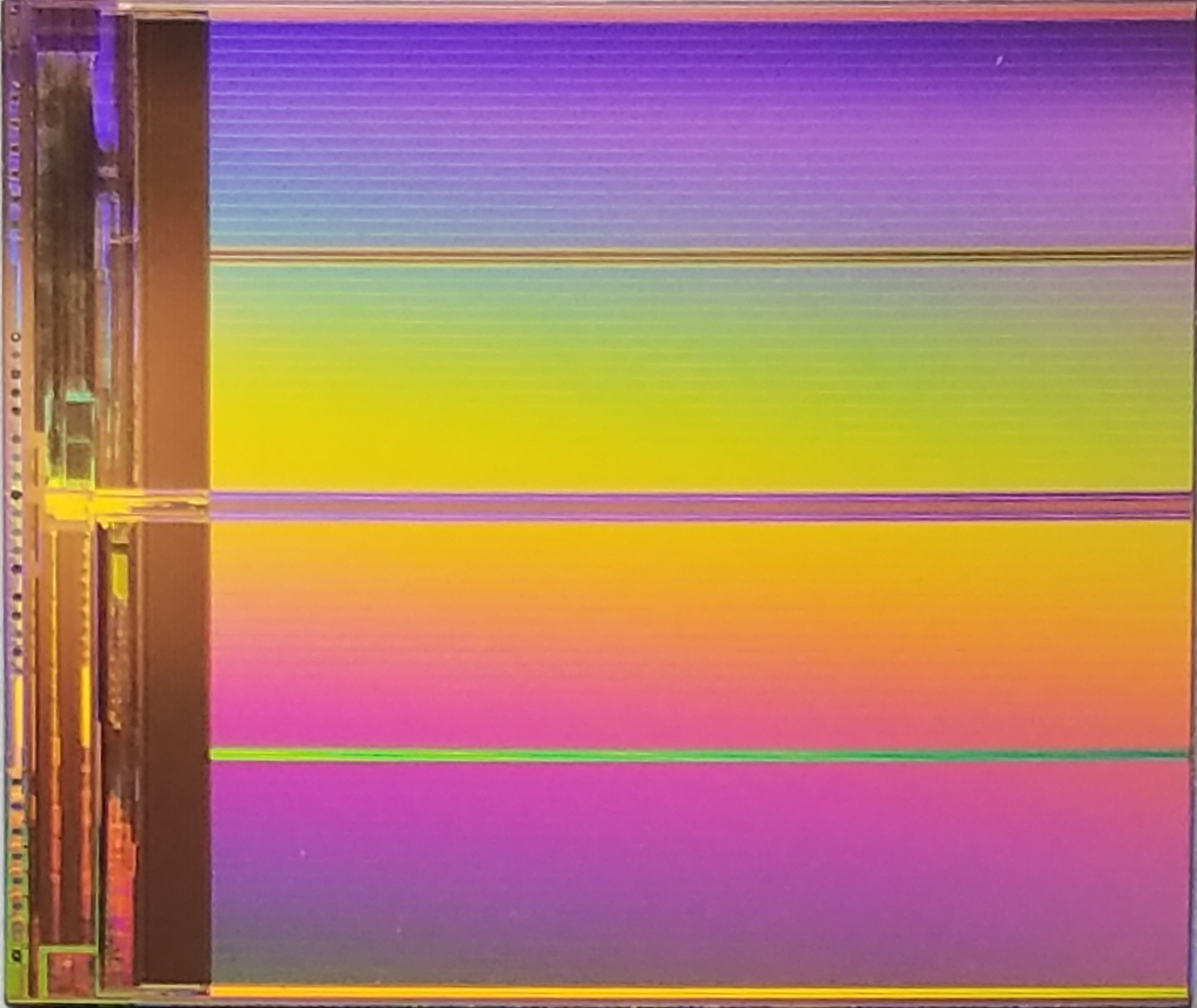
Modern UFS storage adds another wrinkle. From UFS 2.2, manufacturers can use a feature called WriteBooster, which turns a portion of the NAND into a fast pseudo-SLC cache to absorb incoming writes, MakeUseOf reports.
The clever part is that the cache is usually dynamic: plenty of free storage means a bigger cache, while a nearly full phone shrinks it because fewer free blocks remain. Two phones sitting at 88 percent full can perform very differently depending on how much scratch space the controller still has.
The 10 percent rule and why it exists
The folk wisdom says keep 10 percent of your storage free, and it turns out to have real roots. On Android, performance starts to suffer when free storage drops below about 10 percent, MakeUseOf reports, and Google mentions this threshold in its own support documentation. Once you cross it, things can fall off fast.
The number is older than smartphones. It dates back to hard drives, where spinning platters needed extra space for defragmentation. On flash the mechanism is different, garbage collection and wear leveling instead of defrag, but the requirement is the same: the controller needs somewhere to move data while it works.
Storage also serves double duty as overflow memory.
Modern mobile systems use part of internal storage as virtual memory, known as swap space, when RAM runs low, and as temporary space for caches, logs and update files. When that headroom disappears, temp-file creation and routine maintenance stall, and operations lag. iOS's deferred writing and Android's cache management both jam up, leading to delayed responses and app crashes.
Why some full phones feel worse than others
The percentage alone does not tell the whole story. Different phones at the same fill percentage are affected differently because it comes down to the storage type and how the device manages it, MakeUseOf explains.
A flagship with fast UFS 4.0 and a generous dynamic WriteBooster cache can mask a nearly full drive far better than a budget phone with older eMMC storage. The budget device has slower erase cycles and less controller headroom, so it hits the wall earlier and harder.
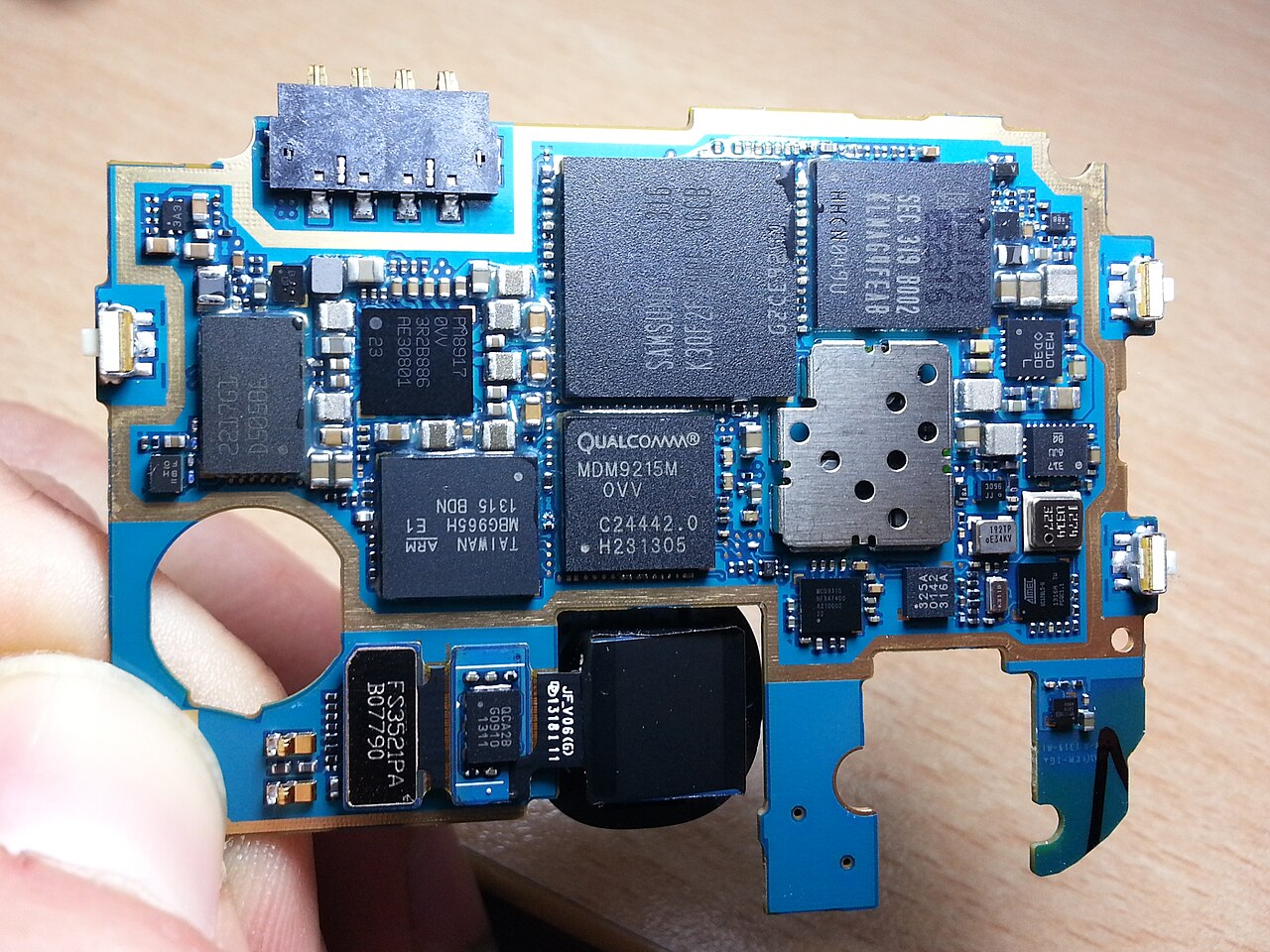
RAM pressure plays its part too. Android leans on zRAM, a compressed area inside physical RAM, to park inactive data without touching storage. When RAM is tight and storage is full, the system has nowhere good to put anything, and app switches turn sluggish.
What actually helps (and what does not)
Clearing the cache of your most-used apps is the fastest win, especially social media apps that balloon over time. Offloading photos and videos to cloud backup or a computer frees large chunks at once. Deleting downloaded media in streaming apps and old offline maps helps too.
What does not help much: closing background apps, which saves RAM rather than storage, and "RAM booster" utilities, which mostly shuffle the same problem around. If the slowdown persists after freeing 15 to 20 percent of storage, the storage may be genuinely degraded, and a backup plus factory reset is the honest next step.
Is it bad to keep my phone storage 90 percent full?
It will gradually slow the phone as the controller loses working room. The commonly cited threshold is 10 percent free; below that, write latencies and system hiccups become noticeable.
Does deleting photos really speed up a phone?
Yes, because it gives the storage controller back the free blocks it needs for garbage collection and wear leveling. Large files like videos and photo bursts free the most.
Why does my phone lag even after clearing storage?
Clearing helps writes and system tasks, but if the flash is heavily worn or the phone is old, degraded cells and slow controllers can keep things sluggish. Check battery health and available RAM as well.
Does an SD card help?
Only marginally. Apps and the operating system live on internal storage, and most phones treat SD cards as slower external media. Freeing internal space is what matters.
The bottom line
Your phone slows down near full storage because flash memory needs empty blocks to erase, reshuffle and balance writes, and a nearly full drive starves those housekeeping tasks. Keep at least 10 percent free, clear heavy caches first, and expect budget phones to feel the pinch earlier than flagships. Storage is not just a filing cabinet; it is working room the system needs to stay fast.
Latest in Tech
- What really happens to your deleted phone photos
- Find your phone even with no internet connection
- Why some of your texts show up green and others blue
- What incognito mode actually hides, and what it does not
Want more practical phone explainers? Subscribe to the Rive News newsletter for one useful teardown every week.
Image Credits: Wikimedia Commons / contributors
Related stories

Apple plans two October launches: smart home hub, OLED MacBook Pro
Apple set October 13 for a smart home launch with a new hub, Apple TV 4K and HomePod mini, then October 27 for OLED MacBook Pro models

How to Check If Your Phone Supports eSIM in 30 Seconds
Dial *#06# and look for an EID number to confirm eSIM support in under 30 seconds. This guide also walks through the iPhone and Android

eSIM vs iSIM: what is the difference?
An eSIM is a dedicated chip on the phone's board, while an iSIM lives inside the processor itself. Qualcomm's Snapdragon 8 Gen