
Why Do Photos Look Worse When You Pinch Zoom: Optical vs Digital Zoom
Key takeaways
- Pinch zoom between your phone's fixed lenses is digital zoom: the camera crops the frame and enlarges it, discarding pixels.
- Optical zoom uses a dedicated lens to magnify light before it hits the sensor, keeping full resolution and detail.
- Photos degrade because enlargement software must invent pixels through interpolation, which invents blurry guesses, not real detail.
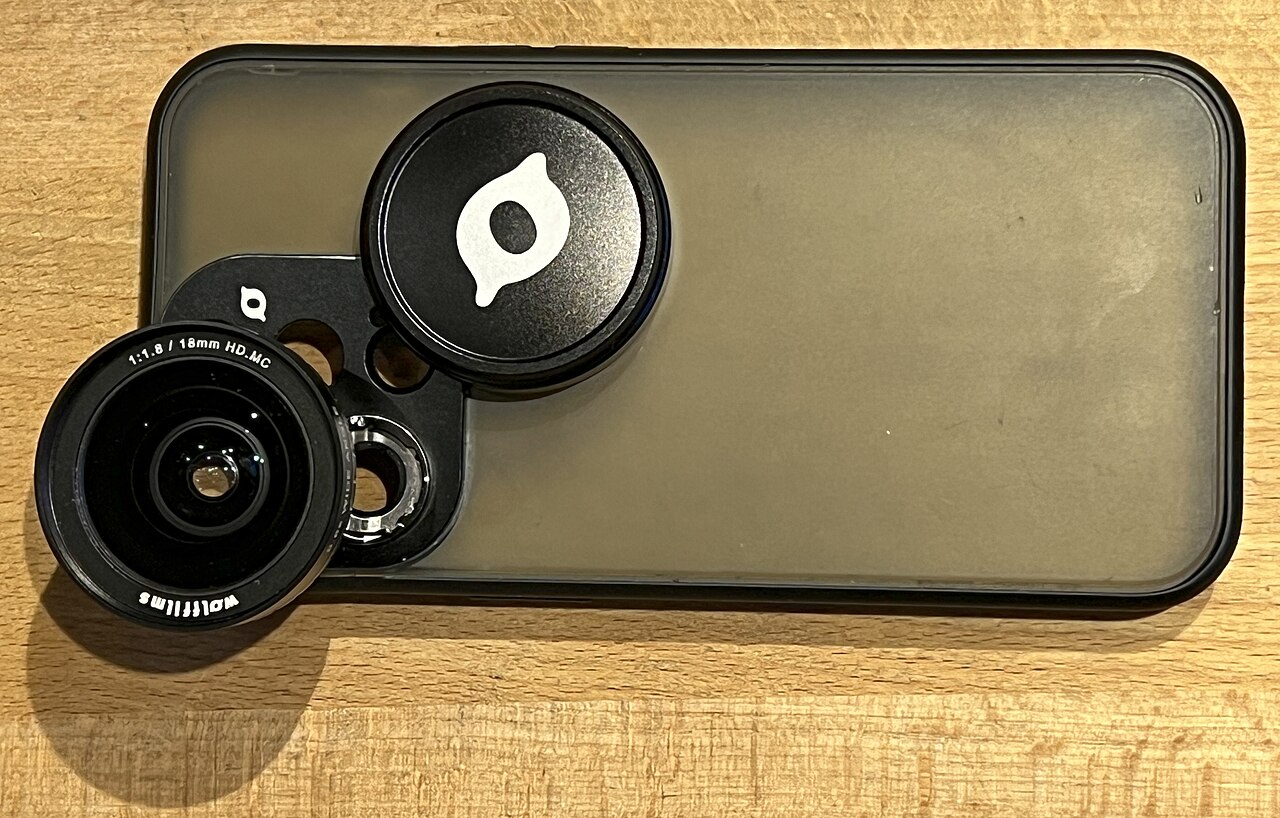
Pinch-to-zoom feels like your phone is reaching out and pulling the distant subject closer. It is not. What actually happens is closer to taking a normal photo and stretching a small piece of it with your fingers on a big screen.
This article explains why photos look worse when you pinch zoom, including what digital zoom really does to your image, how optical zoom differs, why the worst damage happens between your phone's fixed lens stops, and how to zoom without wrecking the shot.
What actually happens when you pinch to zoom
Digital zoom is not a true zoom. It is software cropping dressed up as magnification. When you pinch, no lens element moves.
The camera takes its normal wide image, cuts out the center portion you are pointing at, and blows that small crop back up to full size, according to AWOL Vision's explainer on optical versus digital zoom.
The problem is arithmetic. A smaller crop holds fewer pixels. When software stretches those remaining pixels to fill a 12 or 48-megapixel frame, it must invent the missing ones.
This guessing process is called interpolation: the software studies neighboring pixels and predicts what should sit between them. As the AWOL Vision piece puts it, the result is fuzzy edges, missing fine detail, and visible pixels.
Think of it like zooming into a printed newspaper photo with a magnifying glass. The paper never held more ink dots than it was printed with. Your phone's digital zoom does exactly this to your photo, except it also redraws the gaps with software that guesses what the dots should have been.
Optical zoom: real glass, real detail
Optical zoom is the opposite trick, or rather, not a trick at all. Lens elements physically shift position, changing the focal length so the magnified scene lands on the sensor before anything is recorded.
Because the full sensor resolution records the magnified image, nothing is discarded. A 48-megapixel sensor still captures 48 megapixels of real light data at 5x optical zoom, MakeUseOf reports.
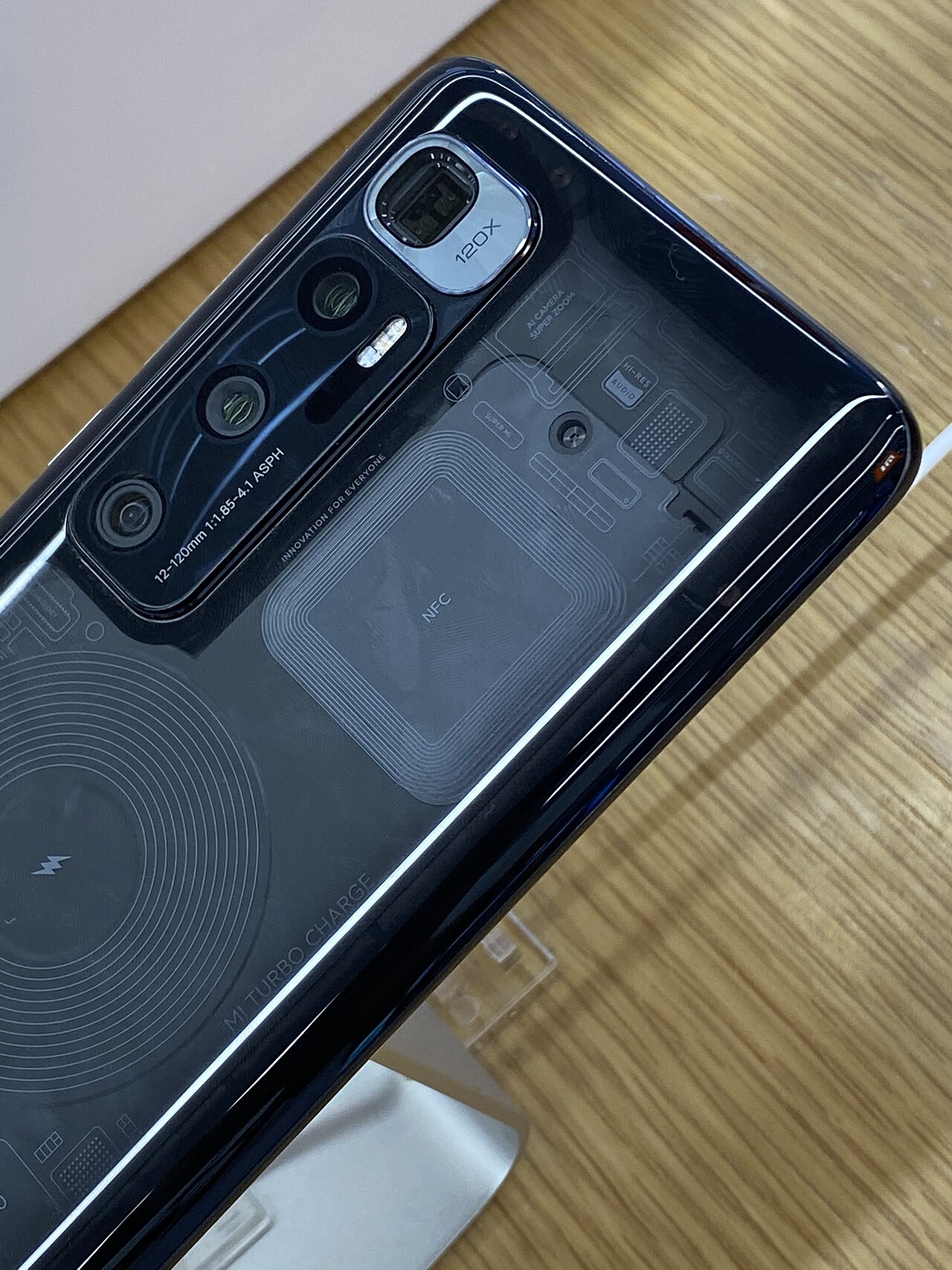
Most modern phones top out at 3x to 5x of optical zoom, which equals a focal length of about 77 mm or 120 mm, per MakeUseOf. The iPhone 16 Pro, for example, reaches 5x optical zoom (120 mm) but can be pushed to 25x digitally. Everything past that 5x mark is the crop-and-guess routine described above.
This is also why dedicated camera lenses on a phone switch with an audible-feeling click at fixed stops like 0.5x, 1x, 2x, and 5x. Each stop engages a different physical lens built for exactly that magnification.
Why photos die between the fixed lens stops
Here is the detail most guides skip, and it is the direct answer to the headline question. Pinch zoom is a continuous gesture, but your phone's lenses are discrete. When you land at 3x on a phone whose telephoto lens is 5x, you are sitting between real glass stops.
The phone crops into the image from the nearest wider lens, a 2x crop that cuts the pixel count roughly in half, according to the Weekly Wheaties breakdown. Their example: on a 48-megapixel 4x lens, shooting at 3x or 5x leaves you with about 24 megapixels of real data.
So the sharpest zoom photos land exactly on the phone's native lens stops, and the mushiest ones land anywhere else. Your finger does not know where the stops are, which is why pinch zoom so often produces the worst of both worlds: it almost always stops between them.
Newer phones do soften the blow with computational tricks. As PictureCorrect explains, a phone zoomed past a native lens may merge frames from several lenses, stack multiple exposures, and use AI processing to rebuild detail.
At first glance this can look impressive. On closer inspection the invented detail shows: waxy skin textures, repeating patterns that were never there, and edges sharpened into halos. The farther you zoom, the more the camera is inventing rather than recording.
Why zoom collapses faster in low light
Zoom magnifies problems along with subjects. In dim light, less light reaches each sensor pixel, so the phone raises ISO (adding noise) and slows the shutter (adding motion blur), then leans harder on aggressive processing to compensate.
PictureCorrect notes this is why a 4x zoom shot in bright daylight can look acceptable while the same shot at dusk falls apart. There is almost no margin for error, especially handheld, where the magnification also amplifies your hand shake. If you want to understand how your phone fights darkness, read our explainer on how night mode on phone cameras actually works.
How to zoom without wrecking the photo
The fix is simple once you know the mechanics. Tap the fixed zoom presets (1x, 2x, 3x, 5x) instead of pinching, so you stay on real optical glass. When you need an in-between framing, shoot at the nearest preset and crop later in your photo app.
Shooting wide preserves the full-resolution file, and a later crop gives you control over exactly how much detail you sacrifice. This is the same reason heavy digital zoom also makes phone speakers sound worse at max volume a related hardware limit: pushing past a component's real capability always costs quality.
Two more habits help. First, brace the phone or lean it against something at high zoom, since shake multiplies with magnification.
Second, get physically closer whenever possible. Feet are the only lossless zoom ever made, and they work on every phone. For another case of software pretending to be hardware, see why dark mode only saves battery on OLED screens.
Is digital zoom ever as good as optical zoom?
No. Computational processing can make digital zoom look surprisingly decent on small screens, but it can never recover detail the sensor never captured. Optical zoom always records more real information.
What do the 2x and 5x labels on my camera actually mean?
They mean the lens magnifies the scene two or five times relative to the main 1x lens. On phones with multiple rear lenses, each number usually switches to a different physical camera.
Why does my phone advertise 25x or 100x zoom?
Marketing. Anything past the optical maximum (often 3x to 5x) is digital zoom, meaning a crop that the software enlarges and sharpens. One photography-community rule of thumb quoted by Xbotgo: a camera offering 20x digital zoom also offers 20x worse image quality.
Should I crop later instead of zooming while shooting?
Usually yes, if you are relying on digital zoom. Shooting wide keeps the full-resolution image and skips the extra in-camera processing. Crop later, and you decide how much detail to trade away.
The bottom line
Photos look worse when you pinch zoom because most of that gesture is digital zoom: a software crop that throws away pixels and invents replacements through interpolation. Optical zoom avoids the damage because real glass magnifies light before the sensor records it. Tap the fixed lens stops, crop later for in-between framings, and you will keep the detail your sensor actually captured.
Image Credits: Wikimedia Commons / Burkhard Mücke, 人工知能
Latest in Tech
- How night mode on phone cameras actually works
- Why phone speakers sound worse at max volume
- Does dark mode save battery? Only on OLED screens
Subscribe to Rive News for one clear explainer like this every day.
Related stories

Apple plans two October launches: smart home hub, OLED MacBook Pro
Apple set October 13 for a smart home launch with a new hub, Apple TV 4K and HomePod mini, then October 27 for OLED MacBook Pro models

How to Check If Your Phone Supports eSIM in 30 Seconds
Dial *#06# and look for an EID number to confirm eSIM support in under 30 seconds. This guide also walks through the iPhone and Android

eSIM vs iSIM: what is the difference?
An eSIM is a dedicated chip on the phone's board, while an iSIM lives inside the processor itself. Qualcomm's Snapdragon 8 Gen