
Why dark mode saves battery only on OLED screens
Key takeaways
- On OLED screens, black pixels switch off completely, so dark mode cuts display power by 39 to 47 percent at full brightness, per Purdue research.
- LCD and LED-backlit screens keep their backlight on at all times, so dark mode saves effectively nothing on them.
- Reducing brightness itself saves far more power than any color scheme, at every brightness level.

A magnified view of an AMOLED phone display, where each pixel produces its own light. Photograph: Ge0rgecz
Image Credits: Wikimedia Commons / Ge0rgecz
Dark mode is one of the most widely repeated battery tips in smartphone advice. It does work, but only on one type of display.
On an OLED or AMOLED screen, dark mode can cut the display's power draw nearly in half. On an LCD, it changes essentially nothing.
This article explains the pixel physics behind that difference, what the measurements actually show, and when dark mode is worth switching on.
What makes OLED pixels different from LCD pixels
An OLED display lights each pixel individually. Every red, green, and blue subpixel generates its own light, and a pixel showing pure black is simply turned off, drawing virtually no power at all. That is the entire mechanism: the darker the content, the fewer pixels stay lit, and the less energy the screen consumes.
PCWorld describes the same asymmetry in its OLED display coverage: white pixels demand the most power because all three subpixels fire at full intensity, while black pixels barely draw any power at all. Dark mode shifts most of the interface toward black or dark gray, so the panel works much less hard.
LCD and LED-backlit displays work the opposite way. A constant backlight shines through a liquid crystal layer to make the image, and that backlight stays on at full strength whether the screen shows white or black. A black pixel on an LCD is made by blocking light, not by switching anything off, so the energy cost is virtually identical either way.
That is why dark mode's battery savings exist only on OLED and AMOLED displays. On the LCD screens that still ship in many budget phones and laptops, flipping the theme saves effectively zero power.
What the measurements show
The most careful measurements come from a Purdue University study presented at MobiSys 2021, where researchers built a per-frame OLED power profiler and tested popular Android apps on Pixel and Moto devices. At 30 to 50 percent brightness, the range most people use indoors with auto-brightness on, switching from light mode to dark mode saved only 3 to 9 percent of total phone power.
At 100 percent brightness, typical outdoors or in direct sunlight, the savings jumped dramatically to 39 to 47 percent. The widely quoted "up to 63 percent" figure comes from Google's own testing of Google Maps at maximum brightness on OLED devices, while Google's testing of YouTube in dark mode at moderate brightness showed roughly 15 percent savings.
One more finding matters more than all the rest: lowering the brightness itself was far more impactful than switching color schemes. Reducing brightness from 100 percent to 50 percent cut OLED power draw by roughly 10 times, regardless of whether the content was dark or light. So if battery life is the goal, the brightness slider beats the theme toggle every time.
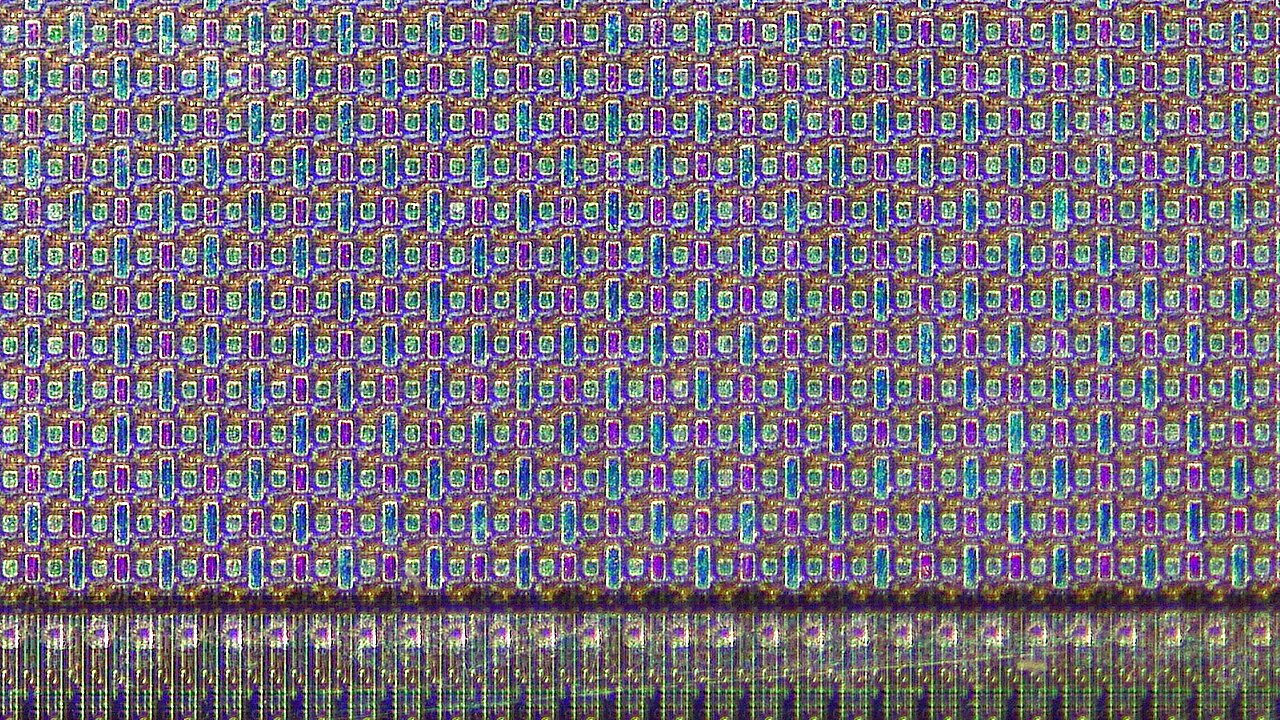
The subpixel structure of an AMOLED panel: each element lights independently, which is what lets black pixels draw no power. Photograph: Jan Helebrant
Image Credits: Wikimedia Commons / Jan Helebrant
Which devices actually benefit
The answer is the display type, not the brand. If your phone has an OLED or AMOLED panel, dark mode can deliver measurable savings, especially during long screen-on sessions with text-heavy apps like messaging, email, and news readers.
On iPhones, models with OLED displays, meaning the iPhone X and everything later except the iPhone SE second and third generations, can benefit. Older LCD iPhones will not see any battery benefit from dark mode, since their panels behave like every other LCD.
The same rule applies to laptops and tablets. An OLED laptop saves power in dark mode and also gets a secondary benefit: pixels spend less time at extreme brightness, which can slow the uneven wear behind OLED burn-in on static elements like the taskbar. An LCD laptop gets neither benefit.
When dark mode does nothing for you
Dark mode is not a magic fix for poor battery life, and it has limits worth knowing. First, if your display is LCD, there is no savings to harvest. Second, the savings scale nonlinearly with brightness: at the indoor brightness most people use, the Purdue research found only a single-digit percentage gain, which translates to minutes of extra screen-on time per charge.
Third, dark mode can slightly increase energy use in edge cases, such as white text rendered at high brightness over dark backgrounds, where the bright text pixels run harder than they would in a balanced light theme. The practical rule is simple: pair dark mode with lower brightness and the other basics, like reducing animations and managing background refresh, and it earns its keep on OLED hardware.
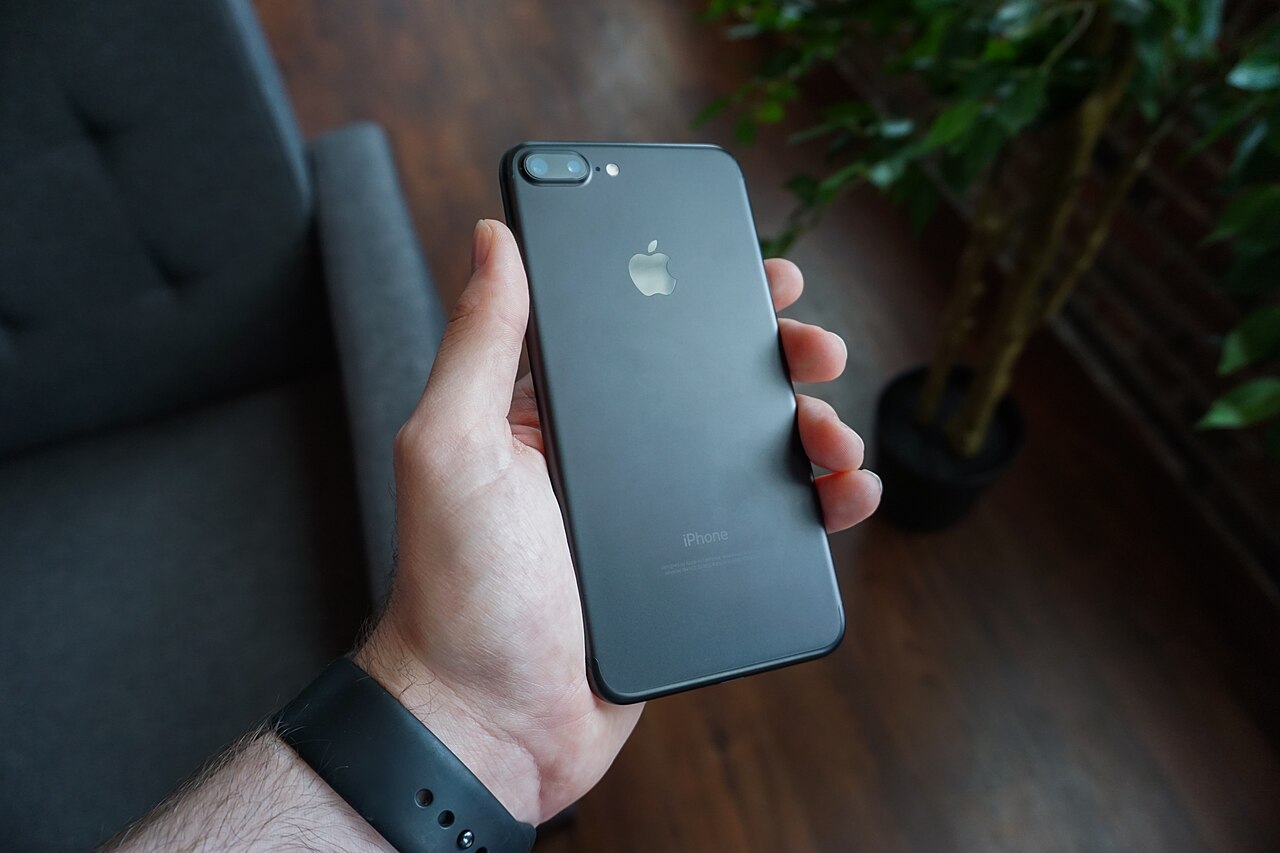
System-wide dark mode plus dark-themed apps gives the largest savings, since more of the panel stays switched off. Photograph: Dennis Cortés
Image Credits: Wikimedia Commons / Dennis Cortés
How to get the most from dark mode on OLED
Start with the system-wide setting rather than individual apps. On Android, Settings then Display then Dark theme covers the whole interface; on iPhone, Settings then Display and Brightness then Dark covers system apps. Then switch the apps you stare at longest, like messaging and reading apps, to their own dark themes where the system toggle does not reach them.
Next, keep auto-brightness on. The Purdue data shows brightness dwarfs theme in power impact, so a dimmer screen in light mode will often beat a brighter screen in dark mode. If you want extra savings beyond software, look into features like phone sensors that work without GPS to trim background drain, and check whether your device supports eSIM and how it works since radios are another quiet battery consumer.
The bottom line
Dark mode saves battery on OLED and AMOLED screens because black pixels switch off and draw almost no power, with measured savings from 3 percent indoors up to 60 percent at full brightness. On LCD screens, the always-on backlight means the savings are effectively zero. The biggest win comes from combining dark mode with lower brightness, and if you want to confirm whether your phone benefits at all, check whether your device type uses a physical SIM or eSIM in the spec sheet along with the panel type.
FAQ
Does dark mode save battery on an iPhone SE?
No. The second and third generation iPhone SE models use LCD displays, so dark mode produces no meaningful battery savings on them.
Is a dark gray background as good as pure black?
Almost. Pure black is ideal because the pixel is fully off, but dark grays still use far less energy than white, since the pixels run at much lower intensity.
Does dark mode help on OLED TVs and laptops?
Yes, for the same reason: black pixels draw minimal power. OLED laptops also benefit from reduced wear on static interface elements when pixels run dimmer.
Why is my phone's battery still draining in dark mode?
The display is only one consumer. Background apps, weak cellular signal, high brightness, and active radios like Bluetooth and GPS can drain far more than the theme saves.
Latest in Tech
- How Phone Cameras Shoot in Night Mode
- How Your Phone Counts Steps Without GPS
- What Is eSIM and How Does It Work?
- Is eSIM Safer Than a Physical SIM Card?
Subscribe to Rive News's weekly newsletter for one clear explainer on the tech you use every day.
Related stories

Apple plans two October launches: smart home hub, OLED MacBook Pro
Apple set October 13 for a smart home launch with a new hub, Apple TV 4K and HomePod mini, then October 27 for OLED MacBook Pro models

How to Check If Your Phone Supports eSIM in 30 Seconds
Dial *#06# and look for an EID number to confirm eSIM support in under 30 seconds. This guide also walks through the iPhone and Android

eSIM vs iSIM: what is the difference?
An eSIM is a dedicated chip on the phone's board, while an iSIM lives inside the processor itself. Qualcomm's Snapdragon 8 Gen