
Why QR codes still work when partly damaged
By Rive News / Research desk | Rive News / Published October 28, 2026 at 9:00 AM PKT
Key takeaways
- A QR code carries spare data that lets a scanner rebuild missing parts, so a scratch or smudge does not always kill it.
- Four correction levels recover about 7, 15, 25, or 30 percent of codewords, according to DENSO WAVE.
- Damage to the three large corner squares can stop a scan even when most of the code looks fine.
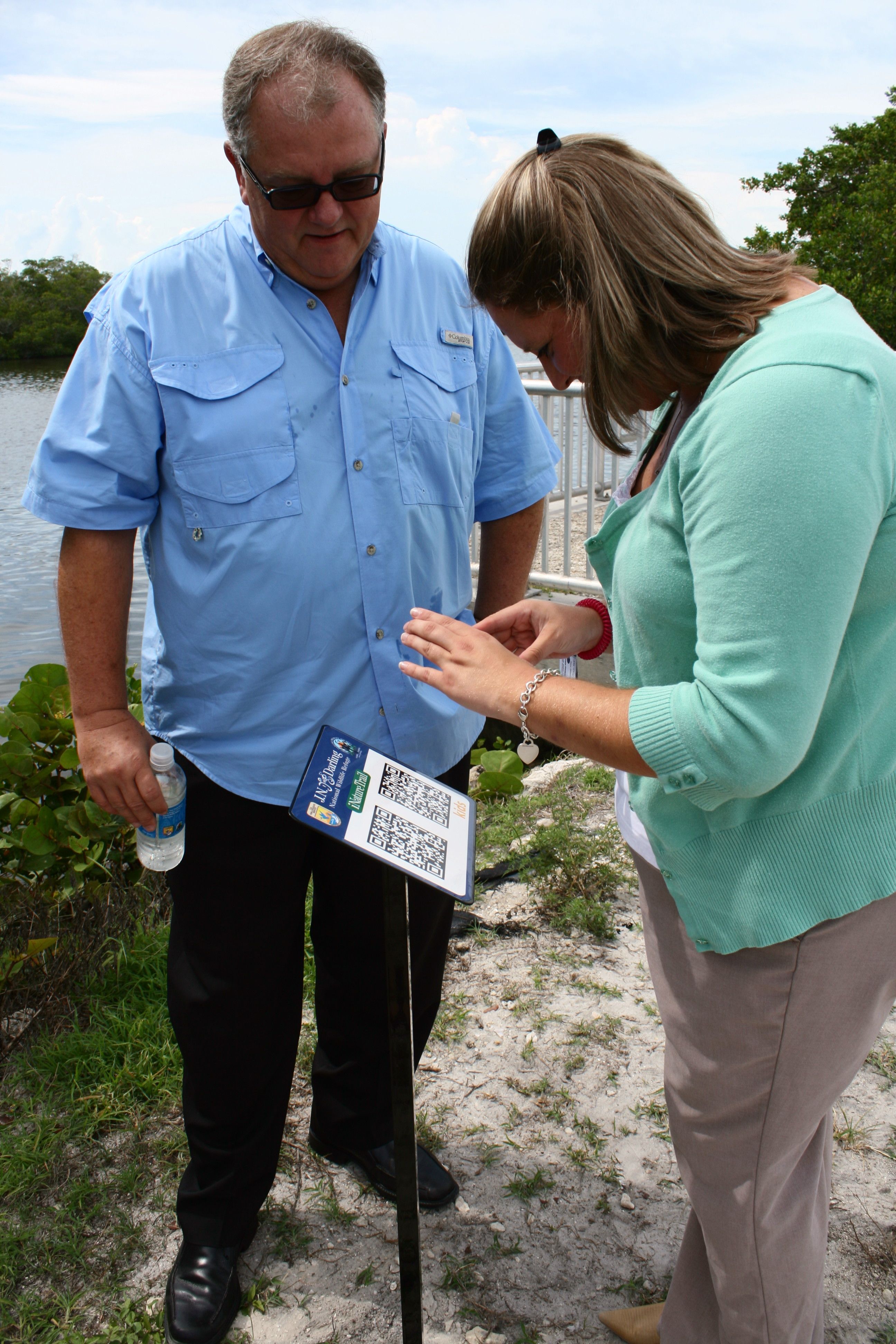
[A visitor scans QR codes printed on an outdoor interpretive sign.] Photograph: the subject
Image Credits: Wikimedia Commons
A QR code is a square grid of black and white modules that stores information a camera can read. The code was invented in 1994 by Masahiro Hara of the Japanese company DENSO WAVE, originally to label automobile parts, according to Wikipedia.
It survives everyday damage because it was designed to be read in factories, where dirt, scratches, and poor lighting were normal. This article explains how that tolerance works, including the four error correction levels, the parts of the code that cannot be lost, and why some damaged codes still fail.
What is inside a QR code?
A QR code is not a picture of a link. It is data written as a pattern, plus extra data whose only job is to repair the first set.
The three large squares in the corners are finder patterns. A scanner looks for them first, because they tell it where the code is and which way up it sits. Smaller timing and alignment patterns elsewhere in the grid keep the rows and columns lined up as the camera reads across them.
The rest of the grid holds two kinds of blocks: data codewords, which carry the message, and error correction codewords, which carry the repair information. A codeword is a chunk of eight bits. When the scanner reads the grid, it checks the data against the repair blocks and rebuilds any codewords that came back wrong or unreadable.
That repair step uses Reed-Solomon error correction, a mathematical method also used on music CDs. It does not guess the missing message from context. It recalculates it from the spare data, and if the damage is too great, the scanner returns nothing rather than a wrong answer.
How Reed-Solomon correction rebuilds missing data
Reed-Solomon codes work by adding redundancy in a structured way. Think of it as a puzzle where the spare pieces are not copies of the original pieces, but equations that describe them.
When a module is smudged, the scanner may read it wrongly, or it may not be able to read it at all. Either way, the correction blocks give the decoder enough equations to solve for the missing values. The catch is that the number of equations is fixed when the code is created, so there is a hard limit on how much damage can be undone.
This is also why the percentages quoted for QR codes are easy to misread. They refer to codewords, the chunks of data inside the symbol, not to the percentage of the printed square you can cover with your thumb. A compact stain that wipes out a whole cluster of codewords behaves differently from the same amount of damage spread thinly across the code.
The codewords are also interleaved, meaning neighbouring data is spread across the symbol rather than stored in one block. That spreading is why a single scratch often damages a little of many codewords, which the correction can handle, instead of destroying one whole section outright.
The four error correction levels
Every QR code is created at one of four levels, chosen by whoever generates it. The level decides how much of the symbol is given over to repair data, and therefore how much damage it can absorb.
Level L, for low, recovers about 7 percent of codewords. It leaves the most room for the actual message, so it suits clean digital displays where damage is unlikely.
Level M, for medium, recovers about 15 percent. It is the common default, and it balances capacity against resilience for most everyday print and screen use.
Level Q, for quartile, recovers about 25 percent. It suits print that will be handled, posted outdoors, or exposed to moisture and scuffing.
Level H, for high, recovers about 30 percent. It gives up the most message capacity, but it is the level to choose when a code will take abuse, or when a logo will cover the centre of the code.
Higher correction makes the grid denser, because the same message plus more repair data needs more modules. A denser code can be harder for a camera to resolve from a distance, so pushing every code to level H is not free. The right level depends on where the code will live and how much punishment it will take.
Why a logo in the middle usually works
A logo placed in the centre of a QR code works for the same reason a scratch does not always break one. The scanner treats the logo as damage and rebuilds the codewords hidden underneath it.
That only works within limits. The logo should stay in the centre, cover roughly 20 to 30 percent of the code area at most, and never cover the three corner finder patterns. Cover a finder pattern and the scanner may never locate the code at all, no matter how strong the correction level is.
The level matters here too. A centre logo needs level H, or at minimum level Q, so that enough repair data exists to reconstruct what the logo hides. Even then, the finished code should be test-scanned on more than one phone, because scanners differ in how aggressively they correct errors.
Scammers exploit the same tolerance in the opposite direction, which is why a code that scans is not automatically a code you should trust. A technique called quishing places a fake code over a real one, and the scanner will happily read whichever code it can see.
Checking where a scanned link actually leads, before entering any details, is a separate habit from checking whether the code scans at all. For more on that risk, see what phishing by QR code looks like and how to avoid it.
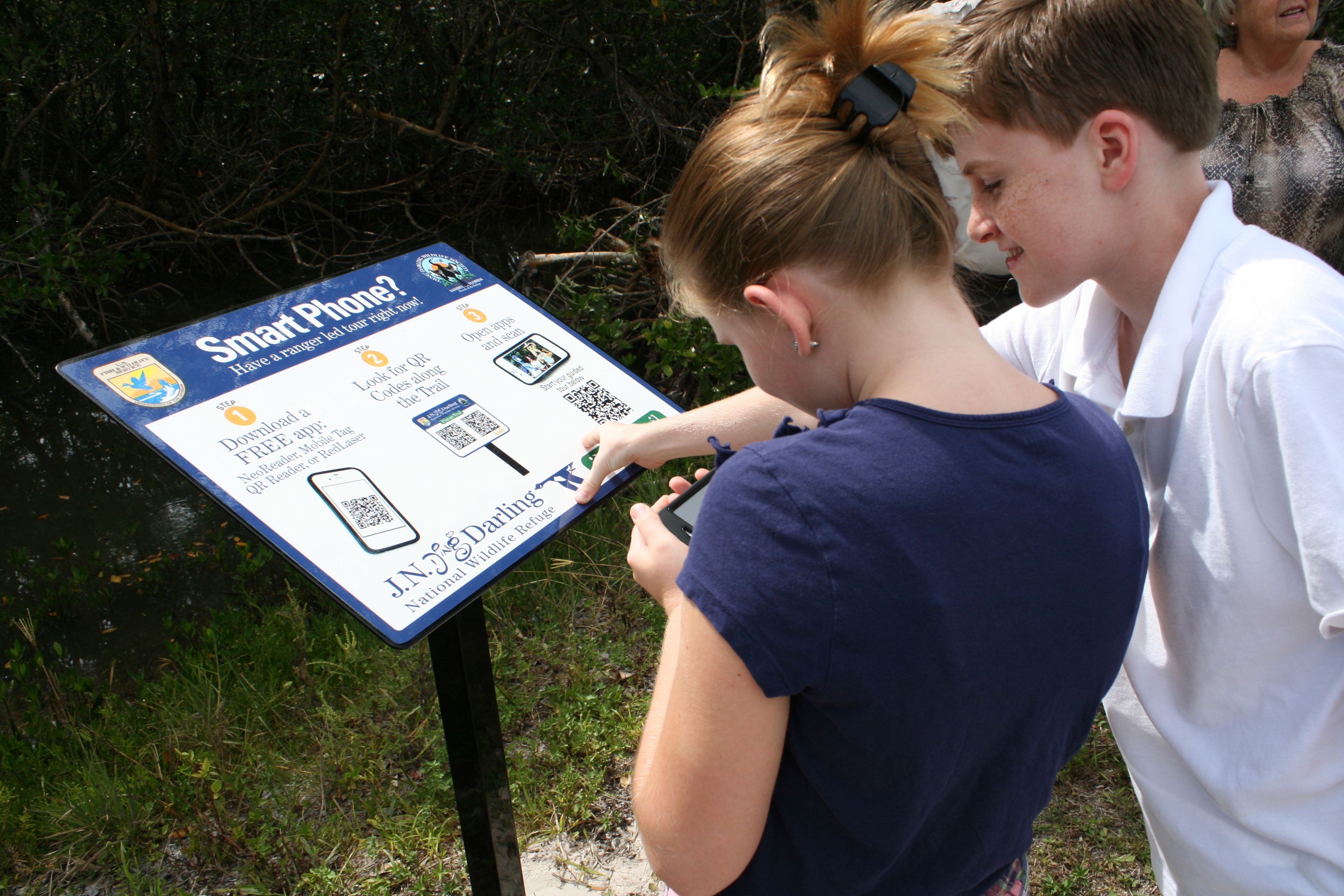
[QR codes printed on an outdoor sign, exposed to weather and handling.] Photograph: the subject
Image Credits: Wikimedia Commons
What kind of damage still breaks a code
Correction has limits, and knowing them explains the frustrating cases where a code looks mostly fine yet refuses to scan.
Damage to the format information can stop decoding before correction begins. That information, stored near the finder patterns, tells the scanner which error correction level and data format the code uses. Lose it, and the scanner cannot even start the repair step.
Heavy damage concentrated in one area can also exceed the level's budget. The percentages are totals across the symbol, and a deep gouge through a dense cluster of codewords can use up the whole budget in one spot. By contrast, light wear spread evenly across the code is often fully repairable.
Print quality matters as well. Low contrast, glare, a curved surface, or a code printed too small for the camera's resolution can all introduce reading errors on top of the physical damage. A code that scans in bright light may fail in dim light, not because the damage changed, but because the camera misreads more modules and the correction budget runs out.
Testing on several devices is the only honest check before a code goes to print.
How to make a code that survives real life
Start with the environment, not the level. A code shown on a screen in a clean room can use level M and stay compact. A code printed on packaging, a poster, or an outdoor sign should use level Q or H.
Keep the message short. A short link produces a sparser grid with larger modules, which cameras resolve more easily and which tolerates more wear. A long web address crammed into a small code produces tiny modules that are easy to misread.
Print it large enough, with strong contrast and a quiet zone of blank space around all four sides. The quiet zone is part of the code's structure, not decoration, and trimming it off can break scanning as surely as a scratch.
If a code will carry a logo, build it at level H and keep the logo central and modest. If a code is already printed and starts failing, reprinting at a higher level is the only fix. No amount of cleaning will add repair data that was never encoded.
A related everyday problem is a code that will not scan because the camera itself struggles, for example in low light. The fixes for why a phone camera takes blurry photos in low light often fix a stubborn QR scan too, since both come down to the camera resolving small details.
Frequently asked questions
Can a QR code be half covered and still work?
Sometimes, but only if the uncovered part still lets the scanner find the code and the covered codewords stay within the correction budget. Covering a corner finder pattern usually breaks the scan even when most of the code is visible.
Does a higher error correction level make a QR code bigger?
It can. The same message at level H needs more modules than at level L, so the code either grows denser or must be printed at a larger physical size to keep the modules readable.
Can a damaged QR code give the wrong link?
No, according to the standard's design. When damage exceeds what Reed-Solomon correction can fix, the scanner returns nothing. It does not silently substitute a different address, because the correction step also detects errors it cannot repair.
Why does my QR code scan on one phone but not another?
Cameras, focus, and decoder software differ between phones. A weaker camera misreads more modules, which can push the total errors past the code's correction budget on that device while another phone stays within it.
The bottom line
A partly damaged QR code still works because spare repair data is built into the symbol from the start, not because the scanner guesses the missing message. Level H recovers about 30 percent of codewords, level M about 15 percent, and the three corner finder patterns matter more than any other single part of the grid.
If you print codes, choose the level for the environment, keep the message short, and test the finished code on several phones. If you only scan codes, remember that a code that reads cleanly is not proof that its destination is safe.
Tags: QR codes, error correction, scanning
Rive News is a research desk covering everyday technology. It writes explainers from public sources and documents, not from first-hand product testing.
Related
- What is phishing by QR code and how to avoid it
- eSIM QR code not working? Fixes that actually work
- Why your phone camera takes blurry photos in low light
- 5G icon means a radio link, not a speed guarantee
Subscribe to the Rive News newsletter for one plain-English technology explainer each week.
Rive News follows a corrections policy: errors are corrected openly and the article is updated with a timestamp.
Related stories

Apple plans two October launches: smart home hub, OLED MacBook Pro
Apple set October 13 for a smart home launch with a new hub, Apple TV 4K and HomePod mini, then October 27 for OLED MacBook Pro models

How to Check If Your Phone Supports eSIM in 30 Seconds
Dial *#06# and look for an EID number to confirm eSIM support in under 30 seconds. This guide also walks through the iPhone and Android

eSIM vs iSIM: what is the difference?
An eSIM is a dedicated chip on the phone's board, while an iSIM lives inside the processor itself. Qualcomm's Snapdragon 8 Gen