
Why Do App Updates Keep Getting Bigger Over Time
Key takeaways
- App updates grow because each one carries new features, richer media, extra libraries, and sometimes AI models on top of everything already there.
- The download size, the installed size, and the cache are three different numbers, and the cache is often the fastest growing of the three.
- You can claw space back by clearing caches, offloading unused apps, and reinstalling the worst offenders.
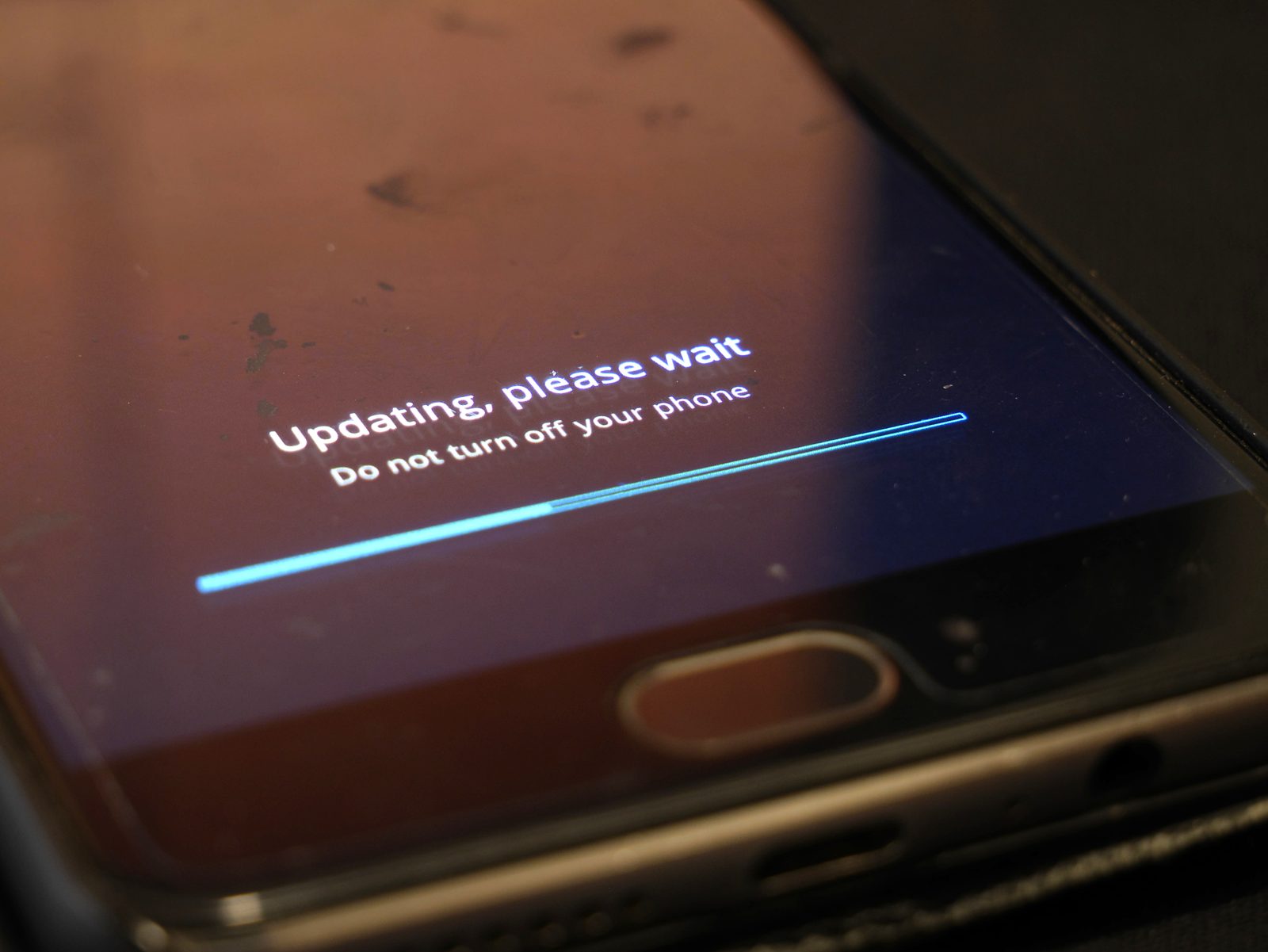
An app that once took 50 MB now takes 500 MB. Its updates arrive more often, and each one seems larger than the last. You are not imagining it, and it is not one single cause.
Apps grow the way houses grow when every renovation adds a room and nobody ever knocks one down.
This article explains why app updates keep getting bigger, including the difference between download size and installed size, the five forces pushing sizes up, and what you can actually do about it.
Three different sizes, one confusing number
When people say an update is "big," they usually mix up three numbers. The download is what your phone pulls from the store.
The installed size is what the app occupies after unpacking. The cache is the data the app piles up while you use it, like saved images, videos, and offline content.
Stores try to shrink downloads by sending only the changed parts of an app. But when most of an app has changed, the update is nearly as large as a fresh install. And once installed, the app keeps growing on its own through its cache, even if you never update it again.
The long-term trend is steep. Sensor Tower's analysis, reported by HardwareZone in 2017, found that the top 10 most installed iPhone apps in the United States went from 164 MB combined to about 1.9 GB in four years. That is roughly a 12-fold increase, or about 1,100 percent.
In the same period, Candy Crush grew from 43 MB to 223 MB, about 4.6 times its original size.
Reason 1: Every update adds features
The biggest driver is the simplest one. Apps keep gaining features, and features need code, images, and data. A messaging app that started with text now carries voice calls, video calls, stories, channels, stickers, and payments.
Each addition lands in the next update.
HardwareZone pointed to competition as the engine behind this growth. Rival apps race to ship new and advanced features, and each round of features needs more storage. Nothing gets removed to make room, because removing a feature risks losing users who liked it.
Cult of Mac makes the same point for today's iPhones. Developers pack in high-resolution images, videos, and increasingly complex features that users have come to expect. The app that does more simply weighs more.
Reason 2: Media keeps getting richer
Images and video are the heaviest cargo in most apps. Screens got sharper, so apps now ship higher-resolution artwork. Videos play automatically in feeds.
Animations smooth out every transition.
Cult of Mac reports a striking example from a Reddit user who found Gmail taking 677 MB without documents. That is not the email app's code. It is the accumulated weight of images, attachments, and interface assets that come with a modern inbox.
Games show the same pattern at larger scale. High-resolution textures and cutscenes dominate game downloads, which is why game updates can run into gigabytes while a notes app update stays small.
Reason 3: AI models moved into apps
The newest source of bloat is artificial intelligence. Features like on-device assistants, live translation, and image tools need machine learning models, and those models are large files that ship inside the app or the operating system.
Cult of Mac reports that Apple Intelligence features in newer iOS versions consume more than 10 GB of space on supported devices. Live translation, health coaching, and improved messaging all need extra storage for language models and feature assets. When your phone downloads that capability, the update looks enormous even though nothing visibly changed on screen.
This is a new kind of growth. Older bloat came from piling on features. AI bloat comes from shipping the brain that powers the feature.
Reason 4: Frameworks, libraries, and duplicate assets
Apps are built from parts, and the parts add up. Developers use frameworks and libraries to build faster, and each one brings its own code. When several teams build one app in separate pieces, the same functions and images can end up included more than once.
Analysis by Emerge Tools, cited by Cult of Mac, found that iOS apps often include unnecessary debugging symbols, duplicate assets, and other avoidable bloat. In some cases, developers have accidentally shipped files never meant for production, like PSD graphics files or excessive comments in code.
There is also a platform effect. Dignited, drawing on developer interviews by Gadgets360, reported that the average iOS app is about five times the size of its Android version. In that 2018 comparison, Facebook measured 519.4 MB on Apple's App Store against 72 MB on Google Play, and Uber measured 332.1 MB against 61 MB.
Part of the gap comes from assets. Randy Nelson of Sensor Tower told Gadgets360 that unlike Android apps, which use one set of assets, iOS apps carry multiple versions of buttons, images, and icons so they fit different iPhone and iPad screen sizes. He said those extra versions greatly affect storage.
He also noted that iOS app code is encrypted, which produces considerably larger binaries than Android.
Swift, Apple's programming language, adds its own weight. Cult of Mac notes that Swift compiles to fully native code that performs well but produces larger binaries than some alternatives.
Reason 5: Caches grow quietly after every update
The sneakiest growth happens after the update finishes. Apps cache images, videos, and data so they load faster next time. That cache only grows, and it often counts separately from the app itself.
Cult of Mac cites Apple support forum users who watched streaming apps balloon after regular use. One user found a Spotify cache at 3 GB, YouTube at 5 GB, and Discord at 7 GB, all counted under the iOS System Data category rather than the apps themselves. Some users report System Data growing past 30 GB.
This is why deleting and reinstalling an app can free gigabytes instantly. You are not removing the app. You are removing months of cache that the app had no reason to clean up.
Why developers do not slim apps down
If bloat is so obvious, why do developers not fight it? The honest answer is incentives. Programmer time costs more than storage space, and users complain louder about missing features than about large downloads.
Cult of Mac quotes a developer discussion making exactly this point. Early programmers worked within extreme constraints that demanded efficiency. Modern developers face fewer limits, which allows faster development but also allows bloat.
When programmer time costs more than storage, optimization drops down the priority list.
Developers interviewed by Gadgets360 admitted the size problem. Stephen Troughton-Smith, an iOS developer, said apps grow because devices are more powerful and developers keep building more complex things without weighing the size impact on users around the world. The constraint that once forced slim apps, weak hardware, is gone.
What you can do about it
You cannot stop apps from growing, but you can manage the damage. Cult of Mac suggests starting with Settings to see what actually consumes space, then clearing the Safari cache and trimming how long Messages keeps conversations.
For the worst offenders, delete and reinstall the app. Streaming and social apps hide the biggest caches, and a fresh install can free several gigabytes at once, though the cache will slowly rebuild. Restarting your phone regularly can also clear temporary system data.
Apple's own tools help too. Offload Unused Apps removes apps you rarely open while keeping their data. If you use iCloud Photos, Optimize iPhone Storage keeps high-resolution photos in the cloud instead of on the device.
When System Data truly spirals, Cult of Mac says a backup, factory reset, and restore usually fixes it, though it takes time.
Frequently asked questions
Why is my update download smaller than the app itself?
Stores usually send only the changed parts of an app, so the download is smaller than a fresh install. The installed size includes everything the app needs, including parts that did not change.
Do updates make my phone slower?
Not directly. Large apps use more storage, and a nearly full phone can feel slower. The update itself does not slow the processor.
Freeing storage usually restores normal speed.
Why do iOS apps seem bigger than Android apps?
Dignited reported that iOS apps average about five times the size of their Android versions, partly because iOS apps carry multiple asset versions for different screen sizes and because iOS code is encrypted. The exact gap varies by app and by year.
Can I stop apps from caching so much data?
Only partly. Some apps offer a cache-clearing button in settings. For the rest, the reliable fix is deleting and reinstalling the app, which wipes its cache along with it.
Will apps ever stop growing?
Not while competition rewards new features. The realistic hope is better tooling that strips duplicate assets and debugging symbols automatically, plus more apps that clean up their own caches.
The bottom line
App updates keep getting bigger because every update adds features, richer media, libraries, and now AI models, while caches quietly pile up afterward. The trend is decades old: the top 10 iPhone apps grew roughly 12-fold in four years in Sensor Tower's 2017 analysis, and the same forces are still at work. You cannot reverse the trend, but you can manage it by clearing caches, offloading unused apps, and reinstalling the worst offenders.
Tags: app updates, phone storage, app size, tech explained
Latest in Tech
- Why Software Updates Say Bug Fixes and Improvements
- What a VPN Kill Switch Is and Why It Matters
- eSIM Security vs Physical SIM Security: What Is Different
- Edge Computing in Simple Terms With Everyday Examples
Subscribe to the Rive News newsletter for one plain-English tech explainer each week.
Related stories

Apple plans two October launches: smart home hub, OLED MacBook Pro
Apple set October 13 for a smart home launch with a new hub, Apple TV 4K and HomePod mini, then October 27 for OLED MacBook Pro models

How to Check If Your Phone Supports eSIM in 30 Seconds
Dial *#06# and look for an EID number to confirm eSIM support in under 30 seconds. This guide also walks through the iPhone and Android

eSIM vs iSIM: what is the difference?
An eSIM is a dedicated chip on the phone's board, while an iSIM lives inside the processor itself. Qualcomm's Snapdragon 8 Gen