
What Is Edge Computing in Simple Terms With Everyday Examples
Key takeaways
- Edge computing processes data close to where it is created, on the device or a nearby server, instead of in a faraway data center.
- It exists to cut delay, save bandwidth, and keep things working when the internet connection is slow or gone.
- You already use it daily, in your phone, smart speaker, security camera, watch, and car.
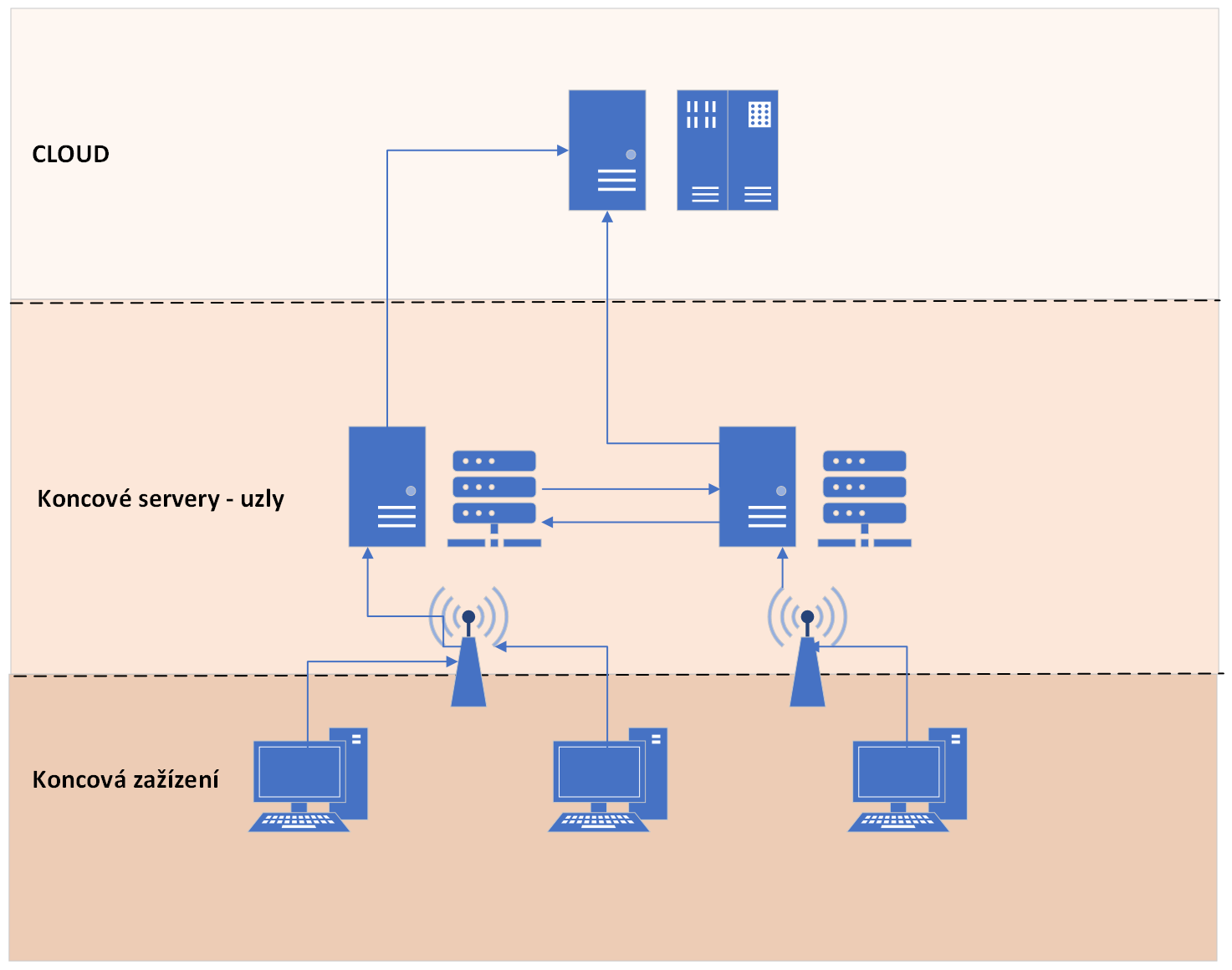
Your smart doorbell spots motion instantly. Your phone unlocks the moment it sees your face. Your car brakes before you have time to react.
None of those things wait for a faraway computer to give permission. They happen on the spot, because the computing happens on the spot.
That is edge computing. It means processing data close to where it is created, on the device itself or on a nearby server, instead of sending everything to a distant data center. This article explains the idea in plain terms, including the distance problem, everyday examples, the cloud comparison, and the trade-offs.
The cloud has a distance problem
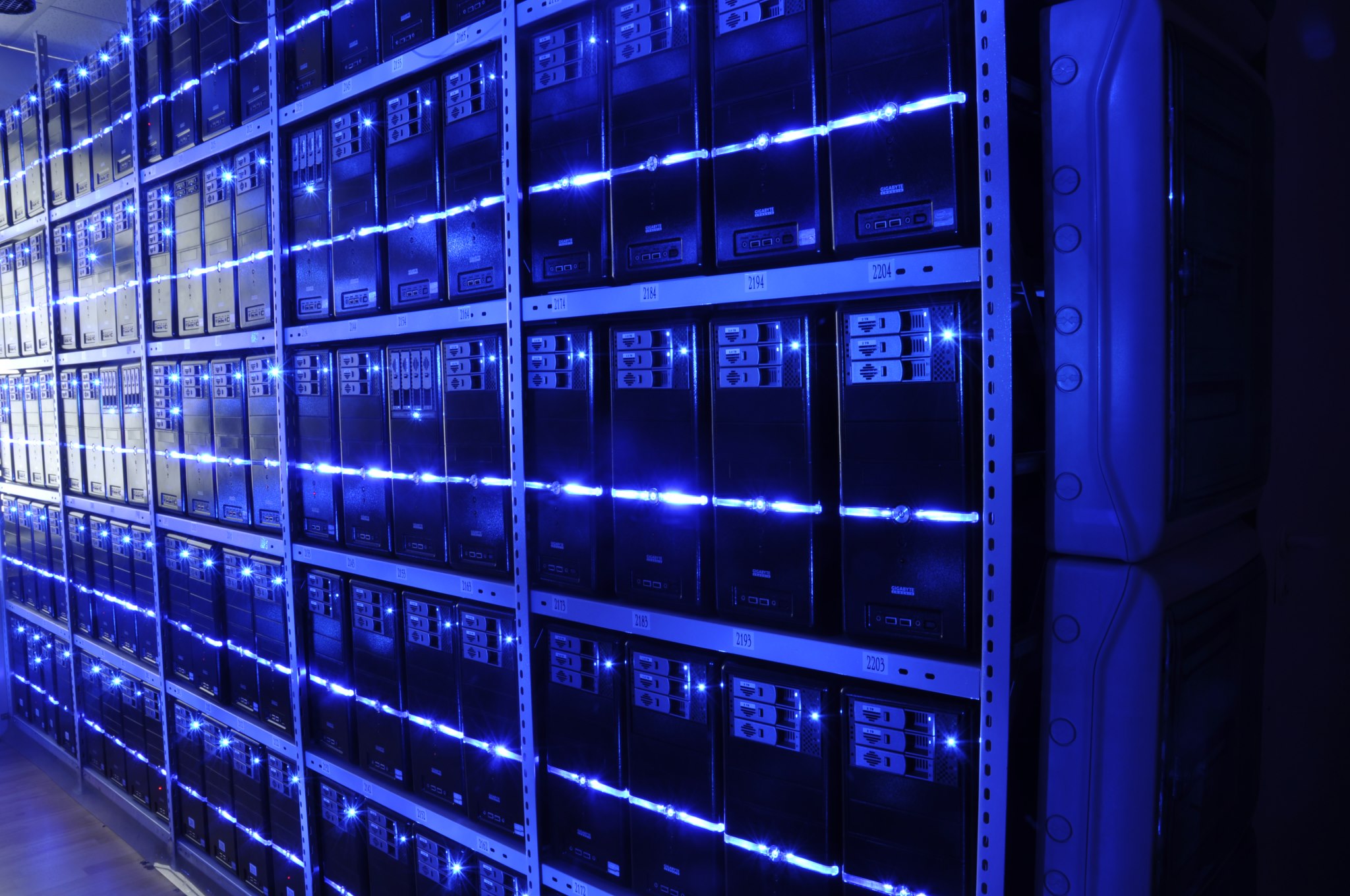
Most technology today works the same way. When you ask your phone a question or stream a video, that request typically travels to a data center, sometimes thousands of miles away, gets processed, and sends a response back.
In most everyday situations, the round trip is fast enough that you do not notice it. But in scenarios where milliseconds matter, that delay, called latency, becomes a real problem. TechJaja gives the self-driving car as the sharpest example.
A car needs to make split-second decisions about braking, steering, and obstacle detection. Sending that data to a distant server and waiting for instructions is not just slow. It is dangerous.
The same logic applies to factory robots, medical monitors, and a security camera that must recognize a face before someone walks through a door. The core problem edge computing solves is distance.
What the edge actually is
The "edge" refers to the physical location where data is processed: as close to the source as possible, rather than in a centralized data center far away. TechJaja puts it simply. Instead of sending raw data on a long round trip to the cloud, edge computing processes it locally, on the device itself or on a nearby server.
Your smartphone is the clearest example. Modern phones handle enormous amounts of processing on-device: face recognition, voice commands, photo enhancement, and real-time translation all happen locally, without needing a constant internet connection. That local processing power is edge computing in action.
ITPro describes the same idea at a larger scale: data processing done in small, on-site, sometimes micro data centers, or increasingly in the device itself.
A farm might process sensor readings in a box at the edge of a field. The principle is identical: bring the computer to the data, not the data to the computer.
Everyday examples you already use
You are already using edge computing more than you realize. TechJaja lists four familiar cases.
Smart speakers and voice assistants process your wake word, like "Hey Siri" or "OK Google," entirely on the device. Only after detecting the trigger does the speaker send your actual request to the cloud. That makes the response faster and reduces how much of your voice data gets transmitted.
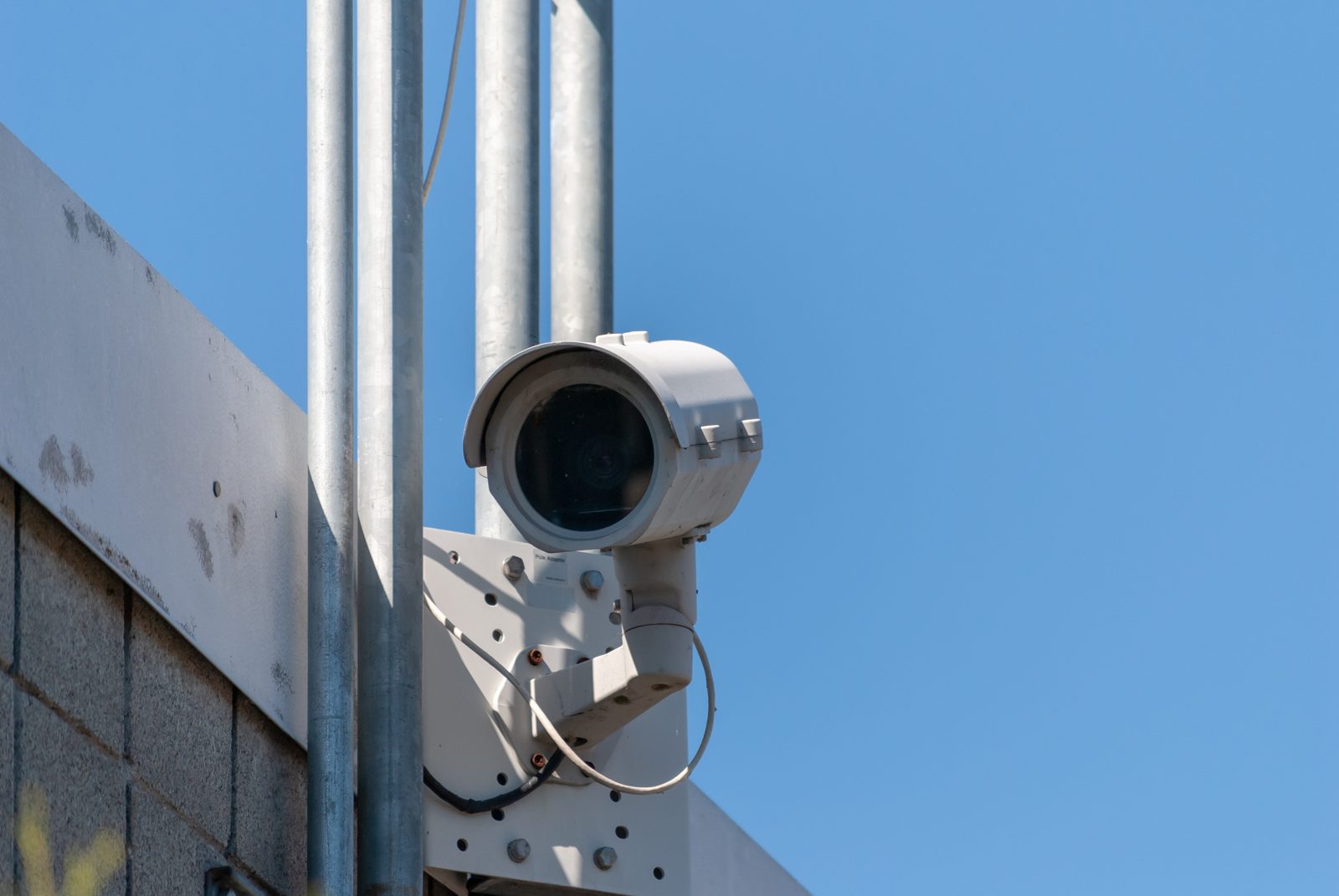
Security cameras show the same pattern. Modern home cameras can detect motion, tell people apart from animals, and send alerts, all without uploading every second of footage to a server. The processing happens on the camera or a local hub, which saves bandwidth and improves response time.
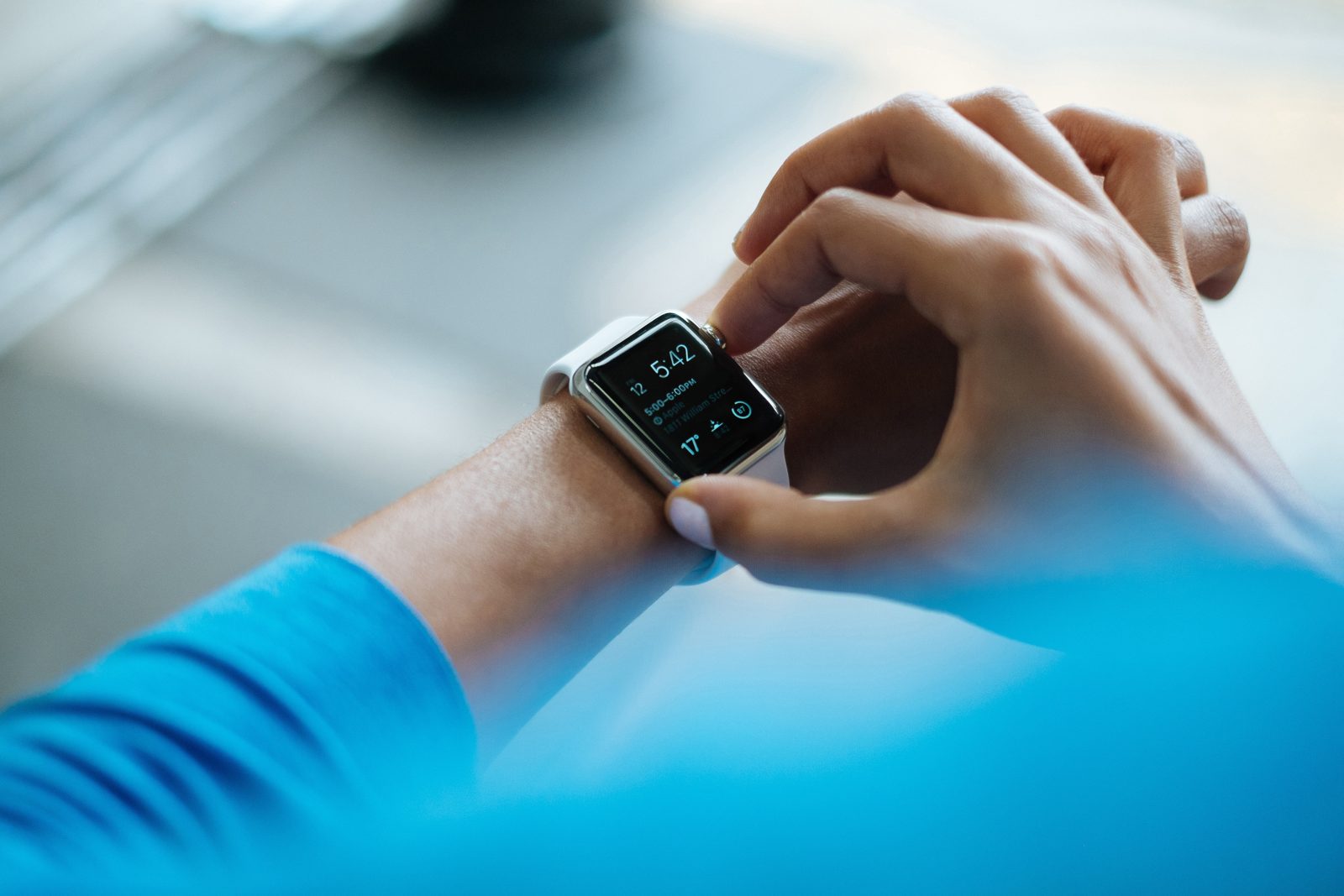
Wearables and health monitors work the same way. Your smartwatch tracks your heart rate, sleep patterns, and activity levels continuously. Most of that analysis happens on the watch itself.
It only syncs summaries to your phone or the cloud periodically, which preserves battery life and keeps your health data closer to home.
Gaming consoles and streaming devices round out the list. Local hardware handles rendering and input processing, while only certain tasks, like multiplayer matchmaking or content delivery, rely on remote servers. That keeps gameplay smooth even when your internet connection hiccups.
Bigger examples: airports, cars, factories, farms
The same idea scales up to systems where delay or bandwidth costs real money. Aptiv uses airport baggage handling as its example. Thousands of bags move through miles of conveyor belts every day.
Sensors identify suitcases and track their location, while the edge control system reads each bag's barcode and routes it to the right claim area. Sending all of that to a distant cloud platform would add latency for no benefit.
Vehicles are the highest-stakes case. Aptiv notes that today's vehicles carry cameras, radar, and lidar that continuously collect information about their surroundings. When a vehicle detects an obstacle or determines that emergency braking is required, the system must decide how to respond.
Those decisions cannot wait for a distant cloud platform. The vehicle computes them locally, in real time.
ITPro adds manufacturing, oil and gas, and agriculture. In smart manufacturing, robots process sensor data on the factory floor to improve workflows and pre-empt breakdowns. On an offshore oil rig, sending data by satellite to shore is prohibitively expensive, so edge computers handle it on site.
On a farm, thermometers, rain gauges, and pH meters feed local processing that makes a greenhouse more efficient without shipping vast datasets to a distant server.
Edge vs cloud vs IoT
Three terms get tangled together, and Aptiv offers the cleanest way to separate them. IoT collects data. Edge computing acts on data locally.
The cloud analyzes data at scale.
IoT refers to networks of connected physical devices that collect and exchange information: sensors, cameras, radar, RFID tags, and tracking devices. Their role is to observe and report. Edge computing moves processing close to where that data is generated, analyzes it locally, and responds immediately.
Cloud platforms still play an important role, supporting fleet analytics, predictive maintenance, software updates, and long-term data management.
None of the three replaces the others. A factory sensor collects vibration data, an edge computer spots the failing bearing, and the cloud compares failure patterns across fifty factories. Each layer does the job it is best at.
Why it matters: speed, bandwidth, offline, privacy
Edge computing has four practical payoffs. The first is speed. Cutting the round trip to a distant server removes latency, which matters most where decisions are urgent.
The second is bandwidth. A security camera that uploads every second of footage uses far more network capacity than one that sends only a short alert clip. Processing locally means only the important results travel, which lowers costs.
The third is resilience. A device that processes locally keeps working when the internet connection drops or slows. Your phone still unlocks with your face in airplane mode.
A factory robot keeps working through a network outage.
The fourth is privacy. TechJaja notes that processing data locally rather than transmitting it can keep sensitive data more private. A wake word that never leaves the speaker, or health data analyzed on the watch, exposes less than a system that streams everything to a server.
The growth numbers show how fast this is moving. ITPro cites a report projecting the edge computing market will reach 33.8 billion dollars by 2028, growing 29.8 percent per year. The same report expects 30 billion devices online by next year.
The trade-offs
Edge computing is not free of problems. The biggest is security. ITPro warns that moving processes outside a secured central facility creates new exposure.
Many devices ship with default security credentials, so attackers may already know the out-of-the-box passwords. Each edge device is another point an attacker can target, and keeping security policies consistent across a large fleet takes real effort.
There is also a management cost. A single data center is easier to update than thousands of devices scattered across factories, farms, and homes. Edge systems need remote management, careful patching, and physical protection.
And the edge does not replace the cloud for heavy work. Training a large AI model or analyzing years of data across a whole company still belongs in a data center. The edge handles the fast, local decision.
The cloud handles the big picture.
Frequently asked questions
Is edge computing the same as cloud computing?
No. Cloud computing processes data in large, centralized data centers. Edge computing processes data close to where it is created, on the device or a nearby server.
They complement each other.
Is my phone an edge device?
Yes. Your phone processes face recognition, voice commands, photo enhancement, and translation locally. That on-device processing is edge computing, even though nobody calls it that.
Does edge computing need the internet?
Not for its local work. A device can process data and act on it with no connection at all. It usually still uses the internet to sync summaries, receive updates, or send results to the cloud.
Is edge computing more private?
Often, yes. Processing data locally means less of it travels over networks or sits on distant servers. But edge devices still need strong passwords, updates, and access controls, since each one is a potential target.
Will edge computing replace the cloud?
No. The cloud remains the right place for large-scale analysis, long-term storage, and training big models. The edge handles fast, local decisions.
Most real systems use both.
The bottom line
Edge computing is a simple idea with a technical name. Instead of sending every piece of data to a distant data center, process it where it is created: on the phone, the camera, the watch, the car, or a small server on the factory floor. You already rely on it every day, and its reach keeps growing as devices multiply.
The cloud is not going away. The edge just handles the decisions that cannot wait for the round trip.
Tags: edge computing, cloud computing, iot, tech explained
Latest in Tech
- What a VPN Kill Switch Is and Why It Matters
- Why App Updates Keep Getting Bigger Over Time
- Why Software Updates Say Bug Fixes and Improvements
- eSIM Security vs Physical SIM Security: What Is Different
Subscribe to the Rive News newsletter for one plain-English tech explainer each week.
Related stories

Apple plans two October launches: smart home hub, OLED MacBook Pro
Apple set October 13 for a smart home launch with a new hub, Apple TV 4K and HomePod mini, then October 27 for OLED MacBook Pro models

How to Check If Your Phone Supports eSIM in 30 Seconds
Dial *#06# and look for an EID number to confirm eSIM support in under 30 seconds. This guide also walks through the iPhone and Android

eSIM vs iSIM: what is the difference?
An eSIM is a dedicated chip on the phone's board, while an iSIM lives inside the processor itself. Qualcomm's Snapdragon 8 Gen