
Why Do Software Updates Say Bug Fixes and Improvements
Key takeaways
- The phrase is shorthand for small fixes, performance tweaks, and security patches that are too minor or technical to list one by one.
- Developers sort changes by user impact, and only the fixes that matter to most people get named in the short note.
- A vague note does not mean nothing changed, and updates that carry it are still worth installing for security reasons.
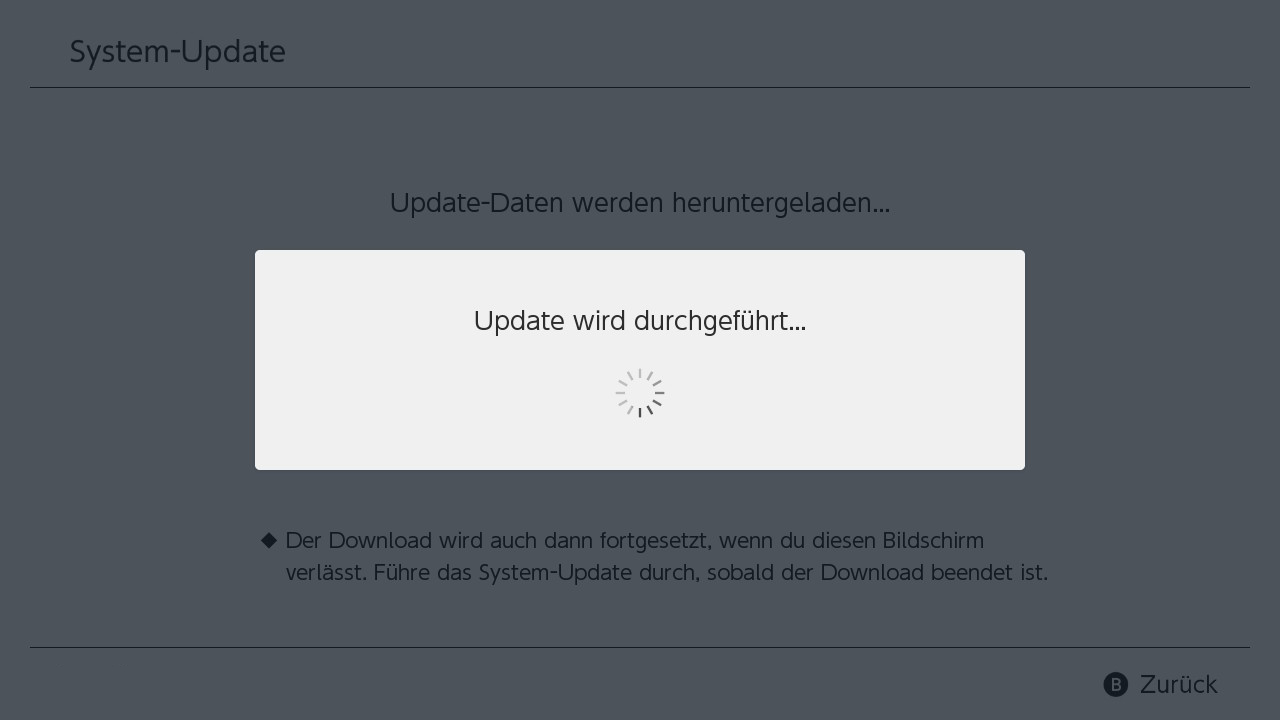
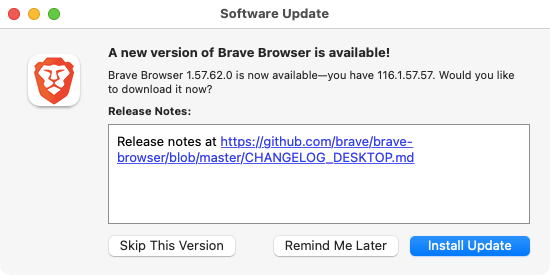
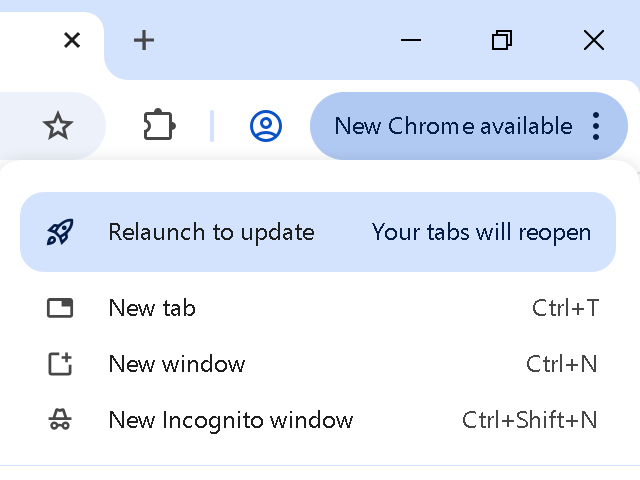
You have seen the line a hundred times. An app update appears, and its description reads "bug fixes and improvements."
No list of bugs. No detail on the improvements. Just that one flat sentence, as if the developers had nothing better to say.
The phrase is vague, but it is not meaningless. It covers real work: crashes fixed, slow screens sped up, and security holes closed. This article explains why developers use this shorthand, including the five practical reasons behind it, what the words actually cover, and how to find the full details when you want them.
What the phrase actually means
Start with the two halves. A bug is a mistake in the software that makes it behave in a way the developers did not intend.
A fix removes that mistake. An improvement is a change that makes something work better without fixing an outright error, like faster loading or a smoother animation.
Popular Science puts updates into three buckets in its guide to why updates matter: security patches, bug fixes, and new features. The "bug fixes and improvements" line usually covers the first two buckets when there is no new feature worth headlining. In other words, the software got safer and steadier, but nothing visibly new arrived.
That is the plain reading. The interesting question is why developers describe their work this way instead of listing every change.
Reason 1: Most fixes are too small to describe
A single update can contain dozens of fixes. ReleasePad illustrates the problem with an example of one release carrying 15 bug fixes, a handful of tweaks, and one new feature. Listing all of them would bury the one thing most users care about.
Many fixes are also tiny. A typo in a menu, a button that sat two pixels too low, or a crash that hit a fraction of users will never earn its own line. ReleasePad argues that flooding users with every detail makes them tune out entirely, which means they miss the updates that actually matter to them.
So teams compress. The small stuff gets rolled into one line, and the full list lives in a detailed changelog for anyone curious enough to look.
Reason 2: Many changes are invisible by design
Some of the most important work in an update never shows on screen. Developers refactor code, reorganize databases, or swap out an old library for a newer one. The app looks the same afterward, and that is the point.
ReleasePad sorts these internal changes into a "bury" bucket: they go in the detailed changelog only, or they get no user-facing line at all. The rule it suggests is simple. A change that alters someone's daily workflow earns a spotlight, while one they will never notice earns a quiet line in the full changelog.
This is also why the phrase pairs "bug fixes" with "improvements." The first half covers errors that got corrected. The second half covers the under-the-hood work that made things faster or more reliable without fixing a visible fault.
Reason 3: Security fixes stay vague on purpose
Security patches are the one category where vagueness is deliberate. Popular Science explains that some bugs can let an attacker gain access to a computer or its files without permission, and that updates close those holes. Spelling out exactly how a flaw worked, before most people have installed the patch, would hand attackers a how-to guide.
So developers write "security improvements" or fold the patch into the generic line. The detail still exists. It usually appears later, in a security bulletin or a CVE database entry, once users have had time to update.
The vague note is not hiding the fix from you. It is hiding the flaw from people who would exploit it.
This is also why security updates deserve your attention even when the note looks boring. Popular Science makes the case plainly: installing a security update is far less trouble than dealing with a hack.
Reason 4: The store listing is a tiny box
Update notes live in a cramped space. On a phone, the description field in an app store shows a few lines before it gets cut off. Developers know most people skim that box in seconds.
FasterCapital notes that release notes come in several formats, from simple text files to interactive web pages to notes embedded inside the software itself. The short store listing is only one format, and it is the one built for skimming. The detailed version lives on the developer's website or in the app's changelog, where there is room for the full list.
Think of the store note as a headline, not the whole story. "Bug fixes and improvements" is the headline for a release with no new feature to announce.
Reason 5: Naming every fix creates its own problems
There is a reputational reason too. ReleasePad warns that broadcasting every fix can make a product look buggier than it is. A long list of corrections invites the question of why so much was broken in the first place, even when the fixes are routine maintenance.
Teams also avoid promising more than a fix delivers. Saying "fixed the crash on the settings page" sets a testable claim.
If one user still crashes, the note looks wrong. A general line avoids that trap while still telling the truth: things were fixed and improved.
None of this means developers should say nothing. ReleasePad draws a clear line. Selective communication is about curating a story, not concealing changes.
The detailed changelog stays public for users who want full transparency, while the short note spotlights what genuinely matters.
How teams decide what to name
ReleasePad lays out a practical framework that many teams follow, even if they never write it down. Every change gets sorted into one of three buckets.
Changes that most users will touch, like a new feature, get highlighted with a headline or a screenshot. Improvements with a measurable benefit get mentioned in one line tied to the outcome, such as pages loading faster. Minor fixes affecting a tiny slice of users get buried in the detailed changelog.
Security or data-loss fixes get highlighted even if they sound boring, because they signal that the team is on top of trust and safety. Fixes for a widely reported bug get mentioned by naming the symptom users felt, which closes the loop with the people who reported it.
When a release has nothing that fits the highlight or mention buckets, the result is the generic line. That is not laziness. It is the framework working as designed: nothing in the release changed what most users see or do, so nothing gets named.
What to do when you see the phrase
Treat the note as a signal, not a verdict. The update is still worth installing in most cases, because security patches and stability fixes ride along even when they are not named.
Popular Science gives three reasons to install updates: security, stability, and new features. A "bug fixes and improvements" update covers the first two.
If you want the details, they are usually one or two taps away. Check the app's website for a changelog, look for a "what's new" page inside the app, or search the version number plus the word changelog.
Open-source projects tend to publish the fullest lists. Larger companies often publish security bulletins alongside the short note.
You can also watch how the app behaves after the update. A crash that used to hit you disappears. A screen that lagged feels quicker.
Those are the improvements the note promised, delivered without fanfare.
Why the phrase annoys people
The frustration is fair. Users give up time, battery, and storage for an update, and in return they get a sentence that tells them almost nothing. When the same line appears update after update, it starts to feel like the developers are not doing anything at all.
The fix is not longer notes for every release. It is better notes for the releases that matter.
ReleasePad suggests naming the symptom users felt when a widely reported bug gets fixed, and tying improvements to outcomes users can feel. "Pages now load faster" beats "optimized backend performance" every time.
Some teams are getting better at this. The best update notes read like a short message from the developers: here is what broke, here is what we fixed, here is what got faster. Until that becomes the norm, the generic line will keep appearing, and knowing what sits behind it makes it easier to live with.
Frequently asked questions
Does "bug fixes and improvements" mean nothing changed?
No. It means the changes were small, technical, or security related, and none of them was a new feature worth headlining. Crashes were fixed, slow spots were sped up, or holes were patched.
Should I install an update that only says bug fixes?
Yes, in most cases. Security patches and stability fixes often travel in these updates even when they are not named. Popular Science advises installing updates because the alternative, running software with a known flaw, carries more risk.
Why don't developers list every fix?
Because most releases contain many small fixes, and listing all of them would overwhelm readers and bury the important news. Teams keep a detailed changelog for the curious and use the short note for everyone else, according to ReleasePad.
Where can I find the full changelog?
Check the developer's website, the app's settings or help section, or search the version number with the word changelog. Security fixes often appear separately in a security bulletin after users have had time to update.
Are vague update notes a sign of a bad app?
Not on their own. Even well-run software ships routine maintenance releases. A pattern of vague notes plus frequent crashes is a worse sign than vague notes alone.
The bottom line
Software updates say "bug fixes and improvements" because most releases are maintenance: small fixes, quiet performance work, and security patches that cannot be described in detail without helping attackers.
Teams sort changes by user impact, name the ones that matter, and compress the rest into one line. The phrase is vague, but it describes real work.
Install the update, and check the full changelog when you want the specifics.
Tags: software updates, release notes, bug fixes, tech explained
Latest in Tech
- Why App Updates Keep Getting Bigger Over Time
- What a VPN Kill Switch Is and Why It Matters
- eSIM Security vs Physical SIM Security: What Is Different
- Edge Computing in Simple Terms With Everyday Examples
Subscribe to the Rive News newsletter for one plain-English tech explainer each week.
Related stories

Apple plans two October launches: smart home hub, OLED MacBook Pro
Apple set October 13 for a smart home launch with a new hub, Apple TV 4K and HomePod mini, then October 27 for OLED MacBook Pro models

How to Check If Your Phone Supports eSIM in 30 Seconds
Dial *#06# and look for an EID number to confirm eSIM support in under 30 seconds. This guide also walks through the iPhone and Android

eSIM vs iSIM: what is the difference?
An eSIM is a dedicated chip on the phone's board, while an iSIM lives inside the processor itself. Qualcomm's Snapdragon 8 Gen