
Why apps ask to track you across other apps
By Rive News / Research desk | Rive News / Published October 29, 2026 at 9:00 AM PKT
Key takeaways
- Apps ask to track you so advertisers can link what you do in one app with what you do in others.
- On iPhone, the request is governed by App Tracking Transparency, introduced with iOS 14.5 in April 2021.
- Refusing removes access to your advertising identifier, but it does not remove ads or stop all data collection.
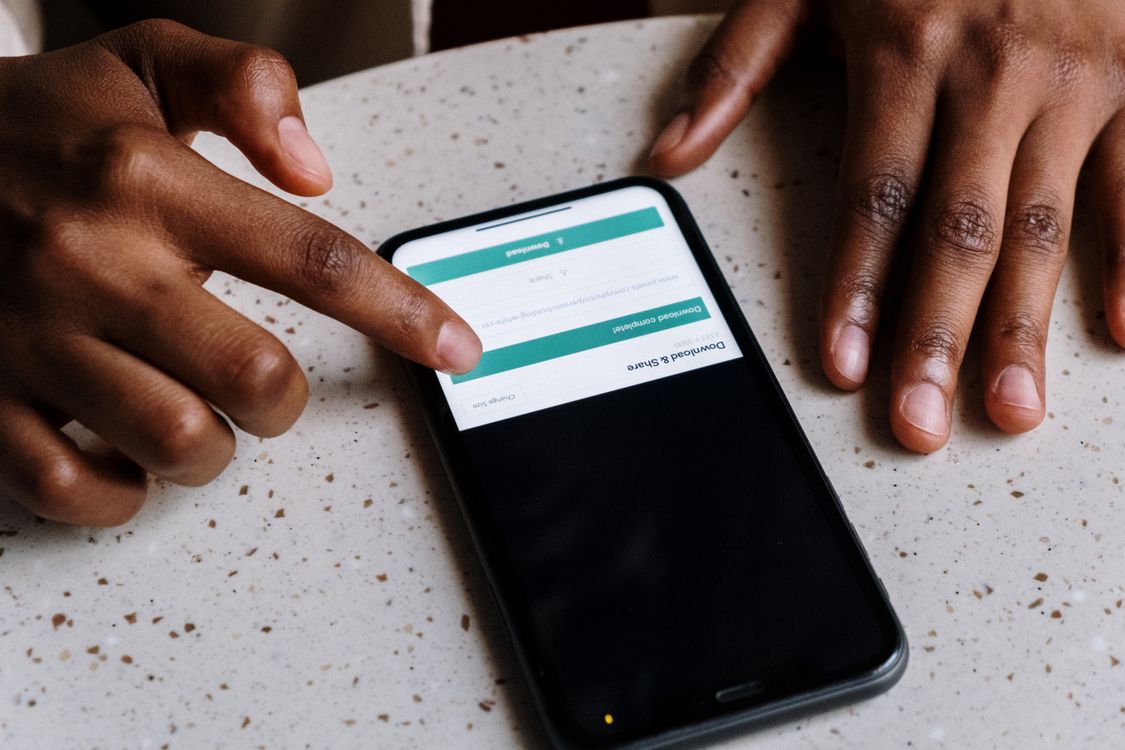
[Close-up of hands interacting with a smartphone, showing an app interface.] Photograph: cottonbro studio
Image Credits: Pexels
App tracking is the practice of linking your activity in one app with your activity in other companies' apps and websites. The link is usually made for advertising or for measuring whether an ad worked.
An app that only records what you do inside itself is not doing this kind of tracking. The prompt appears when an app wants to cross that boundary.
This article explains what the prompt means, what identifier sits behind it, what changes when you say no, and how Android handles the same question. It covers the iPhone control in detail, the Android advertising ID, and the limits of both controls.
What the prompt is actually asking
Apple defines tracking as linking user or device data collected from one app with data collected from other companies' apps, websites, or offline sources. The two stated purposes are targeted advertising and advertising measurement. Sharing data with a data broker also counts as tracking under Apple's definition.
The prompt itself is a system dialog, not a message the app writes freely. It asks whether to allow the app to track your activity across other companies' apps and websites. The app may add a short purpose string underneath, but it cannot rewrite the question or the two buttons.
Tapping "Allow" gives the app access to the Identifier for Advertisers, known as the IDFA. Tapping "Ask App Not to Track" withholds it. When permission is refused, the IDFA call returns a string of zeros instead of your real identifier.
Why advertisers want the link
Advertising inside a single app has a blind spot. A shop app can see that you browsed shoes, but it cannot see whether you later bought them after tapping an ad in a social app. Cross-app tracking closes that gap by giving both sides the same identifier to match against.
Measurement is the other reason, and it matters more than many people assume. An advertiser paying for app-install ads wants to know which ad produced which install. Without a shared identifier, that match gets harder, and reporting turns to estimates and modelled results instead of direct counts.
Personalised ads are the visible result of the same link. If you searched for hiking boots in one app, a second app can show boot ads because both saw the same identifier. Refusing tracking breaks that particular chain, though it does not break every form of ad targeting.
What changed with iOS 14.5
Before App Tracking Transparency, tracking on iPhone was effectively opt-out. Apps could read the IDFA unless the user had dug into settings to limit it. Starting with iOS 14.5, released in April 2021, every app must ask permission before tracking, according to Apple Support.
The change shifted the default. A user who never answers is not tracked, because the app cannot read the IDFA until permission is granted. Apple also states that apps may not reward users for agreeing or withhold features from those who refuse, under its App Review rules.
Apple's own advertising sits outside this prompt. Personalised ads in the App Store, Apple News, and Stocks are governed by a separate control under Settings, then Privacy and Security, then Apple Advertising. Turning off third-party tracking does not change that separate setting.
What happens when you tap Ask App Not to Track
The immediate effect is narrow and specific. The app loses access to your IDFA, so it cannot use that identifier to follow you across other companies' apps and websites. Its own first-party data stays untouched, so things like your account, saved items, and in-app preferences keep working.
Ads do not disappear. An app can still show ads, but they should be less tied to your activity elsewhere. Some targeting can still happen through context, such as the content of the page you are viewing, rather than through your cross-app history.
Refusing also does not erase data already collected. If an app linked your activity before you changed the setting, withdrawing permission stops further IDFA-based linking but does not undo the earlier match. That is why the setting is best changed early, before granting permission casually.
[Hands holding a smartphone on a cafe table while browsing apps.] Photograph: cottonbro studio
Image Credits: Pexels
How to change the setting later
Permission is not a one-time verdict. On iPhone, open Settings, then Privacy and Security, then Tracking. The list shows every app that has asked, and each can be switched on or off individually.
One switch at the top covers all future requests. Turning off "Allow Apps to Request to Track" means no new prompts appear. Apple Support states that each app asking while this setting is off is treated as if you tapped Ask App Not to Track.
Some devices cannot turn the switch on at all. Apple lists child accounts, accounts managed by a school or business, devices managed with a configuration profile, and accounts created in the last 3 days as cases where the setting may stay unavailable. In those cases the restriction is imposed by the account or management setup, not by the app.
How Android handles the same question
Android does not show an iPhone-style prompt in every app. Instead, it gives each device an Android Advertising ID, a unique, user-resettable ID for advertising provided by Google Play services. Apps use it for the same job the IDFA does on iPhone.
On Android 12 and later, the control sits under Settings, then Privacy, then Ads, though makers move it between menus. The page offers a "Delete advertising ID" option. Deleting it removes the current ID, and ads continue but may be less relevant without it.
Resetting is different from deleting. A reset replaces the old ID with a new random one, which breaks the old profile's chain but leaves a working identifier in place. Deleting goes further by removing the field until you choose to get a new one.
Google announced its Privacy Sandbox for Android on February 16, 2022. The stated aim was advertising solutions that limit sharing user data with third parties and operate without cross-app identifiers, including the advertising ID. That work points toward measurement that does not depend on following one person across apps.
What refusing does not stop
No single switch ends all tracking. When you are signed in to an account inside an app, that account itself can link your activity across that company's services. A social account, a search account, or a shopping account can follow you without any advertising identifier.
Some apps also fall back to fingerprinting, which combines signals such as device model, screen size, and installed details to guess that two sessions belong to the same device. Apple prohibits fingerprinting as a way around a refused prompt, but enforcement depends on detection, and the technique is harder to spot than an IDFA read.
Network-level signals sit outside both controls too. An IP address can suggest a household or a location, and first-party analytics can still record how you use one app. The honest picture is that refusing tracking removes the easiest cross-app link, not every possible one.
Frequently asked questions
Does Ask App Not to Track stop an app collecting any data?
No. It stops the app using your advertising identifier to track you across other companies' apps and websites. The app can still collect data about how you use that app itself, and its own account system still works.
Will I stop seeing ads if I refuse tracking?
No. You will still see ads, but they should be less personalised to your activity in other apps. Contextual ads, based on what you are viewing rather than who you are, can still appear.
Can I change my mind after allowing an app to track?
Yes. On iPhone, go to Settings, then Privacy and Security, then Tracking, and switch the app off. The change stops further IDFA access, though it does not delete data linked before the change.
Is Android's delete option the same as iPhone's refuse option?
They are similar but not identical. Both remove the shared identifier that links activity across apps. Android's delete removes the ID itself, while iPhone's refuse keeps the ID system but returns zeros to that app.
The bottom line
Apps ask to track you because a shared identifier lets advertisers connect an ad view in one app with an action in another. On iPhone, iOS 14.5 made that link opt-in, and refusing returns a string of zeros instead of your IDFA.
Android offers a parallel control by letting you delete the advertising ID. Neither control removes ads or ends all data collection, but both remove the simplest way for apps to follow you from one service to the next.
Tags: app tracking, privacy, iPhone, Android, advertising
Rive News's research desk covers everyday technology and the systems behind it, drawing on official documentation and published reporting.
Related
- Why apps ask for so many permissions
- Why some apps drain battery in the background
- How unknown tracker alerts work
Subscribe for one plain-English tech explainer each morning.
Rive News checks facts against named sources and corrects errors when readers point them out.
Related stories

Apple plans two October launches: smart home hub, OLED MacBook Pro
Apple set October 13 for a smart home launch with a new hub, Apple TV 4K and HomePod mini, then October 27 for OLED MacBook Pro models

How to Check If Your Phone Supports eSIM in 30 Seconds
Dial *#06# and look for an EID number to confirm eSIM support in under 30 seconds. This guide also walks through the iPhone and Android

eSIM vs iSIM: what is the difference?
An eSIM is a dedicated chip on the phone's board, while an iSIM lives inside the processor itself. Qualcomm's Snapdragon 8 Gen