
Restarting a phone vs factory resetting it explained
By Rive News / Research desk | Rive News / Published October 28, 2026 at 9:00 AM PKT
Key takeaways
- A restart turns the phone off and on again and deletes nothing: photos, apps, and messages all stay put.
- A factory reset erases all personal data and settings and returns the phone to its out-of-box setup screen.
- Start with a restart, then reset settings if needed, and save a factory reset for last, after a backup.
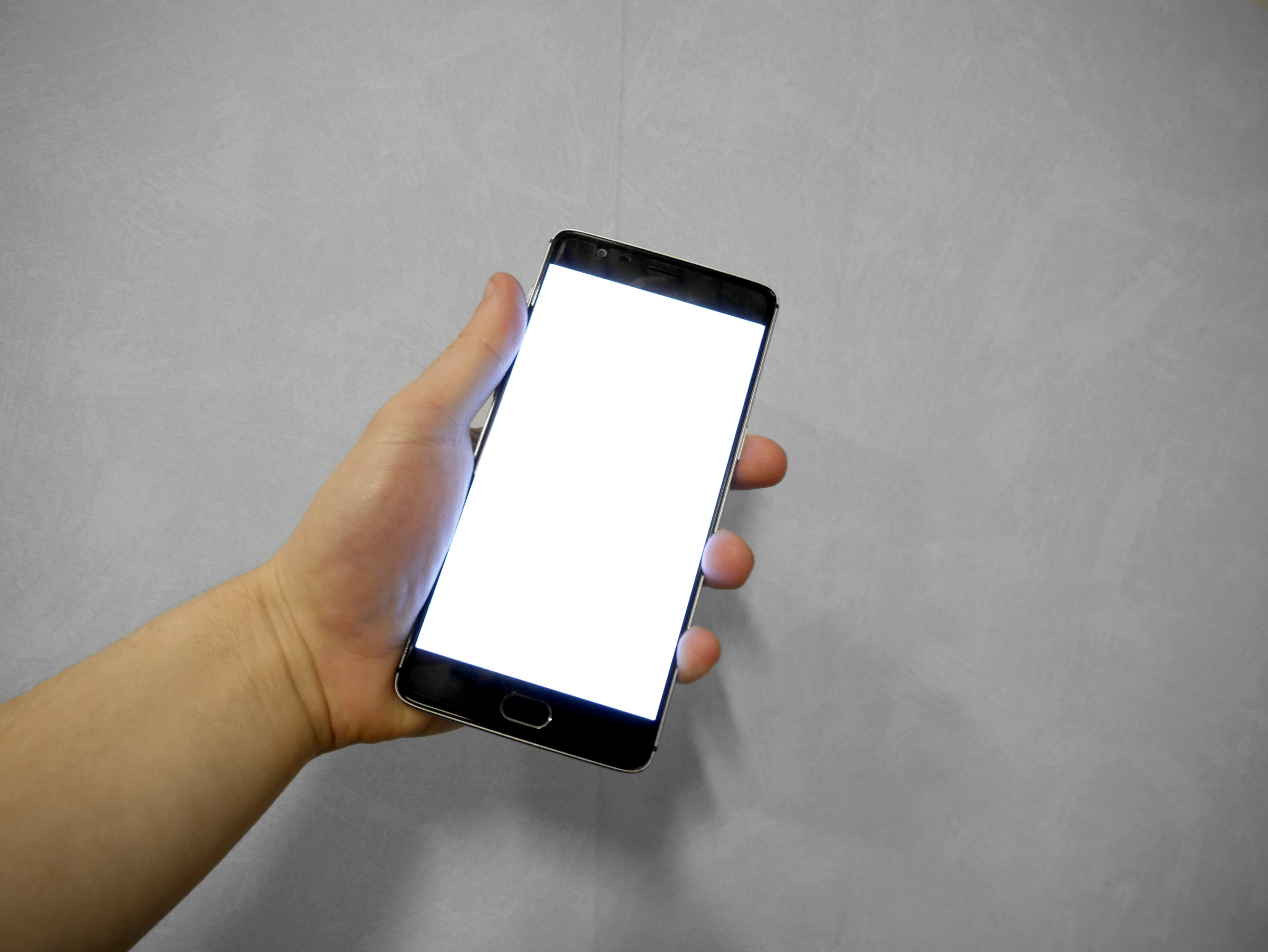
[A hand holding a smartphone with a blank white screen, the state a phone passes through during a restart.] Photograph: hand holding smartphone photo
Image Credits: Wikimedia Commons
Restarting a phone and factory resetting it sound similar, but they do opposite things. A restart is a quick refresh.
A factory reset is a full wipe. Mixing them up can cost you data, so it is worth knowing exactly what each one does before you tap anything.
This article explains restarting, force restarting, resetting settings, and factory resetting, including what each keeps, what each erases, and when to use each one.
What restarting a phone does
Restarting a phone, sometimes called a soft reset, simply turns the device off and starts it again. The operating system reloads from scratch, temporary files are cleared, and apps that were stuck in memory get a clean start.
Restarting does not delete photos, contacts, apps, messages, or other personal data. HONOR's support guide states this plainly: restarting normally does not delete personal data, and it is different from a factory reset, which erases data and restores factory settings.
A restart helps with minor, temporary problems. An app that keeps crashing, a sluggish interface after days without a reboot, or a connection that stopped working can all clear up once the system reloads. It takes a minute or two and costs nothing, which is why it is always the first step.
On most Android phones, you hold the power button and tap Restart. On newer models where holding the power button wakes the voice assistant instead, pressing power and volume up together usually opens the power menu. On an iPhone, you can also use Settings, then General, then Shut Down, and turn the phone back on by connecting it to power.
What a force restart does
A force restart, also called a hard reset in some guides, is a deeper reboot for a phone that is frozen and will not respond to the screen or buttons. It forces the hardware to power cycle without going through the normal shutdown process.
A force restart also deletes nothing. Your photos, apps, and messages stay exactly as they were, according to MobiDokta's iPhone reset guide, which was checked against Apple's support pages. The confusion comes from the name: some older guides use "hard reset" to mean a factory reset, but on modern phones the two are separate options.
On a modern iPhone, a force restart means pressing volume up, then volume down, then holding the side button until the Apple logo appears. On Android phones the button combination varies by maker, but it usually involves holding the power button for 10 seconds or more.
Use a force restart only when a normal restart is impossible because the screen is frozen. If the phone responds normally, a standard restart is gentler and just as effective.
What resetting settings does
Between a restart and a factory reset sits a middle option: resetting settings only. This restores system preferences to their defaults while keeping your personal files. Wi-Fi passwords, Bluetooth pairings, and display preferences are the typical casualties.
This option fits a specific situation: the phone works, your data is intact, but a setting seems to be causing trouble. A broken Wi-Fi connection that survives restarts, for example, may clear up once network settings are reset and the network is rejoined fresh.
Resetting settings is not the same as erasing the phone. Your photos, contacts, and apps stay where they are. You will need to reconnect to Wi-Fi networks and repair Bluetooth accessories, which is a small inconvenience compared with a full wipe.
What a factory reset does

[A smartphone held in a hand, the device a factory reset returns to its out-of-box state.] Photograph: smartphone in hand photo
Image Credits: Wikimedia Commons
A factory reset, also called erasing all content and settings, wipes the phone. It removes personal content, downloaded apps, messages, photos, files, accounts, and customized settings. When it finishes, the phone shows the same Hello setup screen it showed when it was new.
Prey Project's factory reset guide describes this as a permanent, data-destructive action that cannot be undone. That is the key difference from every other option in this article: a restart refreshes the system, while a factory reset removes your data from it.
A factory reset fits a short list of situations. It makes sense when you are selling or giving the phone away, when problems persist after many restarts, or when you want a completely clean start. It is also the route used when a forgotten passcode locks you out, though that path requires account recovery afterwards.
What a factory reset does not remove
A factory reset removes data from the phone, but it does not remove everything everywhere. Photos and files already backed up to a cloud account stay in that account and can be restored during setup. Data on a removable memory card may also survive, depending on the phone and the reset options you choose, so check that setting before you confirm.
One important limit concerns account locks. On an iPhone, a factory reset does not remove the iCloud lock on its own. MobiDokta notes that the phone stays locked to the owner's account unless the Apple Account password is entered during the reset, which signs the phone out of Find My.
The same principle applies on Android, where a reset phone may ask for the previous Google account before setup completes. These locks exist to deter theft, so plan for them rather than being surprised by them.
A factory reset also does not fix hardware faults. If the battery, screen, charging port, or main board is failing, the phone will still have the same fault after a wipe. When a force restart and a reset both fail to help, hardware is the likely cause, and a repair shop is the next step.
The safe order to try
Work from least destructive to most destructive. Restart once and test the problem.
If it returns, restart again and check whether a single app is the cause. Next, try resetting settings, starting with network settings if the problem is connectivity.
Only then consider a factory reset. Before you tap it, back up photos, contacts, messages, and files, and make sure you know your account passwords. HONOR's guide warns that recovering data after a factory reset without a prior backup is challenging, and third-party recovery tools vary in effectiveness and offer no guarantee.
After the reset, set the phone up as new or restore from the backup you just made. If you restore a backup that contains the same faulty app or setting, the problem may return, so consider setting up as new first when troubleshooting a persistent fault.
Does restarting a phone delete anything?
No. A restart, including a force restart on a frozen phone, deletes no photos, apps, messages, or settings. It only reloads the operating system and clears temporary state.
Does a factory reset delete everything on the phone?
Yes, in practical terms. It erases personal content, apps, messages, files, accounts, and settings, and returns the phone to its setup screen. Cloud backups survive separately, and account locks may still apply until you sign in.
Is a hard reset the same as a factory reset?
On modern phones, no. A hard reset, or force restart, is a non-destructive reboot for a frozen device.
A factory reset is the destructive wipe. Older guides sometimes used the terms interchangeably, so always check what the option on your own phone actually says before confirming.
Should I factory reset before selling my phone?
Yes. A factory reset removes your personal data and returns the phone to its out-of-box state, which is what a buyer should receive. Back up first, sign out of your accounts during the reset, and confirm the setup screen appears before handing the phone over.
The bottom line
Restarting and factory resetting a phone are not two versions of the same fix. A restart refreshes the system and keeps everything.
A factory reset erases everything and starts over. Between them sit force restarts for frozen phones and settings resets for preference problems.
Try the gentle options first, back up before anything destructive, and reserve a factory reset for selling the phone, escaping a persistent fault, or starting genuinely clean.
Tags: smartphones, factory reset, troubleshooting, iPhone, Android
Rive News is a research desk that writes explainers from public sources and manufacturer documentation.
Related
- eSIM after a factory reset: what stays and what goes
- How to free up storage without deleting photos
- What happens to your data when you delete an app
- What happens to your passkeys if you lose your phone
Subscribe to the Rive News newsletter for one practical explainer each week.
Standards: facts are drawn from the public sources listed above; no claim here is based on unpublished testing.
Related stories

Apple plans two October launches: smart home hub, OLED MacBook Pro
Apple set October 13 for a smart home launch with a new hub, Apple TV 4K and HomePod mini, then October 27 for OLED MacBook Pro models

How to Check If Your Phone Supports eSIM in 30 Seconds
Dial *#06# and look for an EID number to confirm eSIM support in under 30 seconds. This guide also walks through the iPhone and Android

eSIM vs iSIM: what is the difference?
An eSIM is a dedicated chip on the phone's board, while an iSIM lives inside the processor itself. Qualcomm's Snapdragon 8 Gen