
What Happens to Your Passkeys If You Lose Your Phone
Key takeaways
- Losing your phone does not mean losing your accounts: synced passkeys restore when you sign in to your Apple or Google account on a new device.
- The finder cannot use your passkeys, because every sign-in needs your face, fingerprint, or device PIN to unlock the private key.
- Device-bound passkeys on hardware keys have no cloud copy, so enroll a second device or backup key before you need one.
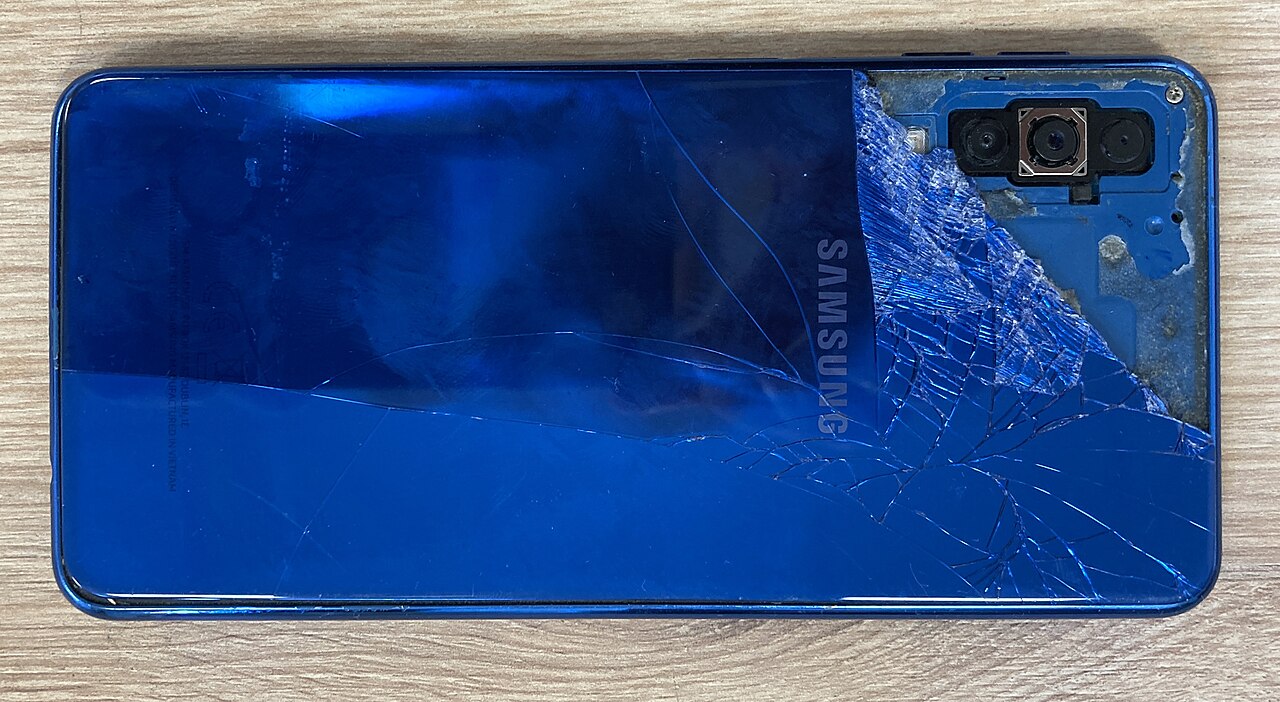
Losing your phone is stressful enough without wondering whether your logins went with it. Here is the short answer: if your passkeys are synced, they are not gone. (A passkey is a modern login method that replaces passwords, stored on your device.) Sign in to your Apple or Google account on a replacement device and they come back. If you need to log in before the replacement arrives, you have options.
This article explains what happens to your passkeys if you lose your phone, including what happens on iPhone, what happens on Android, what a finder can and cannot do, the one case where passkeys are truly lost, and the bottom line.
What happens on iPhone
Passkeys created on an iPhone live in iCloud Keychain, which is end-to-end encrypted (scrambled so only your devices can read it). When you sign in to your Apple account on a new iPhone, the passkeys sync down and your accounts are reachable again. Apple verifies the restore with a code sent to your trusted phone number plus your old device passcode, according to Wordfence's passkey FAQ.
The key phrase is "end-to-end encrypted." The encryption keys are not known to Apple, and the system is rate-limited (slowed down against guessing attacks) to resist brute-force attempts even from a privileged position on the cloud backend. That is why your passkeys stay recoverable even if you lose all of your devices, as long as you can still prove you are the account owner.
One practical consequence: keep your trusted phone number current. The recovery flow sends a verification code to that number, so an old number you no longer control turns a quick restore into a long support call. Check it in your Apple account settings now, not after the phone is gone.
What happens on Android
Passkeys created on Android are backed up and synced with the devices signed in to the same Google account, the same way passwords are backed up to Google Password Manager. Your passkeys travel with you when you replace your devices.
On the replacement phone, Google unlocks them with your Google Password Manager PIN or your previous screen lock, according to Wordfence. Sign in, verify, and your passkeys are ready for every site that registered them.
The same logic covers Chrome on desktop and third-party managers. A passkey stored in 1Password or Bitwarden syncs through that manager's own account, so it appears on any device where the manager is installed, regardless of operating system. Your passkey setup is only as lost as the account that syncs it.
What a finder can and cannot do
The first fear is the finder of your phone. Google's security expert Christiaan Brand answers it directly: no, the person who finds it cannot use your passkeys. The phone is only part of the credential; the rest is you. Every passkey sign-in needs your face, your fingerprint, or your device PIN before the private key is released.
Without that unlock, the passkeys on the phone are inert data. Even someone who extracts the files cannot produce a valid sign-in, because the hardware keeps the private key sealed until your biometrics confirm you are the owner. Locking the phone down matters here, so use a strong device passcode and keep biometrics enrolled.
Still, treat a lost phone as a security event. Use Find My on iPhone or Find My Device on Android to lock the phone remotely or erase it if recovery looks unlikely. Erasing is safe for synced passkeys: the copies in your cloud account survive the wipe.
The one case where passkeys are truly lost
There is an exception, and it is worth knowing. A device-bound passkey never leaves the hardware it was created on. In practice that usually means a FIDO2 security key like a YubiKey, which stores its keys locally on the single device and syncs nothing.
Lose that key and there is no cloud copy to restore. Wordfence recommends keeping a backup second key for exactly this reason, registered on the same accounts. Two keys, roughly the price of a dinner out, and the lost-key scenario stops being a crisis.
The same warning applies to the extreme case: lose every device holding your passkeys and lose your cloud account recovery path at the same time. If there is no synced copy and no way back into the account that syncs them, the passkey registrations are unrecoverable. Keep at least one passkey registered on a second device or a security key, and keep your account recovery information current.
Logging in before the replacement arrives
You do not have to wait for a new phone to get back into your accounts. Cross-device sign-in covers the gap: a laptop or even a borrowed device displays a QR code, you scan it with any device that still holds your passkey, and a Bluetooth proximity check confirms you are physically nearby. The private key never transfers.
This works with a tablet, an old phone in a drawer, or a family member's device you trust. It also works when only some of your passkeys were on the lost phone. Many people keep a second device enrolled without thinking about it, which makes this the fastest path back in.
If you run your own WordPress site, administrators have another option: the site admin can remove your lost passkey registration through the security dashboard and let you enroll a fresh one, according to Wordfence. For the big consumer services, the account recovery flow serves the same purpose.
FAQ
Will my passkeys be deleted if I remotely erase my phone?
No. Remote erase wipes the phone, but synced passkeys live in your Apple or Google account. They restore to your next device when you sign in. Only unsynced, device-bound keys are lost with the hardware.
How long does restoring passkeys to a new phone take?
Minutes, usually. Once you sign in to your Apple or Google account and complete the verification step, the passkeys sync down alongside your other data. The longest part is typically setting up the phone itself.
Should I revoke the passkeys on a stolen phone?
If the phone might be in someone else's hands, revoking is prudent even though the keys cannot be used without your biometrics. Most services let you remove a passkey registration from the account's security settings on any device you can still sign in to.
What if I lose my phone and my backup codes too?
Fall back to account recovery: your platform account's own recovery process, a secondary email, or a trusted contact. This is exactly the scenario our passkey versus password manager comparison warns about, and why a tested second device matters.
The bottom line
A lost phone is an inconvenience, not a lockout, as long as your passkeys are synced. Sign in to your Apple or Google account on the new device, verify with your trusted number or screen lock, and your passkeys return. The finder gets nothing usable, because every sign-in needs your biometrics.
The only passkeys that die with a lost device are device-bound ones on hardware keys, and those survive with a backup key. Enroll a second device or key today, keep your recovery number current, and the worst day of your phone's life stays a minor errand.
Rive News is a research desk covering technology with source-first explainers.
Latest in tech
- What is a passkey and how it works, explained simply
- Passkey vs password manager: which is actually safer?
- Can you sync passkeys between iPhone and Android?
- How attackers bypass two-factor authentication
Get one clear tech explainer in your inbox every morning. Subscribe to the Rive News newsletter.
Rive News follows a source-first corrections policy. Published October 12, 2026. © 2026 Rive News.
Related stories

Apple plans two October launches: smart home hub, OLED MacBook Pro
Apple set October 13 for a smart home launch with a new hub, Apple TV 4K and HomePod mini, then October 27 for OLED MacBook Pro models, Bloo

How to Check If Your Phone Supports eSIM in 30 Seconds
Dial *#06# and look for an EID number to confirm eSIM support in under 30 seconds. This guide also walks through the iPhone and Android sett

eSIM vs iSIM: what is the difference?
An eSIM is a dedicated chip on the phone's board, while an iSIM lives inside the processor itself. Qualcomm's Snapdragon 8 Gen 2 introduced