
What Is a Passkey and How It Works, Explained Simply
Key takeaways
- A passkey is a cryptographic key pair. The private key stays locked on your device. The public key goes to the website. No password exists to steal.
- You create a passkey with a face scan, fingerprint, or PIN. Then you sign in with the same quick gesture on any device synced to your account.
- Apple, Google, and Microsoft built passkeys on the FIDO Alliance standard. Google made them its default sign-in method in October 2023.
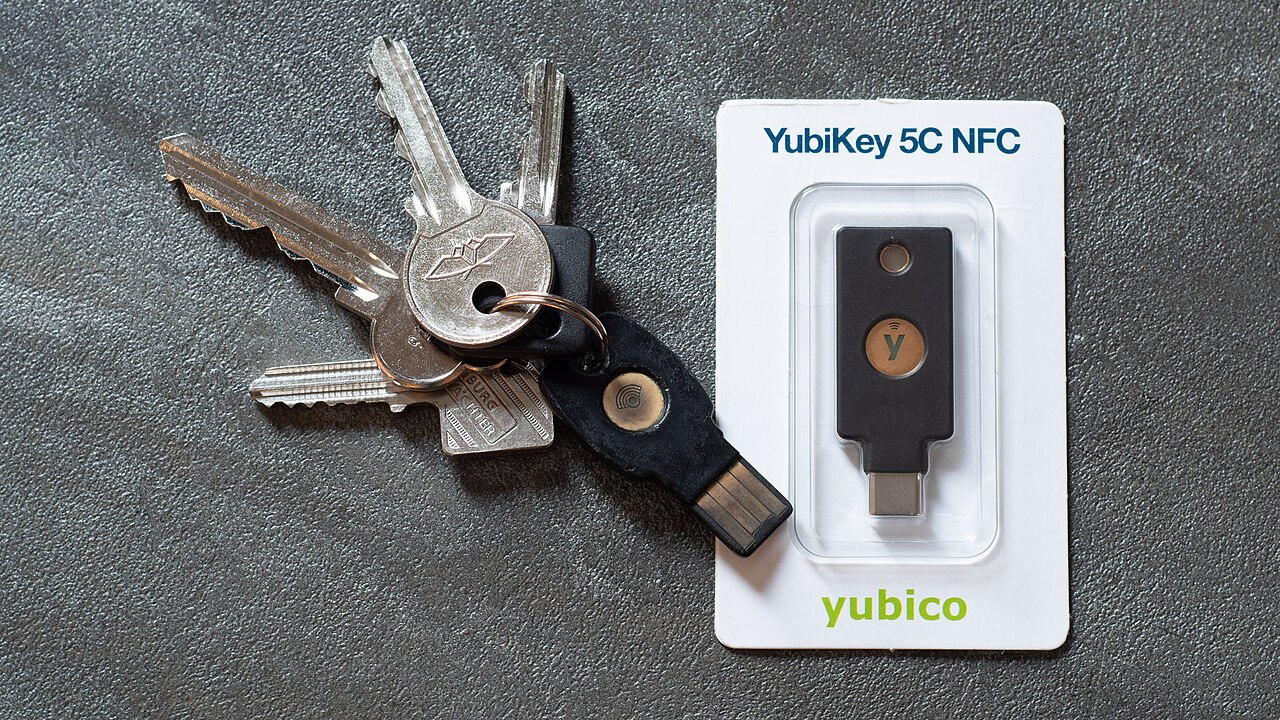
A passkey is a digital key that replaces your password. Instead of typing a secret string of letters and numbers, your device keeps a private cryptographic key. Only your face, fingerprint, or screen-lock PIN can release it.
Think of it like a mailbox with two keys. The website holds a public key that works like a padlock anyone can snap shut. Your device holds the private key, the only key that opens it. When you sign in, the two sides run a quick mathematical check to confirm they fit together. The website never learns your private key. You never have to memorize anything.
This article explains passkeys in plain English. It covers what a passkey is, how passkeys work step by step, how to set one up, where passkeys are accepted, and the bottom line.
What is a passkey?
A passkey is a FIDO credential stored on your phone or computer. It unlocks your online accounts. The technology comes from the FIDO Alliance. That is an industry group whose members include Apple, Google, Microsoft, Amazon, PayPal, Samsung, Visa, and Mastercard. They are all working toward a passwordless future, according to Android Police.
The short version: a passkey replaces both your password and, in most cases, your second-factor codes. Every passkey sign-in starts by unlocking your device. That quietly pairs "something you have" (the device itself) with "something you are" (your biometrics) in a single gesture. Biometrics means body measurements like your face or fingerprint. That combination is why passkeys are treated as stronger than a password alone.
Your biometrics never travel anywhere. Google has confirmed that modern phones are not built to send fingerprint or face data to the cloud. That information stays on your device, where the unlock check happens locally. Even if someone steals your phone, they cannot extract your biometrics to activate your passkeys.
Passkeys also travel with you. A passkey created on your phone can work when you log in from your laptop or tablet. The devices just need to share the same platform account, according to Mastercard's explainer. This is the "synced passkey" model most people meet first. It makes losing one phone far less scary than it sounds. (The full picture is in what happens to your passkeys if you lose your phone.)
How passkeys work, step by step
Here are the mechanics, stripped of jargon. Three things happen, in order, every time.
1. You register. When you create a passkey for a site, your device generates a brand-new pair of keys. The public key goes to the website's server. The private key stays on your device and never leaves it. A fresh pair is generated for every site, so keys are never reused across accounts.
2. You prove it is you. When you sign in later, the site sends your device a one-time challenge. Think of it as a random puzzle that is different every session. Your device unlocks the private key with your face, fingerprint, or PIN and uses it to sign the challenge. No password is typed, so nothing you type can be captured by a keylogger.
3. The site checks the signature. The server uses your stored public key to verify the signature. It confirms the signature could only have come from your private key. If the math checks out, you are in. The server learns nothing about your private key in the process. As Google's Christiaan Brand puts it, public-key cryptography "can validate you without knowing anything about you."
Nothing stored on the server is worth stealing, because the public key is useless without your private key. Nothing travels over the network that an attacker can replay, because the challenge is fresh each time. The private key never leaves your device, so it cannot be intercepted in transit, according to the FIDO Alliance.
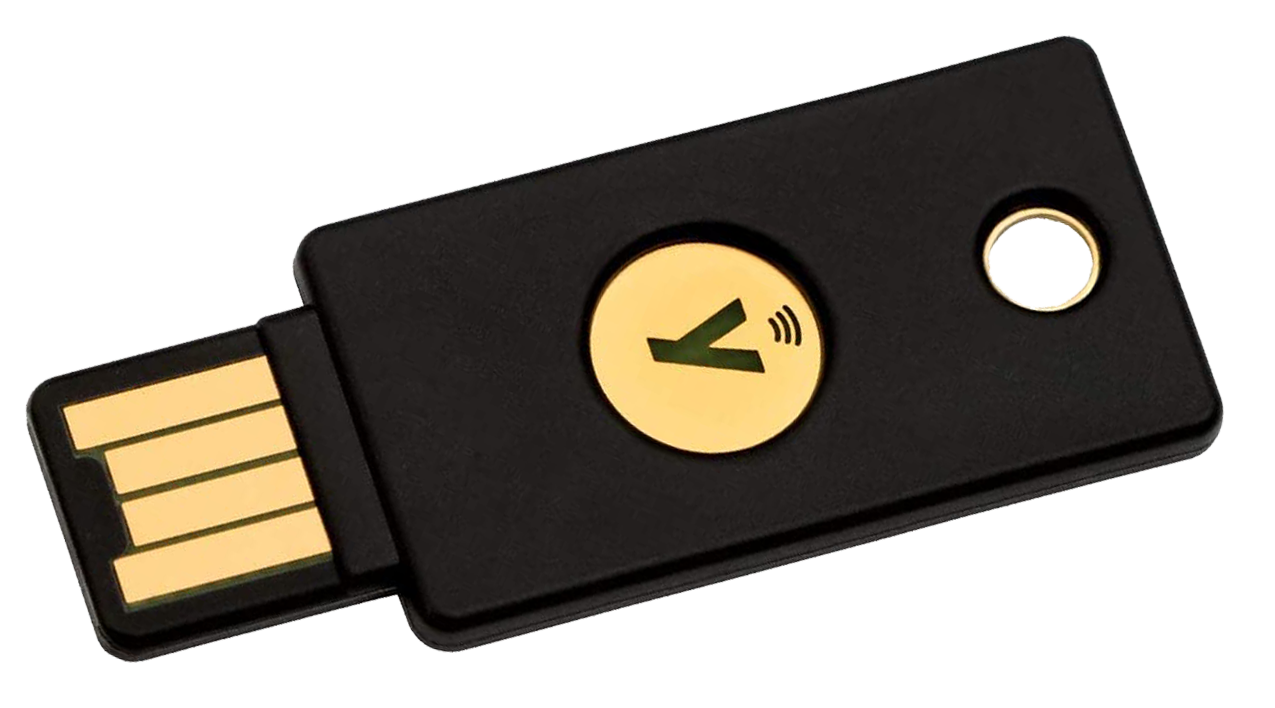
Brand describes the broader shift in plain terms: "Passkeys can transform them into the biggest shift for online security in decades," referring to the smartphones in our pockets, which he calls "pocket computers." The cryptography itself dates back to the 1970s. What changed is that everyone now carries enough computing power to use it.
How to set up a passkey
Most major sites now offer passkeys under their security or account settings. The flow is nearly identical everywhere.
Look for "passkeys" or "passwordless sign-in" in the account's security section and choose to create one. Your device will ask you to confirm with your face, fingerprint, or PIN. That is the entire process. The key pair is generated in seconds. You will rarely need to think about it again.
Your new passkey usually syncs automatically. On an iPhone, it lands in iCloud Keychain. On Android or in Chrome, it lands in Google Password Manager. Synced passkeys reappear on your other devices when you sign in to the same account. A new phone pulls your keys down during setup.
If you ever need to sign in on a device that does not hold your passkey, cross-device sign-in bridges the gap. The computer shows a QR code. You scan it with your phone. You approve with your biometrics. A short-range Bluetooth check confirms you are physically nearby. The private key itself never moves between devices.
Keep your old sign-in method until you are confident. Most services that support passkeys still offer a password or email-reset fallback during the transition. Disable the password only when you are sure you will not need it. The fallback is the weakest part of any account.
Where passkeys are accepted
Adoption is wide and still growing. Google announced in October 2023 that passkeys would be its default login method for all users globally, according to Mastercard's explainer. Apple, Microsoft, Amazon, PayPal, Intuit, and Nintendo have introduced passkeys for their own sign-ins. The list keeps lengthening.
The results are measurable. The state of Michigan began implementing passkeys on its website. It logged 1,300 fewer calls related to password resets in a single month, according to Mastercard. Fewer reset requests means fewer frustrated users and lower support costs. That is why large organizations are moving quickly.
But coverage is not universal. Plenty of banks, airlines, and smaller retailers still ask for a password. Some services that support passkeys keep the password active as a fallback. Treat passkeys as the fast lane and a good password manager as the backup road until the sites you use most catch up.
If you want the honest comparison between the two approaches, our passkey versus password manager breakdown weighs safety, convenience, and the cases where each one wins.
FAQ
Do passkeys cost money?
No. Passkeys are a free, open standard built on FIDO and W3C WebAuthn. Creating and using them costs nothing on iPhone, Android, Windows, or Mac. Websites do not charge extra to support them.
Can I use a passkey on more than one device?
Yes. Synced passkeys move between your devices through your platform account, such as iCloud Keychain or Google Password Manager. You can also register separate passkeys for the same account on different devices if you prefer not to sync.
What if a website does not support passkeys?
Then you sign in the old way, with your password and any second factor you have set up. Passkeys only work where the site has implemented the WebAuthn standard. Universal coverage will take time.
Are passkeys the same as two-factor authentication?
Not exactly. A passkey alone counts as one factor technically. But every sign-in pairs device possession with your biometric or PIN. That is why NIST, the US standards body, classifies passkeys at assurance level AAL2. That is the same tier as a password plus a separate second factor.
Can someone phish my passkey?
No, not in the way passwords get phished. A passkey is bound to the real site's domain. A fake login page at a look-alike address gets nothing usable. Our simple explanation of why passkeys resist phishing walks through the mechanism.
The bottom line
A passkey replaces a typed secret with a cryptographic handshake between your device and the site. You unlock it with your face, fingerprint, or PIN. Nothing worth stealing sits on the server. Nothing worth intercepting travels the network. Signing in takes a single glance instead of a hunt through a password list.
Start with your email, your bank, and the accounts that guard your identity. Keep your recovery options current, and let the password era fade one account at a time.
Rive News is a research desk covering technology with source-first explainers.
Latest in tech
- Passkey vs password manager: which is actually safer?
- What happens to your passkeys if you lose your phone
- Can you sync passkeys between iPhone and Android?
- How attackers bypass two-factor authentication
Get one clear tech explainer in your inbox every morning. Subscribe to the Rive News newsletter.
Rive News follows a source-first corrections policy. Published October 12, 2026. © 2026 Rive News.
Related stories

Apple plans two October launches: smart home hub, OLED MacBook Pro
Apple set October 13 for a smart home launch with a new hub, Apple TV 4K and HomePod mini, then October 27 for OLED MacBook Pro models, Bloo

How to Check If Your Phone Supports eSIM in 30 Seconds
Dial *#06# and look for an EID number to confirm eSIM support in under 30 seconds. This guide also walks through the iPhone and Android sett

eSIM vs iSIM: what is the difference?
An eSIM is a dedicated chip on the phone's board, while an iSIM lives inside the processor itself. Qualcomm's Snapdragon 8 Gen 2 introduced