
Passkey vs Password Manager: Which Is Actually Safer?
Key takeaways
- Passkeys are the safer default on supported sites. The server never holds anything exploitable, and phishing sites get nothing usable.
- A good password manager is a huge upgrade over reused passwords. But its vault is a single high-value target, and stored passwords remain phishable.
- The smart setup is both: passkeys where sites support them, a password manager for everything else, and the manager syncing your passkeys too.
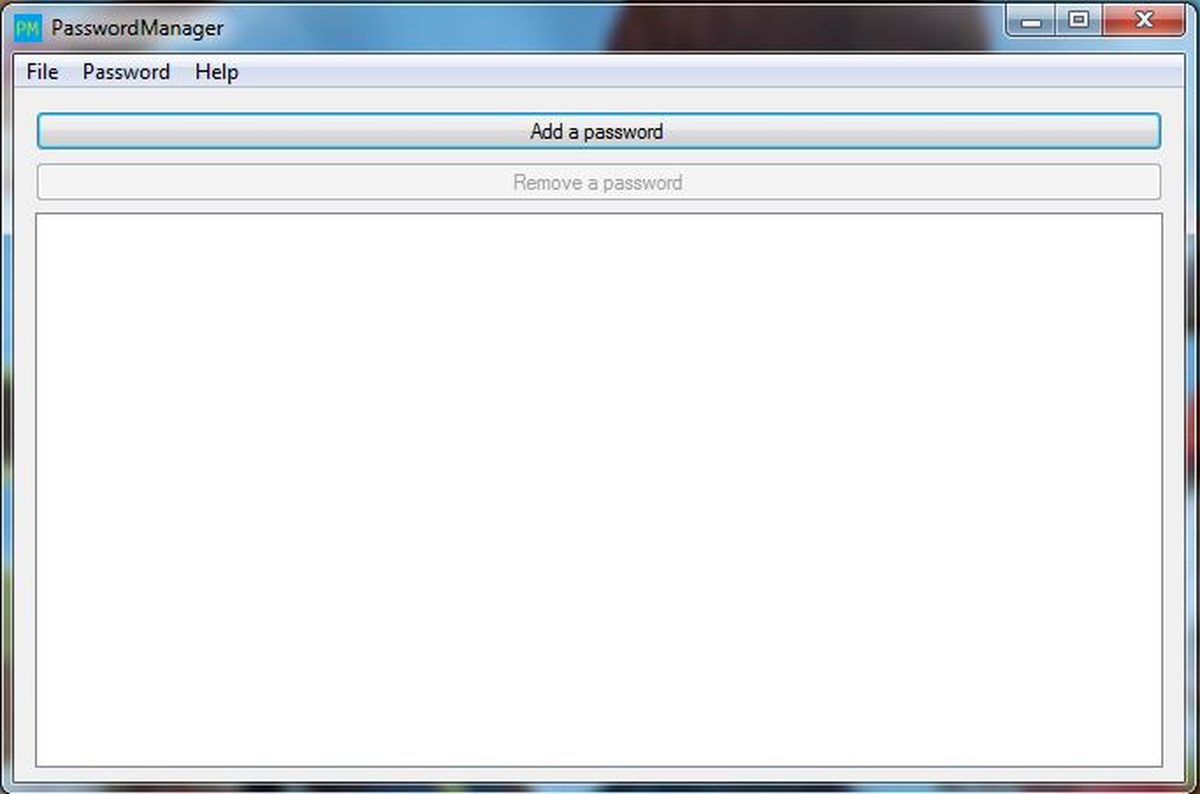
Passkeys and password managers both fix the same mess: people reusing weak passwords across dozens of sites. They fix it in opposite ways. A password manager remembers strong passwords for you. A passkey removes passwords from the equation entirely.
The short answer to which is safer: passkeys win on supported sites, by a clear margin. But the full answer is more useful, because you need both for a while yet. This article compares passkeys and password managers on safety. It explains where each one is vulnerable, and shows the setup that covers you best.
This article explains the passkey versus password manager question in plain English. It covers what each one protects against, how phishing treats them differently, where password managers still win, the setup worth using today, and the bottom line.
What each one protects against
A password manager generates and stores strong, unique passwords for every site. That is a major upgrade over reused passwords, according to Authgear's 2026 security guide. If one site leaks its database, your other accounts stay safe because each password is unique. That alone eliminates the damage from most breaches.
A passkey goes further. It replaces the password with a cryptographic key pair. A cryptographic key pair is two linked digital keys, one private and one public. The server never holds anything exploitable. Authgear puts the verdict bluntly: "Passkeys eliminate the shared secret entirely: the server never holds anything exploitable," making them "categorically safer than password managers, even when the manager itself is not compromised."
The difference comes down to what the server knows. With a password manager, the server still stores your password or its hash. A hash is a scrambled version of your password. It is a shared secret both sides must know. With a passkey, the server stores only a public key. That is useless without the private key on your device. A breach that steals every public key in a company's database hands attackers nothing they can log in with.
How phishing treats them differently
Phishing is the real-world test that separates the two. A phishing site imitates your bank's login page and waits for you to type your password. If you use a password manager, the attack can still work. Managers usually refuse to autofill on unfamiliar domains, which helps. But a careful fake or a moment of inattention can still hand over the secret.
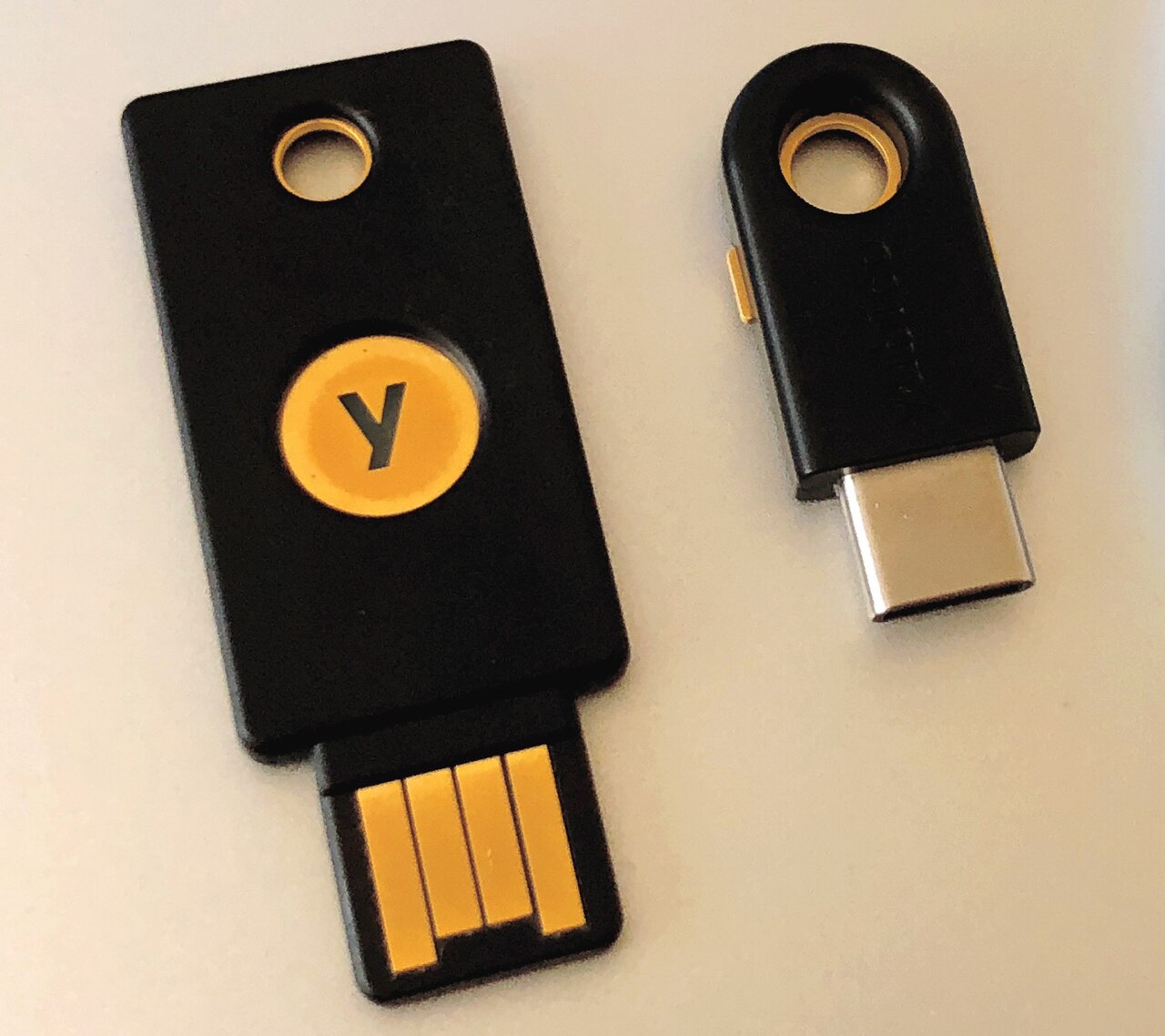
Passkeys are structurally immune to that play. The credential is cryptographically bound to the real site's domain. So a look-alike address gets no valid signature from your device. Proton's comparison explains the result. Even if someone tricks you with a fake site, steals network traffic, or attempts a brute-force attack, they cannot get the private key. It stays inside your phone, computer, or security-key dongle.
This is also why a passkey sign-in counts as strong authentication on its own. Every passkey prompt requires user verification, a biometric or a PIN. So the single gesture satisfies both "something you have" and "something you are." NIST, the US standards body, classifies passkeys at assurance level AAL2. That is the same tier as a password plus a separate second factor, according to Authgear.
Where password managers still win
Passkeys are not the whole answer yet, and a fair comparison says so. Compatibility is the biggest gap. Not every site supports passkeys, while passwords work everywhere. Proton's comparison lists compatibility as "growing" for passkeys and "universal" for passwords. That is the honest state of 2026.
Flexibility is another win for managers. A password vault opens on any platform with one master password. Passkeys traditionally sync within one ecosystem: iCloud Keychain for Apple, Google Password Manager for Android and Chrome. That gap is closing. 1Password, Bitwarden, Dashlane, and Proton Pass now store and sync passkeys across platforms. But the password remains the universal fallback.
Recovery tells a similar story. Forget a master password and a good manager has documented recovery paths. Lose every device holding your passkeys with no cloud sync, and an account can become unrecoverable. That is why our guide to losing your phone recommends keeping a second device or backup key enrolled.
Bitwarden's enterprise guide offers the balanced view. With a robust password manager in place, both passwords and passkeys can meet serious security requirements. The manager is not obsolete. It is the compatibility layer that covers the sites passkeys have not reached yet.
The setup worth using today
The two tools are not rivals. They combine well, and the winning configuration is simple.
Enable passkeys first on your primary email, your identity provider, and your financial accounts. Do this anywhere the option exists. Your email is the master key to every password reset, so it deserves the strongest option first.
Keep the password manager for everything else. Let it generate long random passwords for the sites that do not support passkeys yet. Let it store your passkeys too. Managers like 1Password and Bitwarden now sync passkeys across devices and platforms. That also solves the cross-ecosystem problem, letting a passkey created on an iPhone work on a Windows laptop.
Harden the accounts that sync your passkeys. If your Apple, Google, or Microsoft account is compromised, your synced passkeys travel with it. So those accounts need their own strong protection and a tested recovery path. Enroll a second trusted device or a hardware security key as a backup for the accounts that would hurt most to lose.
Finally, test your lost-device response before you need it. Sign in to your platform account on a spare device and confirm your passkeys restore. A backup you have never tested is a hope, not a plan.
FAQ
Do I still need a password manager if I use passkeys?
Yes, for now. Many sites do not support passkeys yet. A manager keeps those accounts on unique strong passwords. Managers also store and sync passkeys, so the two work as a team rather than alternatives.
Can a password manager be hacked?
A vault is encrypted with your master password. But the vendor's systems and your own device are still targets. Passkeys avoid this entirely by storing no shared secret on any server. That is why they are categorically safer where supported.
Are passkeys safer than a password manager plus two-factor authentication?
In most cases, yes. A passkey bundles device possession and biometric verification into one phishing-resistant gesture. That matches what NIST calls assurance level AAL2. A manager with TOTP codes is strong. But the password and codes remain phishable secrets.
What is the single biggest risk of relying on passkeys?
Losing all your devices with no sync and no backup. Synced passkeys restore from your cloud account. But a device-bound passkey on a lost hardware key has no cloud copy. Register a second key or device for critical accounts.
The bottom line
Passkeys are actually safer than password managers where you can use them. There is no shared secret to phish, leak, or guess. Password managers remain essential as the universal fallback. Increasingly, they also serve as the sync layer for your passkeys themselves.
Use passkeys first, the manager for the rest, and protect the cloud account that ties them together. That combination covers more of your digital life than either tool alone.
Rive News is a research desk covering technology with source-first explainers.
Latest in tech
- What is a passkey and how it works, explained simply
- What happens to your passkeys if you lose your phone
- Are passkeys really unphishable? Explained in simple terms
- How attackers bypass two-factor authentication
Get one clear tech explainer in your inbox every morning. Subscribe to the Rive News newsletter.
Rive News follows a source-first corrections policy. Published October 12, 2026. © 2026 Rive News.
Related stories

Apple plans two October launches: smart home hub, OLED MacBook Pro
Apple set October 13 for a smart home launch with a new hub, Apple TV 4K and HomePod mini, then October 27 for OLED MacBook Pro models, Bloo

How to Check If Your Phone Supports eSIM in 30 Seconds
Dial *#06# and look for an EID number to confirm eSIM support in under 30 seconds. This guide also walks through the iPhone and Android sett

eSIM vs iSIM: what is the difference?
An eSIM is a dedicated chip on the phone's board, while an iSIM lives inside the processor itself. Qualcomm's Snapdragon 8 Gen 2 introduced