
Why Does Your Phone Get Hot When Fast Charging?
Key takeaways
- Charging is never perfectly efficient: pushing current through a battery's internal resistance converts some energy directly into heat.
- Doubling the charging current quadruples the heat produced, which is why fast charging feels dramatically warmer than slow charging.
- Warmth around 35 to 40 degrees Celsius is normal physics; a phone too hot to hold signals a faulty battery, cable, or charger.
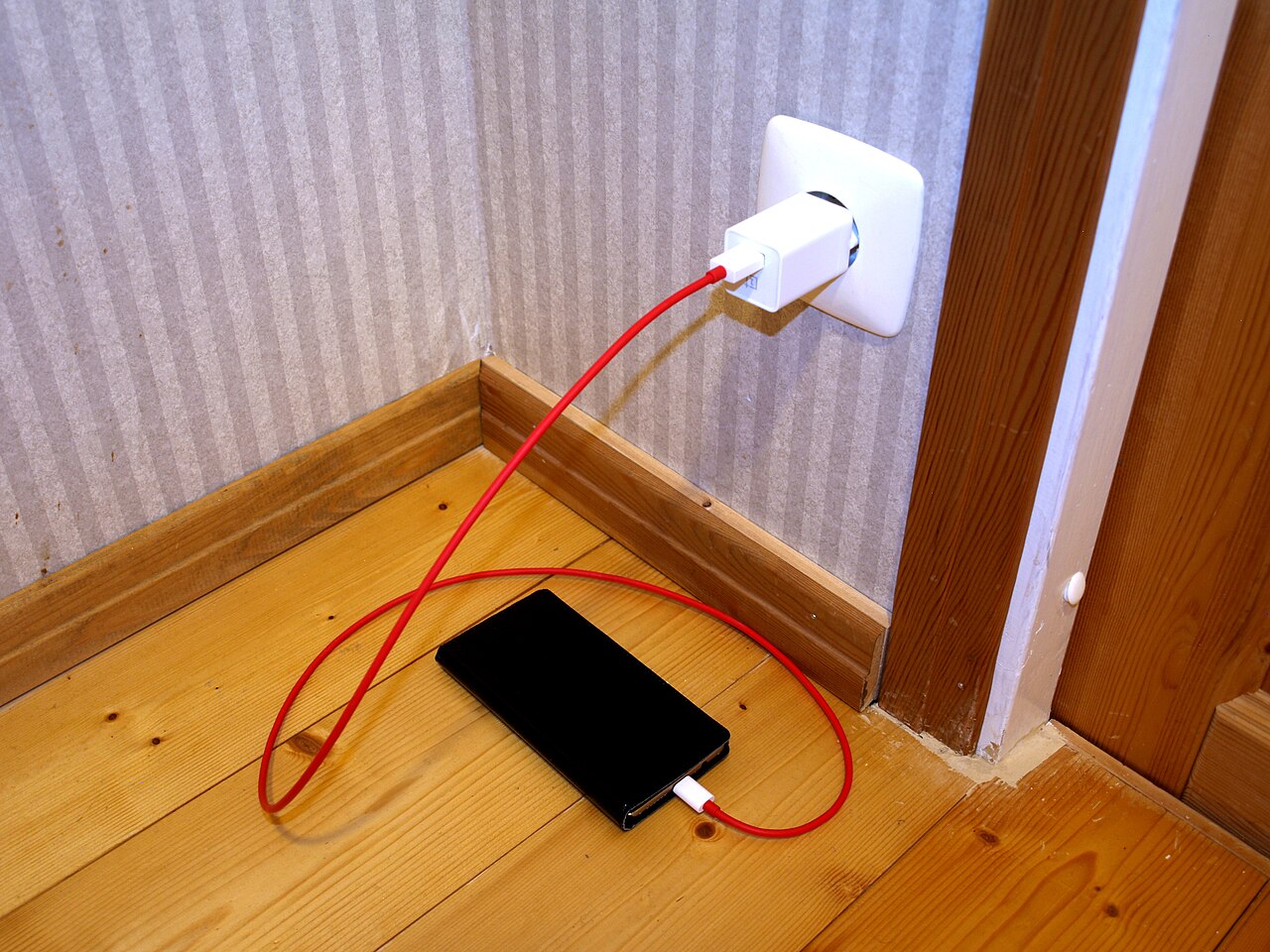
Plug in a fast charger and within minutes the phone feels warm. Push it with a heavy game at the same time and it can get genuinely hot.
Most people assume something is wrong. Usually, nothing is. The warmth is physics doing its job.
Charging a phone is an electrochemical process. Electrical energy flows from the wall, through the cable and the phone's charging circuit, and gets stored as chemical energy inside the battery. That conversion is never perfectly efficient, and the lost energy becomes heat.
This article explains where charging heat comes from, why fast charging multiplies it, which heat sources sit inside the phone, what makes it worse, and when warmth crosses the line into a warning sign.
Charging is never 100 percent efficient
The main culprit behind charging heat is something engineers call internal resistance. Every lithium-ion battery has a tiny amount of electrical resistance inside it, typically between 50 and 200 milliohms in a phone-sized cell, according to TechToday's explainer.
When current flows through that resistance, power is wasted as heat according to Joule's law: heat equals current squared times resistance. In symbols, P = I²R.
The squared term is the important part. It means doubling the charging current quadruples the heat produced inside the battery.
To put a number on it: at a 3-amp charging current, a phone battery with 50 to 200 milliohms of internal resistance turns roughly 0.45 to 1.8 watts directly into heat, all of it inside the sealed body of the phone.
The charger itself adds more. Charging circuitry is only about 90 to 95 percent efficient, so 5 to 10 percent of the wall power becomes heat in the brick. Gallium nitride (GaN) chargers run at 90 to 95 percent efficiency compared with 85 to 90 percent for older silicon chargers, which is why GaN chargers can be smaller and run cooler, Ugreen notes.
Why fast charging multiplies the heat
A standard overnight charger trickles a low current and produces almost no noticeable warmth. A fast charger pushes several amps through the same battery, and thanks to the I²R relationship, the heat jumps far faster than the speed does.
The numbers tell the story. Many flagship phones now accept 25 to 45 watts, and some Chinese brands push beyond 100 watts using standards like USB Power Delivery or proprietary systems such as OPPO's VOOC, TechToday reports. Samsung's Super Fast Charging 2.0 runs at 45 watts, while its base models run at 25 watts.
This is why your phone feels warmest during the first part of a charge, when the battery accepts current fastest, and cools down as it approaches full. Apple confirms the mechanism directly: the iPhone gradually reduces charging current as the battery approaches full charge specifically to reduce the effect of heat.
Android Police demonstrated the effect with a thermal camera. A Galaxy S23 Plus at room temperature reached a peak of 110°F (43°C) after just 10 minutes of fast charging. The hot spot sat on the phone's circuit board, not the battery, a reminder that the charging circuit generates much of the heat.
Where the heat actually comes from
A charging phone has several heat sources working at once, and diagnosing warmth means knowing which is which.
The battery's internal resistance is the first. The charging IC, the power-management chip that regulates voltage and current inside the phone, is the second. Its buck converter switches millions of times per second, and switching losses become heat.
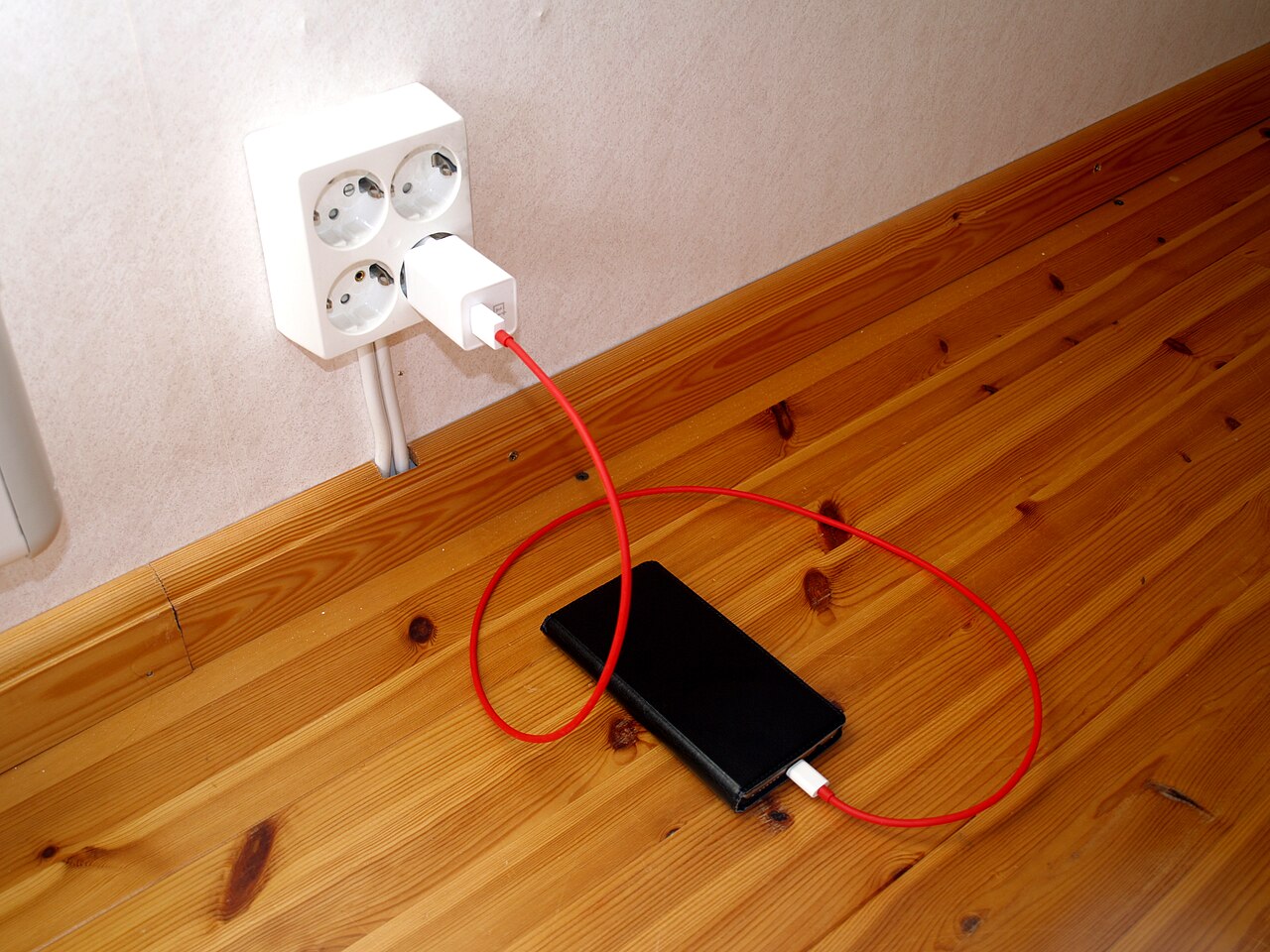
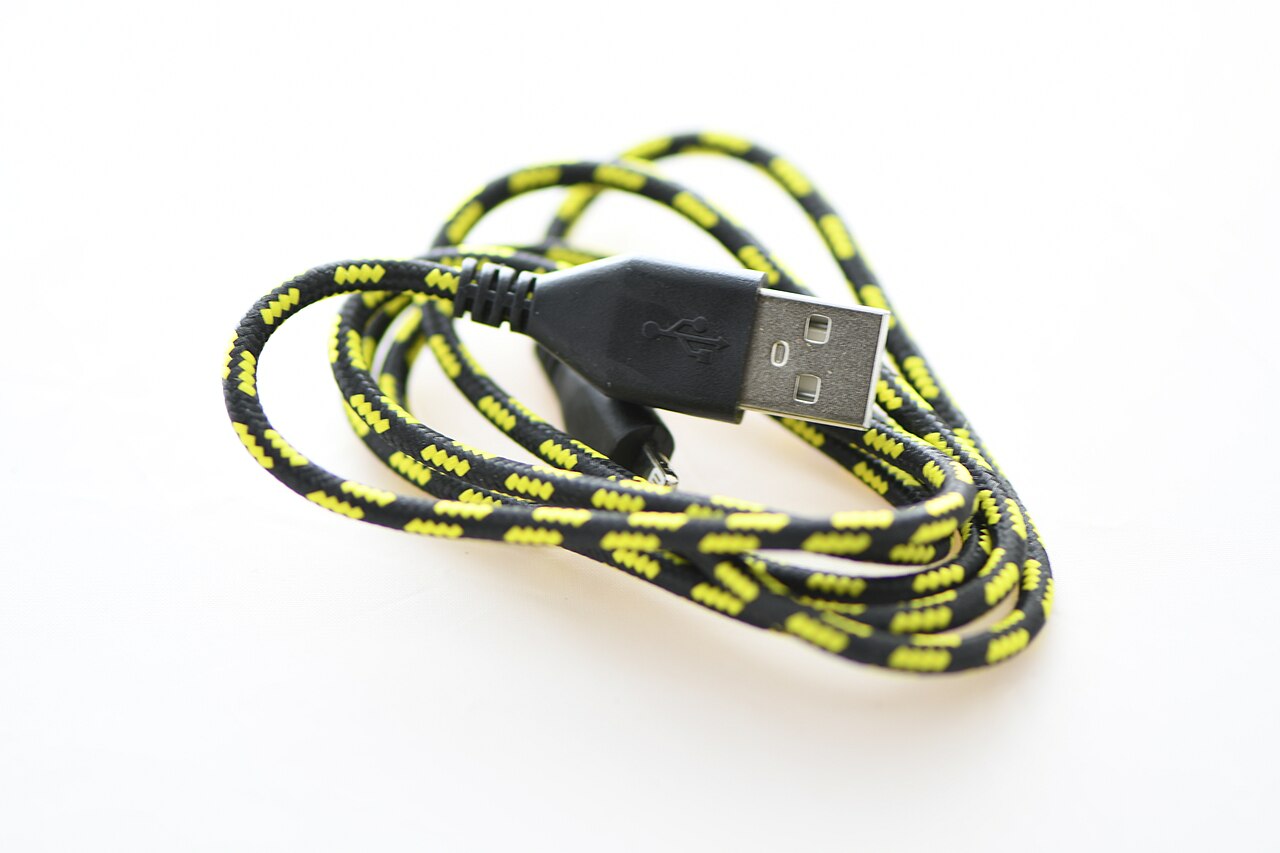
Contact resistance is the third. The port, the cable, and the connector junctions all add small resistances of their own. A low-quality cable with thin wires or a worn connector generates heat at the junction, and that heat conducts straight into the phone.
Age makes everything worse. After about 500 full charge cycles, a cell commonly retains 80 percent of its capacity, and its internal resistance has grown, CNNewMany reports.
The same charging current now produces more heat than it did when the battery was new. An old phone that runs hotter than it used to is often just an old battery obeying the same physics with worse numbers.
What makes it worse
Normal charging heat is one thing. Several everyday habits stack extra heat on top of it.
Using the phone while it charges is the biggest. Gaming, video calls, streaming, or navigation makes the processor, screen, and radios all generate heat at the same time the battery is heating up. The heat sources add together, and the phone can only shed heat as fast as its body allows.
Thick cases trap heat against the device. Phones dissipate warmth through the back glass and frame, and an insulating case slows that path. Removing the case during a fast-charging session measurably reduces thermal stress.
Hot surroundings shrink the cooling margin. Charging on a car dashboard in direct sun, or under a pillow, leaves the heat nowhere to go. Heat exposure around 113°F (45°C) can cut battery lifespan in half, Ugreen warns, so a cool, ventilated spot matters more than most accessories.
No software trick changes the physics. Switching browsers does nothing, and incognito mode hides your browsing history, not your heat.
Clearing storage will not cool the phone either; deleted photos are not really gone from the storage chips in any way that affects temperature. The only real levers are current, load, and airflow.
When heat is a warning sign
Warm is physics. Hot is a warning. Knowing the difference keeps both you and the battery safe.
Surface temperatures of roughly 30 to 40°C (86 to 104°F) during charging are ordinary. Fast charging can push a battery toward 45°C (113°F) before the charge controller deliberately slows down. The safe charging range for the battery itself is typically 0 to 45°C, and the phone's management system will slow or stop charging outside it.
Stop and investigate when the heat breaks the pattern. A phone too hot to hold comfortably, heat that keeps climbing after the first half hour instead of levelling off, a swollen case, a chemical smell, or a connector that is hot while the battery stays cool all point to a fault rather than normal losses.
A hot plug with a cool battery usually means resistance in the cable, socket, or power strip, and replacing the cable is the cheap fix. A hot battery with a cool plug is a cell or charger problem, and the expensive one.
Background processes can also masquerade as charging heat. If the phone runs hot while barely charging, check for a runaway app, for example one constantly trying to locate the phone over the internet or syncing in a loop, before blaming the battery.
Frequently asked questions
Is it normal for a phone to get hot while fast charging?
Yes, within limits. Warmth up to about 40°C (104°F) on the surface is ordinary physics: higher current means more resistive heating. It should be warmest early in the charge and cool as the battery fills and the phone tapers the current.
Does fast charging damage the battery?
Heat accelerates battery ageing, so frequent hot fast-charging sessions wear the battery faster than slow overnight charging. Modern phones manage this by tapering current and pausing when temperatures climb. Using a slower charger overnight and reserving fast charging for when you need it is the gentlest routine.
Should I take the case off while charging?
For fast charging, yes. Cases insulate the back of the phone, which is a main heat-dissipation path. Removing a thick case during a fast charge lets the phone shed heat faster and reduces thermal stress on the battery.
Why does my old phone get hotter than it used to?
Internal resistance rises as batteries age. After roughly 500 full cycles, the same charging current produces noticeably more heat. If an ageing phone runs hot and holds less charge, a battery replacement restores both cool charging and capacity.
Can I use my phone while it fast charges?
You can, but the heat stacks. The processor, screen, radios, and charging circuit all generate heat simultaneously. Light use is fine; gaming or video calls during a fast charge push temperatures toward the range where the phone starts throttling performance.
The bottom line
Your phone gets hot when fast charging because electricity is not free to move. Every amp pushed through the battery's internal resistance becomes heat, and the physics is quadratic: double the current, quadruple the heat. The charger, the cable, and the phone's own chips add their share.
None of this means your phone is broken. Warmth in the 35 to 40°C range is the price of speed, and the phone is designed to pay it. Keep the phone cool, ventilated, and idle while it charges, save the fastest charging for when you need it, and treat heat that breaks the pattern as a signal to check the cable, the charger, or the battery.
Latest in Tech
- How to find your phone using the network when the internet is on
- What really happens to deleted photos on your phone
- What incognito mode actually hides, and what it does not
- How passkeys work, in plain English
Subscribe to the Rive News newsletter for one plain-English tech explainer every week.
Related stories

Apple plans two October launches: smart home hub, OLED MacBook Pro
Apple set October 13 for a smart home launch with a new hub, Apple TV 4K and HomePod mini, then October 27 for OLED MacBook Pro models

How to Check If Your Phone Supports eSIM in 30 Seconds
Dial *#06# and look for an EID number to confirm eSIM support in under 30 seconds. This guide also walks through the iPhone and Android

eSIM vs iSIM: what is the difference?
An eSIM is a dedicated chip on the phone's board, while an iSIM lives inside the processor itself. Qualcomm's Snapdragon 8 Gen