
How your phone knows which way is up
By Rive News / Research desk | Rive News / Published October 29, 2026 at 9:00 AM PKT
Key takeaways
- The accelerometer feels gravity on three axes, so a phone at rest reads about 9.8 m/s² on one axis.
- The gyroscope measures how fast the phone rotates, in radians or degrees per second.
- Sensor fusion blends both readings, plus the magnetometer, into a steady sense of orientation.
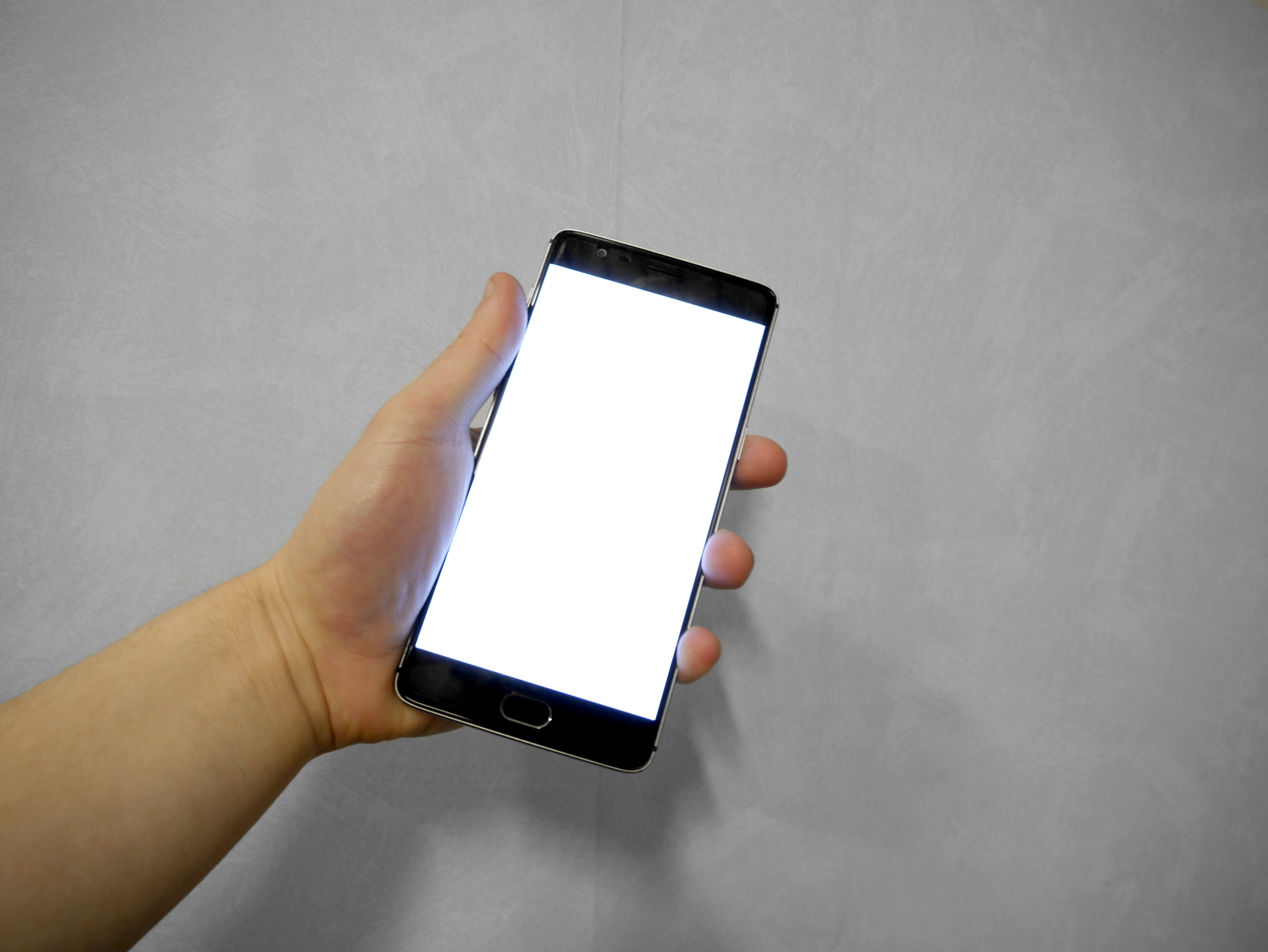
[A hand holding a smartphone with a blank white screen, the state a phone passes through during a restart. Photograph: hand holding smartphone photo]
Image Credits: Wikimedia Commons
Turn your phone sideways and the screen follows. It feels obvious, but the phone has no eyes and no sense of the room. It knows which way is up because a tiny chip inside it feels gravity, another chip feels turning, and software blends the two into a single answer.
Nothing in the phone sees the floor. It only measures forces and rotations, and gravity does the rest.
This article explains the short answer, what the accelerometer measures, what the gyroscope adds, how the phone blends the two, and why rotation sometimes lags or locks.
The short answer
The lead sensor is the accelerometer. It is a chip whose parts shift slightly when the phone accelerates or when gravity acts along a particular direction, according to The Hindu's explainer. The phone's software reads those measurements along the x, y, and z directions and works out which side is pointing toward the earth.
That reading is what decides whether the screen should be portrait or landscape.
Gravity is the key. When the phone lies still, gravity pulls on the accelerometer exactly as it pulls on everything else. Tilt the phone, and gravity shifts between the axes.
The phone watches that shift and redraws the screen to match. No camera, no compass, and no GPS is needed for this basic trick, although other sensors join in for finer work.
The catch is that an accelerometer cannot tell gravity apart from any other acceleration. Walking, braking in a bus, or shaking your hand all push on the same chip. A phone that trusted the accelerometer alone would flip its screen at every bump.
That is why a second sensor, the gyroscope, is involved, and why the real answer is a blend rather than a single reading.
What the accelerometer measures
An accelerometer is a force sensor built as a microelectromechanical system, a chip with real moving parts at microscopic scale. Inside it, a tiny mass hangs on springs or flexible beams. When the phone moves or tilts, the mass shifts, and the chip converts that shift into an electrical signal.
The result is a reading in metres per second squared along each of three axes.
At rest, the numbers are easy to picture. A phone lying flat on its back reads roughly 9.8 m/s² on its z axis, the axis pointing out of the screen, and near zero on the x and y axes. Turn it upright, and gravity moves mostly onto the y axis instead.
The phone does not need to understand the room. It only needs to see which axis carries the 9.8.
The accelerometer in a phone is a three-axis device, and its range is usually quoted in g, where 1 g is earth's gravity. Research on phone accelerometers lists common ranges of plus or minus 2, 4, 8, or 16 g, depending on the sensor and its settings. A wider range catches harder knocks, such as a drop, while a narrower range gives finer readings for gentle tilts.
This sensor does more than rotate the screen. Step counting, shake gestures, and crash detection all start from the same stream of acceleration numbers. The screen rotation is simply the most visible use, because it changes what you see every time you turn the phone.
What the gyroscope adds
A gyroscope measures rotation, not gravity. It reports angular velocity, how fast the phone is turning around each axis, in radians per second or degrees per second. A stationary gyroscope reads about zero no matter how the phone is oriented.
Only turning moves the numbers.
Inside a phone gyroscope, a small mass is driven to vibrate back and forth at a fixed frequency. When the phone rotates, that vibrating mass is deflected sideways by the Coriolis effect, the same effect that shapes large-scale motion on a rotating earth. Microscopic springs and electrodes detect the sideways motion and turn it into a signal, from which the phone estimates how fast it is turning and in which direction.
That speed of response is the gyroscope's advantage. It reacts in milliseconds, while a gravity reading takes a moment to settle after a movement. A fast pan of the camera, a turn in a game, or a head movement in augmented reality all lean on the gyroscope, because the accelerometer alone would blur those quick motions into noise.
The gyroscope has a weakness of its own. It measures rotation relative to itself, not to the world, so small errors accumulate over time. Engineers call this drift.
Leave a gyroscope-only orientation running for minutes, and its idea of up slowly wanders away from the truth. That drift is exactly what the accelerometer corrects.
How the phone blends the two
The blend is called sensor fusion. The accelerometer supplies a steady but noisy reference to gravity. The gyroscope supplies fast, precise rotation data that drifts over time.
Software combines them so each covers the other's flaw. The gyroscope handles the quick turn, and the accelerometer resets the drift and anchors the result to gravity.
A third sensor often joins the blend. The magnetometer reads earth's magnetic field and supplies a compass heading, a north reference that neither the accelerometer nor the gyroscope can provide. For screen rotation alone, the magnetometer is a helper rather than the lead.
For maps, augmented reality, and compass apps, it becomes central, because it is the only one of the three that knows which way is north.
Android builds further on this blend. Its gravity sensor and orientation sensor are usually not separate chips at all. They are software sensors that the operating system constructs by combining accelerometer and gyroscope data.
Android's older dedicated orientation sensor has been formally deprecated, with orientation now derived from these fused readings, according to ScienceABC's explainer. In practice, an app that asks the phone which way is up is asking the fusion software, not a single chip.
There is a practical consequence. A cheaper phone with an accelerometer but no gyroscope can still rotate its screen, because gravity alone is enough for that slow, simple decision. A game that asks for gyro aiming, or an augmented reality app that must track fast head motion, will report the device as unsupported.
The missing piece is almost always the gyroscope.
Why rotation sometimes lags or locks
The most common cause of a stuck screen is a setting, not a sensor. Both Android and iOS offer a rotation lock, and a phone in a pocket or a bag can collect accidental taps that switch it on. Checking the quick settings panel, where the portrait or auto-rotate control lives, resolves most complaints before any sensor is blamed.
When rotation lags, the cause is usually the fusion software being careful. A phone that flipped its screen on every bump would be unusable, so the system waits for a tilt to persist past a threshold before redrawing. A slow, deliberate turn past about 45 degrees is the gesture the system is waiting for.
A half-hearted tilt while lying in bed may sit below that threshold, and the screen stays put.
Magnets and metal cases can confuse the magnetometer, which can in turn confuse apps that rely on compass heading. The screen rotation itself rarely suffers, because gravity still dominates that decision. But a map that spins or a compass that points the wrong way after a phone is clipped to a magnetic car mount is a magnetometer problem, and moving the phone away from the magnet usually clears it.
Real sensor failure is rarer and more obvious. A damaged accelerometer leaves the screen stuck in one orientation no matter how the phone turns, and step counting and auto-brightness gestures fail alongside it. A phone that has survived a hard drop and then stops rotating should be checked by a repair shop, because the fault is in the chip or its connection, not in a setting.
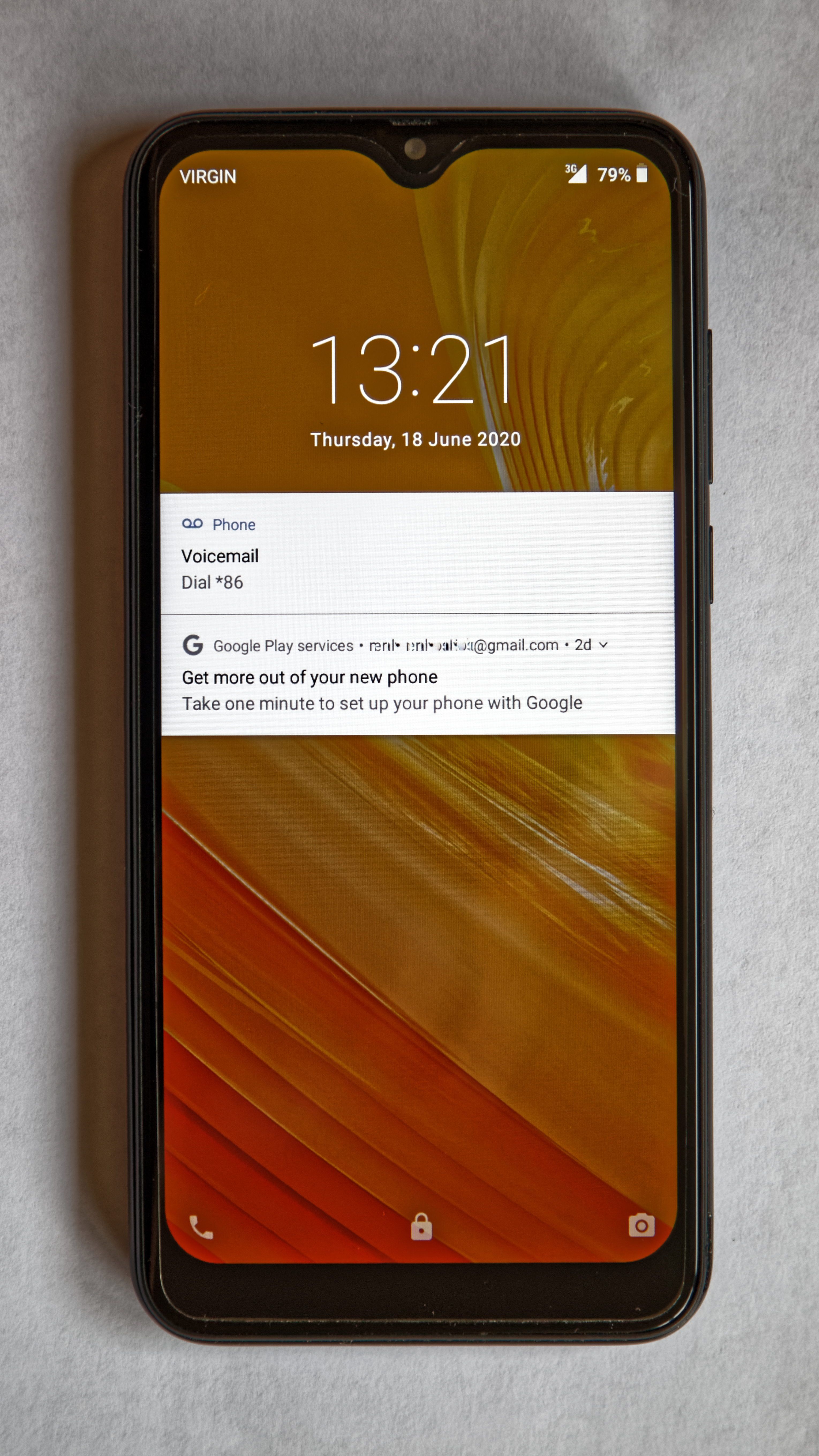
[A smartphone shows its lock screen, the first screen a restart returns to. Photograph: the subject]
Image Credits: Wikimedia Commons
Frequently asked questions
Does my phone use GPS to know which way is up?
No. GPS gives position, not orientation, and it is far too slow and coarse for screen rotation. The accelerometer and gyroscope handle orientation, with GPS uninvolved.
Why does my screen not rotate in some apps?
Some apps lock their own orientation. Video players, games, and reading apps may force portrait or landscape regardless of the sensor, and that choice overrides the system rotation setting.
Can I rotate the screen without a gyroscope?
Yes, for basic rotation. The accelerometer's gravity reading is enough to tell portrait from landscape. Gyroscope-free phones struggle only with fast motion tracking, such as gyro aiming in games.
Why does rotation feel slow when I am lying down?
When you lie down, gravity falls along a different axis than the phone expects for a normal upright tilt. The fusion software can struggle to tell a sideways phone from a sideways person, so it hesitates rather than guessing wrong.
The bottom line
Your phone knows which way is up because its accelerometer feels gravity across three axes, its gyroscope tracks how fast it turns, and sensor fusion software blends the two into a steady answer, with the magnetometer adding a north reference when needed. A stuck screen is usually a rotation lock or an app's own choice, not a broken sensor. If rotation fails everywhere, including the home screen, the sensor itself is the suspect.
Tags: accelerometer, gyroscope, smartphone sensors
Rive News's research desk covers everyday technology in plain language, checking each claim against public documentation before publication.
Related
- How face unlock tries to tell twins apart
- Why phone cameras stick out so far now
- What happens inside your phone when you restart it
- How autocorrect learns the way you type daily
Subscribe to Rive News for one plain-English technology explainer each weekday.
Rive News publishes explainers based on public sources; corrections are noted on the article when a sourced fact changes.
Related stories

Apple plans two October launches: smart home hub, OLED MacBook Pro
Apple set October 13 for a smart home launch with a new hub, Apple TV 4K and HomePod mini, then October 27 for OLED MacBook Pro models

How to Check If Your Phone Supports eSIM in 30 Seconds
Dial *#06# and look for an EID number to confirm eSIM support in under 30 seconds. This guide also walks through the iPhone and Android

eSIM vs iSIM: what is the difference?
An eSIM is a dedicated chip on the phone's board, while an iSIM lives inside the processor itself. Qualcomm's Snapdragon 8 Gen