
What happens inside your phone when you restart it
By Rive News / Research desk | Rive News / Published October 28, 2026 at 9:00 AM PKT
Key takeaways
- A restart closes every running app and process, clears temporary memory, and loads the operating system again from scratch.
- Your photos, apps, messages, and settings survive a restart; only unsaved work in open apps is at risk.
- Until you unlock the phone after a restart, its encryption keys stay out of memory, which makes the data harder to extract.
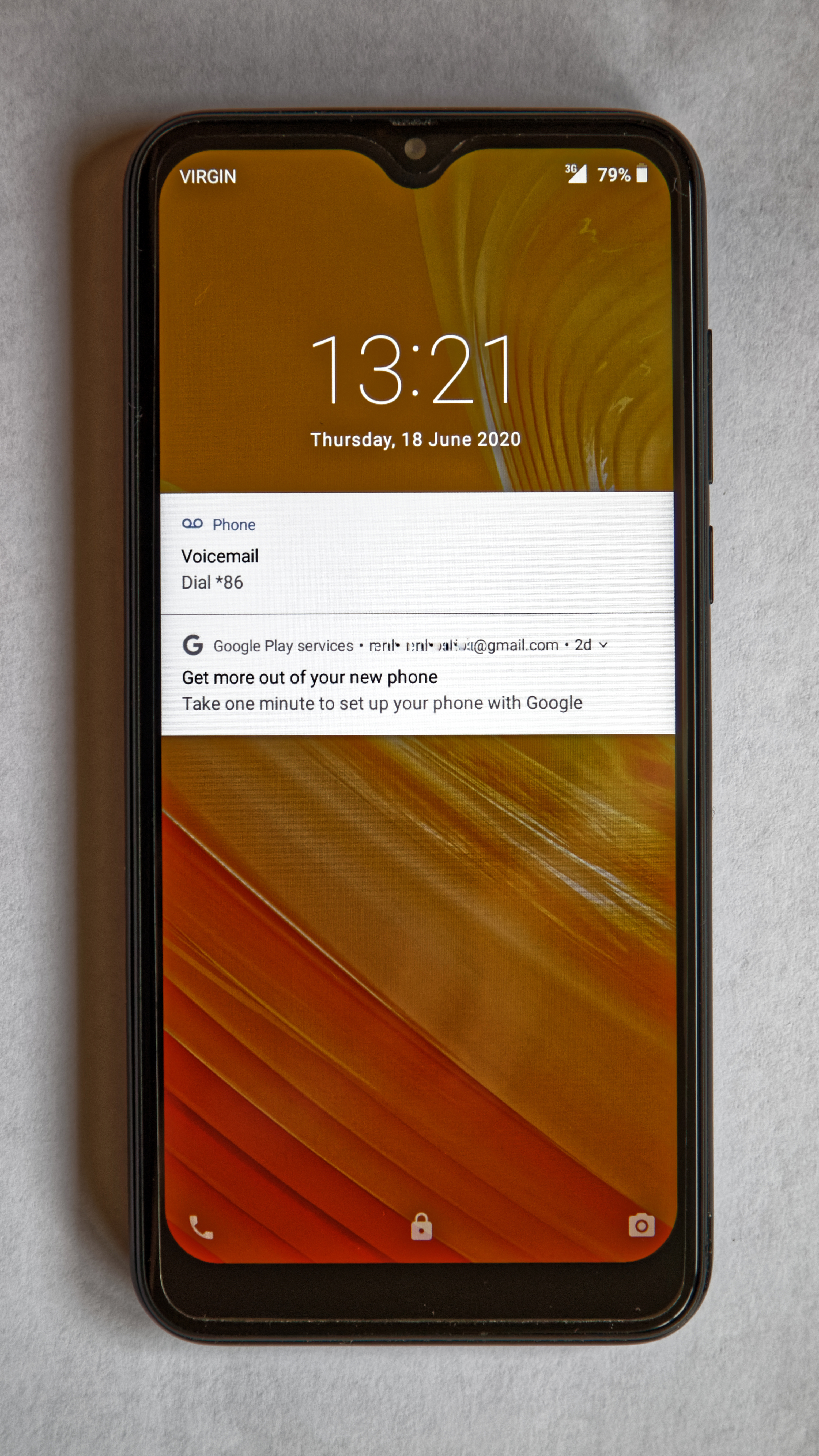
[A smartphone shows its lock screen, the first screen a restart returns to.] Photograph: the subject
Image Credits: Wikimedia Commons
A restart is the oldest troubleshooting advice in computing, and it still works for a concrete reason. It does not repair anything. It throws away the phone's current running state and rebuilds it cleanly.
That rebuild happens in stages, from the chip's first instructions to the lock screen. This article walks through those stages, including what a restart clears, what it keeps, and the one security effect that makes restarting before a border crossing genuinely useful.
What a restart actually is
A restart, also called a reboot or soft reset, means turning the phone off and then back on in one action. The operating system shuts down, temporary memory is cleared, and the system software loads again, without affecting user data or settings.
That distinction matters because a restart is often confused with a reset. A factory reset erases data and returns the phone to its out-of-the-box state, a process that can take far longer. A restart takes roughly 30 to 60 seconds and leaves everything you own on the phone untouched.
Locking the phone is not the same thing either. When you press the power button to turn the screen off, the phone stays powered on.
Apps, system services, and network connections can keep running under the phone's settings. A restart is different because it runs a complete shutdown and startup cycle, so every running process stops and the operating system loads again.
Stage one: shutting everything down
When you tap restart, the phone first prepares to end its current session. Running apps and system services are told to stop. Each app gets a chance to save its state, which is why a well-behaved app usually reopens where you left it, while an app with unsaved work may lose it.
Background processes are terminated along with the apps you can see. Temporary files and caches used by the operating system and apps are cleared as part of the shutdown, freeing memory that had filled up during use. Network connections are dropped too, so Wi-Fi, mobile data, and Bluetooth links all end at this point.
Then the phone powers down. For a brief moment, nothing is running at all. The screen goes dark, the processor stops, and the only thing left alive is the low-level hardware waiting for the power button signal, or in the case of a restart, the automatic power-on that follows.
Stage two: the boot sequence
Powering on starts with code that lives outside the operating system, in the phone's firmware. This first code checks the hardware, wakes the processor and memory, and then hands control to the bootloader, a small program whose job is to load the operating system.
The bootloader verifies the system software, then loads the kernel, the core of the operating system that manages the processor, memory, and hardware. The kernel starts the essential system services: the radio that talks to mobile networks, the storage system, the display, and the security services that guard your data.
Only after those services are running does the phone show you anything useful. The lock screen appears, and the phone begins restoring your apps' background services, checking for messages, and reconnecting to Wi-Fi and mobile networks. A pending system update can also be applied during this restart, which is one reason a phone sometimes takes longer to come back after an update than after an ordinary restart.
The whole sequence is why a restart fixes a surprising range of glitches. A stuck process, a corrupted temporary cache, a leaked chunk of memory, or a wedged network connection all disappear when the running state is discarded.
Nothing was repaired. The faulty state simply no longer exists.
[A smartphone shows its screen after unlocking, once its encryption keys have loaded.] Photograph: the subject
Image Credits: Wikimedia Commons
What survives and what does not
A restart does not delete your photos, videos, contacts, messages, installed apps, notes, or settings. Those live in the phone's permanent storage, which is unaffected by clearing temporary memory.
What can be lost is work that only existed in temporary memory. An unsaved draft in an app that does not autosave, an active session in a web page, or a game state that had not been saved will usually be gone. That is the main practical risk of restarting, and it is small for most modern apps, which save continuously.
A restart also does not fix hardware problems. A failing battery, a damaged screen, or a dying storage chip will still be failing when the phone comes back. If the same glitch returns within minutes of every restart, the cause is more likely a buggy app, a corrupt system file, or a hardware fault than a temporary state problem.
There is a related trap after software updates. A phone can drain faster for a day or two after a major update while it re-indexes photos, messages, and app data and rebuilds its caches.
That settling period looks like a new problem but usually passes on its own. For more on that pattern, see why your phone battery drains after a software update.
The before-first-unlock security effect
The most interesting thing about a restart is not performance. It is encryption.
When you restart a phone and have not yet entered your PIN or passcode, the device is in what security researchers call the Before First Unlock state. In that state, the encryption keys that protect your data have not loaded into memory yet. The data is still on the device, but reaching it means breaking the encryption rather than reading keys that are already sitting in accessible memory.
Once you unlock the phone, those keys load, and that protection drops away for as long as the device stays unlocked. A phone that has been unlocked and put back to sleep offers considerably less resistance to forensic tools than one that has not been unlocked since its last restart.
That gives a concrete, narrow piece of advice. If you are heading through border security or into any situation where your phone might be examined without your consent, restart it before you arrive and do not unlock it. That is a specific action with a clear mechanism behind it, unlike the vague claim that restarting makes a phone generally hack-proof.
The United States National Security Agency has also recommended rebooting at least once a week as a partial defence against spear phishing and zero-click attacks. That protection is marginal, as Gadget Hacks notes in its reporting on the guidance, and a weekly reboot does very little to prevent either attack type outright. The before-first-unlock benefit is the stronger and better-supported reason to restart for security.
How often should you restart?
For performance, the honest answer is: when something feels wrong, and otherwise occasionally. Modern phones manage memory well, and most apps are suspended cleanly when you leave them. A weekly restart is a reasonable habit, and it matches the NSA's guidance, but there is little evidence that daily restarts help a healthy phone.
Restart first when an app keeps crashing, when the phone feels sluggish after days of heavy use, when Wi-Fi or Bluetooth refuses to connect, or when the battery starts draining unusually fast for no clear reason. In each case, the restart clears the temporary state that is the most likely cause.
Do not restart repeatedly in the hope of fixing a problem that survives every restart. At that point, the next steps are updating the misbehaving app, updating the operating system, or checking whether the phone's storage is nearly full, which can slow a phone in ways a restart cannot fix. Older phones can also slow down after updates for reasons tied to newer software demands, as explained in why software updates make old phones slower.
A forced restart is a separate tool for a frozen phone. Holding the power button, or power plus volume down for 10 to 15 seconds on many devices, forces the hardware to cut power and start again. Use it when the screen is unresponsive, not as a routine habit, since apps do not get their normal chance to save state.
Frequently asked questions
Will restarting my phone delete my photos?
No. Photos, apps, messages, contacts, and settings live in permanent storage and survive a restart. Only unsaved work in open apps is at risk.
Is a restart the same as a factory reset?
No. A restart refreshes the running system and takes about a minute. A factory reset erases all data and settings and returns the phone to its original state, which takes far longer and cannot be undone without a backup.
Does restarting fix a slow phone permanently?
It can clear the temporary causes of slowness, such as leaked memory or stuck processes, but it does not fix a failing battery, nearly full storage, or a buggy app that leaks memory again within hours.
Why does my phone ask for a PIN after a restart but not after locking it?
After a restart, the phone is in the before-first-unlock state and needs your passcode to load its encryption keys. After merely locking the screen, those keys are already loaded, so face or fingerprint unlock can work.
Does restarting help battery life?
It can, briefly, by stopping runaway background processes and resetting network connections. If battery drain returns immediately after every restart, a specific app or a weak signal is more likely the cause than temporary state.
The bottom line
Inside your phone, a restart is a full teardown and rebuild: processes stop, temporary memory clears, the bootloader loads the kernel, system services start again, and the lock screen appears with a clean slate. Your data survives because it lives in permanent storage, not in the temporary memory that gets cleared.
Restart when something misbehaves, restart weekly if you like the habit, and restart before a border crossing and leave the phone locked if you want the one security benefit that is genuinely backed by how phone encryption works.
Tags: smartphones, restart, operating system
Rive News is a research desk covering everyday technology. It writes explainers from public sources and documents, not from first-hand product testing.
Related
- Why your phone battery drains after a software update
- Why do software updates make old phones slower?
- Why does your phone get hot when charging, and when to worry
- Battery calibration: what it is and whether it helps
Subscribe to the Rive News newsletter for one plain-English technology explainer each week.
Rive News follows a corrections policy: errors are corrected openly and the article is updated with a timestamp.
Related stories

Apple plans two October launches: smart home hub, OLED MacBook Pro
Apple set October 13 for a smart home launch with a new hub, Apple TV 4K and HomePod mini, then October 27 for OLED MacBook Pro models

How to Check If Your Phone Supports eSIM in 30 Seconds
Dial *#06# and look for an EID number to confirm eSIM support in under 30 seconds. This guide also walks through the iPhone and Android

eSIM vs iSIM: what is the difference?
An eSIM is a dedicated chip on the phone's board, while an iSIM lives inside the processor itself. Qualcomm's Snapdragon 8 Gen