
Why your phone battery drains after a software update
By Rive News / Research desk | Rive News / Published October 27, 2026 at 9:00 AM PKT
Key takeaways
- Most post-update drain is temporary: the phone reindexes files, resyncs data, and rebuilds usage profiles in the background.
- Apple says that update-related background tasks can affect battery life, and advises waiting a few days and checking again.
- Drain that lasts beyond a few days usually points to a stuck app, a reset setting, a bug, or a worn battery, each with its own fix.
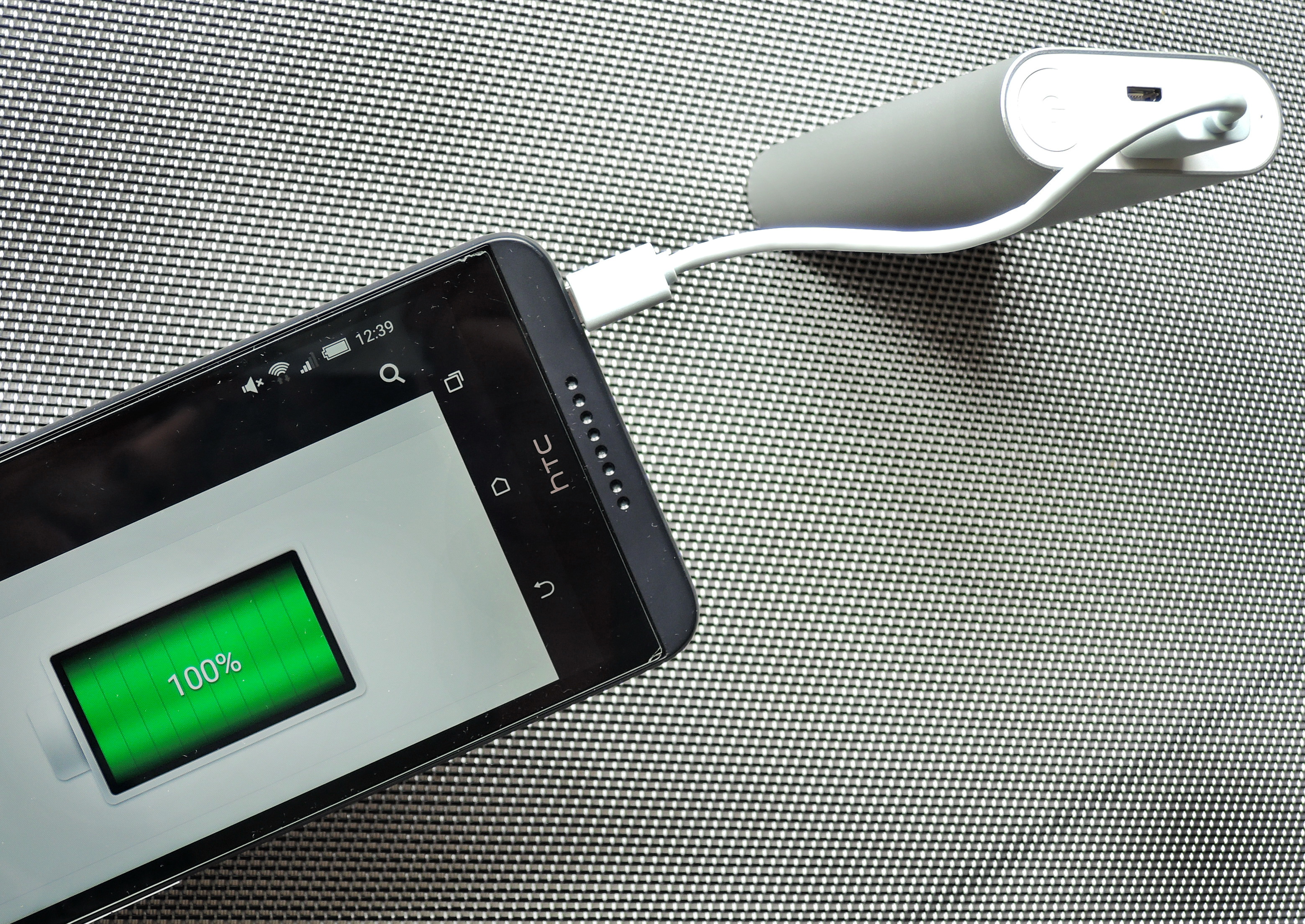
[A smartphone charges from a USB power bank.] Photograph: the subject
Image Credits: Wikimedia Commons
A phone that lasted all day can suddenly struggle to reach the evening after a software update. The percentage falls faster, the phone may feel warm, and the battery chart looks different from the week before. It is natural to blame the update, and sometimes the update is indeed the trigger.
Most of the time, though, the drain is a settling phase rather than permanent damage. An update does not just change the screen layout, and it does not just add features. It also leaves the phone with days of background housekeeping, and that housekeeping costs power.
This article explains what the phone does after an update, why the drain usually fades, what to check first, and when the problem is something else.
What the phone does after an update
After a major update, the phone rebuilds the indexes that let search find files quickly. That means scanning apps, messages, photos, documents, and contacts, then tagging each item so it can be found in milliseconds. Photos get extra attention, because the phone re-analyses the library to recognise faces, objects, places, and scenes for search and automatic memories.
Cloud services join in at the same time. Mail, messages, notes, and photo libraries resync and reorganise their internal databases, and app stores update apps for compatibility with the new system. On Android, a similar phase includes ahead-of-time compilation of app code and media reindexing, which raises processor load for 24 to 48 hours after a major upgrade.
Apple describes this phase in its own support wording. Its support page on fast-draining iPhone and iPad batteries says that certain tasks related to an update continue in the background and might affect battery life. The same page advises: "If you notice that your battery life has decreased after updating your device, wait a few days and then check again.
"
That advice is worth taking literally. Judging a new system on its first day mixes the cost of settling with the cost of normal use, and the two look identical on a battery chart. A phone also gets used more on update day, as its owner explores new features and downloads updated apps, which makes first-day comparisons even less reliable.
Why settings and apps can make it worse
Updates can reset settings that previously saved power. Adaptive battery profiles, which limit background activity for rarely used apps, may need several days of normal use to relearn usage patterns after an update. Location permissions, background refresh, and display settings can also change, and a brighter screen or a higher refresh rate draws noticeably more power.
Apps add a second layer. An app that has not yet been optimised for the new system can run inefficiently, crash in the background, or keep waking the phone.
Social, email, fitness, and messaging apps are common suspects, because they sync often and hold location or notification permissions. A single stuck app can dominate the battery chart while everything else behaves normally.
New features can raise the baseline too. An always-on display, richer widgets, or a new standby screen keeps parts of the system active that previously slept. None of this means the feature is broken, but it does mean the phone's normal power draw after an update may be higher than before, especially on older hardware with less memory and processing headroom.
[A smartphone rests on an induction charger.] Photograph: the subject
Image Credits: Wikimedia Commons
What to check, in order
Start by waiting, and use the wait productively. Give the phone two to three days of normal use, preferably with overnight charging so background tasks can finish without interruption. On a recent iPhone, the Battery section in Settings may show an insight such as Ongoing iOS Update, which confirms that update work is still running.
Next, open the battery usage screen and look at which apps and system services use the most power, and how much of that use happened in the background. An app with high background use that you barely open is the first suspect. Update it, restrict its background activity, or remove it temporarily and see whether the drain follows the app.
Then check the settings an update may have reset. Confirm that auto-brightness and auto-lock are on, that location access is set to while using the app rather than always for apps that do not need it, and that background refresh is off for apps you do not need updated constantly. A restart after these changes clears leftover processes from the update and forces the system to reload cleanly.
If the drain continues beyond three or four days, the problem has moved past settling. Resetting network settings, clearing the cache of a misbehaving system service, or signing out and back into a stuck cloud account can break a sync loop. A full reset is a last resort, and it should come after the simpler checks, because it costs far more time than it usually saves.
When the update is not the cause
A worn battery can hide behind an update. Lithium batteries lose capacity with age and charge cycles, and a battery that was already near its limit may cross into noticeably shorter life at the same time as an update lands. The battery health screen shows maximum capacity against when the battery was new, and a low reading there points to hardware rather than software.
A genuine software bug is the other exception. Bugs in a power management module, a driver, or a system service can keep the phone awake indefinitely, and those do not fade with time.
The sign is drain that stays high after several days, survives restarts, and does not trace to one app. In that case, the fix usually arrives as a follow-up patch, and the practical step is to report the pattern and watch for the next update.
It is also possible that the update simply exposed a habit. More screen time, brighter outdoor use, weaker mobile signal, and heavier video or navigation use all drain a battery faster, and update week often brings all of them at once. Separating those factors from the update itself is why the battery usage screen matters more than the percentage at the end of the day.
The bottom line
A phone battery that drains faster after a software update is usually paying for background work, not suffering permanent damage. Reindexing, resyncing, and relearning usage patterns take a few days, and Apple advises waiting that long before judging the result.
If the drain fades, nothing more is needed. If it lasts beyond a few days, check the battery usage screen, reset the settings an update may have changed, and look for a stuck app, a bug, or a worn battery in that order.
Tags: smartphones, battery, software updates
Rive News is a research desk that writes plain-English explainers from public sources. It does not replace manufacturer support for a specific device.
Related
- Why do phone batteries degrade even if you barely use them
- Why does your phone battery drain faster in cold weather
- Battery calibration: what it is and whether it helps
- Why does your phone get hot when charging, and when to worry
Subscribe for one plain-English explainer each morning.
Rive News follows a simple standard: named sources, no invented quotes, and corrections noted openly.
Related stories

Apple plans two October launches: smart home hub, OLED MacBook Pro
Apple set October 13 for a smart home launch with a new hub, Apple TV 4K and HomePod mini, then October 27 for OLED MacBook Pro models

How to Check If Your Phone Supports eSIM in 30 Seconds
Dial *#06# and look for an EID number to confirm eSIM support in under 30 seconds. This guide also walks through the iPhone and Android

eSIM vs iSIM: what is the difference?
An eSIM is a dedicated chip on the phone's board, while an iSIM lives inside the processor itself. Qualcomm's Snapdragon 8 Gen