
Pokémon GO Explorer Gadget now works while you actively play: full changes
Web StoryWatch this story in 15 seconds →Key takeaways
- The Explorer Gadget now helps while you play Pokémon GO, not only when the app sits closed.
- You must be at least level 20, and a pink Poké Ball icon shows what the gadget is handling.
- The update also brings a clearer catch summary, a new Appraise button, and visual tweaks.

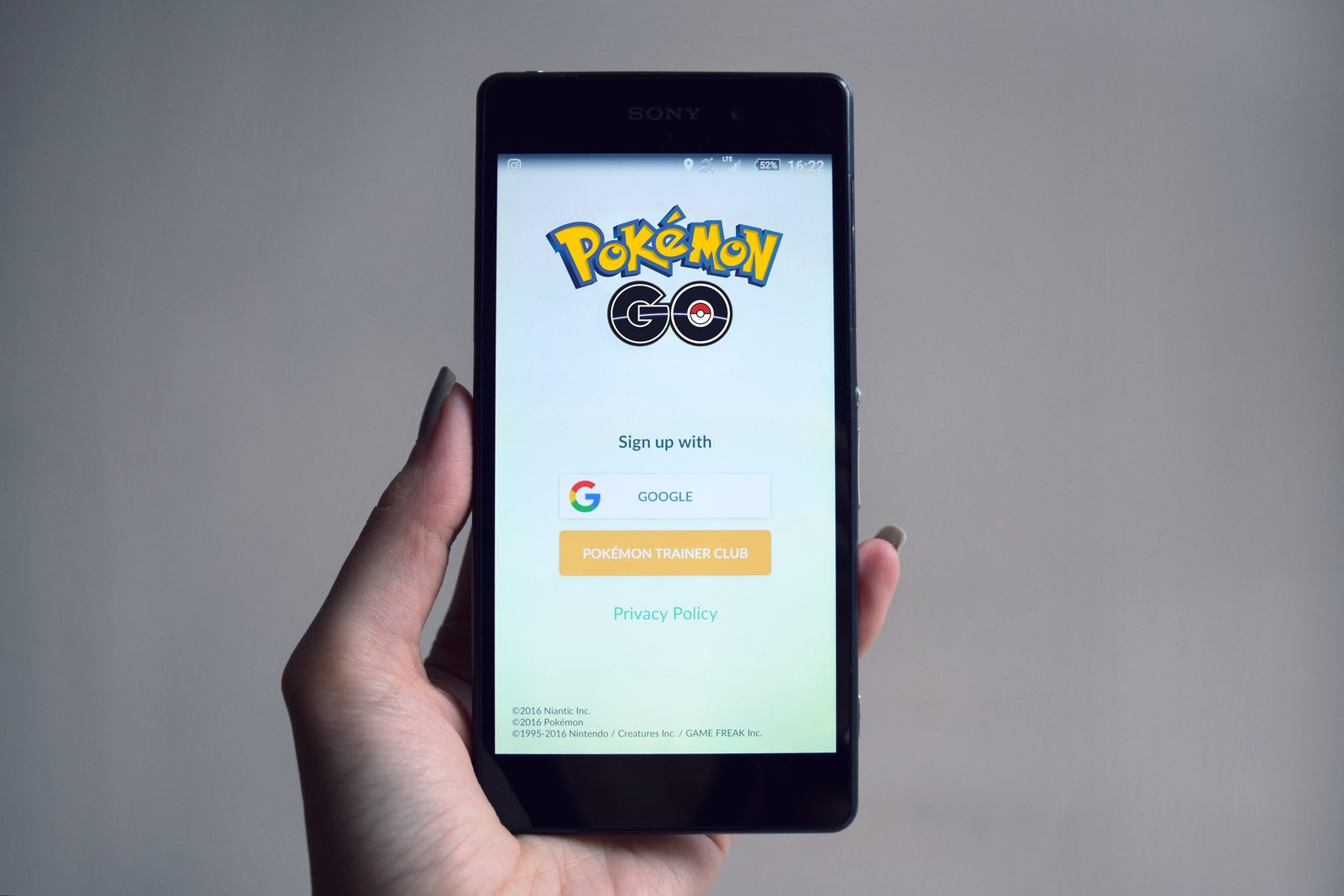
Pokémon GO now lets the Explorer Gadget help while you play. The tool catches Pokémon and spins PokéStops for you.
What happened
The Explorer Gadget is a built-in feature of Pokémon GO. It throws Poké Balls at nearby Pokémon for you. It also spins nearby PokéStops to collect items.
It works while you walk in the real world.
Before this update, it ran only in the background. It worked when the game was not open on your phone. Now it can help during active play too.
That is the headline change, according to the official announcement.
To use it, you must reach trainer level 20. Tap the gadget icon at the top right of the map view. You can also find it in the Key Items section of the Item Bag. Once it is on, it starts working on its own.
A pink Poké Ball icon appears over each target. The icon marks the Pokémon or PokéStop the gadget is handling. You can tap any of them to take over by hand.
But you get only a short window of time to act.
A summary screen shows what the gadget did. It lists the Pokémon it caught for you. It also counts how many PokéStops it spun.
You open the summary from the same gadget icon.
There are clear limits. The gadget cannot run at the same time as a paired Pokémon GO Plus +. The same rule covers other compatible accessories.
You do not need to unpair the device to switch between them.
The gadget also skips some encounters. It will not try Pokémon that are not yet in your Pokédex. It skips mighty Pokémon too.
So rare or brand-new finds still need your own hands.
Other parts of the game changed as well. The catch summary now has updated visuals. Your rewards and catch bonuses are easier to read.
A new Appraise button sits above Additional Options on a Pokémon summary page. It gives faster access to appraisal info, as reported by Bleeding Cool.
The visuals got a refresh too. PokéStops now show clearer color saturation. Spun stops look different from unspun stops at a glance.
Encounter rings around wild Pokémon look new. The rings mark Pokémon drawn by Lure Modules or met on Routes. The effects around Pokémon from the Mystery Box and Coin Bag also changed.
Power Spot encounters changed as well. Visiting a Power Spot no longer triggers special wild encounters. Placing a Pokémon at a Power Spot after a Max Battle win no longer triggers them either.
The goal is more consistent wild encounters for all players.
Why it matters
The old version felt like a side tool. It ran only when you were away from the game. Now it is part of normal play.
You can let it handle small tasks while you focus on the fun parts. That makes long walks more rewarding.
The manual override adds real control. You can grab a rare spawn yourself when it appears. The gadget keeps working on everything else.
The summary screen adds trust. You can check exactly what it caught and spun.
The limits matter too. Players who own a Pokémon GO Plus + must pick one tool at a time. New players below level 20 must level up first.
The skip rules mean new Pokédex entries stay special. You still have a reason to tap them yourself.
The small UI changes save taps over time. The clearer catch summary reads faster after each catch. The Appraise button cuts a few steps from checking your Pokémon.
Clearer PokéStop colors help you read the map at a glance. None of these are big alone, but they add up over hundreds of sessions.
Players who walk with the app open get the most from this update. Auto-spinning stops keeps your item bag full without effort. Auto-catching commons builds stardust while you chat or explore.
Battery use is the trade-off, since the screen stays on. For tips on keeping your phone battery healthy, small settings changes help.
What happens next
Scopely said it will share another note once the updated feature is live worldwide. The announcement tells players to stay tuned. You should update the app to get the new features.
Like all app updates, it may roll out in waves by region.
Watch how the gadget behaves on Community Days. Auto-catching during busy events could help a lot. Watch the override window too.
A very short window could annoy players who like manual play.
The bigger question is what comes after this. Auto-play tools have grown step by step in Pokémon GO. Accessories that play in the background came first.
Now the gadget joins live play. If players like this update, expect more helpers built into the game itself.
Related stories

Apple plans two October launches: smart home hub, OLED MacBook Pro
Apple set October 13 for a smart home launch with a new hub, Apple TV 4K and HomePod mini, then October 27 for OLED MacBook Pro models

How to Check If Your Phone Supports eSIM in 30 Seconds
Dial *#06# and look for an EID number to confirm eSIM support in under 30 seconds. This guide also walks through the iPhone and Android

eSIM vs iSIM: what is the difference?
An eSIM is a dedicated chip on the phone's board, while an iSIM lives inside the processor itself. Qualcomm's Snapdragon 8 Gen