
Why some texts arrive as green bubbles on iPhone
By Rive News / Research desk | Rive News / Published October 27, 2026 at 9:00 AM PKT
Key takeaways
- Blue means iMessage, Apple's own service between Apple devices. Green means the message used RCS or SMS/MMS instead.
- Since iOS 18, green bubbles with Android contacts often use RCS, which supports high-resolution media, typing indicators, and read receipts.
- A green bubble does not mean you are blocked. It usually means the other person is not on iMessage for that conversation.
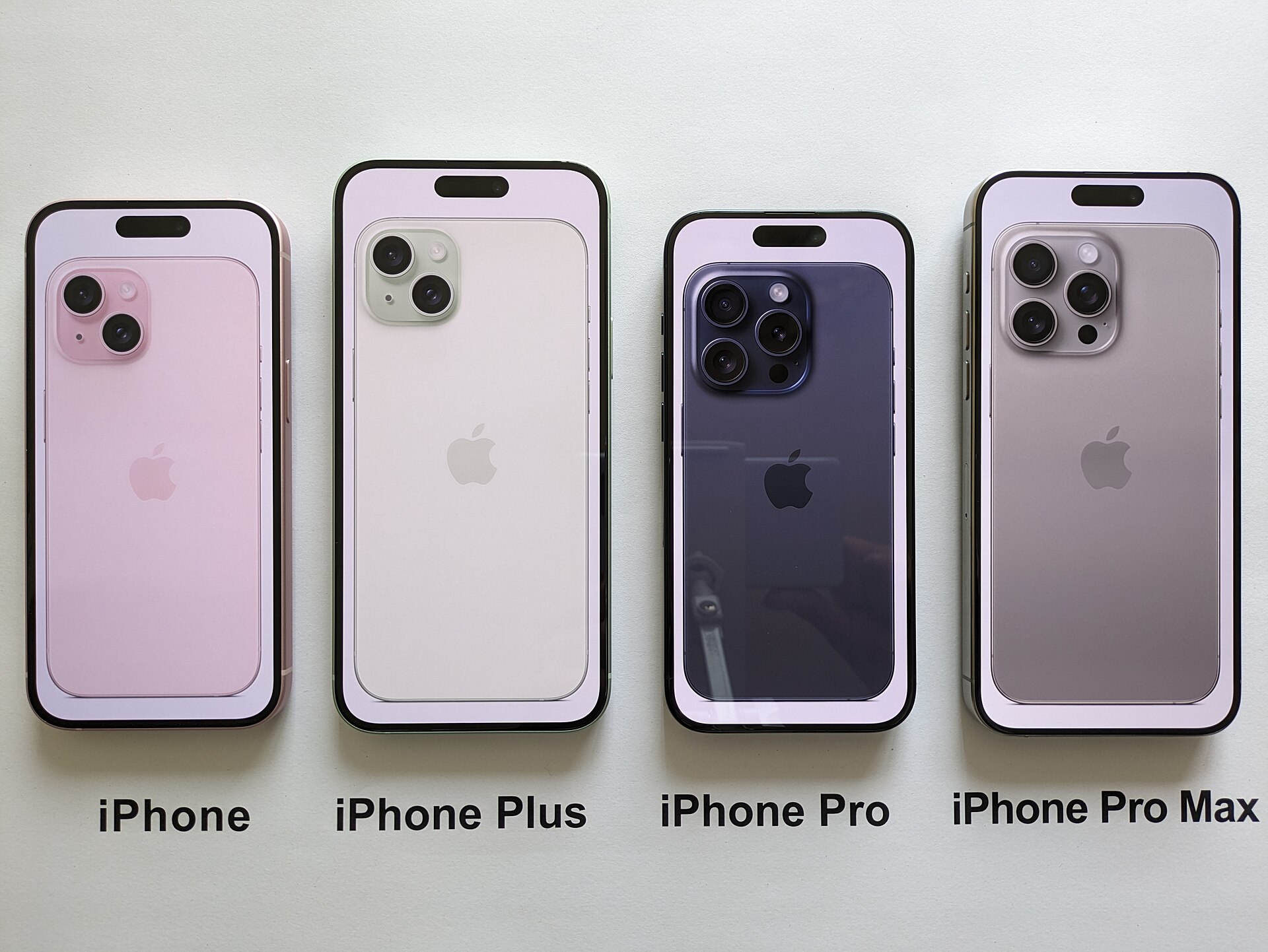
[Different generations of iPhone, all running the same Messages app with blue and green bubbles.] Photograph: Wikimedia Commons contributor
Image Credits: Wikimedia Commons
Open the Messages app on an iPhone and two colours tell the whole story. Some conversations are blue. Others are green.
The colour is not decoration, and it is not a judgement on the person you are texting.
It is a label for the road the message travelled. This article explains the three messaging systems inside one app, why a conversation turns green, and what green does and does not mean.
The colour is the protocol
Apple's own support page states the rule plainly: "Messages sent with iMessage appear in blue text bubbles on your device." It adds that "RCS messages appear in green text bubbles on your device." SMS and MMS messages are green too.
That gives three rails under one app. iMessage is Apple's internet-based service, used only between Apple devices. RCS, short for Rich Communication Services, is a carrier-based standard used for cross-platform chats, including iPhone to Android.
SMS and MMS are the older carrier text and picture-message services that work on almost any phone.
The colour tells you which rail carried the message. It says nothing about the content of the message, the quality of your friendship, or whether the message arrived.
What each colour can do
iMessage travels over Wi-Fi or mobile data between Apple devices. It supports high-resolution photos and videos, message effects, Tapbacks, and group chats with full features. Apple states that iMessage conversations are encrypted end to end, with a lock icon shown at the top of the conversation.
RCS, added to iPhone with iOS 18 in 2024, closes much of the old gap. Apple states that RCS supports texts, high-resolution photos and videos, links, delivery and read receipts, and typing indicators. That means a green RCS chat with an Android contact can now feel much like a blue iMessage chat.
SMS and MMS are the fallback. SMS carries plain text, traditionally limited to 160 characters per segment, and MMS carries basic photos and video at lower quality. Neither offers typing indicators or read receipts, and neither is end to end encrypted.
The practical difference is that green is no longer one thing. A green bubble might be a rich RCS chat or a basic SMS. The colour alone cannot tell you which, though typing indicators and read receipts in the conversation are signs of RCS.
Why a conversation turns green
The most common reason is simple: the other person is not using iMessage. Anyone on Android, or on an iPhone with iMessage switched off, cannot receive iMessages. The iPhone then uses RCS if both sides support it, or SMS/MMS if not.
Group chats follow the same rule. If even one participant lacks iMessage, the whole group conversation runs on RCS or SMS/MMS and shows green for everyone in it. That is why adding one Android contact to a blue group turns the entire thread green.
A conversation can also turn green temporarily. If iMessage is unavailable on either device, because of a settings change, a new device setup, or a connectivity problem, the iPhone falls back to RCS or SMS for that send. The chat may return to blue once iMessage is working again.
Carrier support matters for RCS. Both the sender's and the recipient's carriers need to support it, and the recipient needs RCS enabled on their device. When any of those pieces is missing, the message drops back to SMS.
What green does not mean
Green does not mean you are blocked. Blocking is only one of many reasons a message might travel outside iMessage, and it is far from the most common. A contact who switched to Android, turned iMessage off, or lost data coverage will also produce green bubbles.
Green also does not mean the message failed. SMS delivery reports are limited, so a green message may show no delivery confirmation even when it arrived safely. The absence of a "Delivered" label under a green message is normal, not evidence of a problem.
Nor does green mean the other person's phone is broken or old. RCS runs on modern Android phones and on iPhones running iOS 18 or later. A green chat between two new phones is usually just a cross-platform chat doing exactly what it is designed to do.
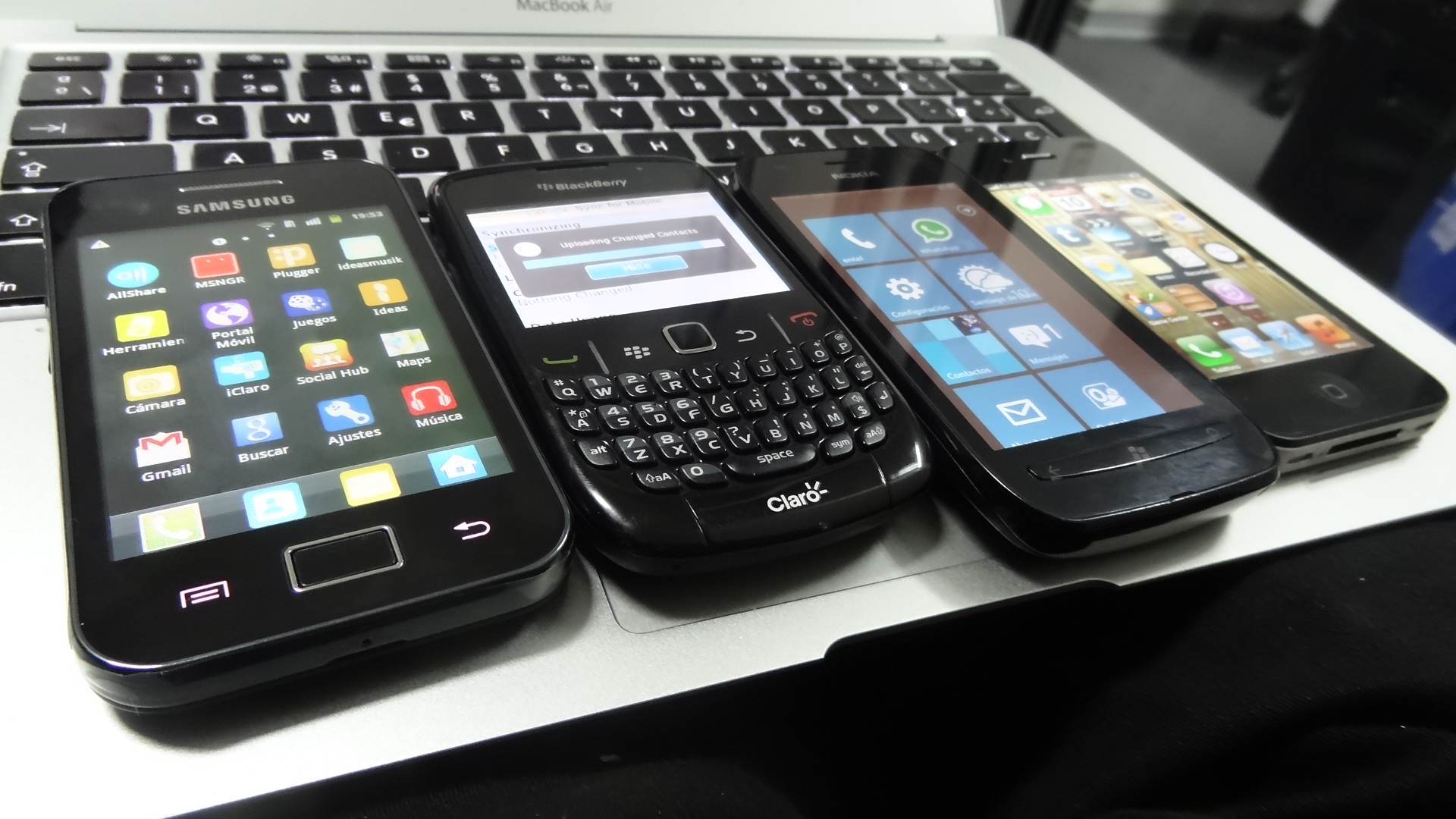
[Smartphones running Android, BlackBerry, Windows Phone, and iOS side by side, the mix that makes cross-platform messaging necessary.] Photograph: Wikimedia Commons contributor
Image Credits: Wikimedia Commons
The security difference, honestly stated
Security is where the colours still mean something real. iMessage is end to end encrypted by default for Apple-to-Apple chats, so only the sender and recipient can read the content.
SMS and MMS are not encrypted, and messages can in principle be read by carriers and others with network access. RCS sits between the two. Apple's support page notes that, starting with iOS 26.5, end to end encrypted RCS messaging in beta is available with supported carriers and rolls out over time.
Encryption for a given RCS chat depends on both participants' carriers supporting it, and the conversation shows an "Encrypted" label with a lock icon when it applies.
For sensitive conversations, the practical advice is straightforward. Use iMessage with other Apple users, and use a dedicated encrypted messaging app for cross-platform chats where privacy matters most. Ordinary RCS is a big improvement over SMS, but it is not yet a guarantee of end to end encryption in every chat.
How to get blue bubbles back
Blue bubbles return when both sides use Apple devices with iMessage turned on and working. On your iPhone, check Settings, then Apps, then Messages, and confirm the iMessage switch is on. Confirm your phone number and Apple ID appear under Send and Receive, and confirm you have a working Wi-Fi or mobile data connection.
If a specific contact's chats stay green, the cause is usually on their side: an Android phone, iMessage switched off, or a device still being set up. You cannot force their phone onto iMessage from your settings. Asking them to check their own iMessage setting is the only fix, and only if they use an Apple device.
For group chats, the rule is all or nothing. One non-iMessage participant keeps the whole group green. Splitting the group, or moving it to a cross-platform messaging app, is the only way around that.
Frequently asked questions
Does a green bubble mean I am blocked?
No, not by itself. Green usually means the message went by RCS or SMS because iMessage was not available for that conversation. Blocking is one possible cause among many, and far less common than a contact using Android or having iMessage switched off.
Why did my blue chat suddenly turn green?
iMessage became unavailable for that conversation. Common triggers include the contact switching phones, turning iMessage off, a new device setup, or a temporary connectivity problem. The chat often returns to blue once iMessage works again.
Are green RCS messages as good as blue iMessages?
In features, mostly yes. RCS supports high-resolution media, read receipts, and typing indicators. In encryption, not always.
iMessage is end to end encrypted by default, while RCS encryption on iPhone depends on carrier support and is still rolling out.
Can I choose iMessage or RCS for a chat?
No. Apple chooses automatically based on the recipient's device, iMessage status, carrier support, and connectivity. You cannot manually switch a conversation between iMessage and RCS.
The bottom line
A green bubble is a routing label, not a verdict. Blue means the message travelled Apple's iMessage service between Apple devices. Green means it travelled by RCS or SMS, most often because the other person is not on iMessage.
Since iOS 18, green chats are richer than they used to be, with high-resolution media and typing indicators when RCS applies. The colour still matters for encryption, where iMessage leads, but for everyday texting, green simply means the message took the cross-platform road. Knowing which road it took is enough to stop worrying about the colour and start reading the message.
Tags: iphone, imessage, RCS, messaging
Rive News is a research desk that explains everyday questions from published sources and expert guidance, without invented case studies or first-hand claims.
Related
- What is RCS messaging and why did iPhone finally get it
- What is end-to-end encryption in plain English
- What is satellite messaging on phones and how it works
Subscribe for one everyday explainer in your inbox each morning.
Rive News publishes research-based explainers and corrects errors when readers point them out.
Related stories

Apple plans two October launches: smart home hub, OLED MacBook Pro
Apple set October 13 for a smart home launch with a new hub, Apple TV 4K and HomePod mini, then October 27 for OLED MacBook Pro models

How to Check If Your Phone Supports eSIM in 30 Seconds
Dial *#06# and look for an EID number to confirm eSIM support in under 30 seconds. This guide also walks through the iPhone and Android

eSIM vs iSIM: what is the difference?
An eSIM is a dedicated chip on the phone's board, while an iSIM lives inside the processor itself. Qualcomm's Snapdragon 8 Gen