
Why Wireless Earbuds Have Audio Delay: Bluetooth Latency Explained
Key takeaways
- Audio delay on wireless earbuds comes mostly from the Bluetooth codec compressing sound, with standard SBC adding 150 to 220 ms of lag.
- Most people start noticing lip-sync drift once delay passes about 100 ms, and standard setups routinely run 150 to 300 ms.
- Faster codecs like aptX Low Latency (32 to 40 ms) and LE Audio LC3 (20 to 30 ms) shrink the lag, but both ends of the link must support them.
Wireless earbuds with audio delay are not broken. The gap between a video frame and its sound is a side effect of how Bluetooth moves audio from your phone to your ears.
Bluetooth was designed for short-range convenience, not for perfectly synced sound. Before any audio can cross the air, it has to be compressed into a small data stream, packed into radio packets, transmitted, received, decoded, and buffered again by the earbud. Each step adds waiting time, and the total is what you feel as lip-sync lag.
This article explains that chain step by step, compares the codecs that set your delay, and shows what actually fixes the lag.
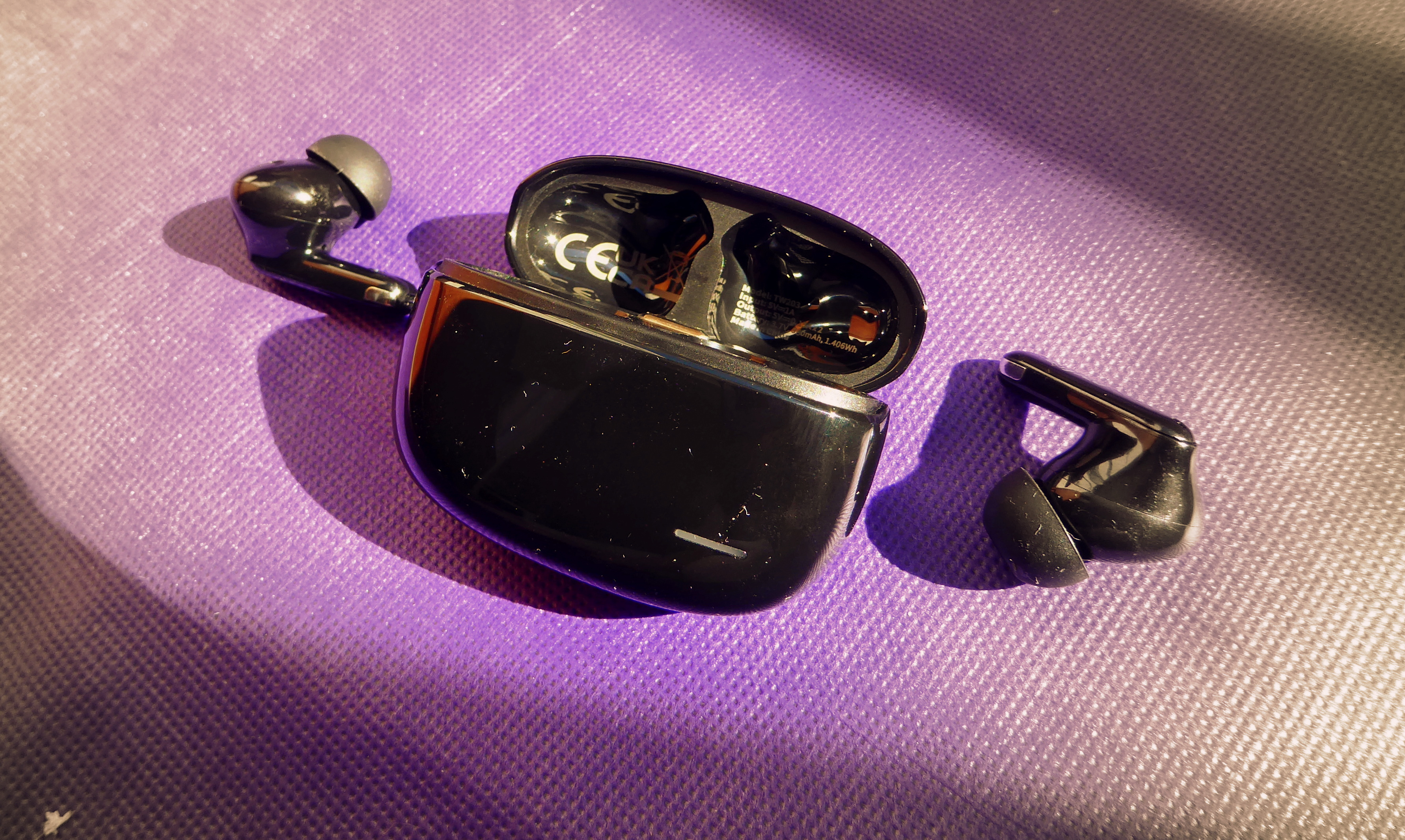
A pair of wireless earbuds in their charging case, the kind that can delay sound by a fraction of a second. Photograph: Chenspec/Wikimedia Commons
Image Credits: Wikimedia Commons / Chenspec, Hykker, Florian Fuchs
How Bluetooth audio actually travels from phone to ear
Your phone does not send raw sound to your earbuds. It sends a compressed, packetized version of it, and that pipeline is where the delay is born.
The journey starts with encoding. A Bluetooth audio codec, short for coder-decoder, squeezes the audio into a bitstream small enough for the radio link.
The popular baseline codec, SBC, splits sound into frequency subbands and quantizes each one, a block-based process that needs to collect enough audio before it can even begin.
Next comes packetization and transmission. The encoded frames are wrapped in Bluetooth packets and sent over the 2.4 GHz radio band, the same crowded band your Wi-Fi and microwave noise live in.
If a packet is lost or arrives late, retransmission or buffering adds more waiting. Bluetooth receivers hold a small buffer to smooth out these jitters, and that buffer is pure delay by design.
Finally the earbud decodes the stream and plays it. Decoding SBC is not instant either.
A codec comparison published by Feasycom puts typical end-to-end SBC latency at 150 to 220 ms, which means the sound you hear is nearly a quarter of a second behind the picture. For music that hardly matters, but for video and games, it shows.
Wired headphones skip almost all of this. A wired analog connection has no encoder, no packets, and no radio buffer, so its latency sits under 10 ms. Bluetooth adds those stages back in, which is why no wireless setup is as tight as a cable, no matter the marketing.
The codecs that set your delay
Not all Bluetooth audio is equally slow. The codec your phone and earbuds agree on is the single biggest lever on latency, and the differences are large.
SBC is the mandatory baseline. Every Bluetooth audio device must support it, so it is the fallback whenever two devices share nothing better. Measurements compiled in 2026 put SBC between 150 and 220 ms, with one four-phone test averaging around 300 ms and a 2022 SoundGuys study cited by ThinknFree landing at 170 to 270 ms, making it the universal but slowest common option.
AAC is the Apple default. AirPods and iPhones use AAC, and it typically runs 120 to 200 ms. On Apple hardware it can be decent, but on non-Apple devices AAC often performs inconsistently, since the encoder implementation differs by vendor, and either way it stays well above the point where lip-sync becomes visible.
Classic aptX from Qualcomm trims the wait to roughly 100 to 120 ms. It uses adaptive differential PCM-style compression rather than the block-heavy approach of SBC, so encoding starts faster. That is still not tight enough for serious gaming, but it is noticeably better for video.
Then come the low-latency specialists. Qualcomm's aptX Low Latency is tuned for speed instead of peak fidelity, and Qualcomm specs it at approximately 40 ms end to end, with independent listings measuring 32 ms over the link. aptX Adaptive scales between 279 and 420 kbps and runs around 80 ms in normal mode and near 40 ms in its low-latency mode.
The newest answer is LC3, the mandatory codec of Bluetooth LE Audio. LC3 was developed by Fraunhofer and Ericsson and standardized by the Bluetooth SIG.
Typical audio latency with LC3 sits around 20 to 30 ms, according to CEVA's Morag Agmon writing in audioXpress, and LC3plus, a superset standardized by ETSI, pushes codec delay as low as 2.5 ms with 1.25 ms frames. As GadgetsFocus noted in its 2026 codec roundup, LC3 also extends earbud battery life by 15 to 25 percent because it needs a lower radio duty cycle.
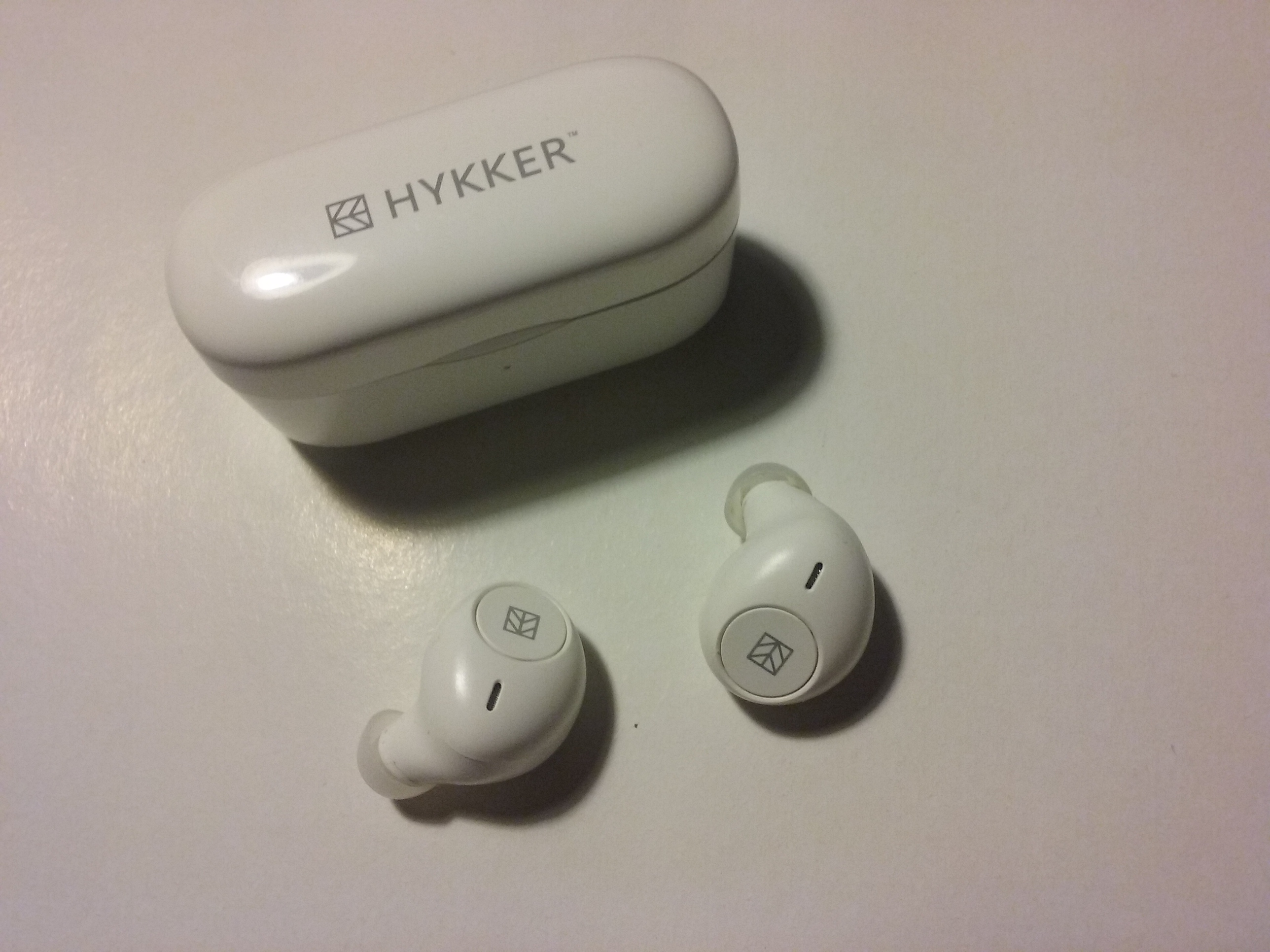
Budget wireless earbuds usually default to the SBC codec, which adds the most delay. Photograph: Hykker/Wikimedia Commons
Why the default is usually the slowest codec
Your earbuds support whatever they support, your phone supports whatever it supports, and the pair negotiates the best codec they share. The problem is that "best" in the negotiation means highest shared quality, not lowest latency, and SBC is the only one guaranteed on both sides.
Android defaults to SBC unless you change it. You can force a faster codec in Developer Options, but only if the earbuds support it.
Apple devices default to AAC, which no Android phone decodes at its best, and no AirPods model decodes aptX in any form, according to Apple's support documentation. So an iPhone user and an Android user with the same earbuds can get very different lag.
Both ends must support the fast codec for it to engage. Buying an aptX Low Latency transmitter does nothing if the headphones only decode SBC and AAC. The chain is only as fast as its slowest agreed codec.
Signal conditions add a second layer. Wi-Fi congestion, distance, and body blocking cause retransmissions, and every retransmission stretches the buffer. LE Audio helps here with isochronous channels that let packets received too late be discarded gracefully instead of holding up the stream, so the audio degrades instead of stalling.
There is also the voice-call trap. When you take a call, Bluetooth switches to the hands-free profile, which drops music quality and often raises latency, because the link now carries a microphone stream in both directions.
Music-first codecs like SBC and AAC were never designed for that bidirectional job. LE Audio's multi-stream support is the first mainstream design to handle stereo audio and an active microphone at low latency at the same time.
What to do about earbud lag in practice
Start with the codec readout, not the box. On Android, Developer Options shows the Bluetooth audio codec currently in use. Trust that readout over the packaging, then test with a lip-sync video.
If your earbuds and phone share aptX Adaptive or aptX Low Latency, use it. The 40 ms class is close to what broadcast television practice tolerates, which keeps audio within roughly plus 40 to minus 60 ms of video before viewers flag the drift. Under that window, most people stop noticing.
For mobile gaming, consider the 2.4 GHz dongle route. Many gaming earbuds ship with a USB-C dongle that bypasses Bluetooth entirely and advertises 20 ms latency. It is a separate radio link with none of the A2DP negotiation baggage.
Video apps can compensate. Many players and TVs include an audio-delay or lip-sync adjustment that shifts the audio track earlier or later. This does not reduce the Bluetooth delay, but it re-aligns the sound with the picture, which is what your brain actually cares about.
Keep expectations honest about LE Audio. LC3 at 20 to 30 ms is excellent, but it only activates when both the phone and the earbuds implement the LE Audio stack, which is a different stack from the Classic Bluetooth that SBC runs on. An Android 13 or newer phone plus LE Audio earbuds is the usual requirement, and iPhones do not support LC3 at all as of 2026.
Many earbuds sold today still fall back to SBC even though the standard is years old.
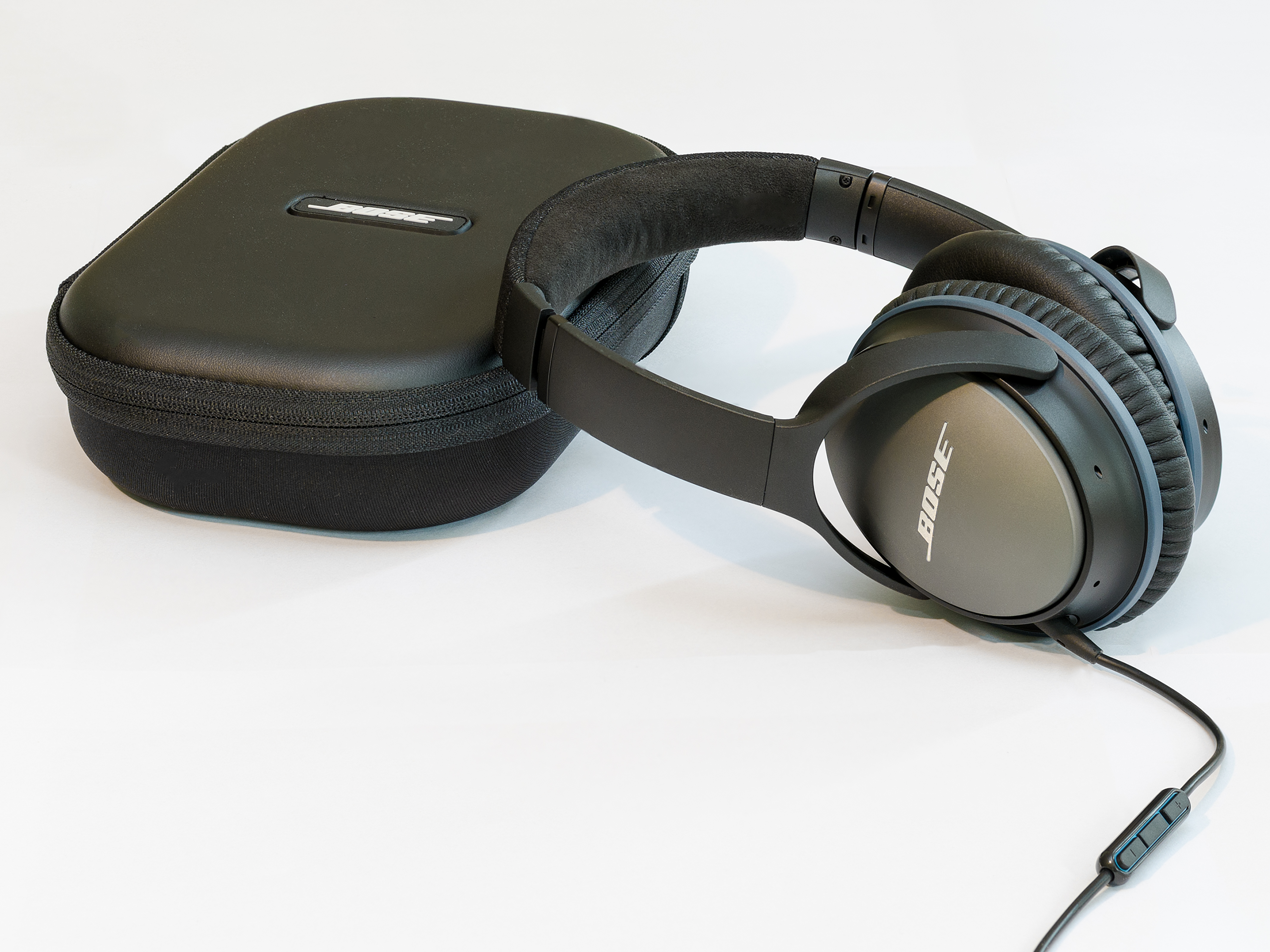
Over-ear Bluetooth headphones face the same codec-driven delay as true wireless earbuds. Photograph: Florian Fuchs/Wikimedia Commons
Frequently asked questions
Is some audio delay normal on wireless earbuds?
Yes. Standard Bluetooth setups run 150 to 300 ms of latency, and that is inherent to how the audio is encoded, transmitted, and buffered. Delays beyond 100 ms are where dialogue starts to fall clearly out of sync, which is why video viewers notice it and music listeners mostly do not.
Do iPhone users get worse Bluetooth latency than Android users?
Not necessarily worse, just different. iPhones and AirPods are capped at AAC, typically 120 to 200 ms, with no aptX or LC3 option. Many Android flagships can negotiate aptX Adaptive or LE Audio for much lower lag, but only with earbuds that support those codecs.
Does a 2.4 GHz USB dongle really fix the lag?
It sidesteps Bluetooth rather than fixing it. Dongle-based earbuds use a dedicated 2.4 GHz radio link with about 20 ms latency, since there is no A2DP codec negotiation or retransmission-heavy profile switching. It works best for gaming and calls on PCs and consoles.
Can an app or setting remove Bluetooth delay completely?
No setting can push delay to zero, because encoding and buffering are structural. What helps is switching to a faster codec both devices support, using a low-latency dongle, or adjusting the audio-delay offset in your video player or TV so the sound re-aligns with the picture.
Will buying new earbuds in 2026 solve the problem?
Only if both ends support a fast codec. LE Audio with LC3 is the real fix at 20 to 30 ms, but it needs an LE Audio-capable phone and LE Audio earbuds. Check the actual codec in your phone's Bluetooth settings rather than trusting the marketing on the box.
The bottom line
Wireless earbuds delay audio because Bluetooth has to compress, transmit, buffer, and decode every sound, and the classic codecs need 150 to 300 ms to do it. Faster codecs exist: aptX Low Latency runs around 32 to 40 ms and LC3 around 20 to 30 ms, but they only engage when both your phone and your earbuds support them. Check the real codec in your settings, match both ends, and the lag mostly disappears.
Latest in Tech
- Why Phone Speakers Sound Worse at Max Volume
- Dark Mode Saves Battery Only on OLED Screens
- How Night Mode on Phone Cameras Actually Works
- What Is eSIM and How It Works
Subscribe for weekly explainers on the tech you use every day.
Related stories

Apple plans two October launches: smart home hub, OLED MacBook Pro
Apple set October 13 for a smart home launch with a new hub, Apple TV 4K and HomePod mini, then October 27 for OLED MacBook Pro models

How to Check If Your Phone Supports eSIM in 30 Seconds
Dial *#06# and look for an EID number to confirm eSIM support in under 30 seconds. This guide also walks through the iPhone and Android

eSIM vs iSIM: what is the difference?
An eSIM is a dedicated chip on the phone's board, while an iSIM lives inside the processor itself. Qualcomm's Snapdragon 8 Gen