
How to Mount a TV on a Plasterboard Wall Safely
Key takeaways
- Studs carry a TV far more safely than plasterboard alone, so find them before you drill.
- Toggle bolts suit lighter TVs on fixed mounts, while heavy or full-motion sets need studs.
- Check the TV weight, the mount rating, and the VESA pattern before you buy anything.
Plasterboard, also called drywall, is a sheet of gypsum plaster sandwiched between paper faces. It gives a smooth wall surface, but it is not a load-bearing material. A screw driven into bare plasterboard will pull out under a heavy TV.
The safe route starts with the wall, not the bracket. Find what sits behind the board, match the mount to the TV weight, and pick anchors that fit the job. Skip any of those steps and the TV can rip free, even if it feels solid on day one.
This article explains how to read a plasterboard wall, including how to find studs, which anchors hold what, how to mount step by step, and when to stop and call a professional.
Know what your wall is made of
Most plasterboard walls hide a timber or metal stud frame. Vertical studs run floor to ceiling, and the board screws to them.
Studs usually sit 16 inches apart, center to center, according to ShopJimmy installation instructions. Some walls use 24-inch spacing, so measure rather than guess.
A minority of plasterboard walls are dot-and-dab, where boards glue straight to blockwork. These walls have no stud frame to screw into. A stud finder reads them as empty, and the fixing strategy changes entirely.
Tap the wall to get a first hint. Stud bays sound hollow, while spots over studs sound duller and more solid. Tapping alone never proves a stud, but it narrows the search before you use a finder.
Check the board thickness if you can. Standard boards run about 1/2 inch thick, and some walls use 5/8 inch board. Anchor ratings change with thickness, so the number matters when you pick fixings.
Also learn where pipes and cables run. Wires and pipes often run straight up or down from outlets and switches, according to a drywall-anchor video guide. Do not drill in those vertical lines without checking first.
Find the studs first
A stud finder is the best tool for this job. Slide it slowly across the wall at mount height and mark both edges of each stud. The center between the two marks is where your screws belong.
Mark with painter's tape, not pen. Tape peels off cleanly if you shift the mount by an inch. Pen marks show through paint and need sanding.
Confirm with a thin pilot hole or a small nail. Drill a tiny hole at the marked center and feel for wood resistance. If the bit slides through empty space, you missed the stud and need to re-scan.
Map two studs, not one. Most TV mounts span two studs, which spreads the load across the frame. A single-stud mount works only for small TVs with a mount rated for it.
If you cannot find two studs where you want the TV, move the TV. A mount centered on studs beats a mount centered on the sofa. Stud spacing sets the position, not your seating plan.
Pick anchors that match the load
Studs are the gold standard. Screws driven into solid timber studs, usually lag bolts supplied with the mount, carry the heaviest TVs. For a 65-inch set, installers recommend mounting the bracket to the studs only.
Toggle bolts are the strongest board-only option. They use spring-loaded wings that spread open behind the wall and press against the back of the board. TechTimes rates toggle bolts at 50 to 100-plus pounds, and rates Snaptoggle-style anchors up to 200-plus pounds in some setups.
One published rating puts a 1/4-inch Snaptoggle at 265 pounds in 1/2-inch drywall, according to Michigan Stop Smart Meters. That figure covers a straight pull on one anchor, not a TV hanging on a mount arm. Treat catalog ratings as ceilings, not promises.
Molly bolts sit in the middle. They expand behind the wall as the screw drives in, and TechTimes puts them in the 25 to 50-plus pound range. A handy feature is that you can remove and reinstall the screw without losing the hold.
Self-drilling plastic anchors suit only light loads. TechTimes says they work for lightweight TVs on fixed mounts only, never for large screens or articulating arms. Do not hang a 55-inch set on plastic anchors.
Mount type changes the math. A fixed or tilt mount pulls mostly straight down, which board anchors handle best. A full-motion arm that extends from the wall levers the fixings outward, and TechTimes warns that full-motion mounts on drywall alone still carry real risk whatever the anchor rating.
A batten is the smart fallback when studs sit in the wrong place. Fix a horizontal timber batten across two studs, then fix the mount to the batten. DIY forum advice backs this method, since it spreads the load across the frame instead of trusting the board.
Mount the TV step by step
Gather the kit before you start. You need the mount, a stud finder, a spirit level, a drill, the right drill bits, a socket set, and a helper. A second pair of hands matters, because TVs are awkward and heavy.
Weigh the TV and read the mount rating. Add the TV weight to the mount weight, then check the total against the mount rating and the anchor rating. If the numbers sit close to the limit, buy a stronger mount or switch to a stud fix.
Check the VESA pattern on the back of the TV. VESA numbers like 200 by 200 or 400 by 400 describe the spacing of the mounting holes in millimeters. The mount must list your TV's VESA pattern as supported, and the screw size must match.
Mark the mount position on the wall. Hold the bracket against the wall at the height you want, with a spirit level across the top. Mark each bolt hole with a pencil through the bracket slots.
Drill pilot holes at the marks. For studs, drill a pilot hole smaller than the lag bolt.
For board-only fixings, drill the exact hole size the anchor maker specifies. An oversized hole ruins the anchor's grip.
Fit the anchors or lag bolts, then fix the bracket. Tighten firmly but do not crush the board. Over-tightening cracks plasterboard and weakens the fixing you just made.
Attach the TV rails to the back of the TV. Use the screws and spacers from the mount kit, not random screws from a drawer. Spacers keep the rails clear of cables and curved TV backs.
Hang the TV with your helper. Lift together, hook the rails onto the bracket, and lock the safety screws. Test the mount with a firm downward tug before you let go, and check the level again.
Route cables last. Keep power and signal cables clear of the mount arms on a full-motion bracket. Cables that snag on an arm will tug the TV each time it moves.
When to stop and get help
Stop if the wall feels wrong. Crumbling board, water stains, or studs that flex under a light push all signal a wall that should not carry a TV. Fix the wall first, or pick another wall.
Stop if the TV is heavy and no studs line up. A 65-inch or larger set on board-only anchors is a gamble, whatever the anchor box claims. Either move the TV to a studded section or fit a batten across two studs.
Stop if you find live cables or pipes in the drill path. A cable detector costs far less than a plumber or an electrician. If the detector beeps, shift the mount or get a professional to check the run.
Stop if the mount does not fit the VESA pattern. Forcing mismatched screws can crack the TV back or strip the threads. Buy the right mount or an adapter rated for your TV.
Get help for any TV you cannot lift with control. A dropped TV breaks the screen, the mount, and sometimes a foot. A helper is not optional for sets above about 20 kg.
Can I mount a TV on plasterboard with no studs?
Yes for lighter TVs on fixed or tilt mounts, using toggle bolts or Snaptoggle anchors rated above the TV weight. Heavy sets and full-motion arms still need studs or a batten across two studs.
How much weight can plasterboard hold?
A single toggle bolt anchor can hold up to 80 pounds in 1/2-inch drywall, according to RemodelOrMove. Real mounts spread the load across several anchors, but full-motion arms cut effective capacity because the force angle shifts.
Should I use a fixed, tilt, or full-motion mount?
Fixed mounts sit closest to the wall and stress fixings least. Tilt mounts add glare control with similar loads. Full-motion mounts add reach and swivel, but they lever the fixings hardest and belong on studs.
What height should a wall-mounted TV sit at?
Set the center of the screen near eye level from your normal seat. That usually puts the center about 100 to 110 cm from the floor for a sofa, though seat height and screen size shift the number.
The bottom line
Plasterboard can carry a TV, but only when the fixings match the load. Find the studs, pick anchors rated above the TV weight, and keep heavy sets and full-motion arms on studs or a batten. If the wall, the studs, or the numbers do not line up, move the TV or call a professional rather than trusting the board alone.
Tags: TV mount, plasterboard, DIY, wall mounting
Latest in Home
- How to replace a tap washer and stop a dripping tap
- How to remove stripped screws without special tools
- How to unblock a kitchen sink with a plunger
- How to fill cracks in plaster walls before painting
Subscribe for one useful explainer each week, written in plain English.
Related stories
Why Your Faucet Keeps Dripping After You Turn It Off
A dripping faucet is usually a worn washer, O-ring, or cartridge that can no longer seal. One drip per second wastes over 3,000 gallons
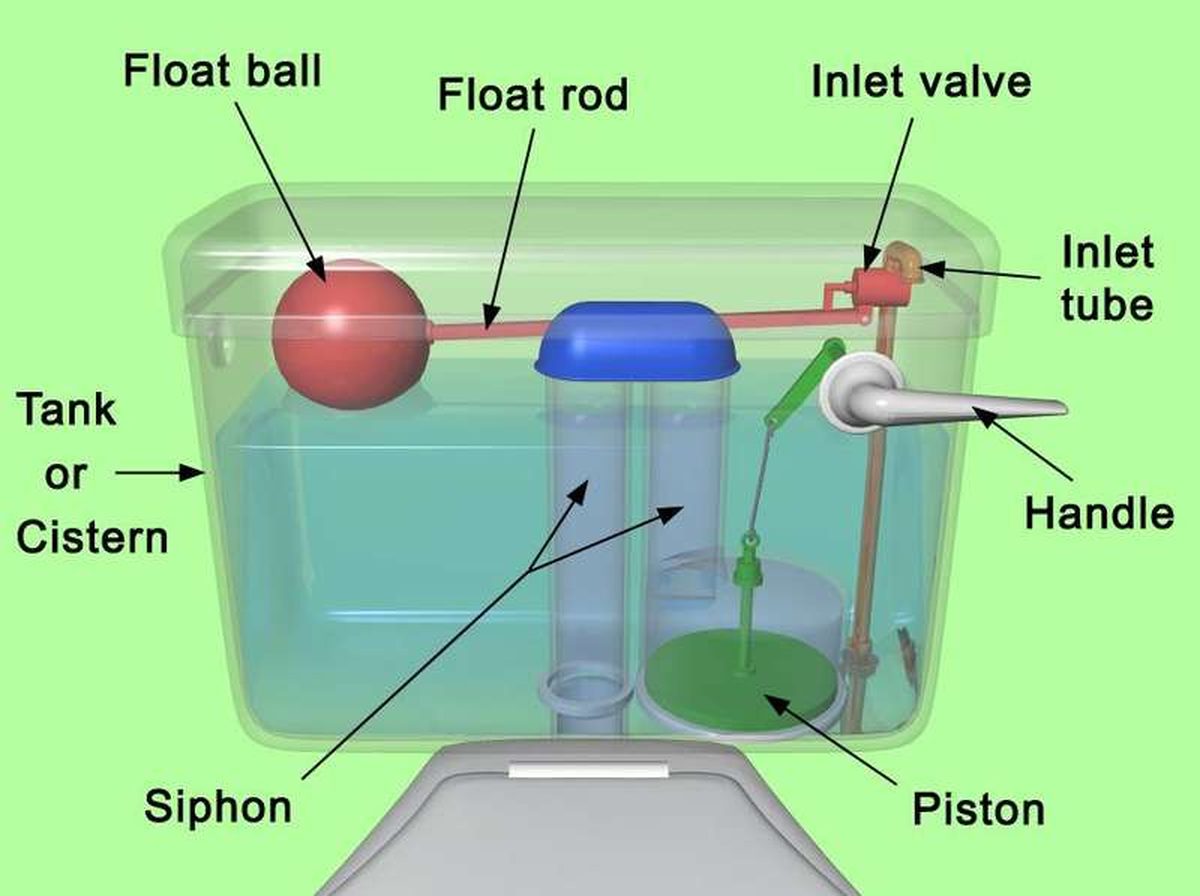
How to fix a running toilet without a plumber in 30 minutes
A running toilet can waste 200 gallons of water a day. Diagnose the flapper, float, or fill valve in two minutes, then fix it yourself
How to hang heavy shelves on drywall safely
Studs first, toggle bolts second, plastic anchors never for heavy loads. Weight ratings, installation steps, and mistakes that bring