
How airplane mode actually stops your phone signals
By Rive News / Research desk | Rive News / Published October 28, 2026 at 9:00 AM PKT
Key takeaways
- Airplane mode instructs your phone's radios to stop transmitting, cutting cellular, Wi-Fi, and Bluetooth in one tap.
- The rule exists largely to protect ground mobile networks, which a phone at altitude could reach across many towers at once.
- You can switch Wi-Fi or Bluetooth back on individually without leaving airplane mode, where the airline allows it.

[Sunset seen from an airplane window above the clouds.] Photograph: the subject
Image Credits: Wikimedia Commons
Airplane mode is a single switch that silences a device built to chatter constantly. Your phone normally keeps several radios talking at once: one to the mobile network, one to Wi-Fi, one to Bluetooth accessories, and a receiver listening for GPS satellites.
This article explains what happens to each of those radios when you tap the little plane icon, why the rule exists in the first place, and what still works while the radios are off.
What airplane mode is
Airplane mode, also called flight mode on some devices, is a setting that disables all of the wireless and cellular signals coming from the phone. It does not turn the phone off. It tells the phone's radio hardware to stop transmitting and to stop searching for networks.
On an iPhone, you switch it on from Control Centre. On an Android phone, you switch it on from the quick settings panel you reach by swiping down from the top of the screen. The icon lights up, the signal bars disappear, and the phone stops trying to reach the outside world by radio.
That is the whole mechanism at the top level: a software command that powers down or idles the transmitters. The phone's processor, screen, storage, and apps keep running normally. Only the radios change state, which is why everything that does not need a signal keeps working.
Which signals it stops
Airplane mode stops the phone from sending or receiving calls and text messages, because both need the cellular radio. It stops mobile data for the same reason. It also stops Wi-Fi connections and Bluetooth links by default, so wireless headphones disconnect and the phone stops looking for networks to join.
GPS is a special case worth understanding. GPS is a receiver, not a transmitter: the phone listens to signals from satellites and calculates its position without sending anything back.
Some phones keep GPS receiving in airplane mode, and offline maps can still show your position, while others shut the receiver down with the rest of the radios. Either way, airplane mode does not send your location anywhere, because the transmitting radios are off.
Near-field communication, the short-range radio used for tap-to-pay, is also typically disabled in airplane mode on most devices. The practical result is a phone that can still compute, play, and display, but cannot talk to anything nearby or far away.
Why the rule exists
The reason most often given on board is interference with the aircraft. The Federal Communications Commission and the Federal Aviation Administration have long pointed to the risk that radio signals from passenger devices could interfere with aircraft navigation and communication systems.
There is a second, less quoted reason, and it is arguably the more concrete one. The FCC's rule exists to protect cell phone networks on the ground. A phone at a cruising altitude of roughly 6 to 8 miles can pick up service from multiple ground towers at once, according to the FTC's explainer, crowding those networks and potentially disrupting service for people on the ground.
That distinction explains a puzzle many passengers notice. A phone's signal is far too weak to threaten an aircraft's systems in any dramatic way, yet the rule persists. The ground-network problem is real regardless of whether the aircraft itself would notice anything, because a phone at altitude behaves very differently from a phone on the street, reaching towers across a wide area instead of handing off neatly between neighbours.
The history goes back a long way. The FCC banned the use of 800 MHz cellphones on aircraft in 1991, out of concern that they could interfere with navigation frequencies. The rules have been adjusted since, and in-flight Wi-Fi now runs on approved onboard systems, but the cellular ban in United States airspace remains, and airlines still ask passengers to switch to airplane mode when the doors close.
What you can switch back on
Airplane mode is not all or nothing on modern phones. After turning it on, you can manually switch Wi-Fi or Bluetooth back on without leaving airplane mode. Many phones even remember your preference and keep Wi-Fi and Bluetooth on the next time you enable airplane mode.
That matters on flights with onboard Wi-Fi. The aircraft's own Wi-Fi system is designed not to interfere with its navigation and communication systems, so using it does not create the problem the cellular ban addresses. The same logic applies to Bluetooth, which uses short-range signals and is permitted on most flights.
The rules still vary by airline, aircraft, and country, and the crew's instructions override any general guidance. If the crew says all devices off for takeoff and landing, that instruction stands even though the phone technically allows Wi-Fi back on. When in doubt, ask before switching a radio back on.
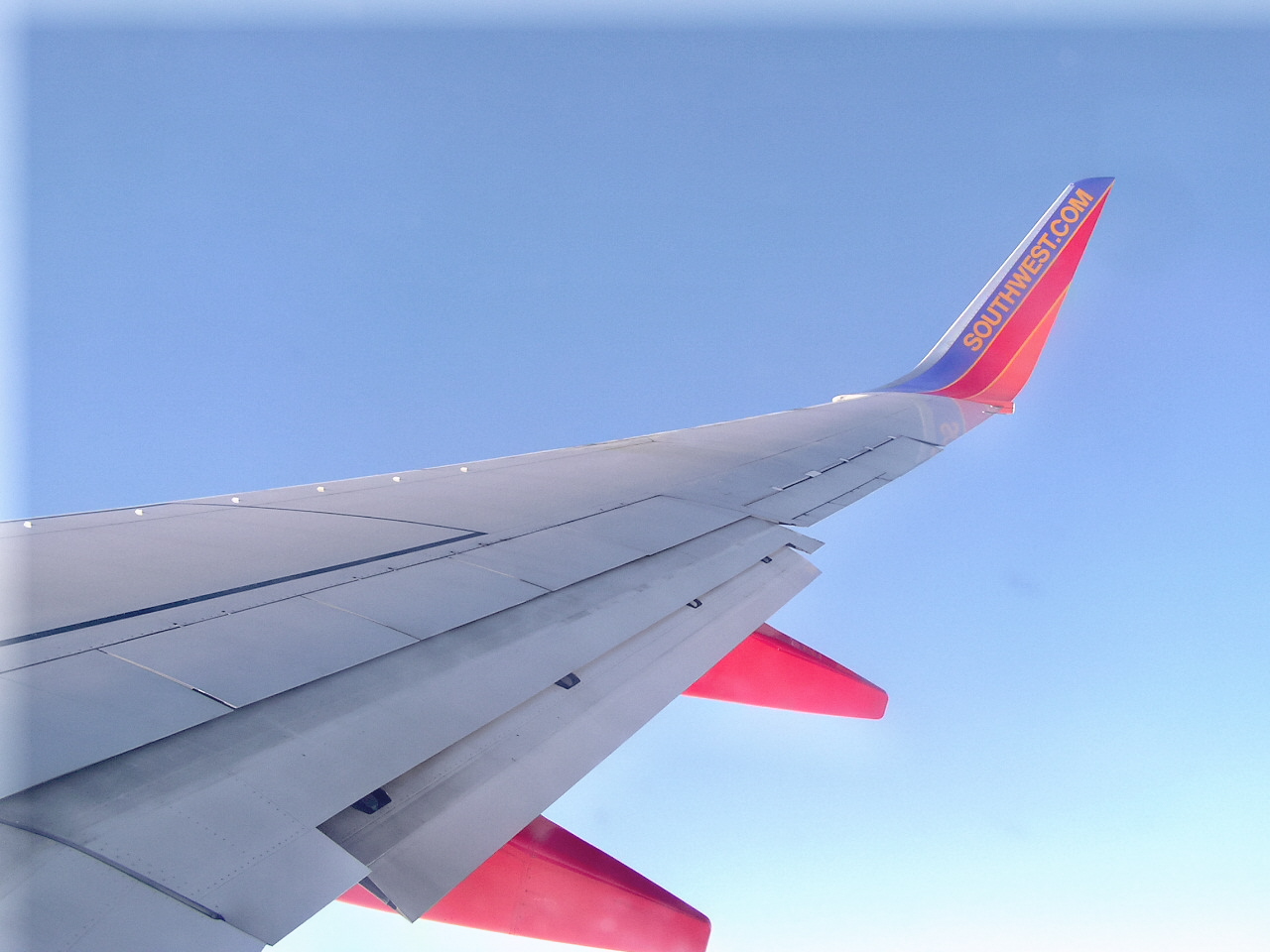
[An airplane wing seen from a passenger window during flight.] Photograph: the subject
Image Credits: Wikimedia Commons
What still works in airplane mode
A phone in airplane mode remains a capable offline device. You can listen to music stored on the phone, watch downloaded videos, read e-books, take photos, play offline games, and write emails or messages to send later.
That offline ability is also why airplane mode is useful far from any airport. Switching it on stops the phone from hunting for a signal, which saves battery, and it silences every incoming call, message, and notification in one tap. Some people use it as a focus mode, and it can also speed up charging slightly, because the radios are among the hungrier parts of the phone when they are searching for a weak signal.
A related everyday use is troubleshooting a connection. Turning airplane mode on for a few seconds and then off forces the phone to drop its network connections and re-register with the nearest tower, which can fix a stuck data connection. That trick is a gentler version of a restart, and it works because the phone rebuilds its network state from scratch.
What airplane mode does not do
Airplane mode does not make a phone untraceable, and it does not erase anything. It does not stop apps from recording data locally, and anything you do offline, such as photos you take or notes you write, stays on the phone and can sync later once the radios come back on.
It also does not guarantee that every radio is off on every device. Some phones keep GPS receiving, some keep a previously enabled Wi-Fi connection alive, and some smartwatches behave differently from phones. If you need a device fully silent for a specific reason, powering it off is the only certain option.
Finally, airplane mode does not block a phone from being found by its own network once it is switched off. Location services that rely on the last known position, or on a paired device, can still show where the phone last reported from. For a fuller picture of how phones are located without a live connection, see how the Find My network locates a phone with no internet.
Frequently asked questions
Does airplane mode turn off GPS?
It depends on the phone. GPS only receives signals, so it does not transmit anything, and some phones keep it running for offline maps. Other phones shut it down with the rest of the radios.
Can I use Wi-Fi in airplane mode?
Yes, on most phones you can switch Wi-Fi back on after enabling airplane mode, and airlines with onboard Wi-Fi expect you to do exactly that. Crew instructions still take priority over the phone's settings.
Does airplane mode save battery?
Yes. With the radios off, the phone stops searching for towers and networks, which is one of the more power-hungry background jobs, especially in weak signal areas.
Will I receive messages sent while airplane mode was on?
Yes, in most cases. Messages, emails, and missed-call notifications arrive once the radios are switched back on and the phone reconnects, though some time-sensitive codes may expire in the meantime.
Is airplane mode required on every flight?
Requirements vary by country and airline, and some airlines have relaxed the rule on equipped aircraft. In United States airspace, airlines still tell passengers to switch to airplane mode when the doors close.
The bottom line
Airplane mode works by telling your phone's radios to stop transmitting, which cuts cellular, Wi-Fi, and Bluetooth in one move while leaving the rest of the phone running. The rule protects ground mobile networks as much as aircraft systems, and you can switch Wi-Fi or Bluetooth back on individually where the airline allows it.
Use it on flights, use it as a focus switch, and use it as a quick network reset. Just remember that it silences the radios, not the phone itself.
Tags: airplane mode, smartphones, wireless
Rive News is a research desk covering everyday technology. It writes explainers from public sources and documents, not from first-hand product testing.
Related
- 5G icon means a radio link, not a speed guarantee
- What is the difference between 4G LTE and 5G for everyday use
- How does Find My network locate a phone with no internet?
- What is satellite messaging on phones and how it works
Subscribe to the Rive News newsletter for one plain-English technology explainer each week.
Rive News follows a corrections policy: errors are corrected openly and the article is updated with a timestamp.
Related stories

Apple plans two October launches: smart home hub, OLED MacBook Pro
Apple set October 13 for a smart home launch with a new hub, Apple TV 4K and HomePod mini, then October 27 for OLED MacBook Pro models

How to Check If Your Phone Supports eSIM in 30 Seconds
Dial *#06# and look for an EID number to confirm eSIM support in under 30 seconds. This guide also walks through the iPhone and Android

eSIM vs iSIM: what is the difference?
An eSIM is a dedicated chip on the phone's board, while an iSIM lives inside the processor itself. Qualcomm's Snapdragon 8 Gen