
How to choose a power bank that actually charges fast
By Rive News / Research desk | Rive News / Published October 25, 2026 at 9:00 AM PKT
Key takeaways
- Match the pack's single-port watts to your device's maximum charging speed.
- Check the protocol: USB-C Power Delivery, plus PPS if your phone lists it.
- The cable can cap speed, so a 3A cable suits phones and a 5A cable suits laptops.
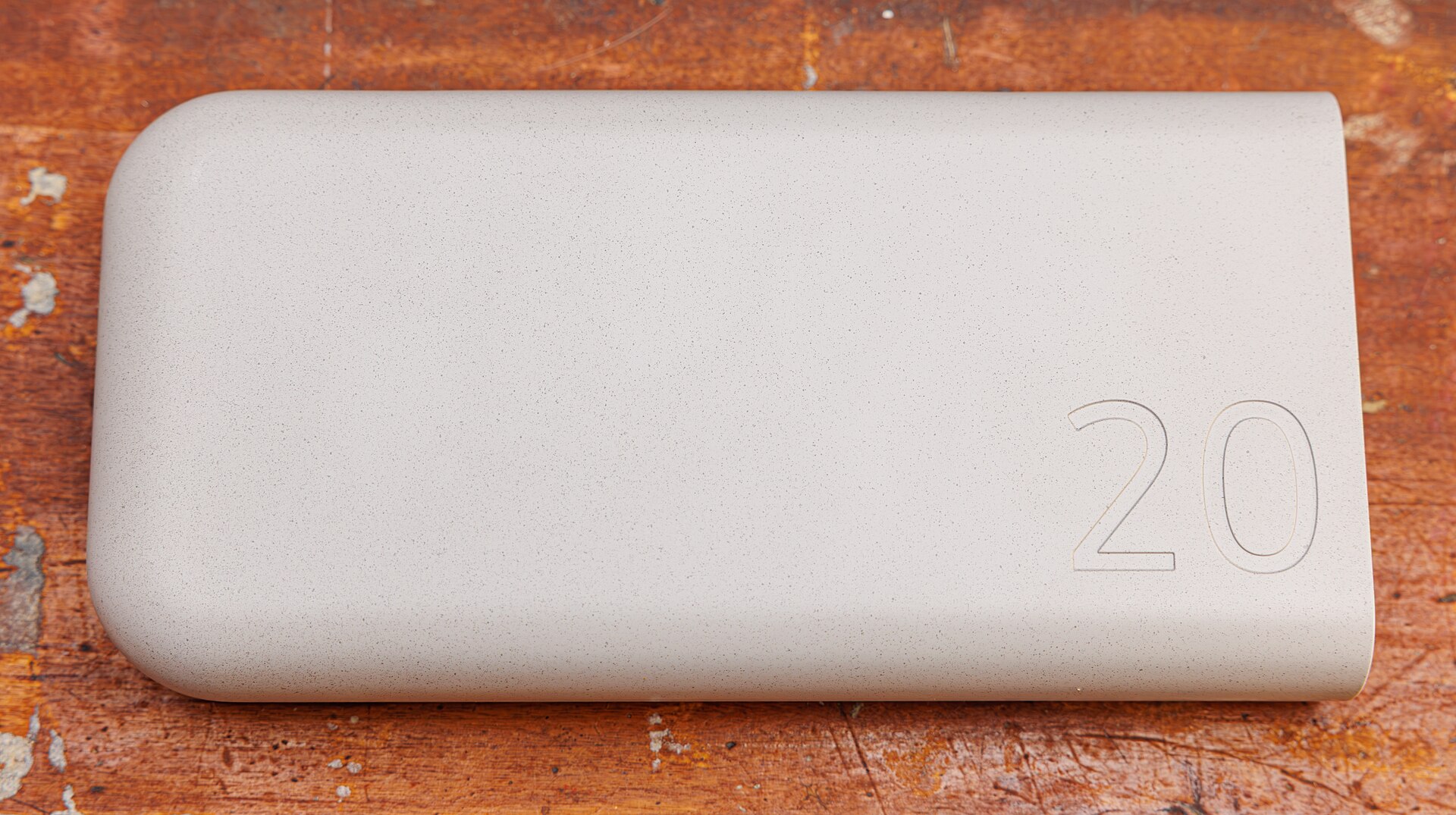
[A power bank marked 20, a reminder that a capacity number alone does not set charging speed.] Photograph: Power bank
Image Credits: Wikimedia Commons
A power bank is a portable battery that charges phones, tablets, and laptops away from a wall socket. A big capacity number does not guarantee fast charging, and many buyers discover that only after a slow top-up. This article explains how to choose a power bank that actually charges fast, including watts, protocols, cables, and capacity.
Start with your device, not the pack
Fast charging is a negotiation between the device and the charger. Your phone or laptop decides how much power it will accept, and the power bank can only offer what its port is rated to deliver. A phone that accepts 25 watts will never charge faster from a 65-watt pack, and a laptop that needs 65 watts will crawl from a 20-watt pack.
Find your device's maximum charging speed first. It is usually printed on the original charger, listed in the maker's specifications, or shown in the phone's settings or support pages. Write that number down, since it is the target for the whole purchase.
As a rough guide, recent iPhones fast-charge at around 20 watts over USB-C Power Delivery, many Android phones take 25 to 45 watts with PPS, and slim laptops need 45 to 65 watts. Those bands are starting points, not substitutes for checking your own device.
Watts: read the single-port number
Watts measure power, calculated as volts multiplied by amps. A port rated 9 volts at 3 amps delivers 27 watts. The number that matters is the output of one port on its own, not the pack's total across all ports.
Marketing often leads with a total. A pack labelled 65 watts may deliver 45 watts from one port and 20 watts from another when both are used, and only reach 65 watts with a single device attached. Look for the per-port table on the box or spec sheet, and check the single-port figure for the USB-C port you will actually use.
Match or slightly exceed your device's maximum on that port. A small margin is fine, since the device will only draw what it accepts. A large gap in the other direction is the classic slow-charge trap, and it is the first thing to rule out.
Protocols: Power Delivery and PPS
USB Power Delivery, usually shortened to PD, is the common language of fast charging over USB-C. It lets the device and the charger negotiate voltage and current in steps, from low levels up to high ones. For most buyers, a pack with USB-C PD is the baseline requirement.
PPS, or Programmable Power Supply, is an extension of PD that adjusts voltage in small, frequent steps. Phones that list PPS support, including many recent Samsung models, can use it to hold a faster charge with less heat. If your phone's specifications mention PPS, choose a pack that lists PPS on the same port.
Older proprietary standards still appear on some packs, and they can help with older phones from the same brand. For a pack meant to serve several devices, though, PD covers the most ground, and PPS adds the benefit for phones that support it.
The cable bottleneck
The cable is the most overlooked part of fast charging. USB-C cables have current limits, and many ordinary cables top out at 3 amps, which caps delivery at 60 watts at 20 volts. That is plenty for a phone, but it blocks higher laptop charging.
For 100 watts and above, the cable needs an e-marker chip, a tiny chip inside the connector that advertises its 5-amp rating. Without that chip, the charger and device will not agree on the higher current, and speed drops to the lower tier. Cables rated for 5 amps are usually marked as such on their packaging.
Keep it simple: a good 3-amp USB-C cable suits phone charging at 20 to 30 watts, while a 5-amp e-marked cable is the right pick for laptop-level charging. If a pack charges slowly, swapping the cable is the cheapest first test.
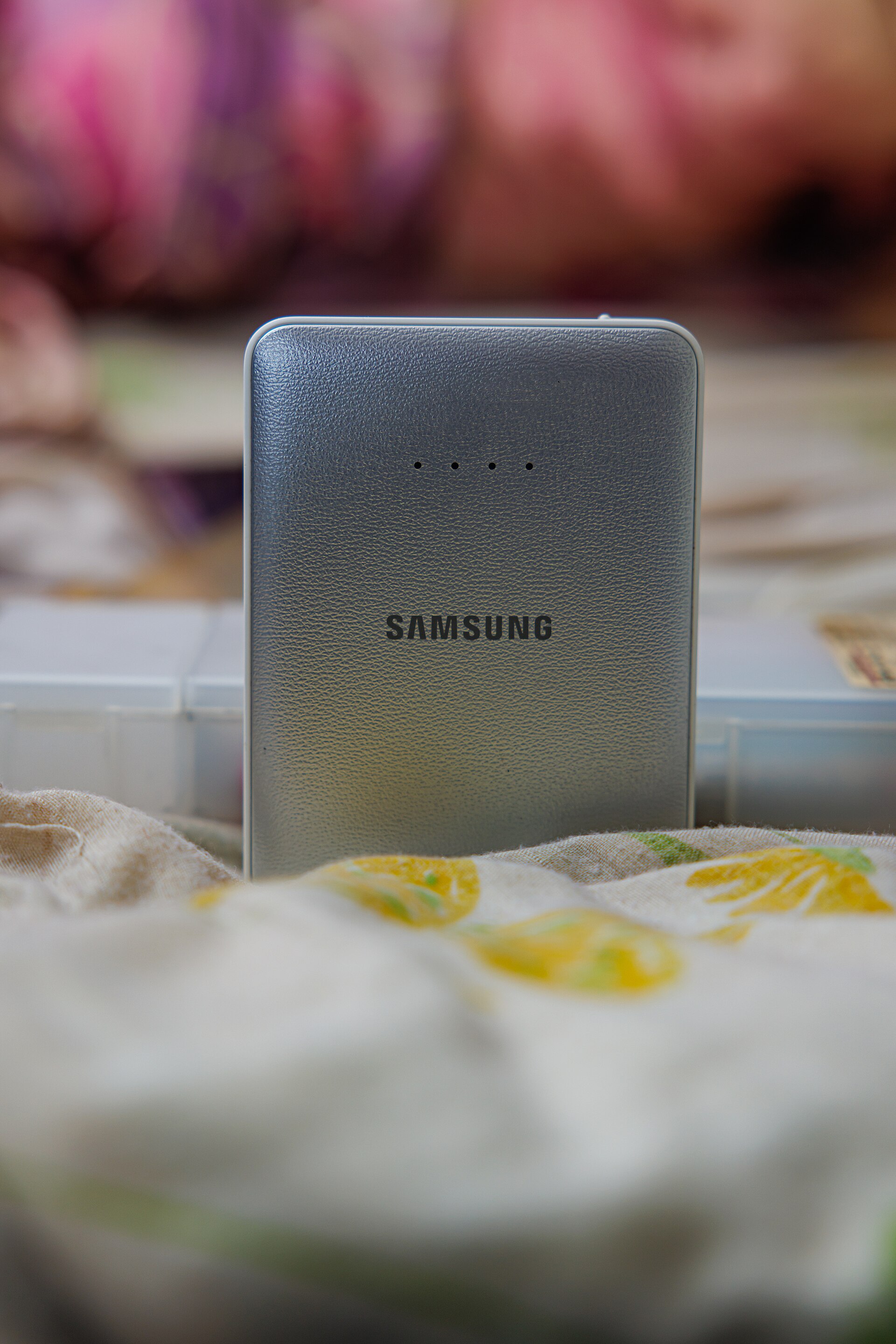
[A Samsung power bank standing upright, its charge indicator lights visible.] Photograph: Samsung power bank
Image Credits: Wikimedia Commons
Capacity: think in watt-hours
Capacity is usually printed in milliamp-hours, but watt-hours are the fairer comparison. Convert with a simple formula: watt-hours equal milliamp-hours multiplied by 3.7, divided by 1,000. A 10,000 mAh pack stores about 37 watt-hours, while a 20,000 mAh pack stores about 74 watt-hours.
Usable energy is lower than the label. Conversion losses, heat, and the voltage step between the pack's cells and the phone's battery all take a share, so expect roughly two-thirds to three-quarters of the labelled energy to reach your device. A 10,000 mAh pack gives most modern phones one to two full charges, while a 20,000 mAh pack covers a phone plus a tablet or a second day.
Airlines generally allow spare lithium batteries in carry-on luggage up to 100 watt-hours without special approval. Most pocket packs sit well under that line, but packs near 27,000 mAh approach it, so check the printed watt-hour figure before flying.
Input watts: how fast the pack refills
A fast pack that refills slowly is a half-finished purchase. Input wattage sets how quickly the power bank itself recharges from the wall, and many mid-range packs accept only 18 to 30 watts. High-speed models accept 45 watts, 60 watts, or more.
Match the wall charger to the pack's input. A 45-watt-input pack paired with a 20-watt wall adapter will refill at the adapter's pace, no matter what the pack can accept. If quick turnaround matters, budget for a wall charger that meets or beats the pack's input rating.
Refill the pack on its own for the fastest result. Charging a phone from the pack while the pack itself charges from the wall splits power and heat, and many packs slow both jobs when pass-through charging is active.
Multi-port behaviour
Using two ports at once usually splits the power budget. A pack rated 65 watts single-port might deliver 45 watts plus 18 watts with two devices attached, which can leave a laptop charging slowly or merely holding its level under load.
If you regularly charge a laptop and a phone together, look for a pack whose dual-port table still covers the laptop's needs. Otherwise, charge the laptop alone when speed matters, and top up the phone afterwards. Unplugging the second device restores the single-port peak.
Port labels help here. Some packs mark one port as the high-output port, while others share output equally. A quick look at the label before buying avoids discovering the split at a meeting.
Safety and lifespan
Buy from a traceable brand with safety certifications printed on the case. Cheap unbranded packs can misstate capacity and wattage, and a swollen, hot, or sweet-smelling pack should be retired rather than used.
Heat is the enemy of both speed and lifespan. Phones and packs slow charging when they get hot, which is why a phone in a thick case on a sunny dashboard charges slowly. Charge at room temperature where possible, and keep airflow around the pack during fast sessions.
For storage, lithium batteries prefer a partial charge. If a pack will sit unused for weeks, store it around half full and top it up every couple of months. Avoid leaving it fully flat or fully charged for long stretches.
Picking by use case
Phone-only users should look for a 10,000 to 12,000 mAh pack with 20 to 30 watts of USB-C PD, plus PPS if their phone lists it. A short 60-watt cable keeps the kit pocket-sized.
Tablet owners should step up to around 20,000 mAh with 30 to 45 watts of PD, which covers a full tablet refill without a heavy pack. Two outputs help when a phone needs a top-up at the same time.
Laptop commuters need a 20,000 to 27,000 mAh pack with 65 to 100 watts on a single USB-C port, plus a 5-amp cable and a wall charger of at least 45 watts for refills. Check that the single-port figure holds while the second port is idle.
Frequently asked questions
Does a higher-wattage pack damage my phone?
No. The phone controls how much power it draws, so a 65-watt pack will not force 65 watts into a 25-watt phone. The risk is the opposite: a low-wattage pack charging a demanding device slowly.
Why does my power bank charge fast at first, then slow down?
Charging tapers near the top. Devices accept peak power when the battery is low, then reduce current as it fills, to protect the cells. The last 20 percent always takes longer than the first 20 percent.
Is a bigger mAh number always better?
Not for speed. Capacity decides how many charges you get, while watts, protocol, and cable decide how fast each charge runs. A huge slow pack is worse for a busy day than a smaller fast one.
Can I charge a power bank and a phone at the same time?
Many packs allow it, but both jobs usually slow down. For the fastest refill, charge the pack alone, then use it to charge the phone.
The bottom line
Choose by your device's maximum watts, then check the pack's single-port output, its PD and PPS support, and a cable rated for the job. Capacity in watt-hours decides how far the pack goes, and input watts decide how fast it refills.
Get those five numbers right and the pack will actually charge fast. Get any one wrong and the biggest battery on the shelf can still leave you waiting.
Tags: power banks, fast charging, USB-C
Rive News is a research desk covering everyday questions with sourced, practical explainers.
Related
- Why does your phone get hot when charging, and when to worry
- Battery calibration: what it is and whether it helps
- Why do phone batteries degrade even if you barely use them
- Why does your phone battery drain faster in cold weather
Subscribe for one practical explainer a day in your inbox.
Rive News publishes sourced explainers and corrects errors promptly when readers flag them.
Related stories

Apple plans two October launches: smart home hub, OLED MacBook Pro
Apple set October 13 for a smart home launch with a new hub, Apple TV 4K and HomePod mini, then October 27 for OLED MacBook Pro models

How to Check If Your Phone Supports eSIM in 30 Seconds
Dial *#06# and look for an EID number to confirm eSIM support in under 30 seconds. This guide also walks through the iPhone and Android

eSIM vs iSIM: what is the difference?
An eSIM is a dedicated chip on the phone's board, while an iSIM lives inside the processor itself. Qualcomm's Snapdragon 8 Gen