
Why your phone battery percentage jumps up and down
By Rive News / Research desk | Rive News / Published October 28, 2026 at 9:00 AM PKT
Key takeaways
- The battery percentage is an estimate, not a fuel-gauge reading: the phone infers charge from voltage, current, temperature, and past usage.
- Heavy loads, cold, and an aging battery all shift voltage, so the estimate can jump down and then back up.
- Apple designs iPhone batteries to hold 80 percent of original capacity at 500 cycles, or 1,000 cycles on iPhone 15 and later models.
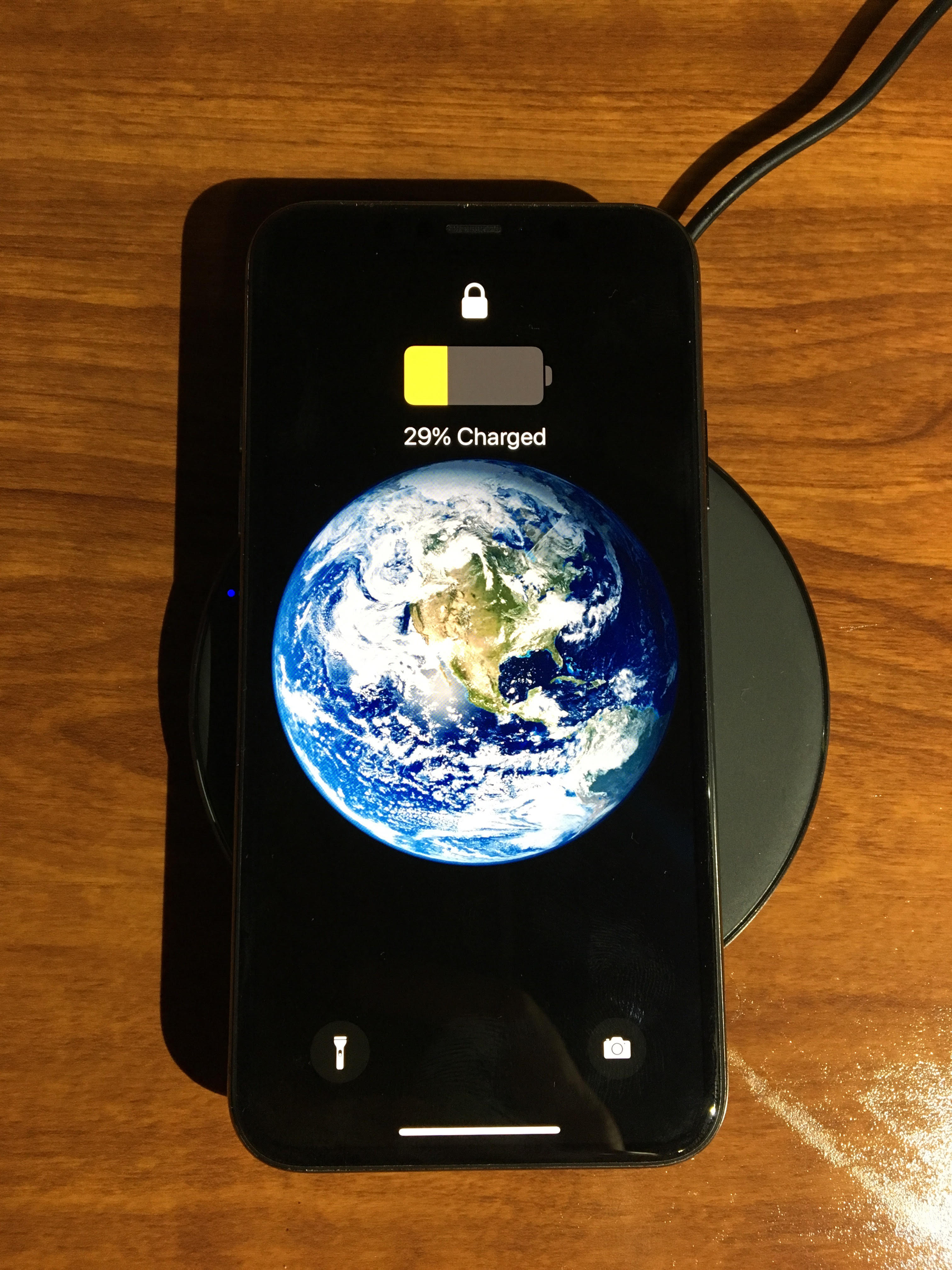
[A phone charging wirelessly, while its battery management system estimates the remaining charge.] Photograph: phone wireless charging photo
Image Credits: Wikimedia Commons
Your phone shows a battery percentage, but it never measures the charge directly. There is no dipstick inside a lithium-ion cell. The phone's battery management system estimates the remaining charge from voltage, current, temperature, and usage history, and that estimate moves when any of those inputs change.
This article explains why the percentage jumps, which jumps are normal, and when a jumping percentage points to a battery that needs replacing.
How the percentage is estimated
A lithium-ion battery's voltage falls as it discharges, but not in a straight line. Voltage stays fairly flat through most of the discharge, then drops sharply near empty. That flat middle makes precise estimation hard: a small voltage change can correspond to a large range of remaining charge.
The battery management system combines two methods. It tracks current flowing in and out over time, a method called coulomb counting, and it maps voltage to a state-of-charge range.
It also weighs temperature and past usage patterns. The percentage on your screen is the output of that calculation, updated as new data arrives.
That is why the number can move in both directions. When the system gets better information, it corrects itself. A jump is often the estimate catching up with reality, not the battery gaining or losing charge in seconds.
Why heavy use makes it drop, then recover
Open a demanding game or start GPS navigation and power draw spikes. The sudden current draw pulls voltage down briefly, a dip called voltage sag. The battery management system reads that sag as less available energy and lowers the percentage.
Close the app and the load disappears. Voltage rebounds, and the system raises the percentage again.
The battery did not recharge in those seconds. The estimate simply reacted to the load change.
This pattern is most visible when the battery is already low. Near empty, the voltage curve is steep, so the same sag produces a bigger percentage swing. A drop from 25 percent to 8 percent in minutes, followed by a partial recovery, often reflects this estimation effect rather than a sudden loss of real capacity.
Why cold makes it worse
Temperature changes voltage too. Moving from a cold street into a warm room, or using the phone in winter cold, temporarily changes the battery's voltage output. The system recalculates and the percentage shifts.
Heat has a longer-term effect as well. Apple advises against ambient temperatures above 35 degrees Celsius, noting that charging in high heat can damage capacity further.
Cold mostly causes temporary misreading. Heat causes lasting wear.
Why aging batteries jump more
Every lithium-ion battery degrades with use. Apple designs iPhone batteries to retain up to 80 percent of their original capacity at 500 complete charge cycles under normal conditions, and 1,000 cycles for iPhone 15 and later models. A complete cycle means using 100 percent of capacity in total, not necessarily in one charge: using 50 percent one day and 50 percent the next counts as one cycle.
As a battery ages, its internal resistance rises and its voltage becomes less stable under load. The management system then has a harder time mapping voltage to charge, especially in the final 20 percent. An old battery may show 50 percent one minute and 30 percent the next, even without active use.
Calibration drift adds to the problem. If you usually charge between 20 and 80 percent and rarely run a full cycle, the system loses its reference points for full and empty. Its model of the battery drifts away from the battery's real condition, and corrections become larger and more sudden.
When software is to blame
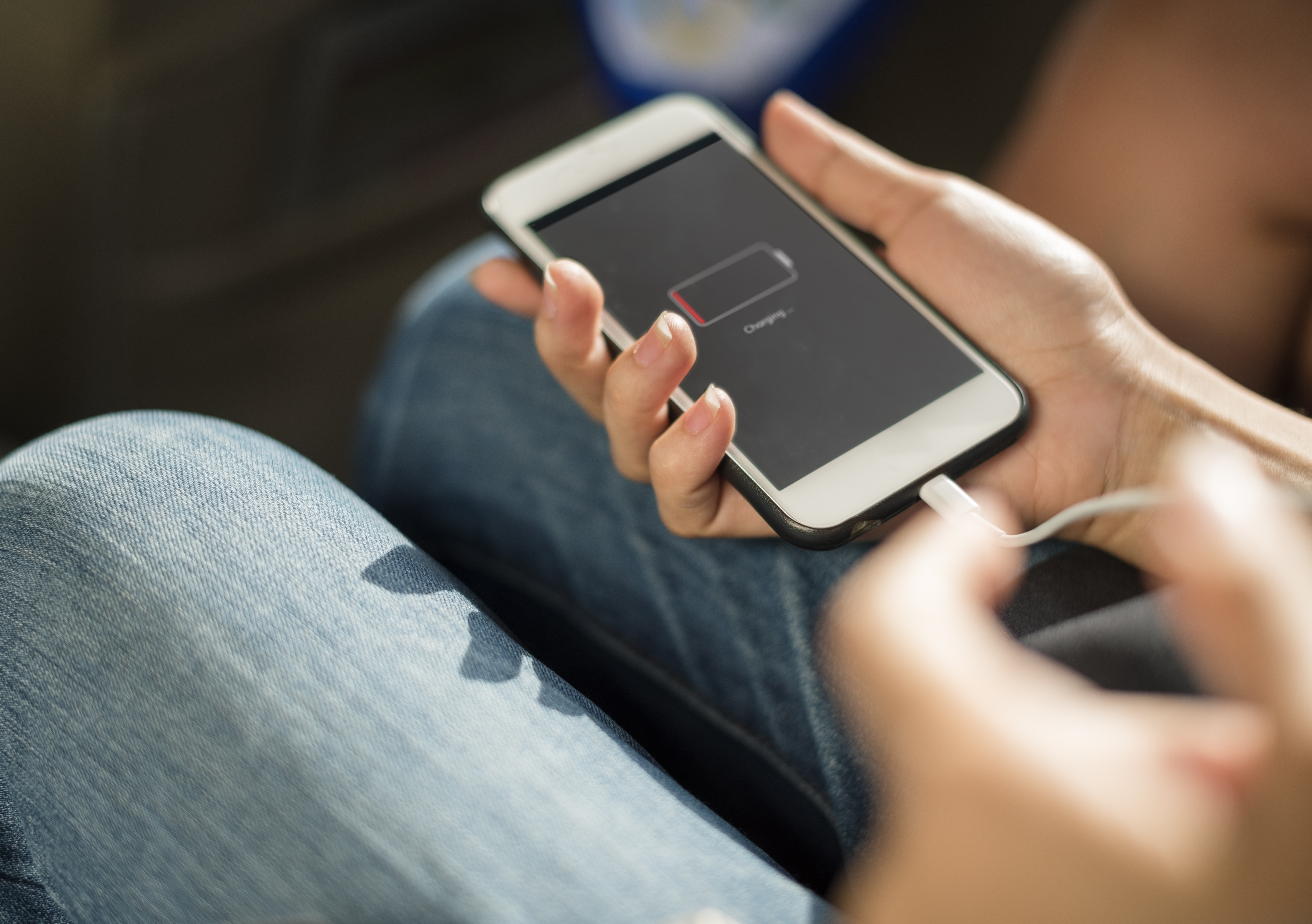
[A phone with a dead battery, the end state a jumping percentage sometimes predicts.] Photograph: dead battery photo
Image Credits: Wikimedia Commons
Operating system bugs can also distort battery reporting. Past iOS versions have produced incorrect battery readings after updates, when background processes misreported energy use. Android devices have shown similar anomalies after major updates, where widgets or services drained power silently and confused the reporting.
If jumping starts right after an update and affects many users, software is a likely suspect. In that case, the fix is usually a later update or a settings reset, not a new battery. Check whether the problem appeared suddenly after an update before assuming hardware failure.
What a failing battery looks like
Normal estimation jumps are occasional and recover. A failing battery shows a pattern.
Watch for shutdowns at percentages well above zero, such as the phone dying at 15 or 20 percent. Watch for the percentage falling several points per minute during light use, or for the phone shutting down at different percentages on different days.
Apple's Battery Health screen gives a second check. If maximum capacity is below 80 percent, or the phone reports that performance management has been applied after an unexpected shutdown, the battery is significantly degraded. A battery below 80 percent still works, but runtime will be shorter and shutdowns more likely.
Physical signs matter more than numbers. A swollen battery that lifts the screen or bulges the back of the phone needs immediate professional attention. Do not keep charging a swollen battery.
What actually helps
A full charge cycle can help the system relearn its reference points. Use the phone until it is low, charge it uninterrupted to full, and let the system observe both ends of the range.
This recalibrates the software estimate. It does not repair the battery's chemistry, and repeated deep discharges wear the battery faster, so do it occasionally, not daily.
Keep the phone at moderate temperatures and avoid leaving it in a hot car or charging under a pillow. Update the operating system, since battery-reporting fixes arrive in updates. Check battery health in settings to see whether capacity has actually fallen or only the estimate is noisy.
If jumps continue after recalibration, and capacity is below 80 percent with unexpected shutdowns, a battery replacement is the realistic fix. Replacing a worn battery restores both runtime and stable reporting, since the new cell's voltage behaves the way the system expects.
Why does my battery go from 40 percent to 20 percent suddenly?
A sudden drop usually means the estimate corrected itself. A heavy load, cold, or an aging cell can pull voltage down, and the system revises the percentage to match. If the phone then shuts down at 20 percent, the battery itself is likely degraded and the estimate was optimistic.
Can the battery percentage go up without charging?
Yes, and it is normal in small amounts. When a heavy load ends, voltage rebounds and the system raises its estimate.
The battery did not gain charge. The measurement simply improved once the load disappeared.
Does calibrating a battery fix it?
Calibration fixes the software estimate, not the battery. It helps when the percentage is wrong but the battery still lasts a reasonable time. It does not restore lost capacity or stop shutdowns in a genuinely worn cell.
Should I replace a battery that jumps around?
Replace it if jumps come with shutdowns above zero, capacity below 80 percent, or a swollen case. If the battery still gets you through the day and only the number wobbles, recalibration and an update are worth trying first.
The bottom line
A jumping battery percentage is usually an estimation problem, not a mystery. The phone guesses charge from voltage and usage history, and heavy loads, temperature, aging, and software bugs all move that guess.
Occasional jumps that recover are normal. Repeated shutdowns above zero, capacity below 80 percent, and physical swelling are the signs that point to a real battery problem.
Recalibrate once, keep the phone cool, update the software, and check battery health. If the pattern persists after that, a replacement battery is the fix that addresses the cause rather than the number.
Tags: smartphones, battery, charging, lithium-ion
Rive News is a research desk that writes explainers from public sources and manufacturer documentation.
Related
- Battery calibration: what it is and whether it helps
- Why phone batteries degrade even with light use
- Why your battery drains after a software update
- Why your battery drains faster in cold weather
Subscribe to the Rive News newsletter for one practical explainer each week.
Standards: facts are drawn from the public sources listed above; no claim here is based on unpublished testing.
Related stories

Apple plans two October launches: smart home hub, OLED MacBook Pro
Apple set October 13 for a smart home launch with a new hub, Apple TV 4K and HomePod mini, then October 27 for OLED MacBook Pro models

How to Check If Your Phone Supports eSIM in 30 Seconds
Dial *#06# and look for an EID number to confirm eSIM support in under 30 seconds. This guide also walks through the iPhone and Android

eSIM vs iSIM: what is the difference?
An eSIM is a dedicated chip on the phone's board, while an iSIM lives inside the processor itself. Qualcomm's Snapdragon 8 Gen