
Why Does Your Phone Dim Its Screen in Sunlight at Full Brightness?
Key takeaways
- A bright screen generates heat, and in sunlight your phone may already be hot, so thermal safeguards cap the brightness.
- The limit is temporary and protective: no slider position can override the safety ceiling while the phone is overheating.
- Brightness returns once the phone cools down, usually within minutes of getting out of the sun.
You step outside, the sun hits your screen, and the display dims instead of brightening. You drag the brightness slider to maximum and nothing happens, but the phone is not broken. It is protecting itself from heat, and your slider lost the argument.
This article explains why your phone dims its screen in sunlight even at full brightness, including how thermal safeguards override your settings, what the ambient light sensor gets wrong, why the limit lingers after you go indoors, and what you can do about it.
The real reason: heat, not light
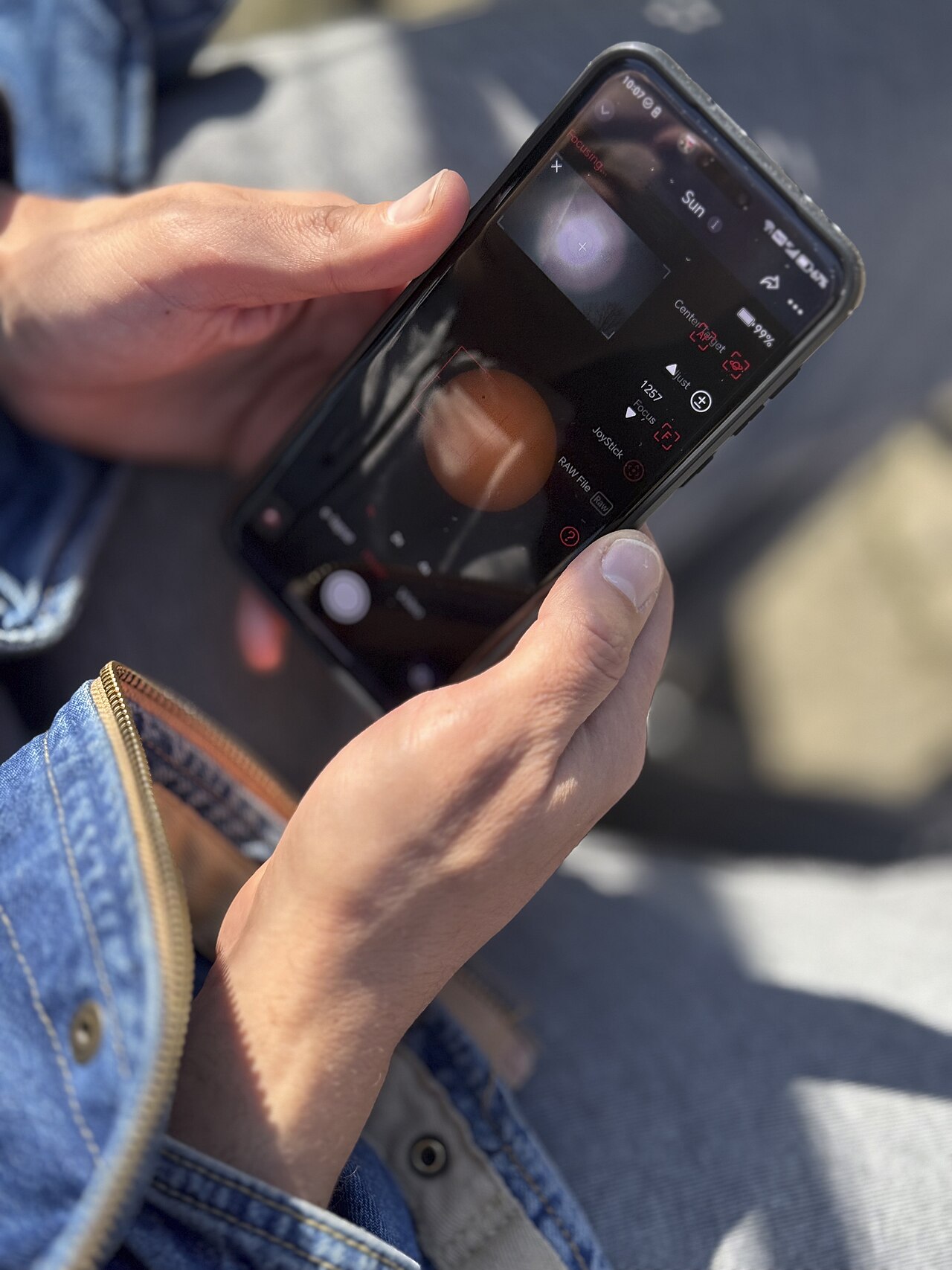
It seems backwards: bright sunlight should make your phone boost the screen, and sometimes it does, briefly, before it dims. The cause is not the light. It is the heat that comes with it.
Modern flagship displays can reach peak brightness levels around 2,600 nits on phones like Samsung's Galaxy line, SamMobile reports. But the brighter the screen, the more heat it generates, and the phone cannot sustain maximum brightness forever. In direct sunlight on a hot day, the display is generating heat while the sun is adding more from outside.
To prevent overheating, the phone automatically lowers its peak brightness temporarily. SamMobile is blunt about the result: no matter how hard you try to increase the screen's brightness, you will not be able to go over the safety limits. Your slider controls the requested brightness, but the thermal system controls the allowed brightness, and when they disagree, safety wins.
This is deliberate. A display driven at full power in high heat can suffer permanent damage, and the battery and processor share the same thermal budget. The phone would rather annoy you for ten minutes than cook its own components.
The ambient light sensor can misread the situation
Your phone also carries an ambient light sensor, usually near the front-facing camera, that measures surrounding light and feeds the auto-brightness system. In theory it should push brightness up in sunlight.
In practice, sudden transitions confuse it. Stepping from shade into full sun, the sensor can momentarily misread the intensity spike as glare rather than usable light, as the Alibaba display guide explains. Glare on the sensor, a case edge, or your hand can corrupt the reading.
Some systems also hedge. Auto-brightness algorithms may cap maximum brightness after the initial outdoor adjustment to protect battery life, prioritizing efficiency over peak visibility. So you can get a double hit: the sensor underestimates what you need, and the thermal system caps what the phone will give you anyway.
This is the same class of automation judgment behind how your phone knows which way is up: a fast sensor-driven verdict that sometimes gets it wrong. The difference is that here the verdict protects your hardware.
Why the limit lingers after you go back inside
One of the strangest parts of this behavior is that the dimness can follow you indoors. You walk into the shade, slide brightness to max, and the screen stays dull: photos look muted and white backgrounds look grayish. The phone may only feel slightly warm.
That lag is residual heat. Internal components cool more slowly than the phone's exterior, and the display system keeps the brightness cap until temperatures stabilize, MasBear explains. The system may also need time to recalibrate the ambient light sensor after intense sunlight exposure.
The typical pattern: the phone dims right after leaving the sun, then returns to normal later, sometimes minutes later in the evening. If brightness gradually returns within several minutes after the phone cools, the system is simply doing its job, MasBear notes.
In short, the limit lifts on the phone's schedule, not yours. Cooling the phone speeds it up. Tapping the slider does not.
Thermal throttling: the bigger system at work
Screen dimming is one piece of a broader protection system called thermal throttling. When the processor gets too hot, the phone slows down clock speeds to reduce heat output. The Alibaba thermal guide describes the coordinated response: the system can cut GPU frame rates, cap CPU performance, lower maximum screen brightness, and even pause 5G, all at once.
Consider a realistic scenario from that guide: playing a demanding game outdoors at 35°C (95°F), holding the phone in direct sunlight. After about 20 minutes, the system detects rising temperatures near the processor and display driver, and brightness can drop from 100 percent to around 60 percent as part of the response.
Charging adds heat too. Using your phone while charging it outdoors, especially with a battery pack in the sun, stacks heat sources and brings the dimming on faster. SamMobile specifically warns against this combination.
Like any phone hardware working at its limit, a screen at full brightness in the sun is the display giving everything it has. Closing heavy background apps helps too: less background work means less heat competing with the display, which is the same reason clearing an app cache is the usual first step when a phone feels sluggish.
What you can do about it
You cannot fully disable thermal protection, and you should not want to. But you can delay it and recover faster.
Keep the phone cool first, and avoid intensive apps like games or video recording in direct sunlight. If you must use the phone outdoors, take it out of its case temporarily so heat escapes faster, SamMobile suggests. Find shade when possible, and never leave the phone baking on a car dashboard.
Lower the brightness yourself before the system does it for you. Running the display at 70 to 80 percent instead of maximum builds heat more slowly and can postpone the automatic cap, according to the Alibaba guide. Turn off battery saver or performance modes that are not helping, and close heavy background apps like navigation when you do not need them.
To recover faster, move into the shade and let the phone rest. Do not charge it while it cools. Samsung users can also use the Good Lock Display Assistant app, which offers Standard and Light brightness limit profiles for high temperatures, SamMobile notes.
Frequently asked questions
Is my phone damaged if it dims in the sun?
Almost certainly not: temporary brightness capping is a designed safeguard. If the brightness returns after cooling, the system worked as intended. Persistent dimness at room temperature is the sign to get the phone checked.
Why does my phone dim even with auto-brightness off?
The thermal cap is independent of auto-brightness. It is a hardware safety system, not a display preference. Turning off auto-brightness only removes the sensor's adjustments, not the heat protection.
Does dark mode help?
Somewhat. Dark mode lights fewer pixels on OLED screens, which generates less heat and draws less power. It will not prevent thermal dimming, but it can delay it.
Do all phones do this?
Every modern smartphone has thermal protection, though the thresholds and behavior vary. Phones with better cooling can sustain peak brightness longer, which is why two phones in the same sunlight can dim at different times.
The bottom line
Your phone dims its screen in sunlight because a display at full brightness generates serious heat, and the sun adds more on top. Thermal safeguards cap the brightness to protect the screen, battery, and processor, and no slider position overrides them.
The fix is not a setting. It is shade, patience, and letting the phone cool. Once temperatures drop, full brightness comes back on its own.
Latest in Tech
- How your phone knows which way is up
- Clearing an app cache: what really happens next
- Why apps ask to track you across other apps
- Bluetooth pairing: how your phone finds your headphones
Subscribe to the Rive News newsletter for one clear tech explainer in your inbox every morning.
Image Credits: Wikimedia Commons (Whatsapp chatting outdoor; Three people, one phone)
Corrections: spot an error? Email the research desk and we will review and update.
Related stories

Apple plans two October launches: smart home hub, OLED MacBook Pro
Apple set October 13 for a smart home launch with a new hub, Apple TV 4K and HomePod mini, then October 27 for OLED MacBook Pro models

How to Check If Your Phone Supports eSIM in 30 Seconds
Dial *#06# and look for an EID number to confirm eSIM support in under 30 seconds. This guide also walks through the iPhone and Android

eSIM vs iSIM: what is the difference?
An eSIM is a dedicated chip on the phone's board, while an iSIM lives inside the processor itself. Qualcomm's Snapdragon 8 Gen