
Why Does Your Phone Vibrate Differently for Calls and Notifications?
Key takeaways
- Your phone assigns each alert type a distinct vibration pattern so you can identify it without looking.
- Calls use long, repeating buzzes that demand attention; notifications use short taps that inform without interrupting.
- The hardware matters: premium phones use fast, precise linear motors, while budget phones use slower spinning motors.
A phone call rattles your desk in a long, insistent buzz, while a text message gives a single discreet tap. You knew which was which before you touched the phone, and that was not an accident. Your phone speaks in vibrations, and it uses different ones on purpose.
This article explains why your phone vibrates differently for calls and notifications, including what is actually buzzing inside the phone, how calls, texts, and alerts get their own signatures, why hardware quality changes the feel, and how to customize the patterns yourself.
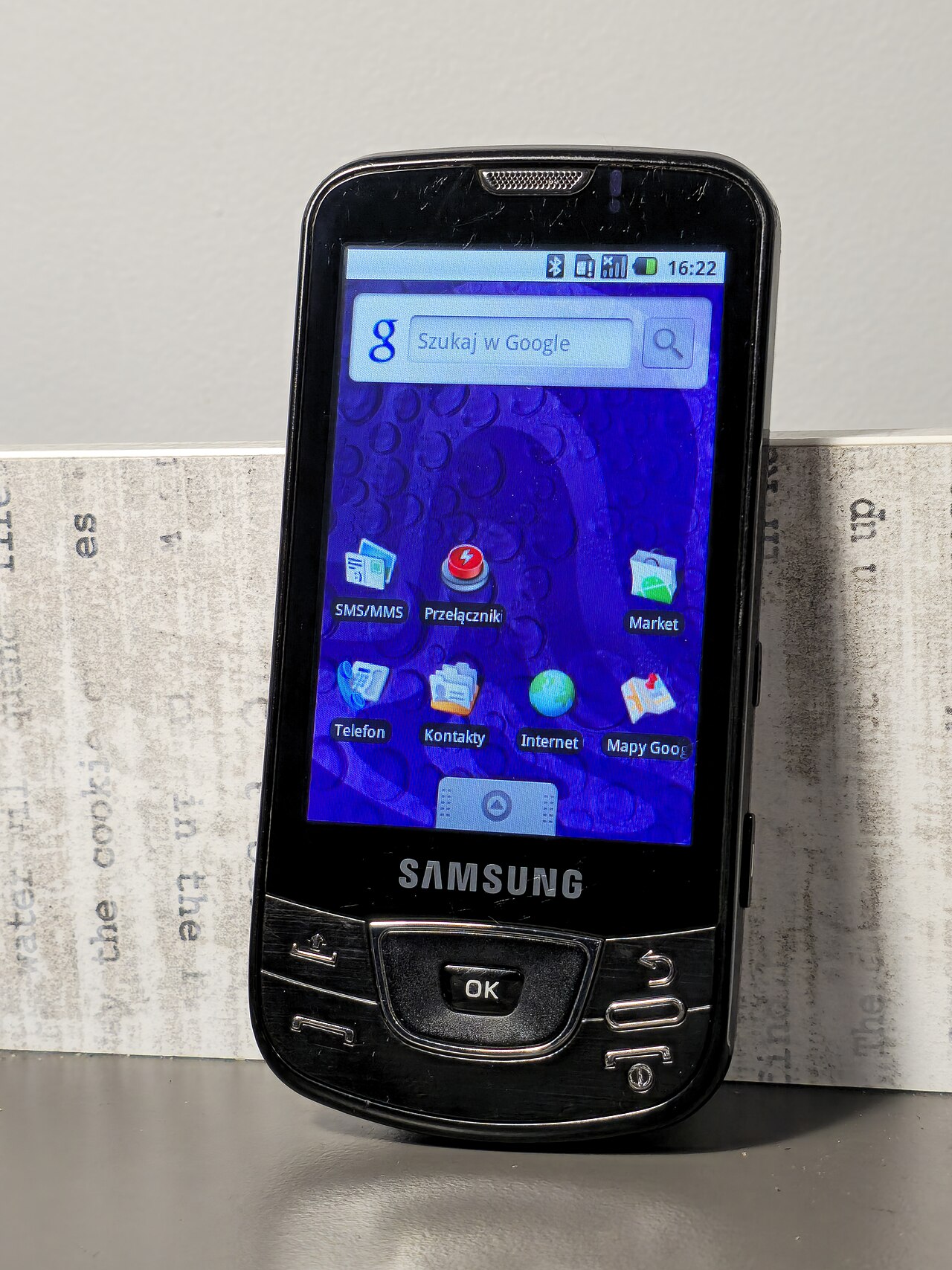
What is actually buzzing inside your phone
A vibration motor is a small component that converts electrical signals into physical movement, translating between the phone's software and your sense of touch. When the phone detects an event, the control electronics send power to the motor, and its movement shakes the phone's chassis, as AndroidAyuda explains.
There are two main designs. Budget phones typically use ERM motors, which stands for eccentric rotating mass: a tiny motor spins an off-center weight on its shaft, producing a buzzy, imprecise shake. Premium phones use LRA motors, linear resonant actuators, in which a spring-mounted mass moves back and forth along one axis for sharper, more controlled sensations, according to SamMobile.
The performance gap is real. ERM motors take 50 to 100 milliseconds to start and stop, while LRA motors respond in 10 to 40 milliseconds, per the CopyProgramming hardware breakdown. That speed is what lets premium phones produce crisp taps instead of vague buzzes.
Apple's version is called the Taptic Engine, an LRA variant that powers precise effects like keyboard clicks and ringtone pulses. Samsung's Galaxy phones and Google's Pixel line use their own LRA designs.
Calls get the loud, repeating buzz
An incoming call is the most demanding alert your phone can make. It needs to grab your attention, keep it for up to 30 seconds or more, and be felt through a pocket or bag. So the phone gives calls a long, repeating vibration pattern.
SamMobile draws the key distinction: standard vibrations are uniform patterns used for notifications or calls, while haptic feedback produces varied, controlled sensations tied to specific actions. Calls lean on the older, simpler approach: a strong, repeating cycle of on-off buzzing that is impossible to miss.
This pattern is deliberately persistent. A call is a live, time-sensitive event with a person waiting on the other end. The repeating buzz mirrors the repeating ring, and both refuse to be ignored until you answer or the caller gives up.
Think of it like the difference between a doorbell and a door knock. The call is the doorbell, designed to pull you out of whatever you are doing.
Notifications get short, discreet taps
Notifications play a different role. A text message, an email, or an app alert is information, not an emergency. So the phone gives each a short, distinct pattern, often just one or two quick pulses.
The logic is interruption management. You might get dozens of notifications a day, and if each one buzzed like a phone call, your phone would be unusable. Short patterns inform you without hijacking your attention.
This is where the LRA motors earn their keep. LRAs oscillate at resonant frequencies between 140 and 300 hertz, producing clean, short vibrations that can simulate distinct taps, according to the CopyProgramming breakdown. An ERM motor cannot stop fast enough to make those crisp separations, which is why notifications feel mushier on cheaper phones.
Some systems even let you assign custom patterns per contact or app, so a specific rhythm can mean your partner is texting while a different one means work email. The phone is teaching you a tiny tactile language.
How the OS designs patterns you can read by touch
The operating system is the composer. The processor detects the event, the OS picks which haptic pattern to use, and the actuator produces the sensation, SamMobile explains. The haptic engine acts as a control center coordinating the software and the physical motor.
Both major platforms give you control. On iPhone, Settings, then Sounds & Haptics, lets you set vibration patterns for ringtone, text tone, and even individual contacts, and you can tap out your own custom vibration on the screen. On Android, Settings, then Sound & Vibration, offers vibration intensity sliders for calls, notifications, and touch feedback, with per-app options.
Modern systems keep getting more precise. Android's VibrationEffect APIs let apps define amplitude and frequency curves, so a game can make a subtle tap feel different from a system alert. Google's Pixel phones add Adaptive Vibration, which adjusts strength based on the environment.
Samsung goes further with a feature called "Alert when phone picked up," which vibrates the phone when you lift it if you have missed calls or messages. The phone layers context on top of patterns: not just what happened, but when you need to know about it.
Why hardware quality changes the feel
Not all vibrations are equal, and the motor is why. On a budget phone with an ERM motor, calls and notifications can feel oddly similar because the slow motor blurs everything into the same generic buzz. The phone wants to speak distinctly, but the hardware mumbles.
On a flagship with an LRA motor, the same software produces clearly different sensations: a call's long buzz feels urgent and rounded, while a notification's tap feels sharp and quick. Typing feels like a series of tiny clicks.
This is also why people who upgrade phones often notice the "feel" before anything else. The screen and camera get the headlines, but the haptic motor is one of the biggest day-to-day differences between price tiers.
It is a bit like how your phone knows which way is up: the feature exists at every price, but the premium version executes it with a finesse you can feel.

How to customize vibration patterns
On iPhone, open Settings, then Sounds & Haptics, and tap Ringtone or Text Tone, then Vibration at the top. You can choose from built-in patterns or tap "Create New Vibration" to record your own by tapping the screen in a rhythm. You can also set a custom vibration for an individual contact in the Contacts app.
On Android, the exact menu varies by brand, but the path is usually Settings, then Sound & Vibration. Look for vibration pattern or intensity options. Samsung phones offer several built-in patterns for calls, while Pixel phones let you tune vibration strength for calls, notifications, and touch separately.
A practical tip: keep your patterns short for notifications and distinct for the people who matter. Your brain learns tactile patterns fast. After a week, you will know who is calling without ever taking the phone out of your pocket.
Frequently asked questions
Can I make all my notifications use the same vibration?
Yes. Both iPhone and Android let you set a default vibration pattern for notifications, which applies to any app that does not specify its own. On iPhone, this lives under each sound type's Vibration setting.
Why does my phone's vibration feel weak?
Check the vibration intensity sliders in your sound settings. Also, heavy phone cases can muffle the vibration, and ERM motors in budget phones are simply less powerful than the LRA motors in flagships.
What are phantom vibrations?
Phantom vibrations are the sensation of your phone buzzing when nothing happened. They are a psychological effect tied to notification anticipation, not a hardware problem. Reducing alert frequency usually makes them stop.
Does vibration drain the battery?
Somewhat, but modestly. The motor draws power each time it fires, and heavy haptic use, like constant gaming feedback, adds up. Turning off keyboard haptics is the easiest saving most people can make.
The bottom line
Your phone vibrates differently for calls and notifications because each alert type has a different job. Calls use long, repeating buzzes to demand your attention. Notifications use short taps to inform you without interrupting.
Behind those patterns sits real hardware engineering, from spinning weights in budget phones to precision linear motors in flagships, all choreographed by the operating system. Learn the patterns, customize them, and your phone becomes readable by touch alone.
Latest in Tech
- How your phone knows which way is up
- Why apps ask to track you across other apps
- Clearing an app cache: what really happens next
- Bluetooth pairing: how your phone finds your headphones
Subscribe to the Rive News newsletter for one clear tech explainer in your inbox every morning.
Image Credits: Wikimedia Commons (Samsung Galaxy Xcover front; Mobile phone Hornsby)
Corrections: spot an error? Email the research desk and we will review and update.
Related stories

Apple plans two October launches: smart home hub, OLED MacBook Pro
Apple set October 13 for a smart home launch with a new hub, Apple TV 4K and HomePod mini, then October 27 for OLED MacBook Pro models

How to Check If Your Phone Supports eSIM in 30 Seconds
Dial *#06# and look for an EID number to confirm eSIM support in under 30 seconds. This guide also walks through the iPhone and Android

eSIM vs iSIM: what is the difference?
An eSIM is a dedicated chip on the phone's board, while an iSIM lives inside the processor itself. Qualcomm's Snapdragon 8 Gen